PDF Maker : Scanner and Reader
Parsottambhai Dhameliya
5.0 ★
3 ratings
Free
About PDF Maker : Scanner and Reader
PDF Maker is a Smart Document Scanner & PDF Editor
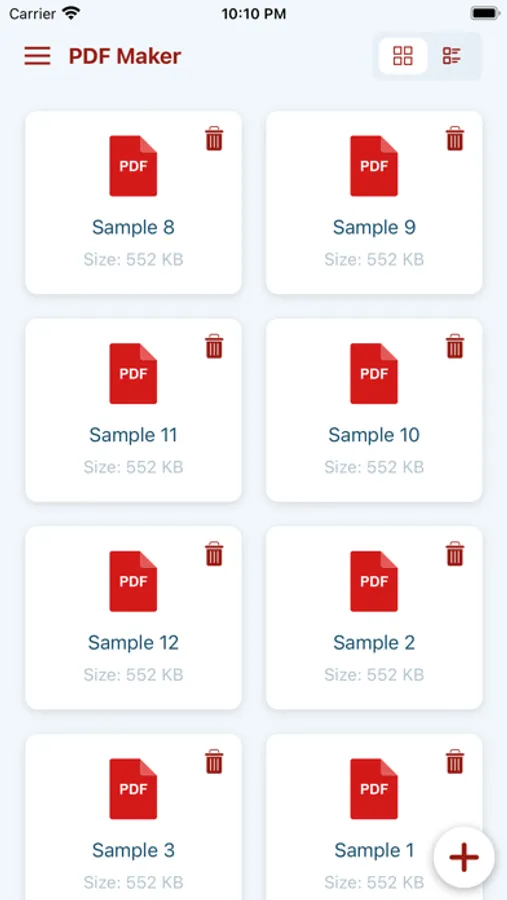
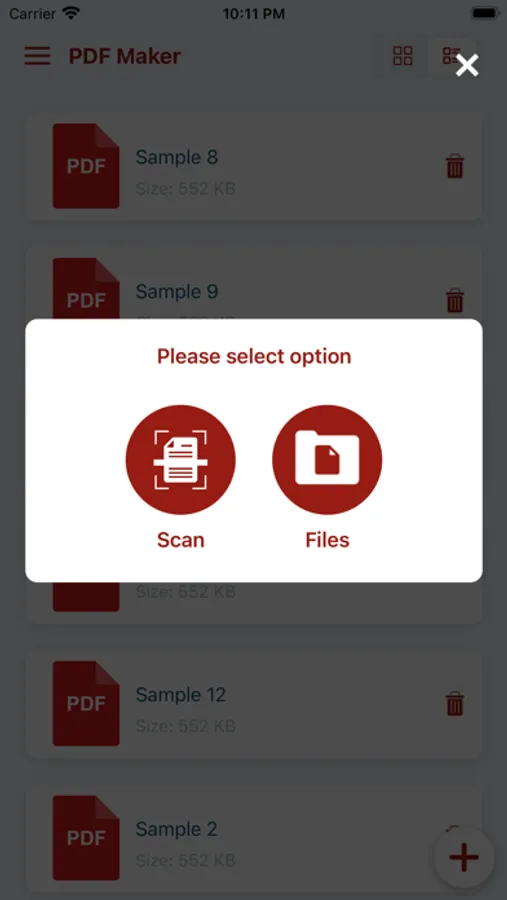
PDF Maker is a powerful and easy-to-use iOS application designed to help you create, edit, convert, and manage PDF documents directly from your iPhone or iPad.
Whether you are working with scanned documents, contracts, invoices, study materials, or personal files, PDF Maker gives you everything you need in one secure and reliable app.
Turn images, scanned pages, and documents into professional PDFs, edit them with advanced tools, and export them in multiple formats — all without needing a computer.
Create & Edit PDFs Easily
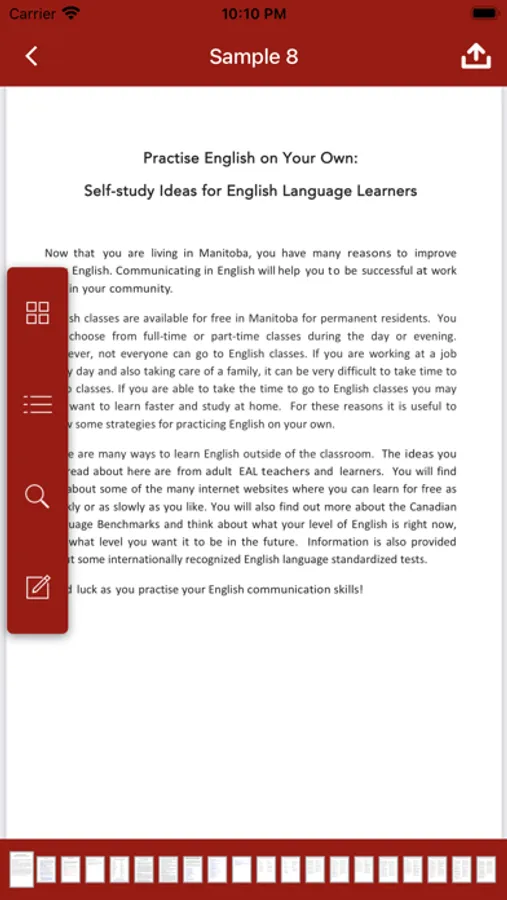
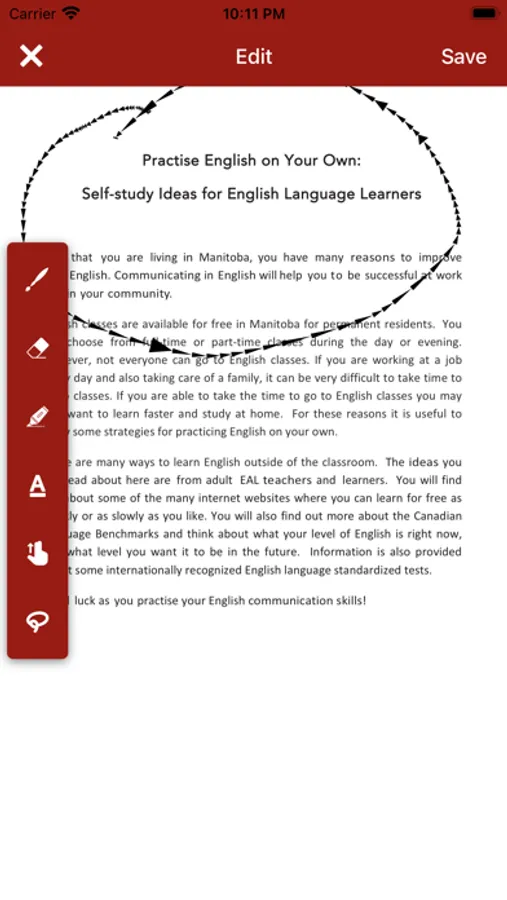
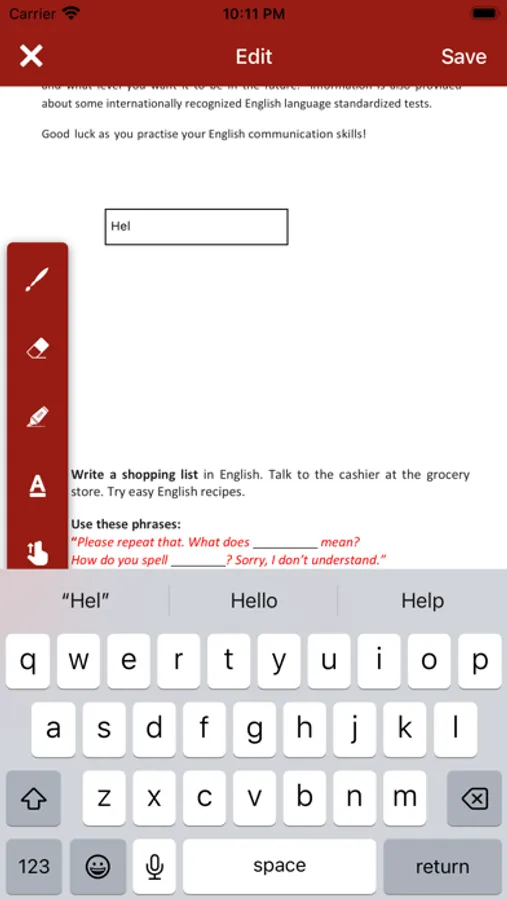
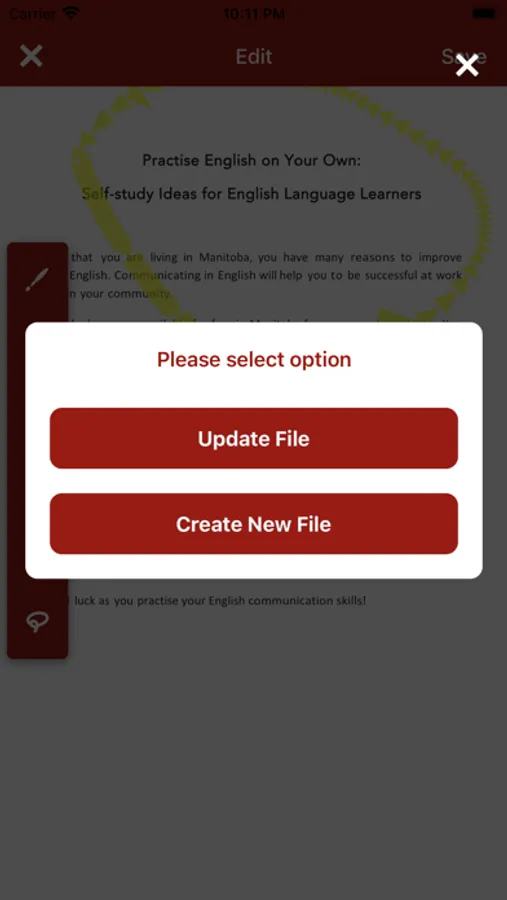
PDF Maker allows you to create high-quality PDF documents from photos, scanned pages, and existing files. With the built-in PDF Editor, you can modify your documents at any time:
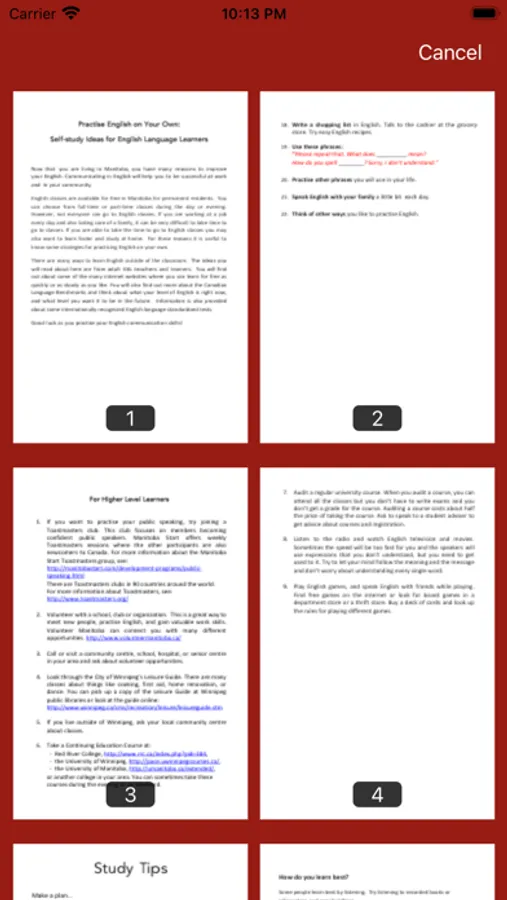
- Add, edit, or remove pages
- Rearrange, rotate, and crop pages
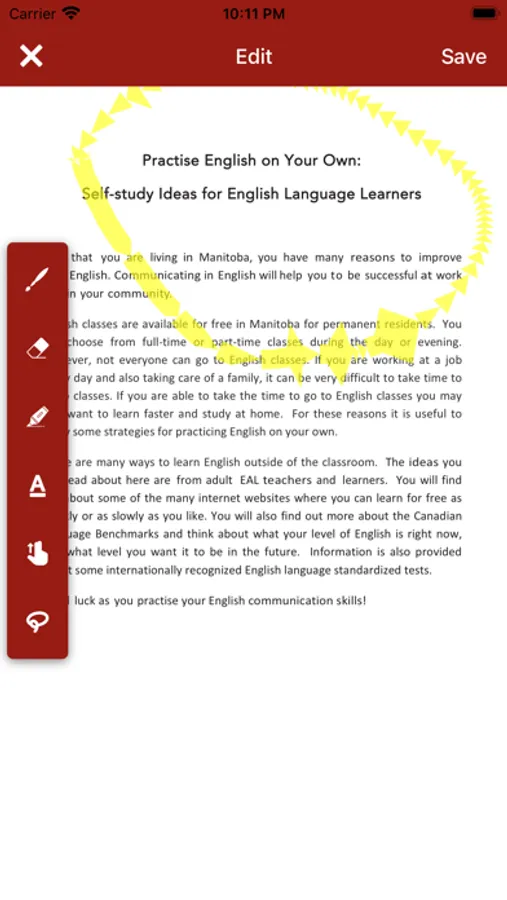
- Annotate documents with text and drawings
- Highlight important content
Perfect for paperwork, homework, business documents, and more.
Text Scanner & Text Recognition (OCR)
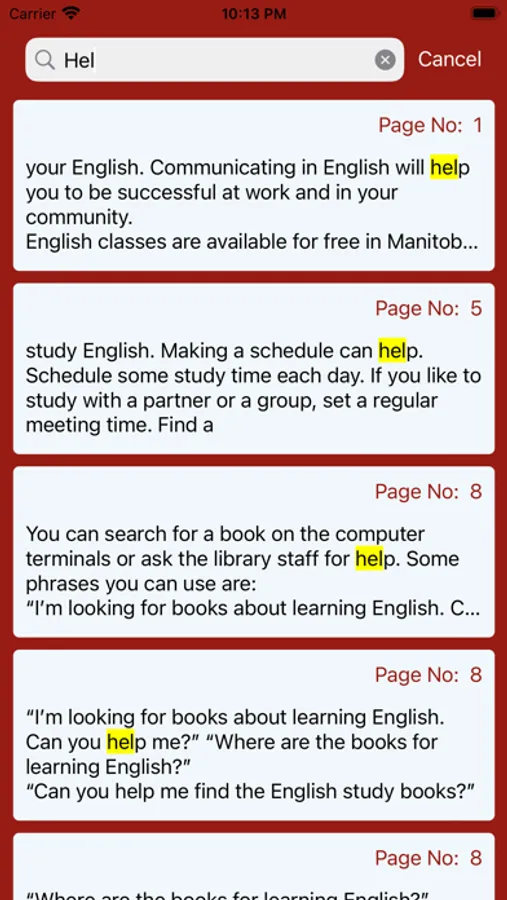
Scan documents instantly using your device camera with the advanced Text Scanner. Our smart Text Recognize (OCR) technology accurately extracts text from images and scanned PDFs:
- Recognize text from photos and scans
- Convert scanned documents into editable text
- Copy, edit, and reuse recognized content
- Ideal for receipts, books, notes, and printed documents
Digital Signature
Sign documents quickly and securely with Digital Signature support:
- Draw or upload your signature
- Place signatures anywhere on a PDF
- Sign contracts, agreements, and forms in seconds
- No printing or scanning required
Add Watermark
Protect your documents and branding with the Add Watermark feature:
- Add text or image watermarks
- Customize opacity, size, and position
- Apply watermarks to single or multiple pages
- Ideal for copyrights, drafts, and confidential files
Lock & Unlock PDF
Keep your files safe with built-in PDF security tools:
- Lock PDF with password protection
- Unlock PDF when access is permitted
- Protect sensitive and confidential information
- Control who can open and share your documents
Merge & Manage Pages
Organize your PDFs efficiently:
- Merge PDF files into one document
- Page Remover to delete unwanted pages
- Split and rearrange documents easily
- Create clean, professional files every time
Convert PDF Files
PDF Maker supports multiple file conversions:
- PDF to Text for editable documents
- PDF to Image for sharing or printing
- Maintain original layout and quality
- Fast and accurate conversion process
PDF Compress
Reduce file size without losing quality:
- PDF Compress to save storage space
- Faster uploads and easier sharing
- Ideal for email attachments and cloud storage
PDF Maker is optimized for iPhone and iPad:
- Clean and intuitive user interface
- Fast performance and smooth navigation
- Works offline — your data stays on your device
- Fully compatible with the latest iOS versions
Features :
- Digital signature
- Sign pdf
- Watermark pdf
- Add watermark
- Merge pdf
- Split pdf
- Unlock pdf
- Lock pdf
- Secure pdf
- Password pdf
Why Choose PDF Maker : Scanner and Reader?
- All-in-one PDF creation and editing solution
- Powerful OCR and text recognition
- Secure document protection
- Professional tools for work, school, and personal use
- Simple, fast, and reliable
Primary Keywords which you can use to find the app.
- pdf maker
- pdf editor
- pdf scanner
- pdf converter
- scan to pdf
- document scanner
- pdf creator
- pdf reader
- text scanner
- ocr scanner
- text recognition
- scan documents
- camera scanner
- image to pdf
- pdf to text
- pdf to image
- pdf compress
- compress pdf
Download PDF Maker : Scanner and Reader today and transform the way you scan, edit, sign, and manage your PDF documents — anytime, anywhere.
Privacy Policy: https://glistensolution.com/Apps/App_Privacy.html
Terms of use: https://glistensolution.com/Apps/App_TOS.html
PDF Maker is a powerful and easy-to-use iOS application designed to help you create, edit, convert, and manage PDF documents directly from your iPhone or iPad.
Whether you are working with scanned documents, contracts, invoices, study materials, or personal files, PDF Maker gives you everything you need in one secure and reliable app.
Turn images, scanned pages, and documents into professional PDFs, edit them with advanced tools, and export them in multiple formats — all without needing a computer.
Create & Edit PDFs Easily
PDF Maker allows you to create high-quality PDF documents from photos, scanned pages, and existing files. With the built-in PDF Editor, you can modify your documents at any time:
- Add, edit, or remove pages
- Rearrange, rotate, and crop pages
- Annotate documents with text and drawings
- Highlight important content
Perfect for paperwork, homework, business documents, and more.
Text Scanner & Text Recognition (OCR)
Scan documents instantly using your device camera with the advanced Text Scanner. Our smart Text Recognize (OCR) technology accurately extracts text from images and scanned PDFs:
- Recognize text from photos and scans
- Convert scanned documents into editable text
- Copy, edit, and reuse recognized content
- Ideal for receipts, books, notes, and printed documents
Digital Signature
Sign documents quickly and securely with Digital Signature support:
- Draw or upload your signature
- Place signatures anywhere on a PDF
- Sign contracts, agreements, and forms in seconds
- No printing or scanning required
Add Watermark
Protect your documents and branding with the Add Watermark feature:
- Add text or image watermarks
- Customize opacity, size, and position
- Apply watermarks to single or multiple pages
- Ideal for copyrights, drafts, and confidential files
Lock & Unlock PDF
Keep your files safe with built-in PDF security tools:
- Lock PDF with password protection
- Unlock PDF when access is permitted
- Protect sensitive and confidential information
- Control who can open and share your documents
Merge & Manage Pages
Organize your PDFs efficiently:
- Merge PDF files into one document
- Page Remover to delete unwanted pages
- Split and rearrange documents easily
- Create clean, professional files every time
Convert PDF Files
PDF Maker supports multiple file conversions:
- PDF to Text for editable documents
- PDF to Image for sharing or printing
- Maintain original layout and quality
- Fast and accurate conversion process
PDF Compress
Reduce file size without losing quality:
- PDF Compress to save storage space
- Faster uploads and easier sharing
- Ideal for email attachments and cloud storage
PDF Maker is optimized for iPhone and iPad:
- Clean and intuitive user interface
- Fast performance and smooth navigation
- Works offline — your data stays on your device
- Fully compatible with the latest iOS versions
Features :
- Digital signature
- Sign pdf
- Watermark pdf
- Add watermark
- Merge pdf
- Split pdf
- Unlock pdf
- Lock pdf
- Secure pdf
- Password pdf
Why Choose PDF Maker : Scanner and Reader?
- All-in-one PDF creation and editing solution
- Powerful OCR and text recognition
- Secure document protection
- Professional tools for work, school, and personal use
- Simple, fast, and reliable
Primary Keywords which you can use to find the app.
- pdf maker
- pdf editor
- pdf scanner
- pdf converter
- scan to pdf
- document scanner
- pdf creator
- pdf reader
- text scanner
- ocr scanner
- text recognition
- scan documents
- camera scanner
- image to pdf
- pdf to text
- pdf to image
- pdf compress
- compress pdf
Download PDF Maker : Scanner and Reader today and transform the way you scan, edit, sign, and manage your PDF documents — anytime, anywhere.
Privacy Policy: https://glistensolution.com/Apps/App_Privacy.html
Terms of use: https://glistensolution.com/Apps/App_TOS.html
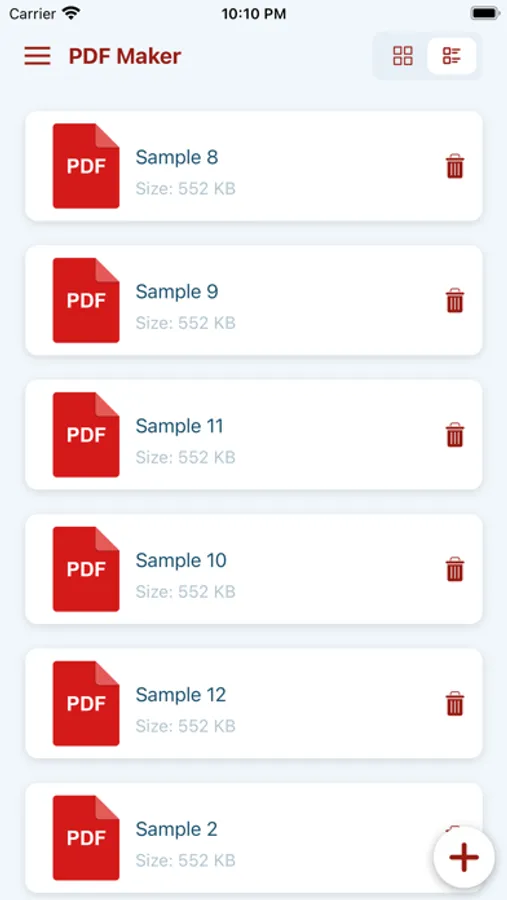
PDF Maker : Scanner and Reader Screenshots
Tap to Rate: