
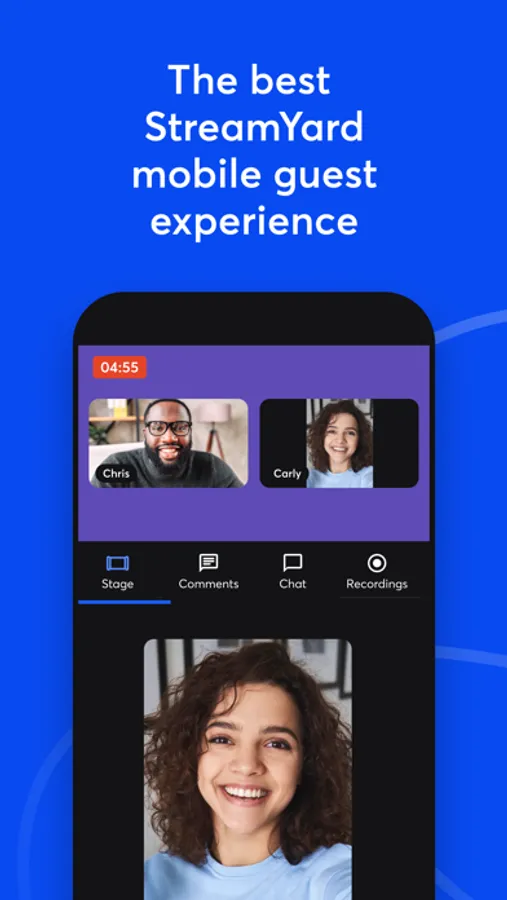
In this app, guests can join live streams or recordings via their browser or mobile device and engage with live comments or use voice-only mode. Includes HD local recordings, viewer interaction features, and options to join as audio-only.
AppRecs review analysis
AppRecs rating 3.6. Trustworthiness 84 out of 100. Review manipulation risk 21 out of 100. Based on a review sample analyzed.
★★★☆☆
3.6
AppRecs Rating
Ratings breakdown
5 star
54%
4 star
3%
3 star
12%
2 star
10%
1 star
20%
What to know
✓
Low review manipulation risk
21% review manipulation risk
✓
Credible reviews
84% trustworthiness score from analyzed reviews
⚠
High negative review ratio
31% of sampled ratings are 1–2 stars
About StreamYard Guest
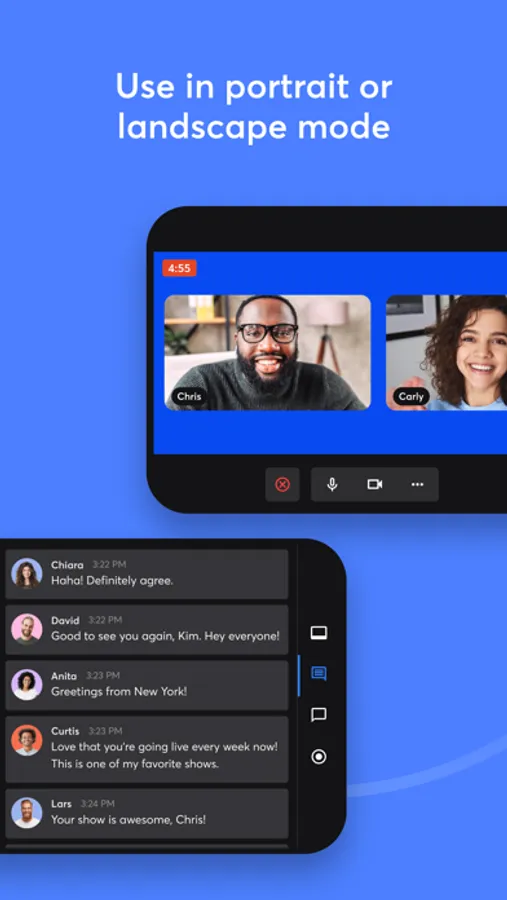
StreamYard is the easiest way to live stream and record. Hosts can invite guests to join their studio. Guests can join from their browser, or using this app.
This app is the best experience for guests on mobile devices.
Our app lets you:
- Join a StreamYard studio as a guest
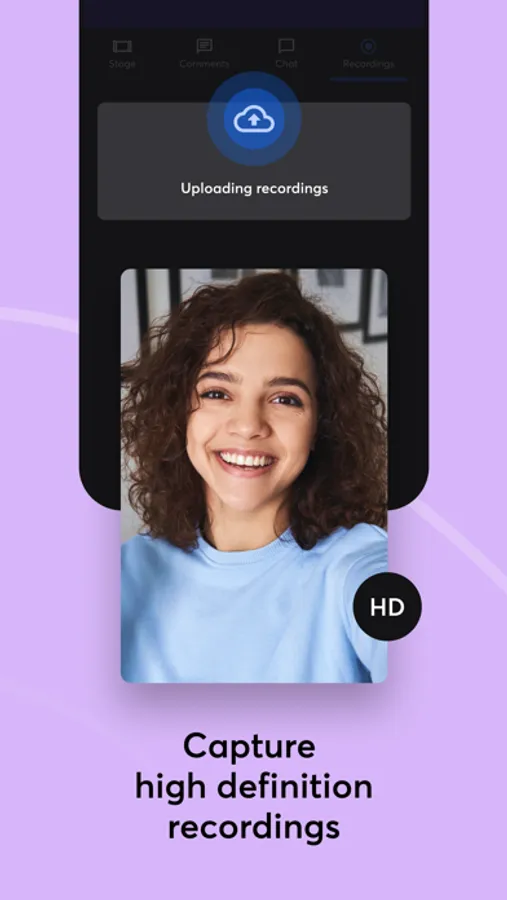
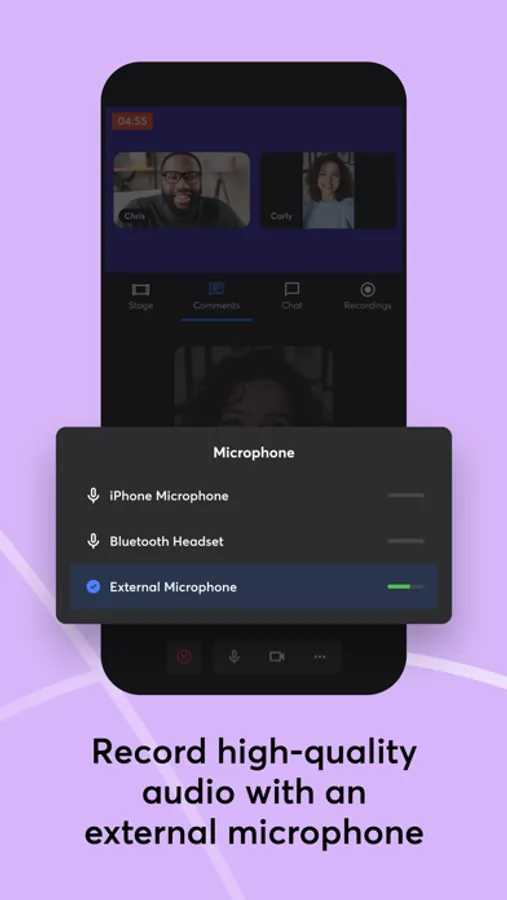
- Record in studio quality. With HD local recordings, even if you have a weak connection, the recording won't be blurry or choppy.
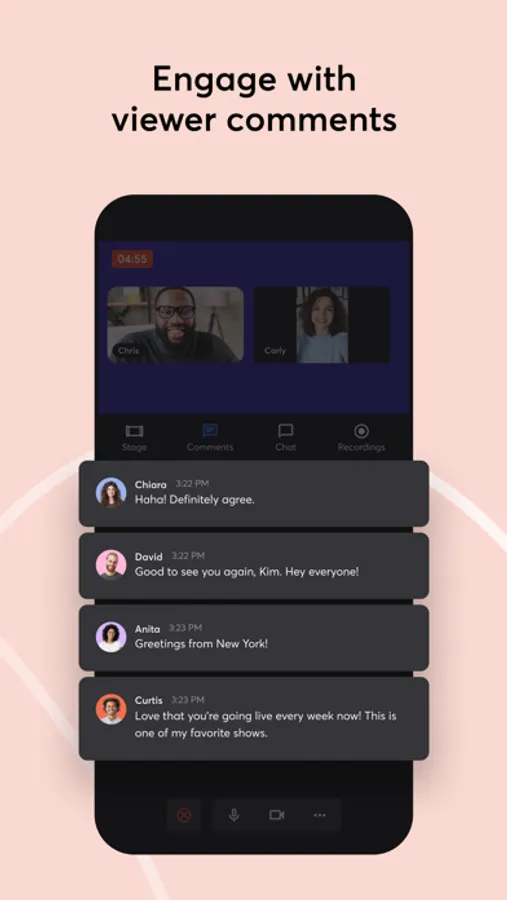
- See live comments and engage viewers on any platform (YouTube, Facebook, and others)
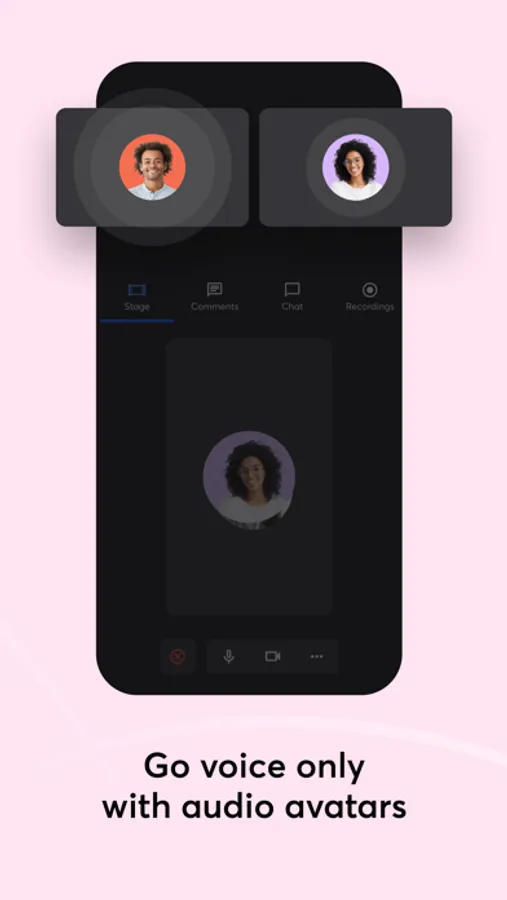
- Go voice-only and use a personalized audio avatar if you prefer to keep your camera off
StreamYard is easy to use, stable, and professional. That’s why big creators like Gary Vee love us:
“I've been blown away by StreamYard's incredible software & technology. It enables me to execute my message to the world.” —Gary Vaynerchuk
Ready to join a live stream or recording using your mobile device? Use our app to get the best experience possible.
StreamYard Guest Screenshots
Tap to Rate:
Reviews for StreamYard Guest
Realm-Zero
Missing features, has bugs
The app is a huge power drain on your battery. If a host shares a screen you cannot see if within the app. It lacks the ability to use alternate cameras like you can when using the web version. For some reason it doesn’t allow you to restream from the app if the host has the correct plan. It would be nice if they integrate when you mute your AirPods it mutes within the app. App also needs to default to privacy. It should default to muted mic and avatar. Lastly, if you have the app open too long the phone gets hot and the app crashes.
Bearbyddy1buddy2
Problem
I go in StreamYard from my iPad, there is no setting there. I trying to turn mirror off.. For your information I did turn off from my iPad setting, not StreamYard setting. So I focus on StreamYard mirror, there’s no setting there. That’s a huge problem. I tried to click feedback but it won’t let me go though, big problem! I need your help with StremYard setting there to turn mirror off from my iPad..