AppRecs review analysis
AppRecs rating 4.5. Trustworthiness 71 out of 100. Review manipulation risk 23 out of 100. Based on a review sample analyzed.
★★★★☆
4.5
AppRecs Rating
Ratings breakdown
5 star
100%
4 star
0%
3 star
0%
2 star
0%
1 star
0%
What to know
✓
Low review manipulation risk
23% review manipulation risk
✓
Credible reviews
71% trustworthiness score from analyzed reviews
✓
High user satisfaction
100% of sampled ratings are 5 stars
About Freefly Ember
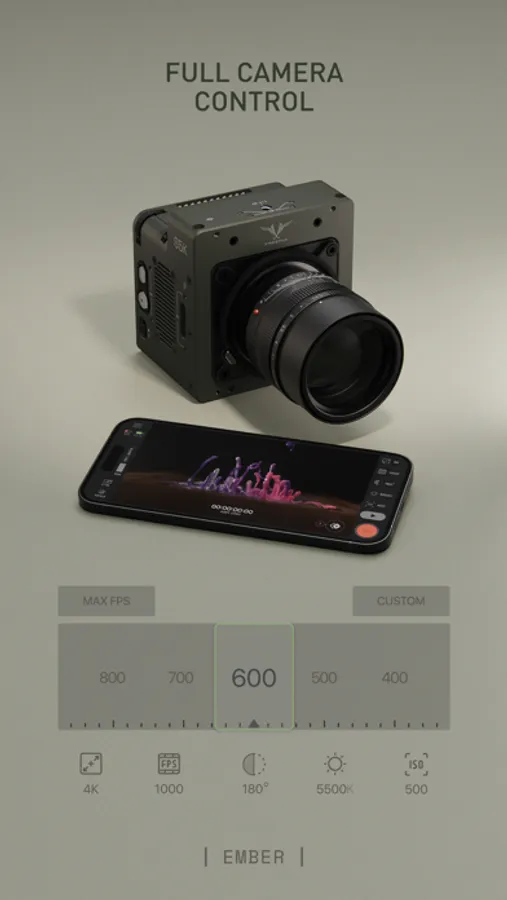
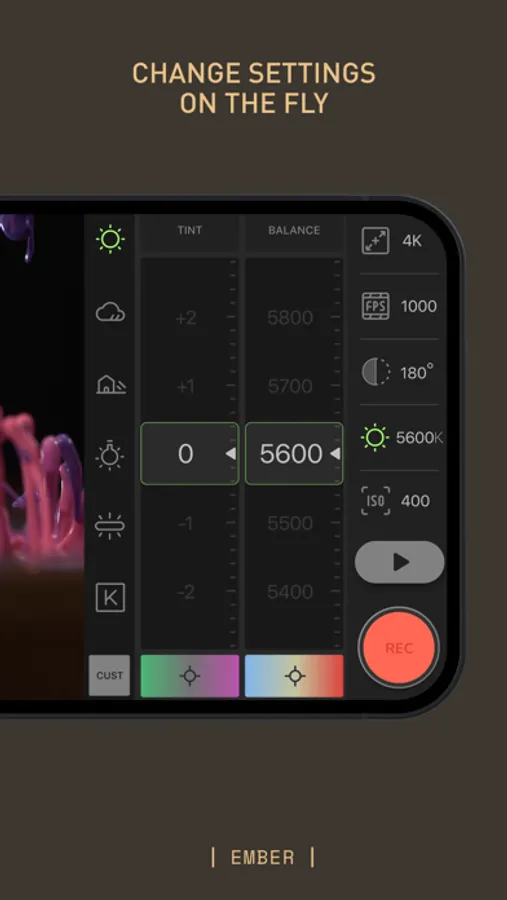
The Ember app replicates all camera controls available on the on-camera UI, providing a cohesive and intuitive experience. Any changes made on your camera are reflected in the app instantly, ensuring you're always in full control.
Key Features:
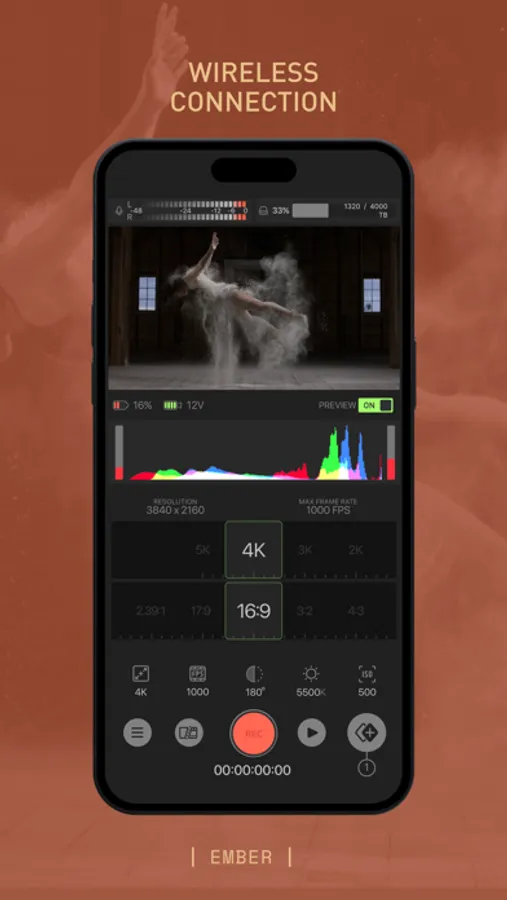
Wireless Connection: Connect the app to your Freely Ember camera via the camera’s WiFi network to view live preview and control your camera settings.
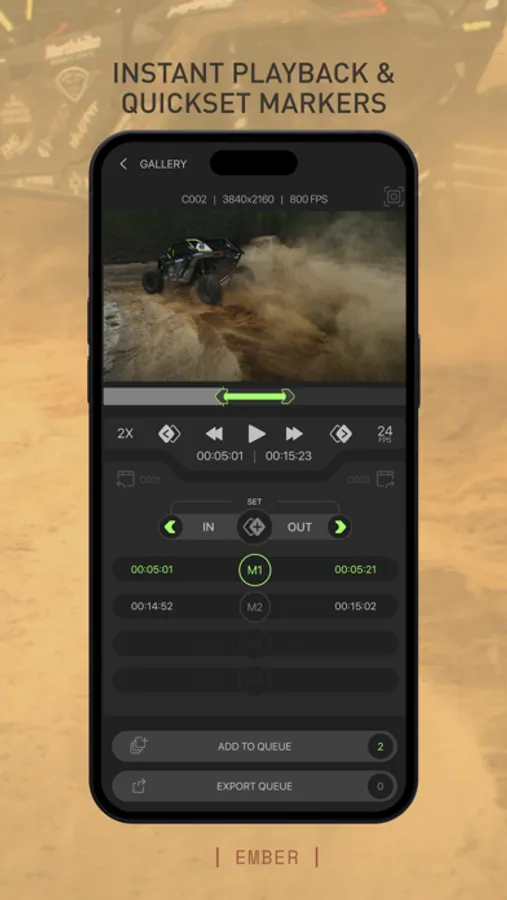
Instant Playback: Replay your shots instantly, allowing you to check and perfect your videos on the go.
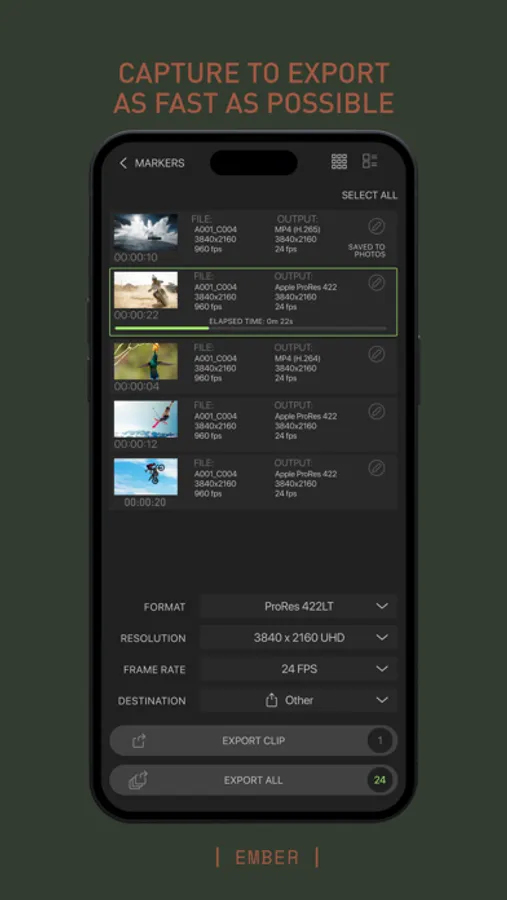
Export: Specify in/out points on videos and transfer your shots directly from the camera to your device with a few simple taps.
Synced UI: Changes made on your camera are instantly mirrored on the app for a seamless experience.
Video playback requires a device that supports ProRes decoding:
iPhone 13 and newer
iPad Mini 6th generation and newer
iPad Pro 12.9” 5th generation and newer
iPad Pro 11” 3rd generation and newer
iPad Air 5th generation and newer
Ensure your device's compatibility for the best experience.
Freefly Ember Screenshots
Tap to Rate:
Reviews for Freefly Ember
82PROD
Getting better
Overall the app is getting better but needs some updates. - Rotating live view in the desktop app is needed for vertical shooting!!! - Marking clips/selects would be huge and save time when handing off footage to clients or post. - Being able to offload footage from the Ember straight to an external SSD connected to the USBC cable would be great. - Having an image overlay (onion skins) feature in app would be awesome. This would help with match cut shots and other applications where framing, object size and placement is critical. - Playback area of the app should only show controls relevant to playback and any export features should be in its own area elsewhere in the app
AT82AT
Solid App
Needs to be able to rotate the live view in the desktop app for vertical shooting while tethered to the desktop app. Playback in reverse would be nice as well. Overall its getting better and we are looking forward to seeing new features get released.