
In this audio effects plugin, you can create dynamic sounds using modulation controls and effects slots. Includes custom graphs, multiple effects, and MIDI integration.
AppRecs review analysis
AppRecs rating 4.5. Trustworthiness 66 out of 100. Review manipulation risk 25 out of 100. Based on a review sample analyzed.
★★★★☆
4.5
AppRecs Rating
Ratings breakdown
5 star
96%
4 star
4%
3 star
0%
2 star
0%
1 star
0%
What to know
✓
Low review manipulation risk
25% review manipulation risk
✓
High user satisfaction
96% of sampled ratings are 5 stars
About Flux Pro
Do you want to add graceful stereo waves to your keys, dirty pulsing side-chains to your bass, complex striking filters to your synths or noisy mechanical glitches to your drums? Modulation is king and we're offering you the throne.
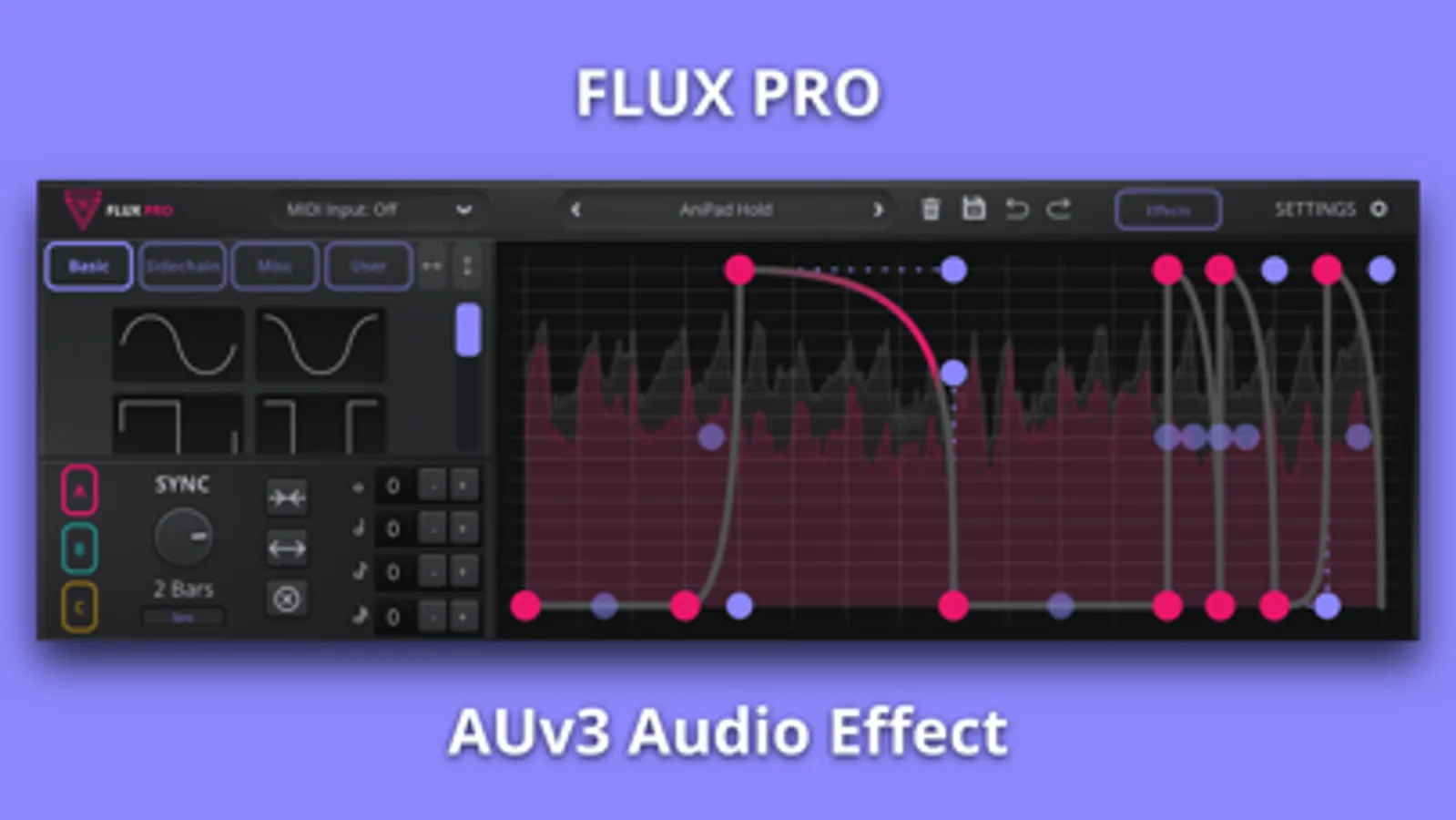
There are 3 customisable graphs which can perfectly sculpt your sound. Simply set the depth of the controls in the 4 effects slots, from which you can use a variety of 10 modulation effects. Are you in a hurry and need movement quickly? Easily drag 1 of the 48 built-in shapes onto the graph for fast and effective modulation.
Key Features
- 3 custom graphs that can be assigned to any modulation parameter.
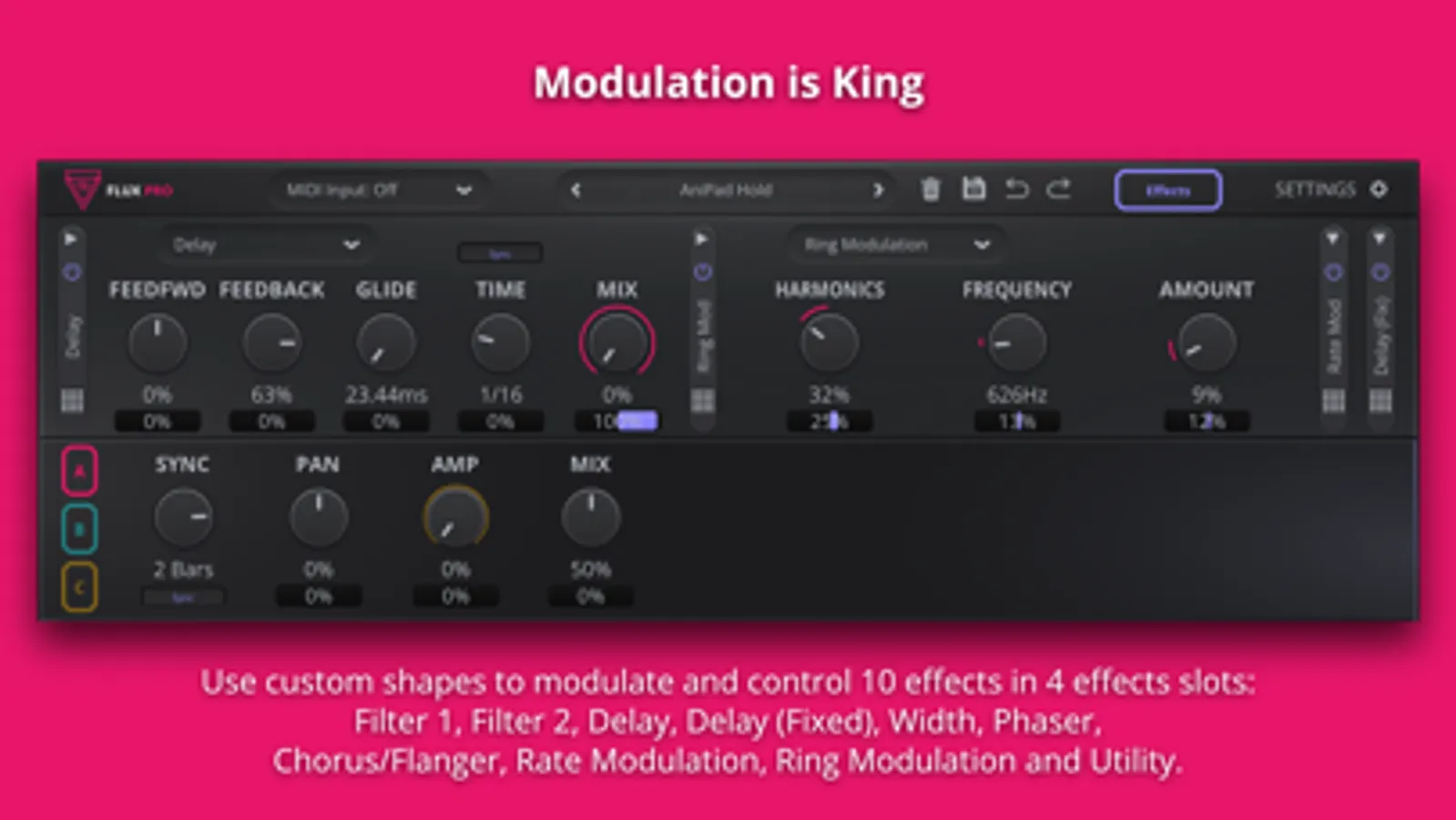
- 10 different effects in four effects slots.
- 48 drag-able shapes for fast and effective rhythmic sketches.
- MIDI Triggering; One-Shot & Retrigger.
- Output graphs as MIDI CC to control other plugins*
- Control Voltage graph output to send to external hardware.
- 115 presets to get you started.
* This feature is not supported by all DAWs.
Effects
Flux Pro has four effects slots from which you can use; Filter 1, Filter 2, Delay, Delay (Fixed), Width, Phaser, Chorus/Flanger, Rate Modulation, Ring Modulation and Utility.
Try shaping the Ring Modulation's frequency and harmonic amount to add mechanical flavours to your bass. Or maybe create some ethereal vocal delays by programming audio reverses an octave up with Fixed Delay's sample control. Then, apply a slow sine to the other Delay's time and feedback controls to create more movement.
Perhaps a mix approach, is your piano getting masked by a synth? Setup Flux Pro on the piano track with a boosted high shelf filter, some gentle chorus and additional width. Then, set Flux Pro's MIDI Input to the Synth, so that every time the synth plays the piano is given a little push to stand out in the mix.
Not good enough, want to get weird? Vary the formant filters' cutoff and resonance as if your music is flowing through someone's throat. Why not set the Fixed Delay to repeat every other bar at an octave lower so you can moodily duet with yourself on those lonely nights. Lastly, have quick oscillations of Rate Modulation to add percussive texture to your audio, and more importantly, save yourself the humiliation of recording a shaker track.
Flux Pro is both a stand-alone application as well as an AUv3 plugin, meaning it works within iOS and iPadOS hosts such as GarageBand.
Flux Pro Screenshots
Tap to Rate:
Reviews for Flux Pro
legittristan
Solid Set of Effects
This is a very solid app. Great palette of effects and my biggest wish is that it worked on Mac as well. I’d buy all of these apps if they were cross-compatible.
BreakfastToys
Oh flux, let me count the ways
Seriously - this is the best filter/fx plugin for iOS out there. I am a big fan of the kilohearts “snapheap’ software on the Mac - but hands down Flux Pro is as good if not better. It’s the single plugin that makes me want to go entirely iOS vs OS. I LOVE IT SO MUCH! And it’s goofy, it’s adorable. Great great app.