AppRecs review analysis
AppRecs rating 2.0. Trustworthiness 76 out of 100. Review manipulation risk 24 out of 100. Based on a review sample analyzed.
★★☆☆☆
2.0
AppRecs Rating
Ratings breakdown
5 star
0%
4 star
33%
3 star
0%
2 star
0%
1 star
67%
What to know
✓
Low review manipulation risk
24% review manipulation risk
✓
Credible reviews
76% trustworthiness score from analyzed reviews
⚠
Mixed user feedback
Average 2.0★ rating suggests room for improvement
About Sena Industrial
----------------------------------------------------
Introducing the Sena Industrial App
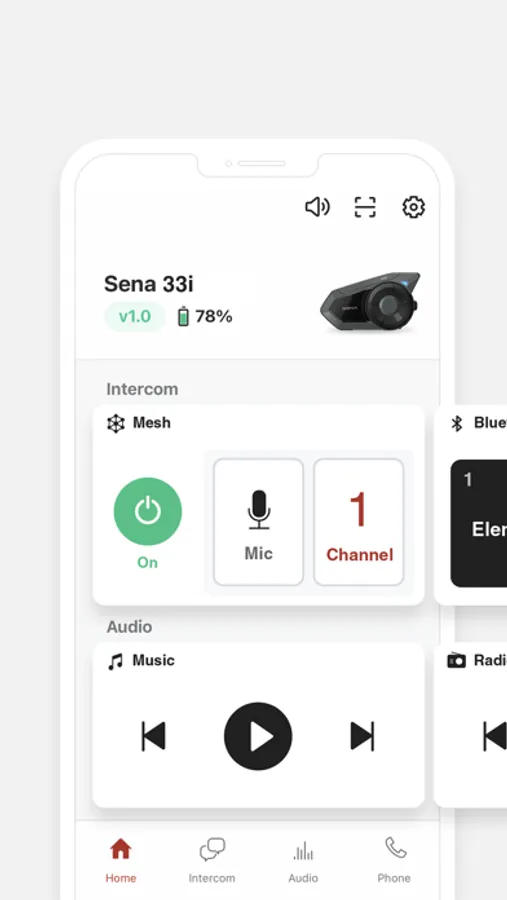
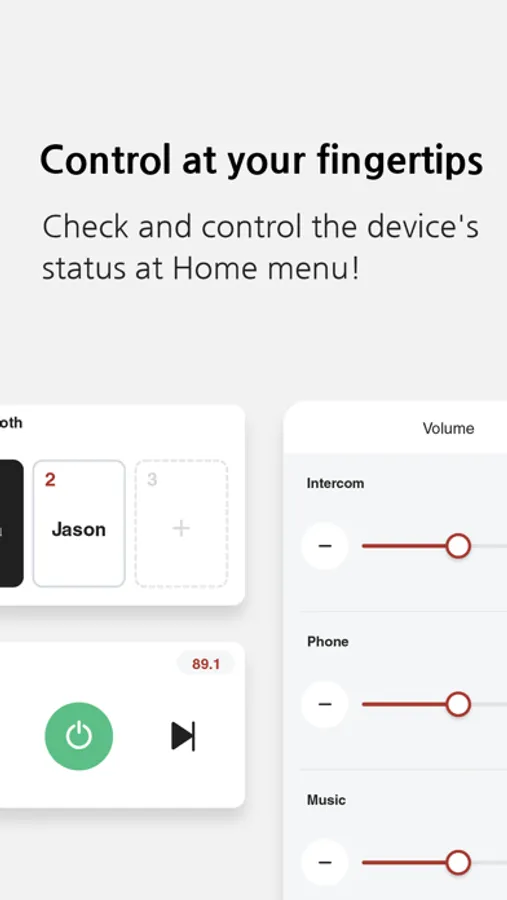
The key features of the Sena Industrial App are as follows.
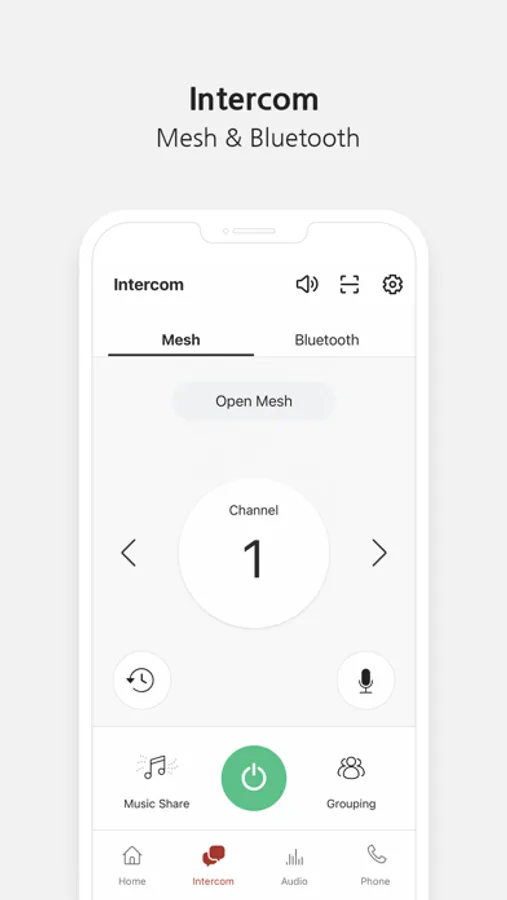
* Remote Control for Mesh Intercom and phone
* Manage pairing list
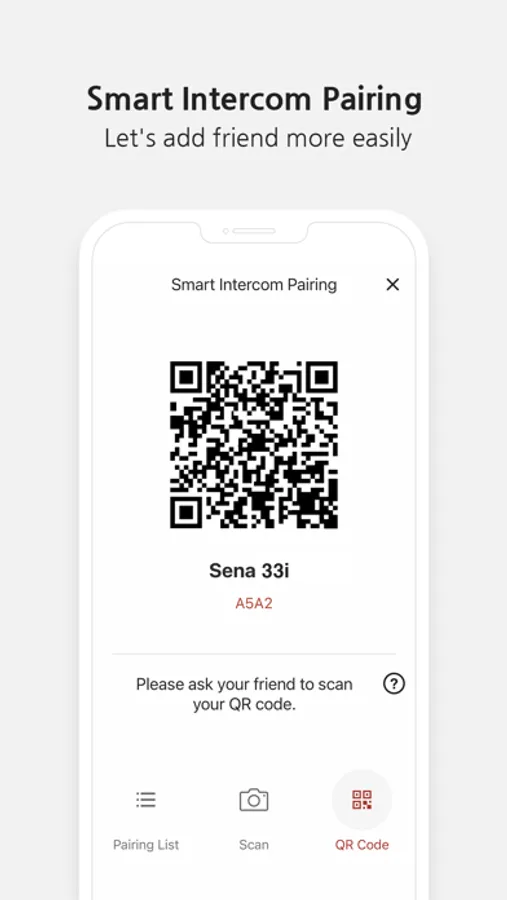
* Smart intercom pairing
* Individual volume management
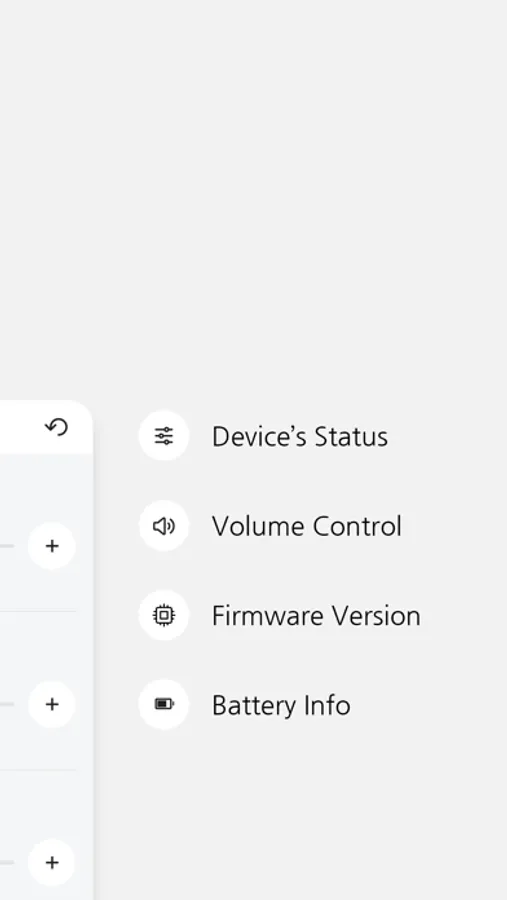
* Get notifications of the latest firmware
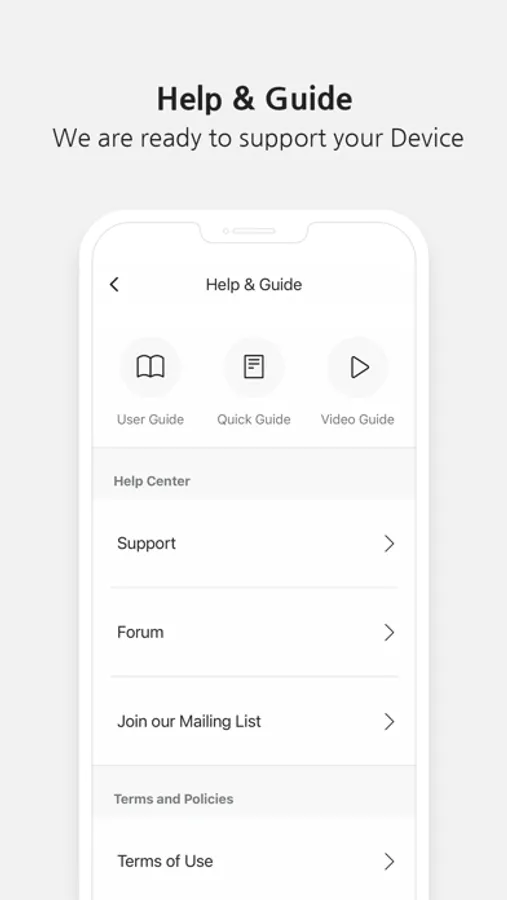
* Download and view the User's Guide or Quick Start Guide
* Basic device settings
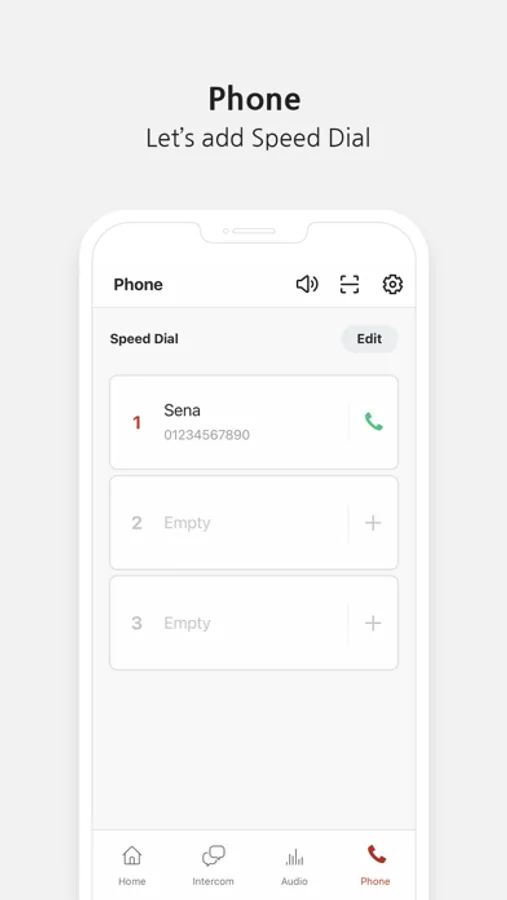
* Set up speed dials
To use the Sena Industrial App, download the app and pair/connect your Sena headset to your mobile phone in the Bluetooth settings menu.
List of supported products
- 33i, Tufftalk, Tufftalk Lite, Tufftalk M, Cast,Expand Mesh, Snowtalk2.
Exact list of features may vary with individual products.
Please contact us for support at sena.com.
About Sena Technologies Co., Ltd.
Sena Technologies Co., Ltd. is a leading provider of Bluetooth communication devices, including Bluetooth motorcycle intercom. Since its first and flagship product, the SMH10 Bluetooth intercom/headset for Motorcycle
helmets, Sena has been a leading provider of Bluetooth communication systems for power sports and other outdoor activities. Sena offers its products worldwide through its global network of distributors, retailers and OEM partners.
For more information on Sena Technologies Co., Ltd. and its products, please visit www.sena.com.
Sena Industrial Screenshots
Tap to Rate:
Reviews for Sena Industrial
Human Golden Retriever
Horrible app
App absolutely refuses to work, seña is connected to the phone and it’ll see that, even give me the the in-app pairing request but just keeps spinning, it’ll stop and go away then come back with the spinning
Owen DeCosta
Good but could use a lot of work
As long as you have your headset connected while you are in the app you can use perfectly fine but if you don’t connect your headset you can’t access anything within the app other than a page telling you how to connect via Bluetooth