In this app, you can catalog, organize, and rediscover your music library by adding, tagging, and creating smart collections. Includes features for importing music from other apps, auto-tagging, and integration with Shortcuts.
AppRecs review analysis
AppRecs rating 4.5. Trustworthiness 66 out of 100. Review manipulation risk 27 out of 100. Based on a review sample analyzed.
★★★★☆
4.5
AppRecs Rating
Ratings breakdown
5 star
91%
4 star
6%
3 star
1%
2 star
1%
1 star
1%
What to know
✓
Low review manipulation risk
27% review manipulation risk
✓
High user satisfaction
91% of sampled ratings are 5 stars
✓
Authentic reviews
No red flags detected
About MusicBox: Catalog and Organize
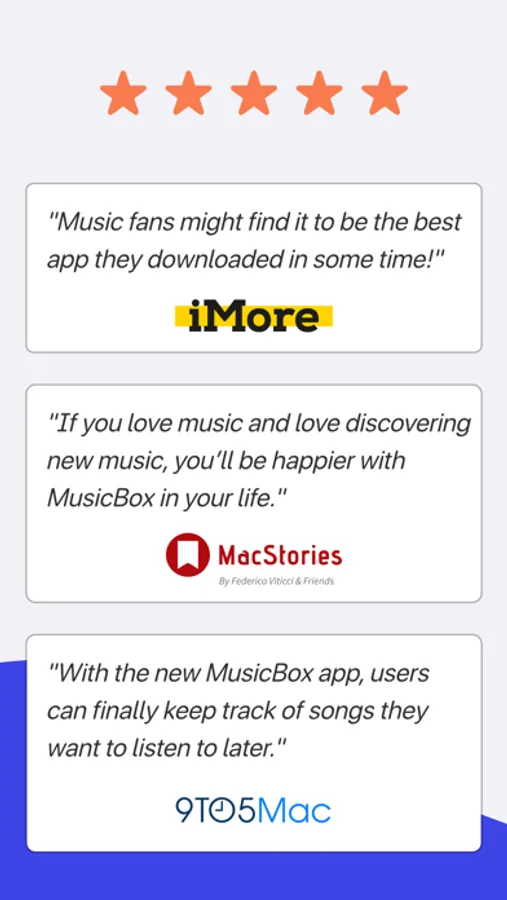
MacStories: “It’s rare for me these days to find new apps that elicit this kind of enthusiasm”
9to5Mac: “With MusicBox, users can finally keep track of songs they want to listen to later”
Snazzy Labs: “MusicBox is a great place to store music without committing it to your library”
iMore: “If you imagined a read-later app but for music, MusicBox is it”
MacMagazine: “MusicBox is a great tool for saving albums and songs to listen to later”
■ MacStories Selects 2022: Best New App
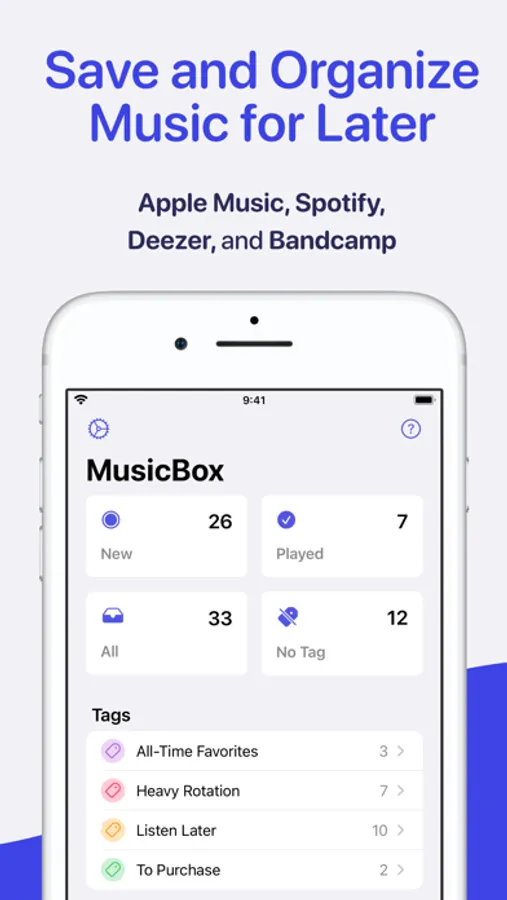
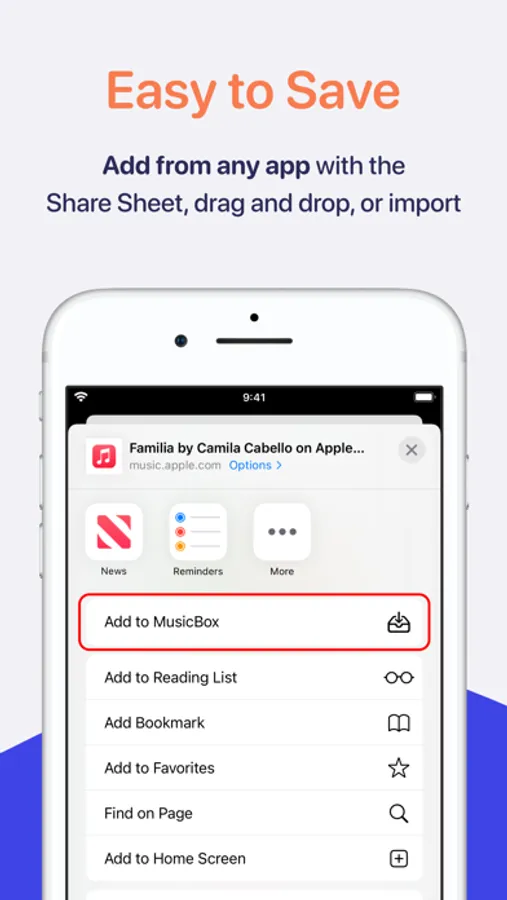
Add albums, songs, artists, playlists, radio stations, podcast episodes, and more from any app or website. Catalog, organize, and rediscover your music library. Tag albums, rate favorites, add notes, manage metadata, create smart collections, and more.
ADD MUSIC
- Add from another apps using the Share Sheet, drag and drop, or importing from a playlist.
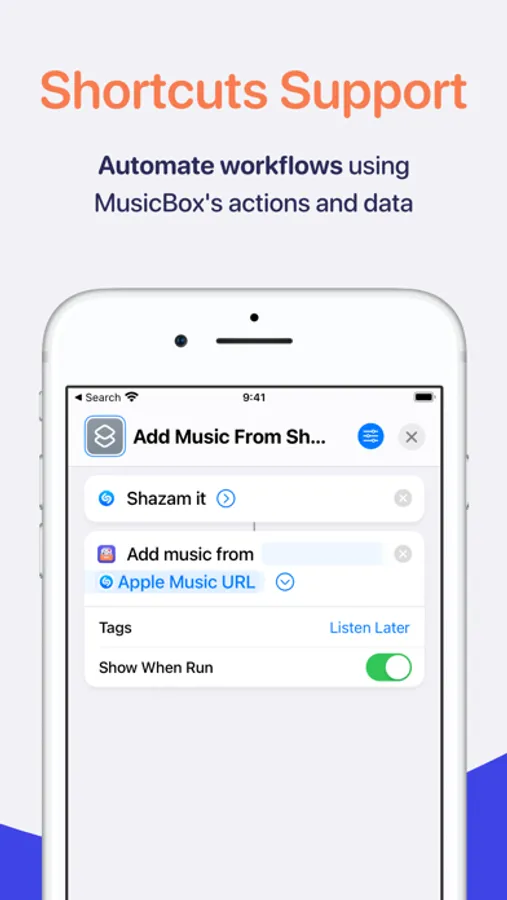
- Add songs recognized by Shazam.
- Use Shortcuts actions to integrate MusicBox into your automated workflows.
- MusicBox also supports links to podcast episodes, album reviews, and so on.
ORGANIZE YOUR MUSIC LIBRARY
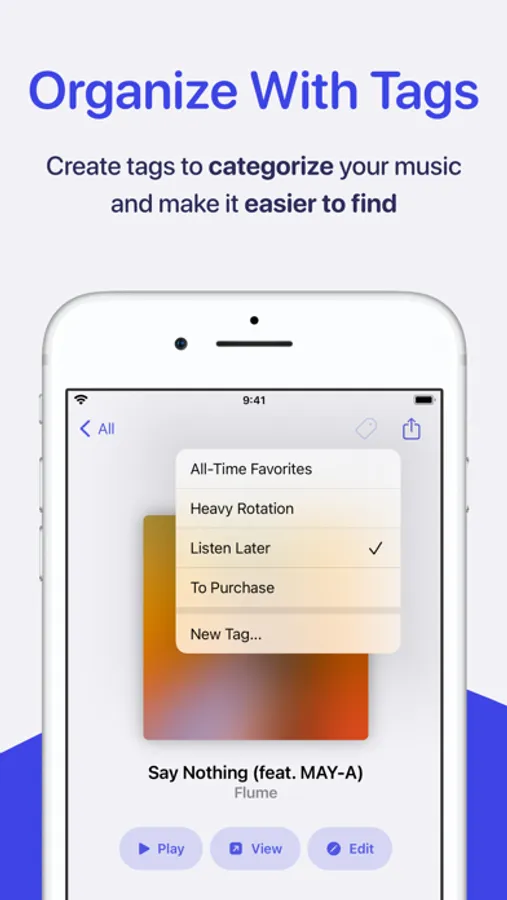
- Tag albums and create smart collections to make them easier to find.
- Give your favorites a star rating.
- Save new music for later without cluttering your library.
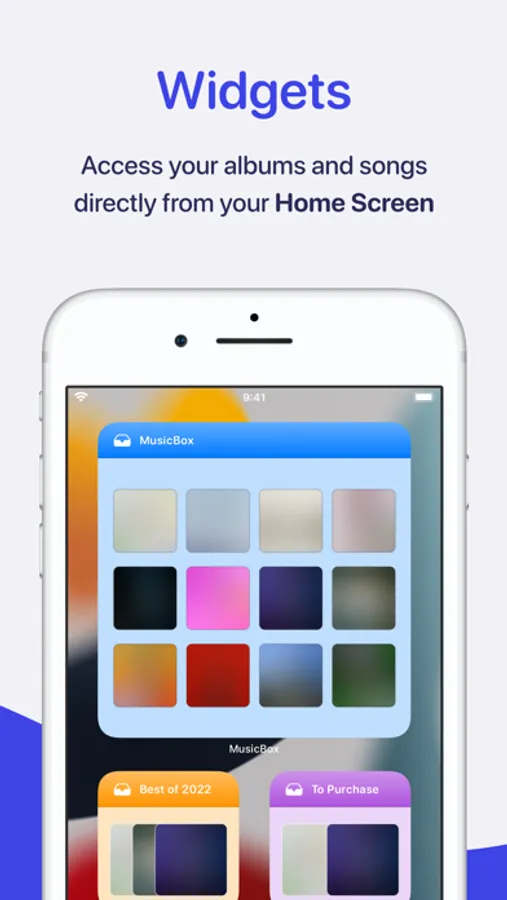
- Instantly access your collection with Home Screen widgets.
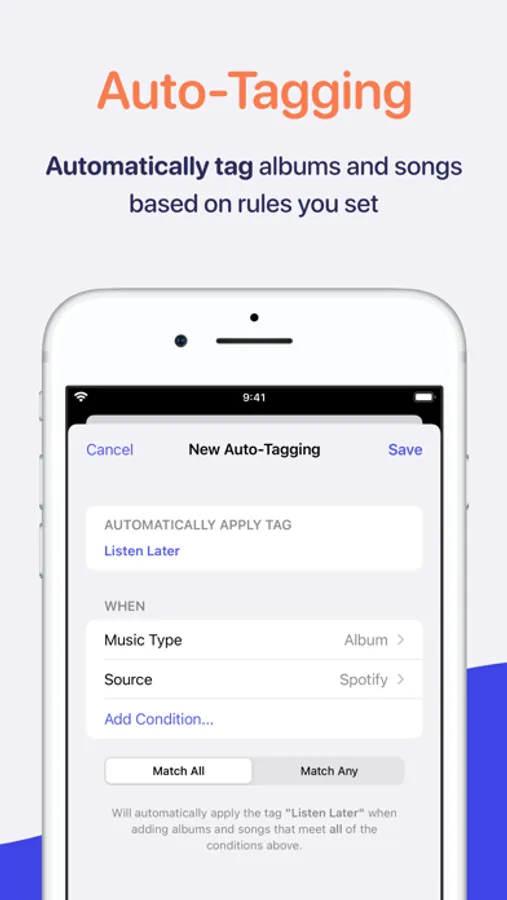
- Use Auto-Tagging to tag items automatically based on the rules you set.
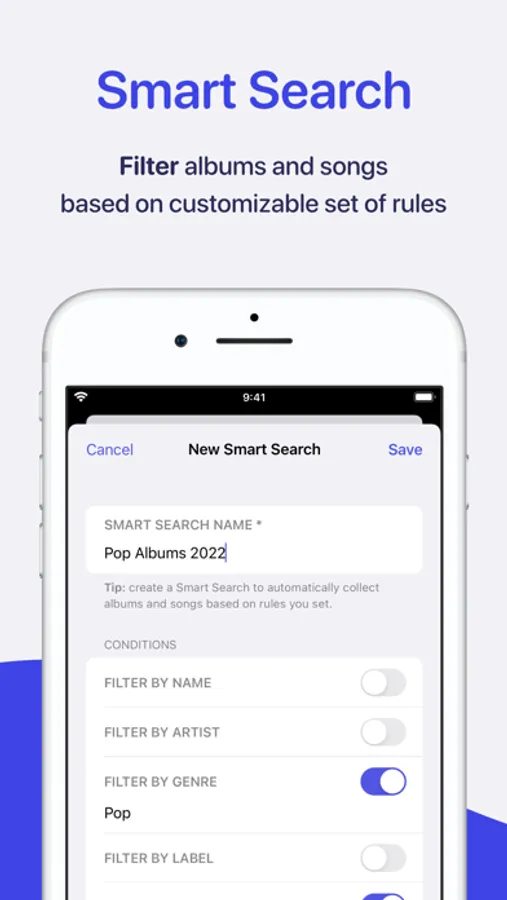
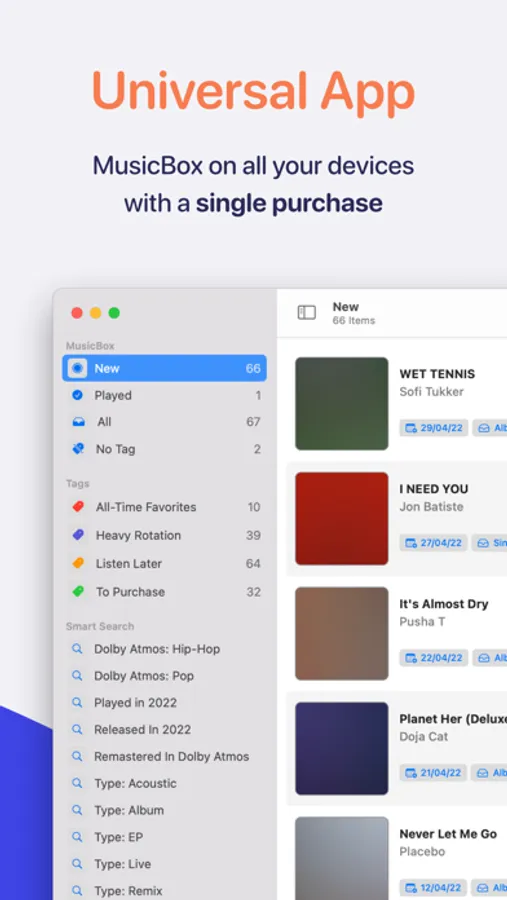
- Use Smart Search to create custom lists tailored to your unique preferences.
- Automate workflows using MusicBox’s actions and data in the Shortcuts app.
- iCloud automatically syncs your database to your iPhone, iPad, Mac, and Apple TV.
LISTEN
- Play using the system’s music player.
- Tap an album or song to open it on the associated service.
MusicBox is a modern app with support for the latest system features. It is also available on the Mac and Apple TV as a universal app, so you can enjoy it with a single purchase across iOS, iPadOS, macOS, and tvOS.
Privacy Policy: https://marcosatanaka.com/privacy/musicbox.html
Terms of Use: https://marcosatanaka.com/terms/musicbox.html
MusicBox: Catalog and Organize Screenshots

Tap to Rate:
Reviews for MusicBox: Catalog and Organize
Prestigious_M
Thee Apple Music companion
Great app and companion to Apple Music especially if your like me and like to add albums to your playlist to listen to later. Without cluttering up your apple playlist
gonnagetta
👍
I’ve tried a few different apps for adding and organizing albums into a “todo list” but they were more broadly focused, combining TV/Game/Book/Music into one app. This as a music specific app with music focused features has been a more useful solution for me. One thing I do wish the iPhone version of the app had (that is more simple to access on the Mac app) is just a quick button on the front page to create new tags. I may be missing it but I think the only way to create tags on iPhone is by managing the tags on an album you’ve added.