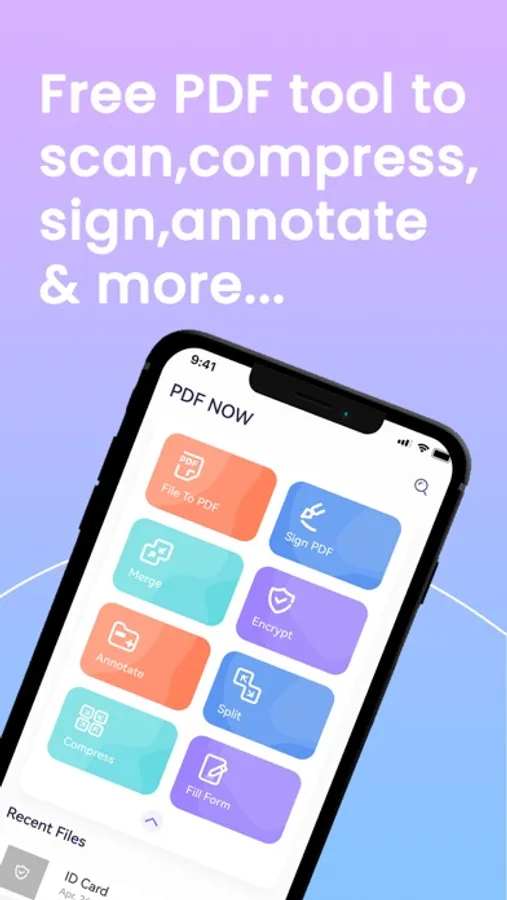
In this PDF editor app, you can convert, fill out, and scan documents while adding signatures and watermarks. Includes file management, cloud integration, and sharing features.
AppRecs review analysis
AppRecs rating 4.5. Trustworthiness 0 out of 100. Review manipulation risk 0 out of 100. Based on a review sample analyzed.
★★★★☆
4.5
AppRecs Rating
Ratings breakdown
5 star
74%
4 star
13%
3 star
6%
2 star
3%
1 star
3%
What to know
✓
High user satisfaction
74% of sampled ratings are 5 stars
About PDF NOW: PDF Editor & Scan
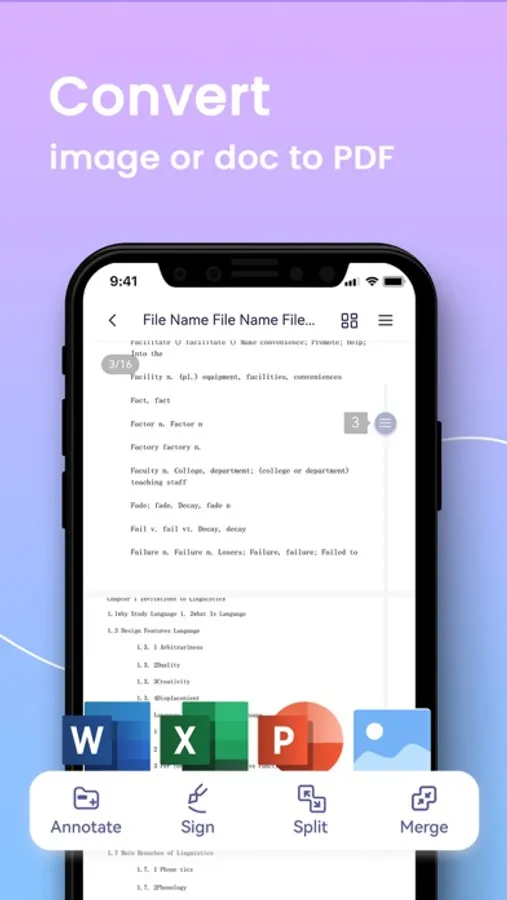
1. PDF converter
• JPG/PNG to PDF: Convert your photos to PDF
• MS Office Converter: Convert office documents such as Word, Excel, PPT,TXT to PDF files.
• Converting happens locally on your device, so your files are absolutely secure.
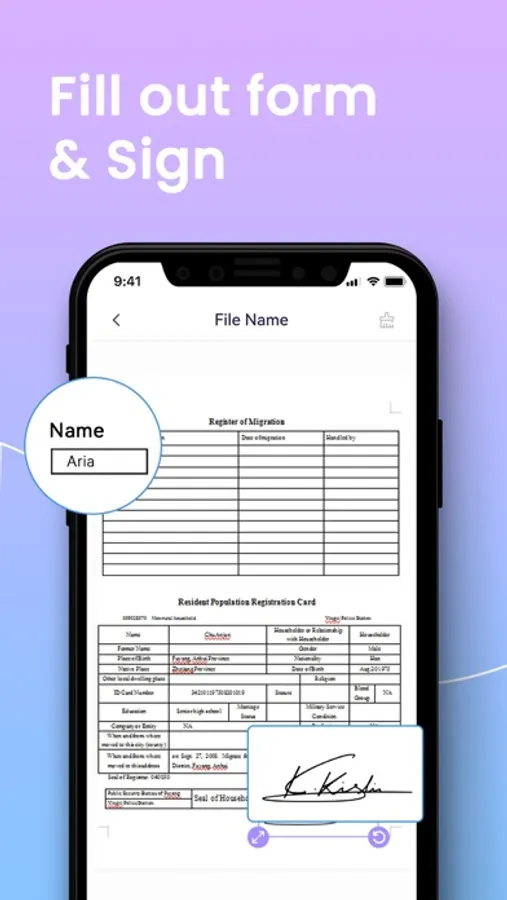
2. Fill out PDF forms
• Fill out any PDF forms with interactive fields such as text fields, check boxes and radio buttons.
• Work with static PDF forms created in Adobe Acrobat
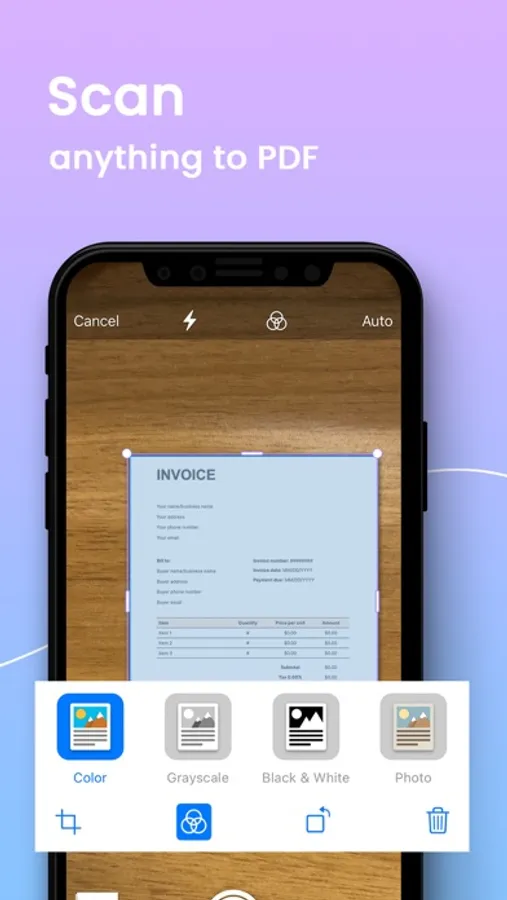
3. Scan anything to PDF
• IDs scan: passports, driver’s licence,bank card, personal identification or visa.
• Scan documents and photos to PDF
• Easily scan multiple pages into one document.
• Create and add your own e-signature on documents.
• Add watermarks
All documents are stored locally on your device, they are not available to us. You can easily share documents using the export option.
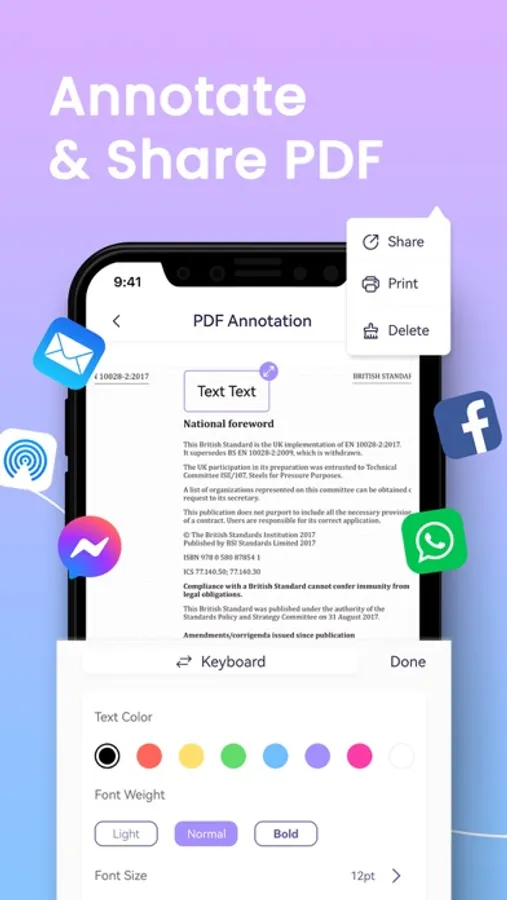
4. Sign, annotate & share anything anywhere
• Sign contracts and agreements on the go
• Annotate PDF files
• Share or email files quickly and securely
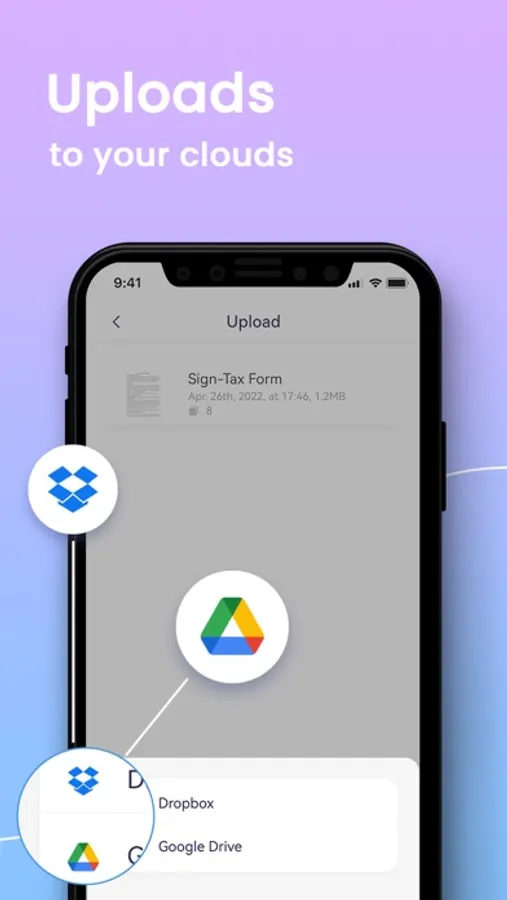
• Share and upload files to cloud services like Dropbox or Google Drive
5. Optimize, organize and protect documents
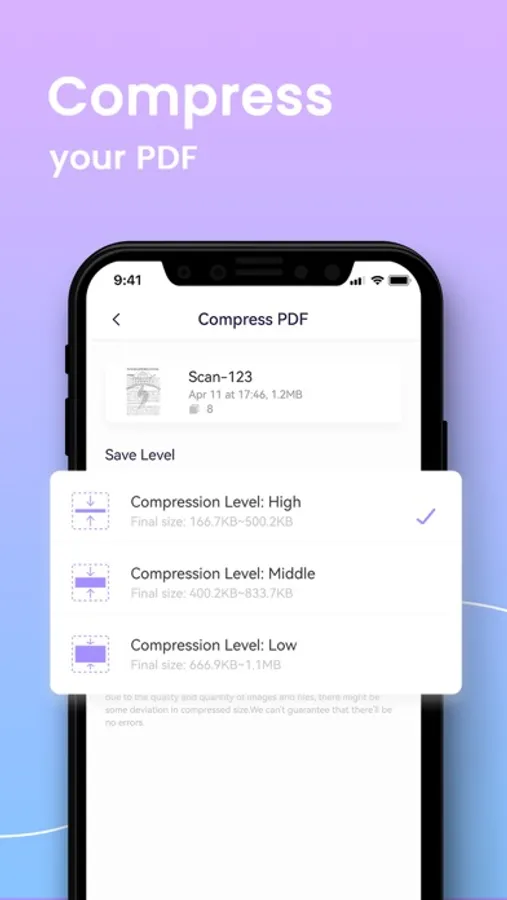
• Compress PDF: Reduce the file size of your document while keeping visual quality.
• Merge PDF: Combine multiple documents into a single PDF file.
• Split PDF: Split PDF pages or extract pages to multiple PDF documents with high quality.
• PDF Protection: Remove or add PDF passwords.
• Rearrange PDF pages: move pages around in a PDF file . Simply to organize the PDF.
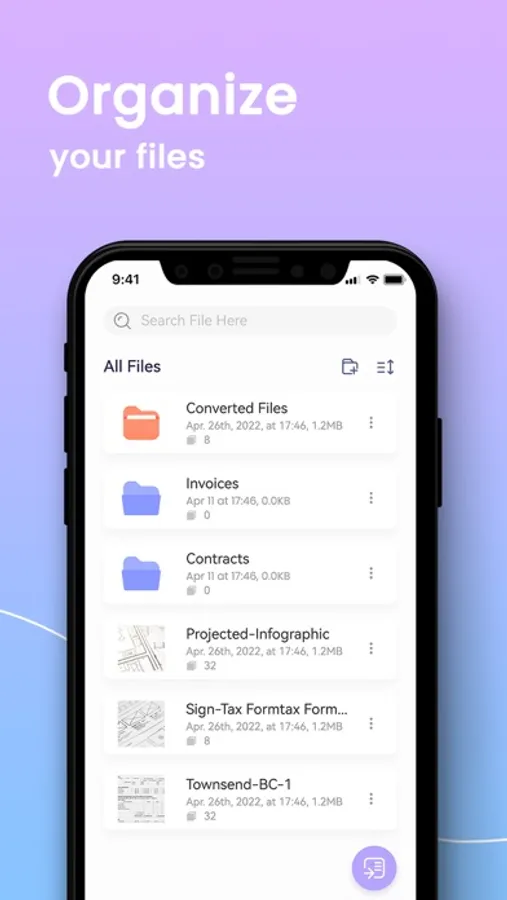
6. Manage your file in one place
• Manage your files with folders.
• It's like bringing your personal computer experience to your mobile device
7. Get access to cloud services
• Connect all cloud services to Documents and access your files anytime
• Upload scanned documents to cloud services like Dropbox and Google Drive.
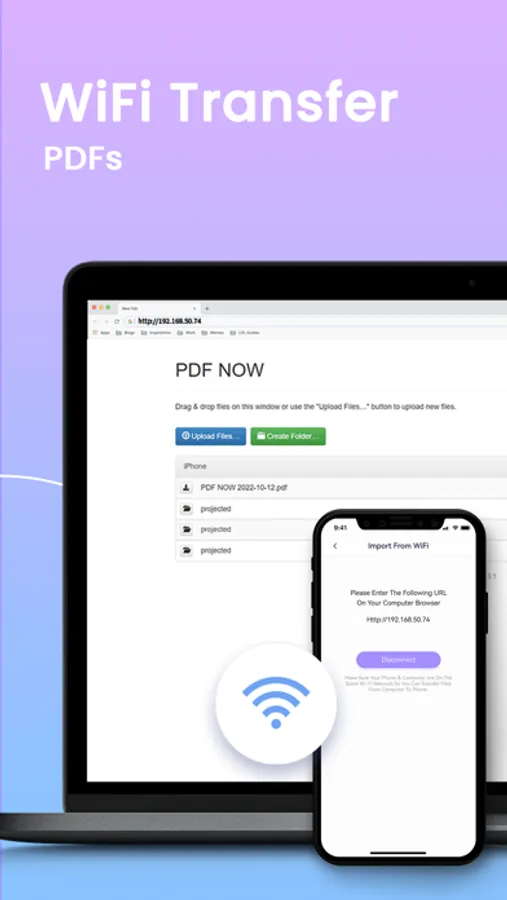
8. WiFi share and transfer PDFs
• Wirelessly transfer PDF files between mobile devices and computer.
• No USB cable needed anymore!
Subscription Information:
By tapping Update Now, you agree to subscribe to an auto-renewal Premium plan via Apple. Unless canceled at least 24-hours prior to the renewal date. The subscription will be charged on that date. Subscriptions are billed monthly or annually at the rate based on the subscription plan. Subscriptions and auto-renewals can be managed in your iTunes Store settings.
Terms of Use:https://www.pdfnow.app/termsOfUse.html
Privacy Policy:https://www.pdfnow.app/privacyPolicy.html
We'd love to hear your feedback: pdfnow@special4u.com
Follow us on Twitter: @pdf_now
• JPG/PNG to PDF: Convert your photos to PDF
• MS Office Converter: Convert office documents such as Word, Excel, PPT,TXT to PDF files.
• Converting happens locally on your device, so your files are absolutely secure.
2. Fill out PDF forms
• Fill out any PDF forms with interactive fields such as text fields, check boxes and radio buttons.
• Work with static PDF forms created in Adobe Acrobat
3. Scan anything to PDF
• IDs scan: passports, driver’s licence,bank card, personal identification or visa.
• Scan documents and photos to PDF
• Easily scan multiple pages into one document.
• Create and add your own e-signature on documents.
• Add watermarks
All documents are stored locally on your device, they are not available to us. You can easily share documents using the export option.
4. Sign, annotate & share anything anywhere
• Sign contracts and agreements on the go
• Annotate PDF files
• Share or email files quickly and securely
• Share and upload files to cloud services like Dropbox or Google Drive
5. Optimize, organize and protect documents
• Compress PDF: Reduce the file size of your document while keeping visual quality.
• Merge PDF: Combine multiple documents into a single PDF file.
• Split PDF: Split PDF pages or extract pages to multiple PDF documents with high quality.
• PDF Protection: Remove or add PDF passwords.
• Rearrange PDF pages: move pages around in a PDF file . Simply to organize the PDF.
6. Manage your file in one place
• Manage your files with folders.
• It's like bringing your personal computer experience to your mobile device
7. Get access to cloud services
• Connect all cloud services to Documents and access your files anytime
• Upload scanned documents to cloud services like Dropbox and Google Drive.
8. WiFi share and transfer PDFs
• Wirelessly transfer PDF files between mobile devices and computer.
• No USB cable needed anymore!
Subscription Information:
By tapping Update Now, you agree to subscribe to an auto-renewal Premium plan via Apple. Unless canceled at least 24-hours prior to the renewal date. The subscription will be charged on that date. Subscriptions are billed monthly or annually at the rate based on the subscription plan. Subscriptions and auto-renewals can be managed in your iTunes Store settings.
Terms of Use:https://www.pdfnow.app/termsOfUse.html
Privacy Policy:https://www.pdfnow.app/privacyPolicy.html
We'd love to hear your feedback: pdfnow@special4u.com
Follow us on Twitter: @pdf_now
PDF NOW: PDF Editor & Scan Screenshots
Tap to Rate: