With this app, you can control your Mac wirelessly as a mouse, trackpad, or keyboard, adjusting sensitivity and using function keys. Includes QR code pairing, adjustable scrolling, and multimedia controls.
About WiFi Mouse: Remote Trackpad
Get full control over your computer with the WiFi Mouse! Quick setup and ease of use will surprise even the most experienced Mac users.
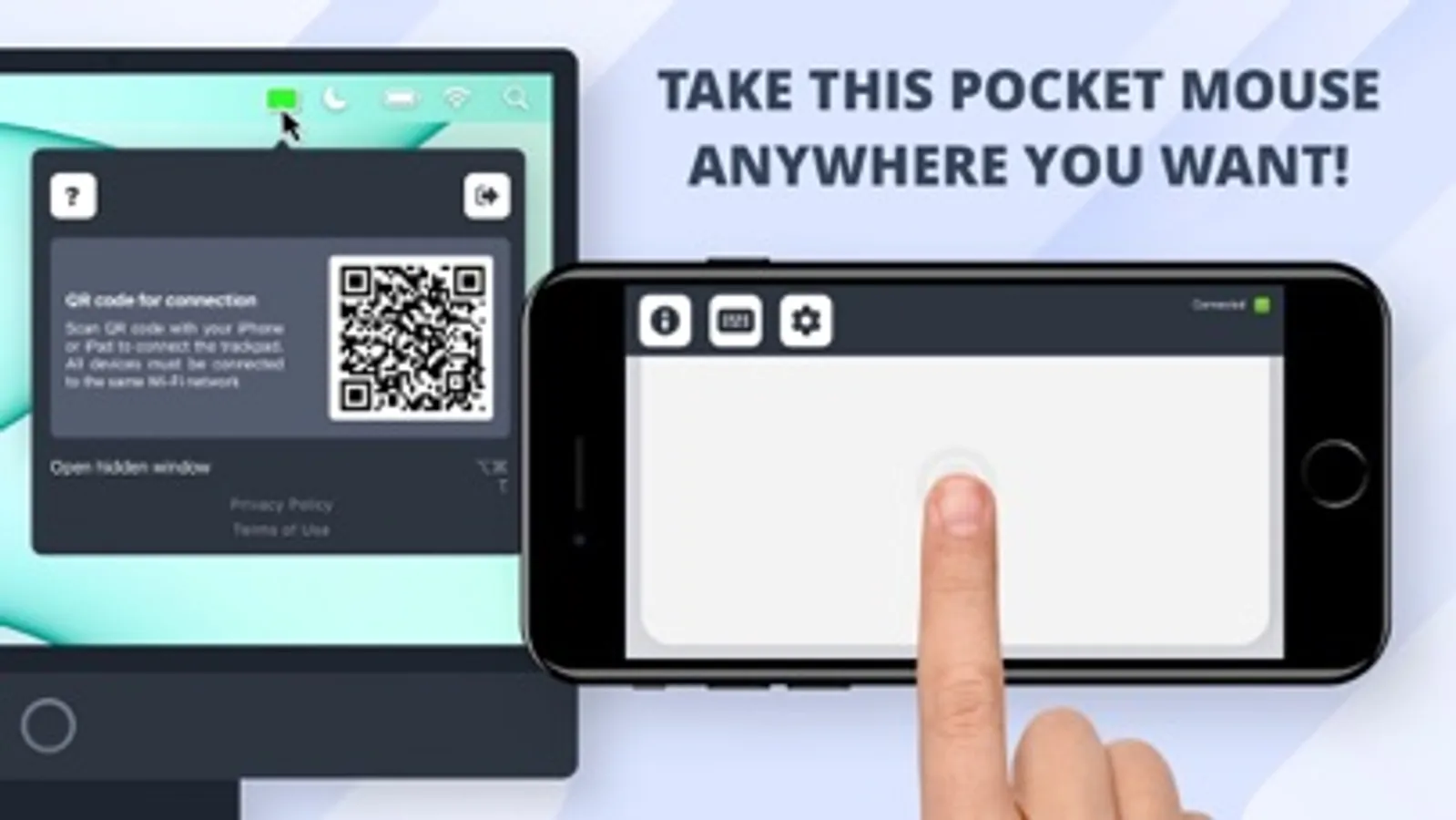
WiFi Mouse will turn your iPhone or iPad into a wireless remote control with which you will have access to all the functions of a touchpad, mouse, or even a keyboard.
Free your workspace from unnecessary equipment, now the trackpad will always be with you. Connect to any Mac at any time in the blink of an eye.
Getting started:
1. Download the app on your Mac and your mobile device.
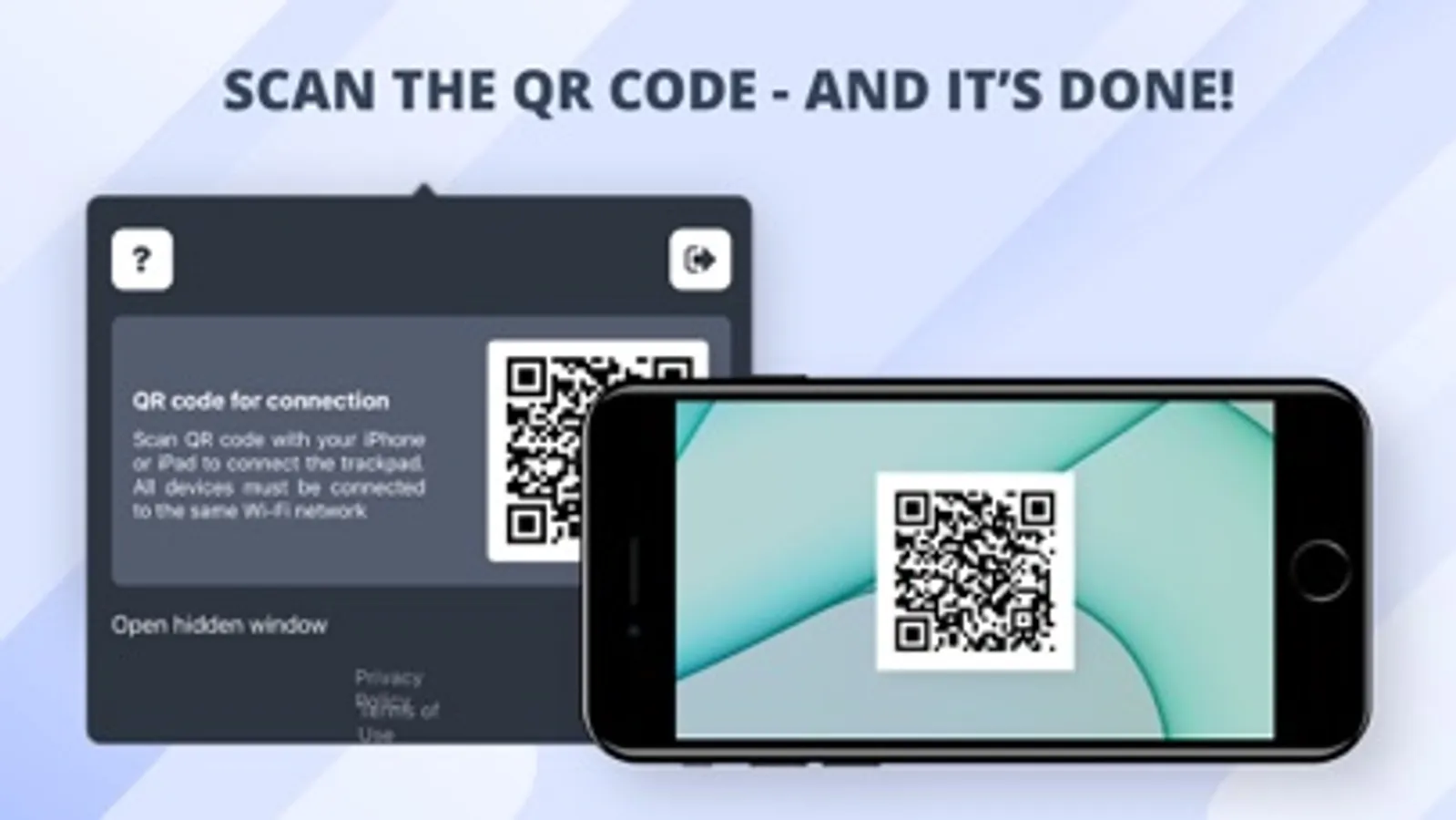
2. Scan the QR code to establish a connection.
3. Enjoy wireless control!
Additional features:
- adjustable scrolling speed and sensitivity;
- two scrolling directions;
- and minimal response time!
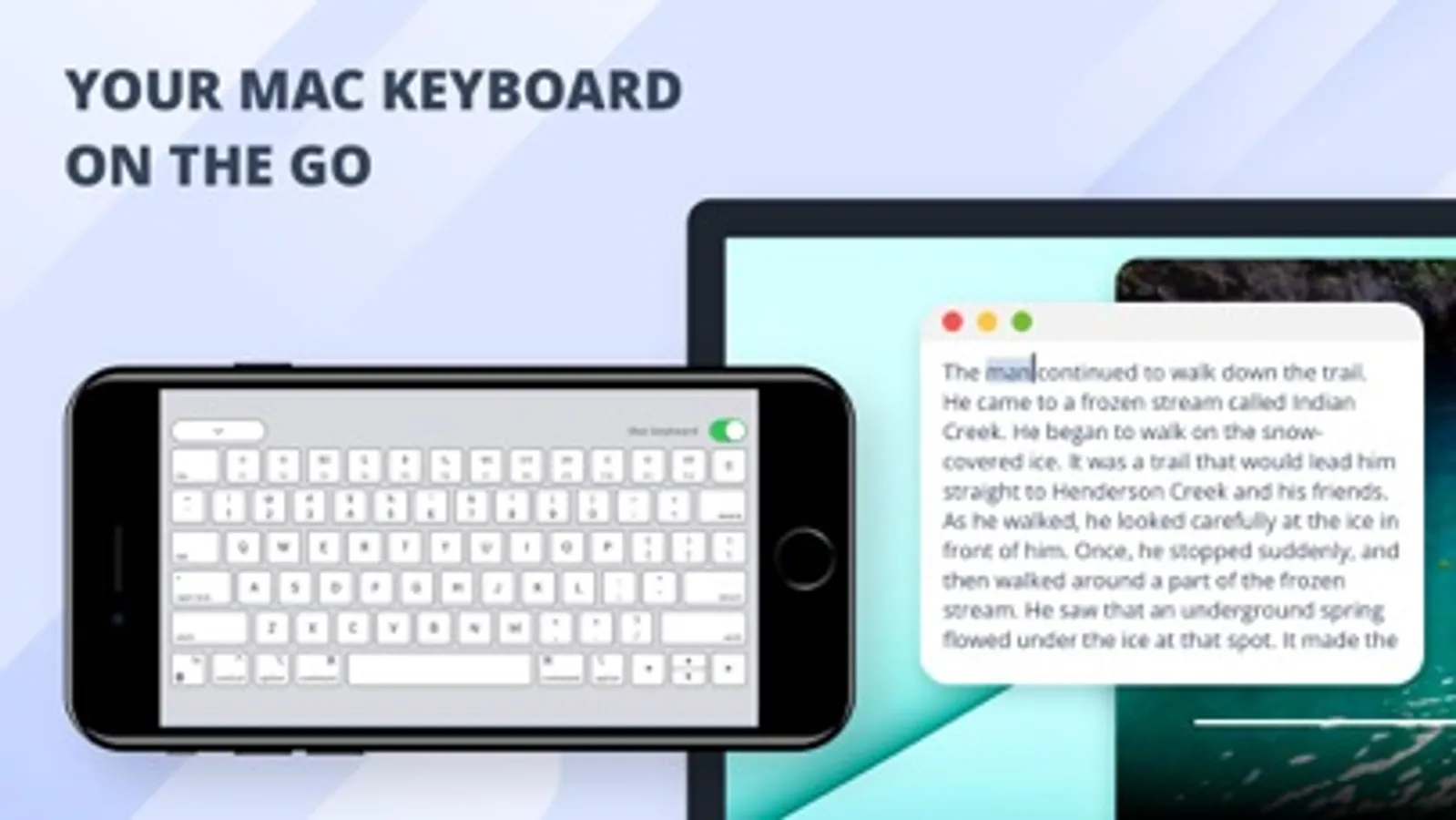
You can also enjoy a full keyboard experience with increased control over your Mac! Use the function keys to control the volume, brightness, display, windows and multimedia from your iPhone or iPad.
Bring your working and gaming experience to a whole new level with WiFi Mouse!
ATTENTION
Before subscribing, please read:
Privacy Policy: https://ecocomputers.cz/privacy
Terms of Use: https://ecocomputers.cz/tos
WiFi Mouse will turn your iPhone or iPad into a wireless remote control with which you will have access to all the functions of a touchpad, mouse, or even a keyboard.
Free your workspace from unnecessary equipment, now the trackpad will always be with you. Connect to any Mac at any time in the blink of an eye.
Getting started:
1. Download the app on your Mac and your mobile device.
2. Scan the QR code to establish a connection.
3. Enjoy wireless control!
Additional features:
- adjustable scrolling speed and sensitivity;
- two scrolling directions;
- and minimal response time!
You can also enjoy a full keyboard experience with increased control over your Mac! Use the function keys to control the volume, brightness, display, windows and multimedia from your iPhone or iPad.
Bring your working and gaming experience to a whole new level with WiFi Mouse!
ATTENTION
Before subscribing, please read:
Privacy Policy: https://ecocomputers.cz/privacy
Terms of Use: https://ecocomputers.cz/tos
WiFi Mouse: Remote Trackpad Screenshots

Tap to Rate: