With this app, you can control and customize digital processors of Stetsom audio systems via Bluetooth. Includes processor selection, real-time adjustments, and technical monitoring features.
AppRecs review analysis
AppRecs rating 4.3. Trustworthiness 53 out of 100. Review manipulation risk 24 out of 100. Based on a review sample analyzed.
★★★★☆
4.3
AppRecs Rating
Ratings breakdown
5 star
89%
4 star
3%
3 star
2%
2 star
1%
1 star
5%
What to know
✓
High user satisfaction
89% of sampled ratings are 5 stars
✓
Authentic reviews
No red flags detected
About STETSOM STX DSP
Full control of your Stetsom audio system directly from your smartphone!
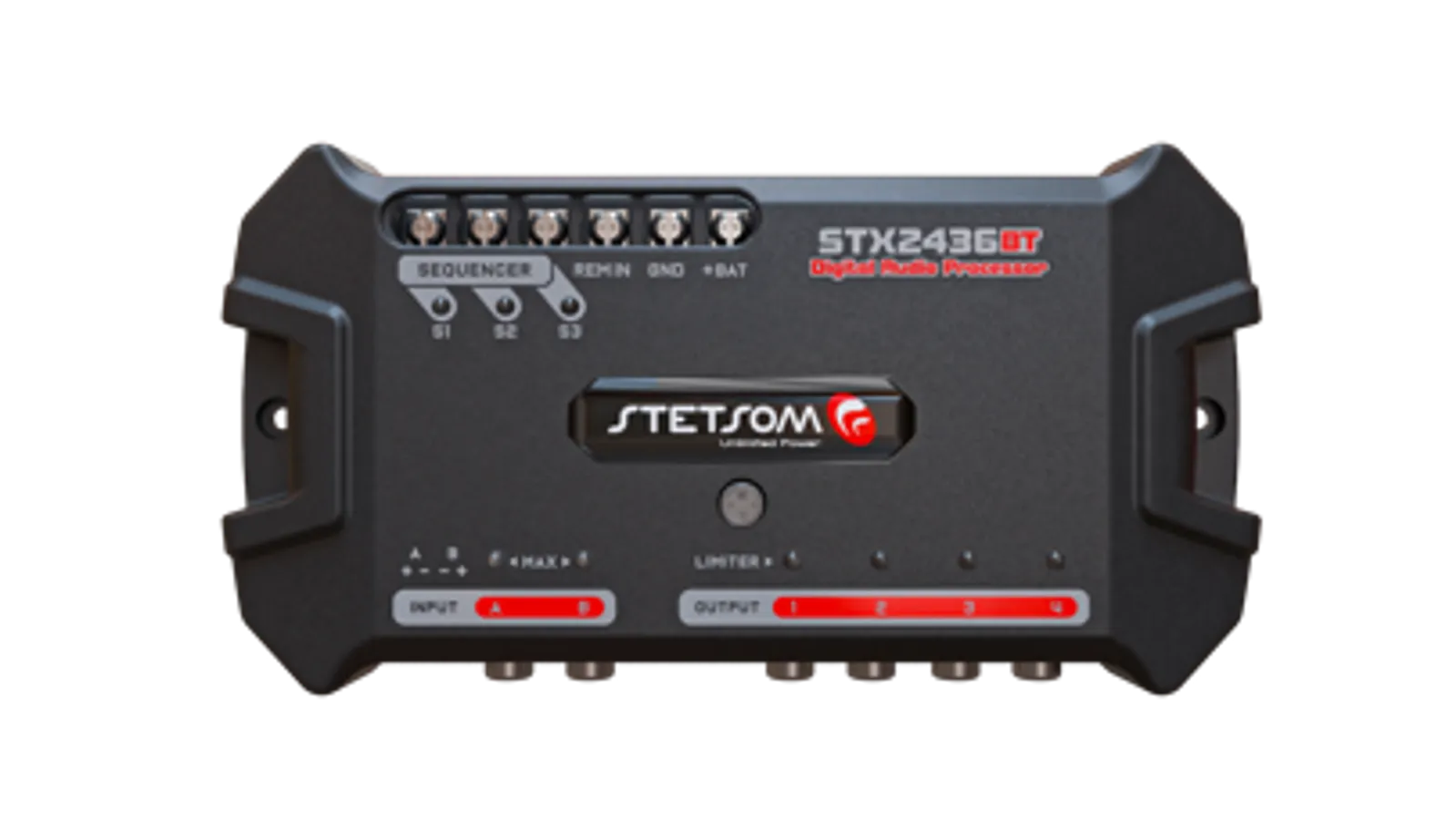
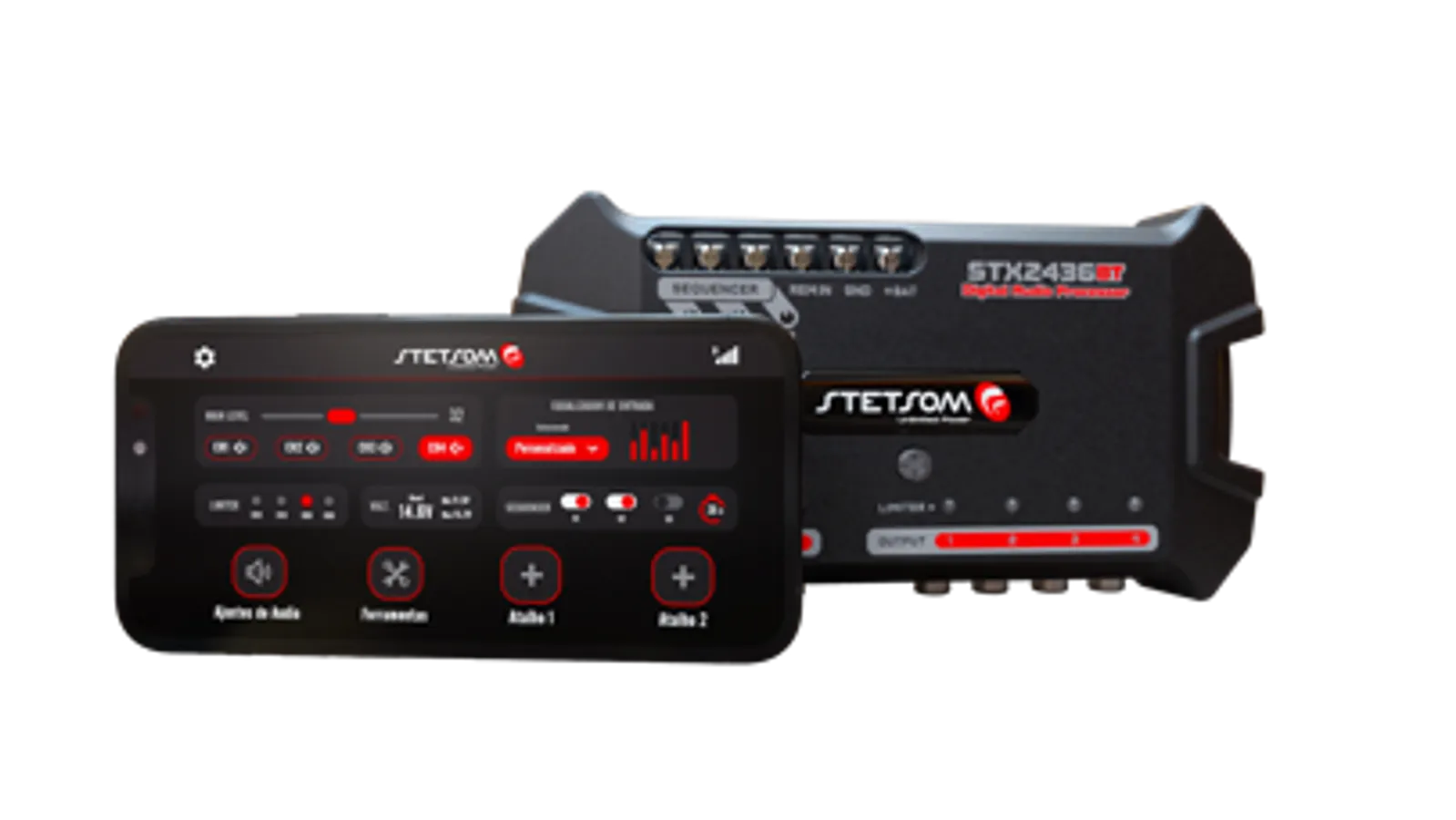
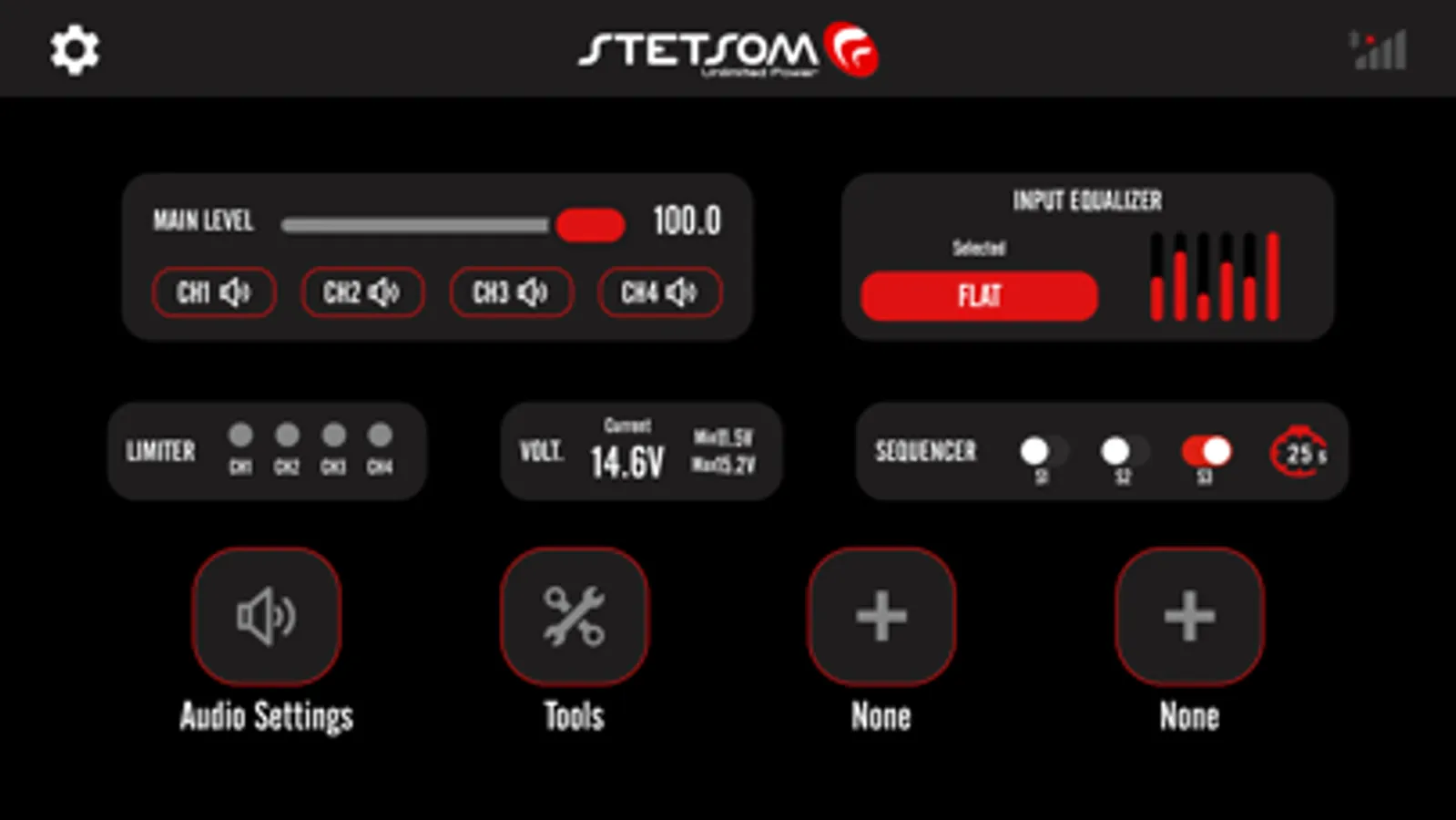
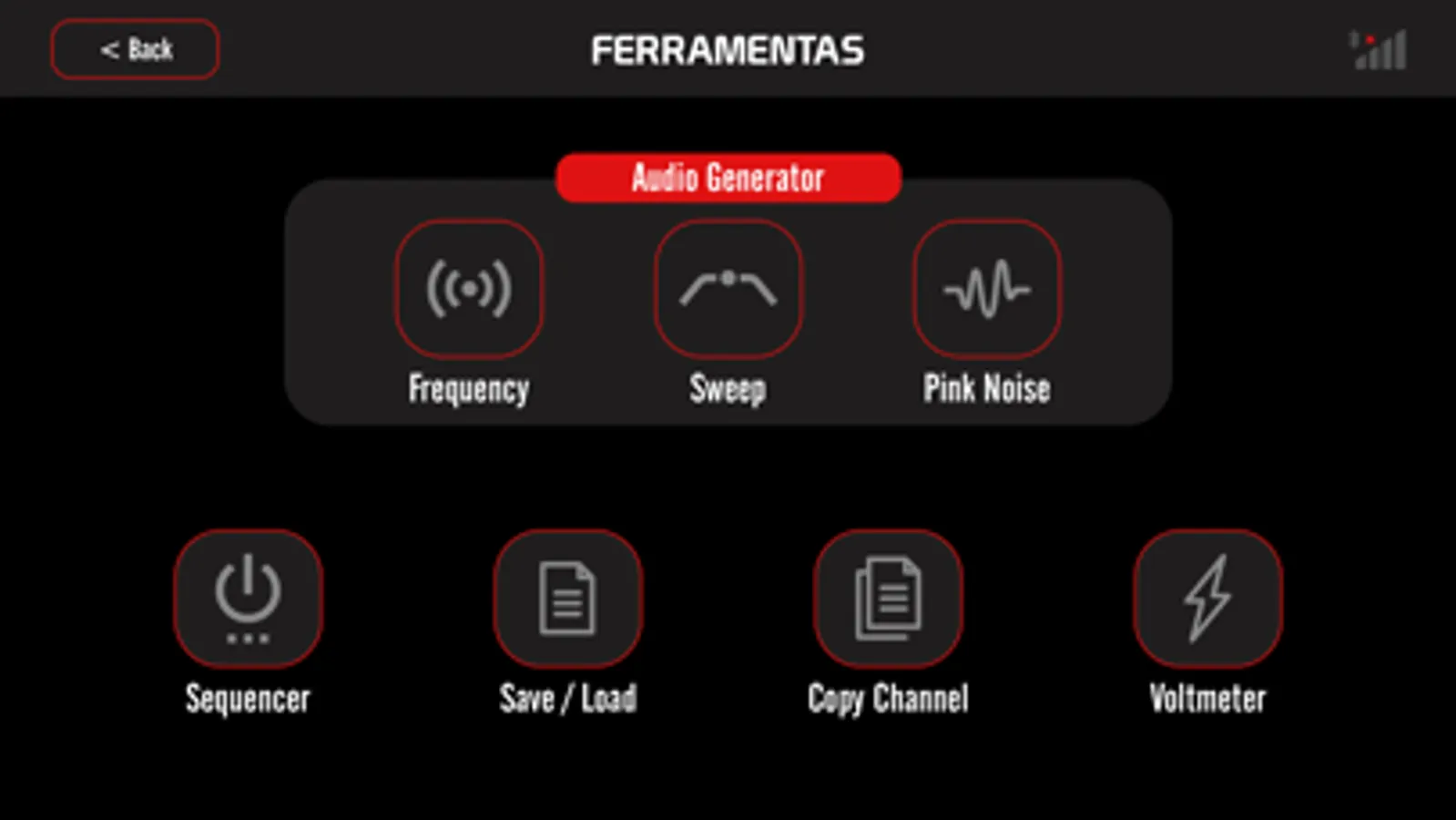
The official Stetsom app was developed to offer intuitive, precise and complete control of several of the brand's digital processors, compatible with the STX2436BT, STX2448BT and STX2496BT processors. Whether to adjust your automotive sound system in real time or to monitor technical information, with multiple functionalities, the app delivers a modern and connected experience through Bluetooth communication.
How to use:
1. Install the app on your device
2. Activate Bluetooth
3. Turn on the compatible processor
4. Open the app and select the desired processor from the list
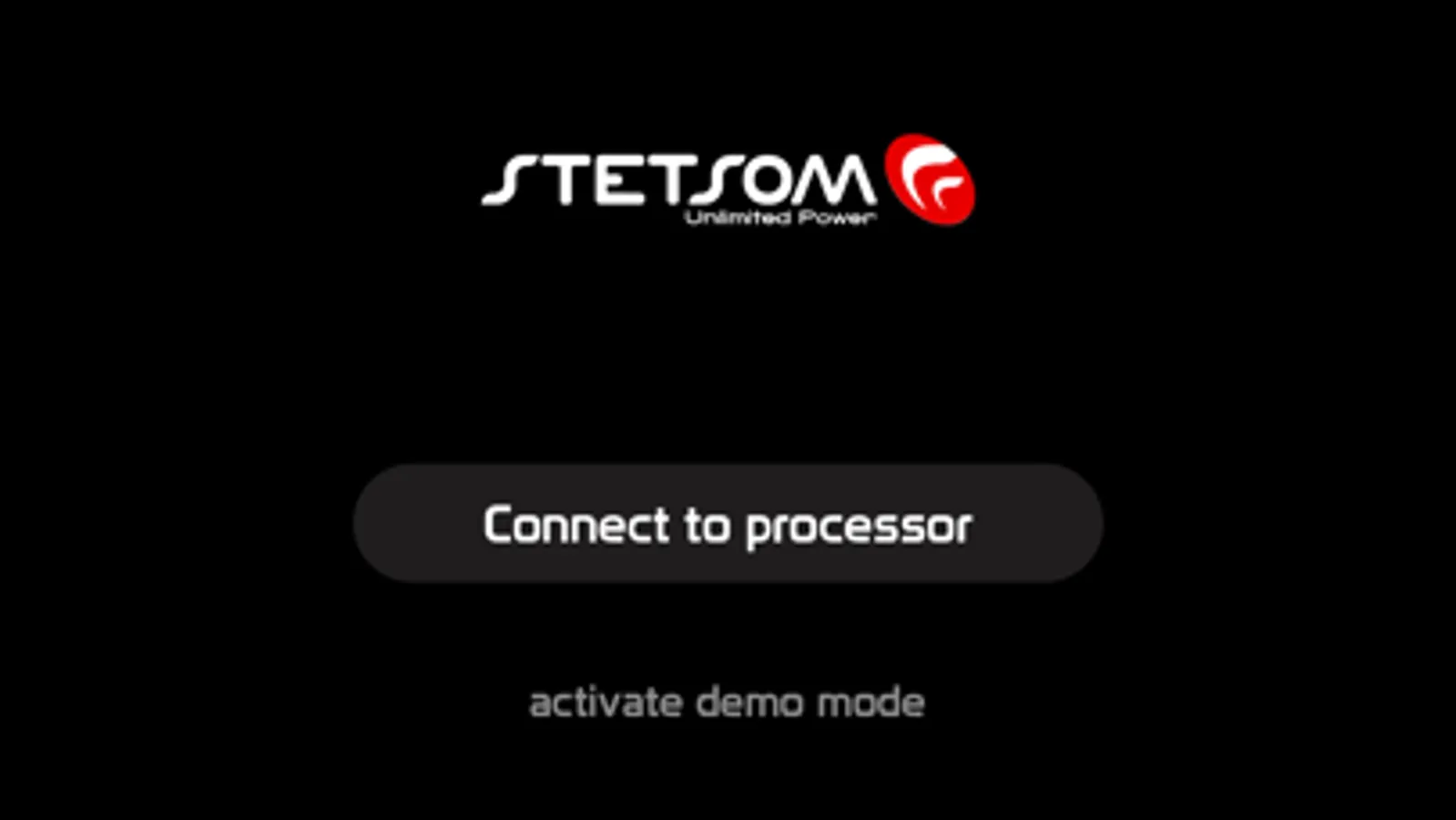
If you do not yet have a compatible Stetsom processor, activate the demo mode and explore all the features available in the app.
Optimize the sound, customize the experience and have full control of your Stetsom processors in the palm of your hand!
The official Stetsom app was developed to offer intuitive, precise and complete control of several of the brand's digital processors, compatible with the STX2436BT, STX2448BT and STX2496BT processors. Whether to adjust your automotive sound system in real time or to monitor technical information, with multiple functionalities, the app delivers a modern and connected experience through Bluetooth communication.
How to use:
1. Install the app on your device
2. Activate Bluetooth
3. Turn on the compatible processor
4. Open the app and select the desired processor from the list
If you do not yet have a compatible Stetsom processor, activate the demo mode and explore all the features available in the app.
Optimize the sound, customize the experience and have full control of your Stetsom processors in the palm of your hand!
STETSOM STX DSP Screenshots
Tap to Rate:
Reviews for STETSOM STX DSP
coyote504
Doesn’t work
This app asking for a code of my EQ and my EQ installed deep in my car 👎👎👎
Gandul98negron
Malisimo
Me borro todo mi tuneo En vez de mejorar lo que hicieron fue dañar el app🤦🏻♂️