Lucid Markdown Keyboard notes
Sagio Development LLC
4.4 ★
45 ratings
Free
AppRecs review analysis
AppRecs rating 4.4. Trustworthiness 68 out of 100. Review manipulation risk 24 out of 100. Based on a review sample analyzed.
★★★★☆
4.4
AppRecs Rating
Ratings breakdown
5 star
64%
4 star
24%
3 star
2%
2 star
2%
1 star
7%
What to know
✓
Low review manipulation risk
24% review manipulation risk
✓
High user satisfaction
89% of sampled ratings are 4+ stars (4.4★ average)
About Lucid Markdown Keyboard notes
Lucid Markdown Keyboard is a keyboard optimized for writing markdown notes in any app. Our mission is to make an awesome markdown keyboard to replace your system keyboard.
* Perfect for Notion, Joplin, Apple notes and Google Keep *
** Advanced Notion users can #, *, -, >, ` key in toolbar to speed up formatting.
# Features
- Emoji input **NEW**
- Tab key
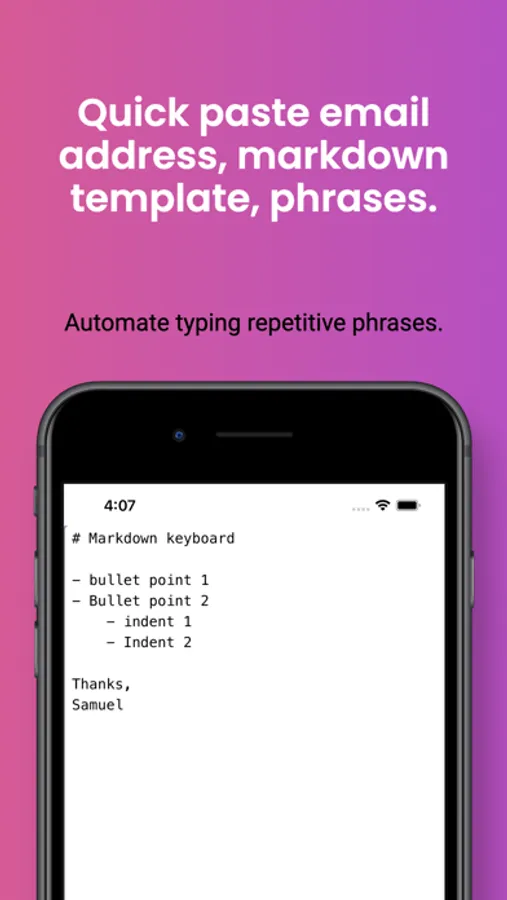
- Quick paste markdown text templates
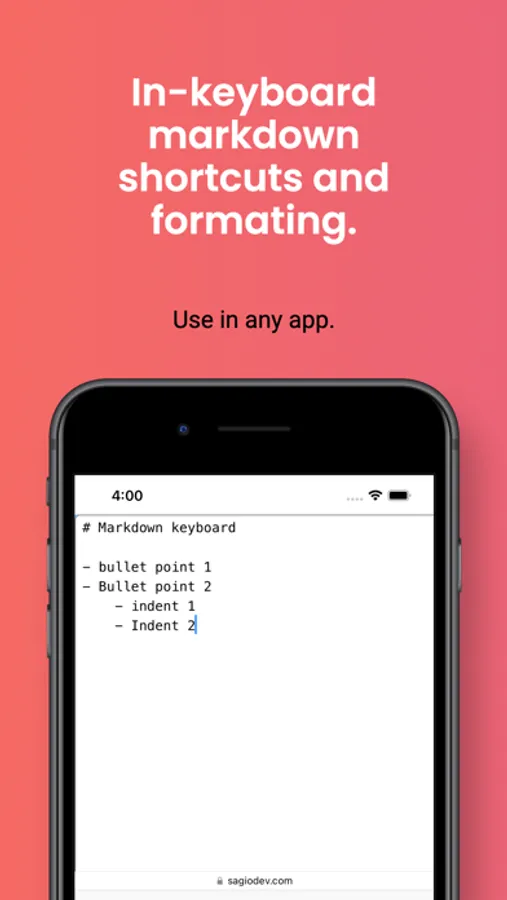
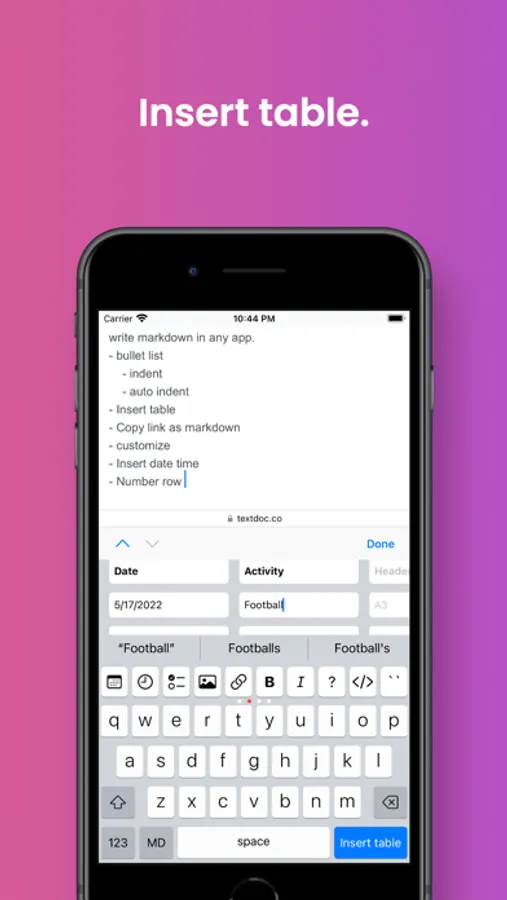
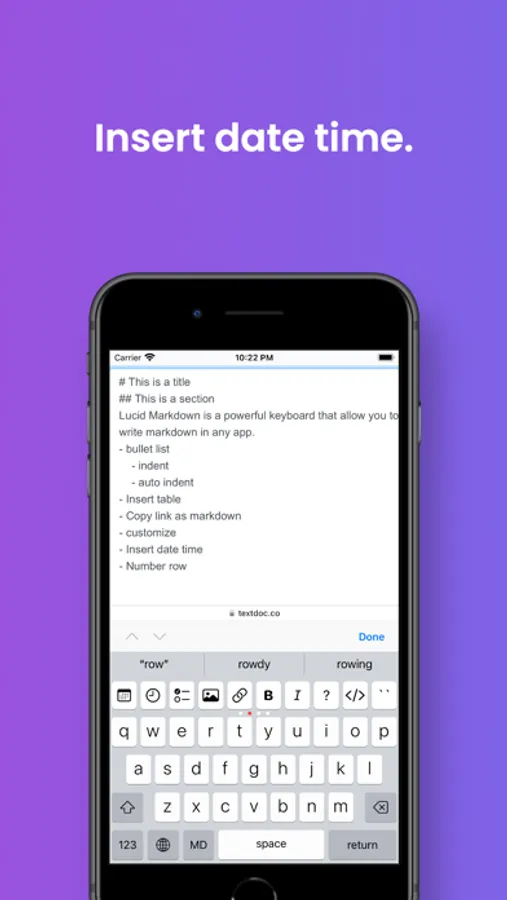
- Hidable markdown shortcut buttons above the keyboard - heading, bold, italic, checklist, bullet list, blockquote, tables
- Auto-format and auto-indent in bullet and number lists.
- Page up, page down, go to top, go to end.
- Autocorrect and autocomplete suggestions.
- In-keyboard spreadsheet table.
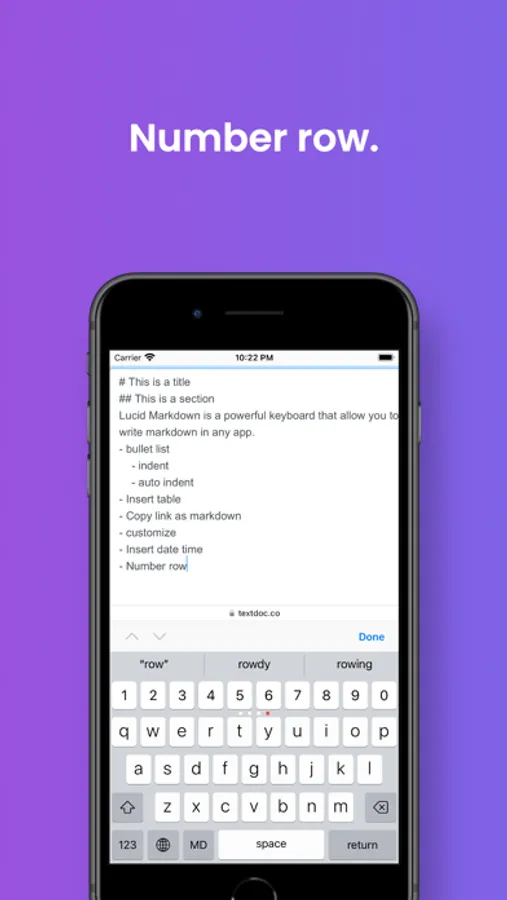
- Add a number row.
- space drag to change the cursor position.
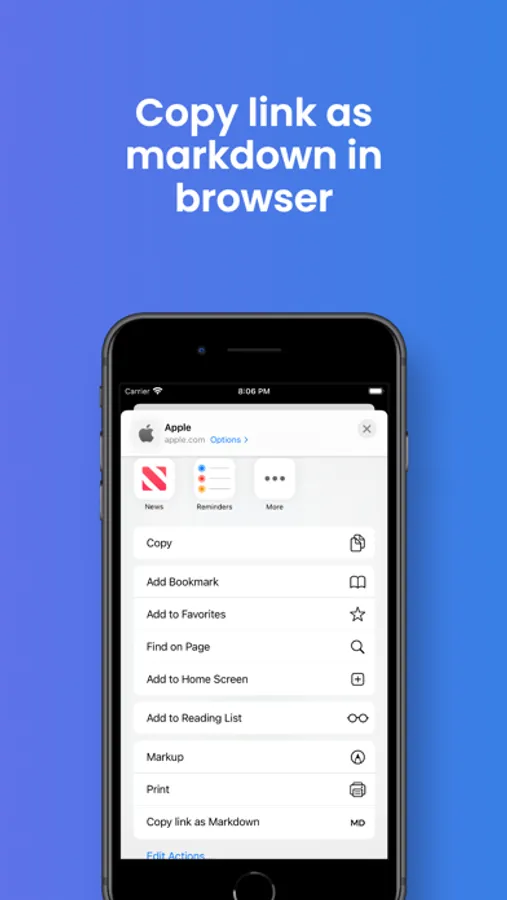
- Copy link or image as markdown in browsers.
- Support iPhone and iPad.
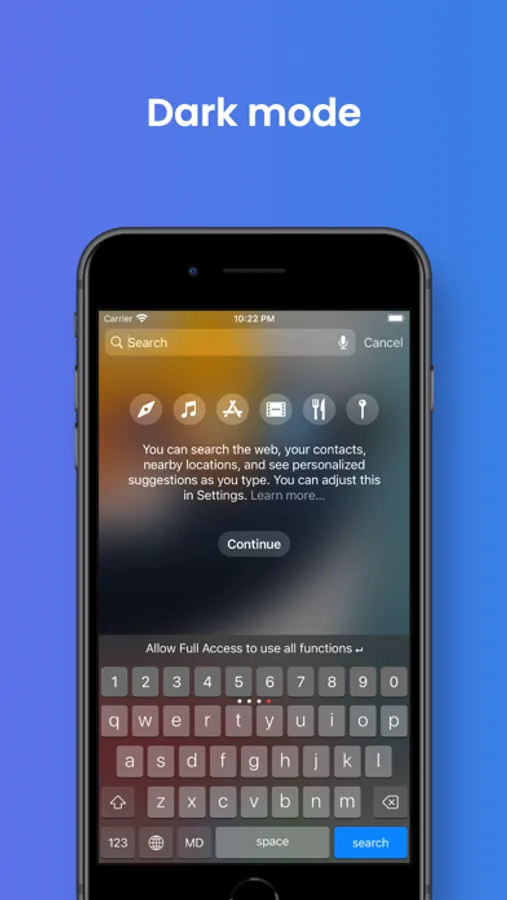
- Dark mode.
- Use in any app!
NOTE: This is an **English** only keyboard!! Support of other languages coming.
Term of Service: https://www.sagiodev.com/terms_of_service_keyboard.html
Privacy Policy: https://www.sagiodev.com/privacy_notes_keyboard.html
Lucid Markdown Keyboard notes Screenshots
Tap to Rate:
Reviews for Lucid Markdown Keyboard notes
Not for me 👎
How can I rate you ?
When I can’t go past the settings page ? And I bought premium.
BłøøÐŁůsT
Great but needs more customizations
It would be great if there was a way to disable the button tooltip area, as well as to remove certain buttons from the toolbar to at maybe don’t get used often. Otherwise, it’s nice for apps such as Discord and others that support markdown.