AppRecs review analysis
AppRecs rating 4.3. Trustworthiness 76 out of 100. Review manipulation risk 27 out of 100. Based on a review sample analyzed.
★★★★☆
4.3
AppRecs Rating
Ratings breakdown
5 star
72%
4 star
6%
3 star
8%
2 star
3%
1 star
11%
What to know
✓
Low review manipulation risk
27% review manipulation risk
✓
Credible reviews
76% trustworthiness score from analyzed reviews
✓
High user satisfaction
78% of sampled ratings are 4+ stars (4.3★ average)
About Manifold: Field Team App
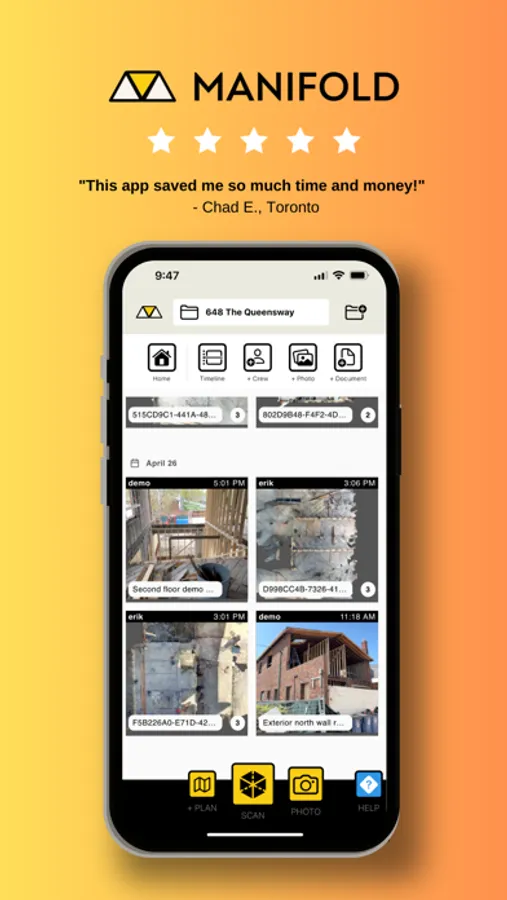
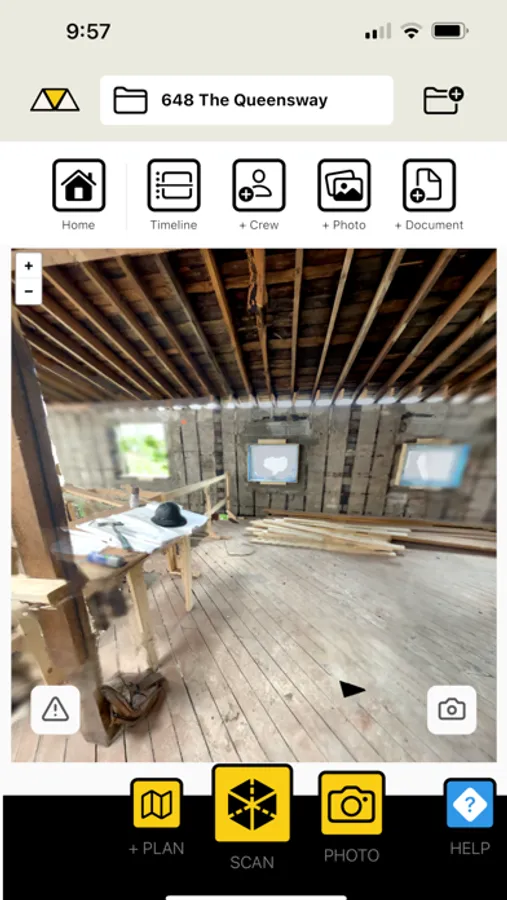
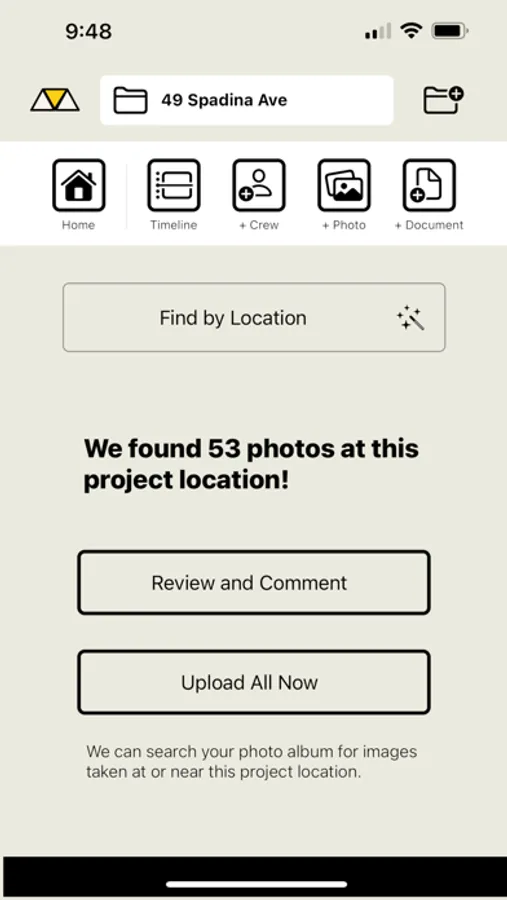
Manifold makes it easy to organize all your site photos and files, take 3D scans of your site and keep a real-time feed of all the moving parts.
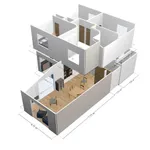
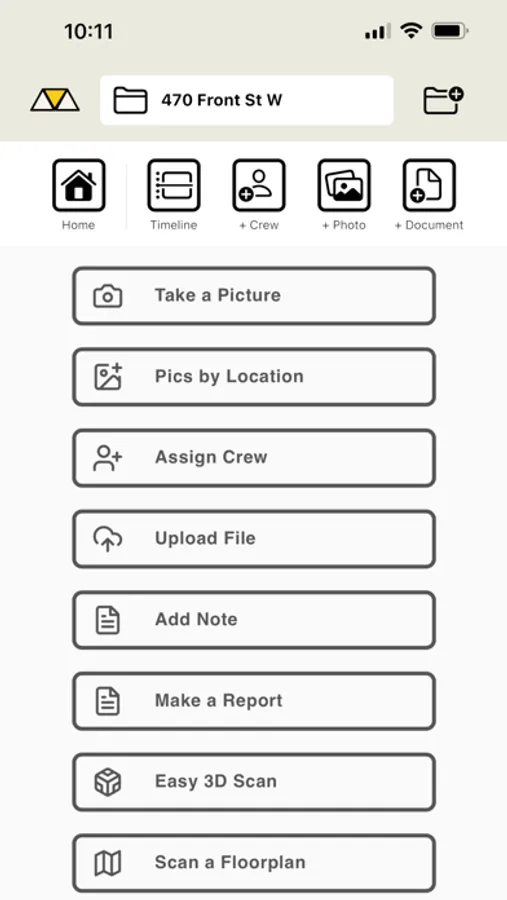
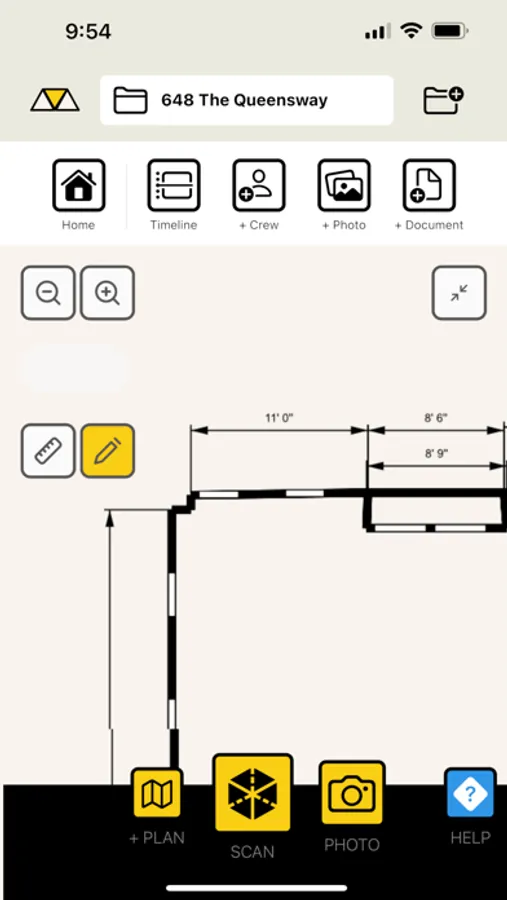
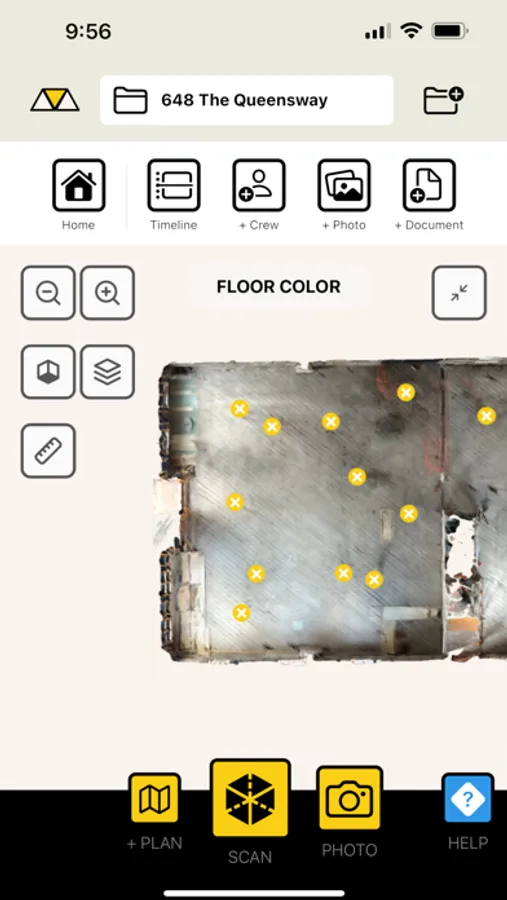
Use Manifold to scan the real world and automatically create a floor plan that you can annotate, edit in design tools, and share with the whole team. Take a 3D scan, take measurements, and capture site conditions on the fly.
Keep everyone up-to-date with a Project Timeline, make and deploy a checklist to the whole team, and make sure everything is done properly the FIRST time around so that you stop spending money on other people's stupid mistakes.
Manifold is the easiest way to capture the MOST data from your construction site, and it’s so easy your grandma could do it.
Features:
- Real-time Photo Feed
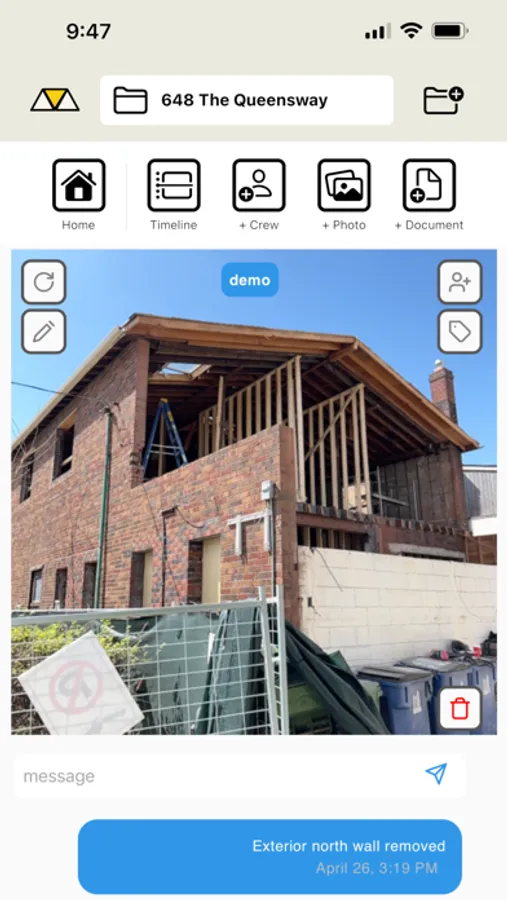
- Comment and tag users for instant communication
- Shareable galleries and photo timelines
- Create instant client reports directly in the app
- Draw and annotate directly on photos, floor plans and scans
- Scan the real world and generate a floor plan
- Photo-first checklist
- And more!
TRY FOR FREE
No commitment or credit card required!
Manifold: Field Team App Screenshots
Tap to Rate:
Reviews for Manifold: Field Team App
Savontb82
Not Impressed!
I am not happy with this app and will probably delete it now, after only one use. The concept is great, but it just doesn’t work well. First, the map/GPS seems out-of-date, as it doesn’t recognize my address, which has existed for over 3 years. I tried using GPS, then typing the address in. Even moving the pin manually on the map, the closest I could get is the house next door. Second, the scanner does not recognize the top and bottom of walls with crown molding and baseboards. I have 12” crown molding, and the app cuts off the wall about 4” down from the ceiling. 6” baseboards, and it cuts off just above the shoe molding. Third, the measurements are not accurate. The dimensions for my room are way short, and they show on the floor plan as exterior dimensions, even though I scanned the inside of the room. Very weird. Fourth, the app itself is not easily navigable. You can’t simply go back to a previous screen. The screenshots in the App Store show a back button near the top left of the screen. However, the actual app has no back button. I have to keep using the search bar at the top to find the project name and click it to go to the project page. If I click into the floor plan, I can’t just go back to the project page to look at other items within the project. I have to use the search bar to find the project again. Easy now, since I only have one project, but this would be annoying if I had many. Sorry, but this app is a disappointment. I’d rather pay for one of better quality.
The Lindley
Supervisor
App works great and help track my daily progress.