AppRecs review analysis
AppRecs rating 4.0. Trustworthiness 80 out of 100. Review manipulation risk 30 out of 100. Based on a review sample analyzed.
★★★★☆
4.0
AppRecs Rating
Ratings breakdown
5 star
57%
4 star
14%
3 star
14%
2 star
0%
1 star
14%
What to know
✓
Credible reviews
80% trustworthiness score from analyzed reviews
✓
High user satisfaction
71% of sampled ratings are 4+ stars (4.0★ average)
About Fax App - Send from iPhone
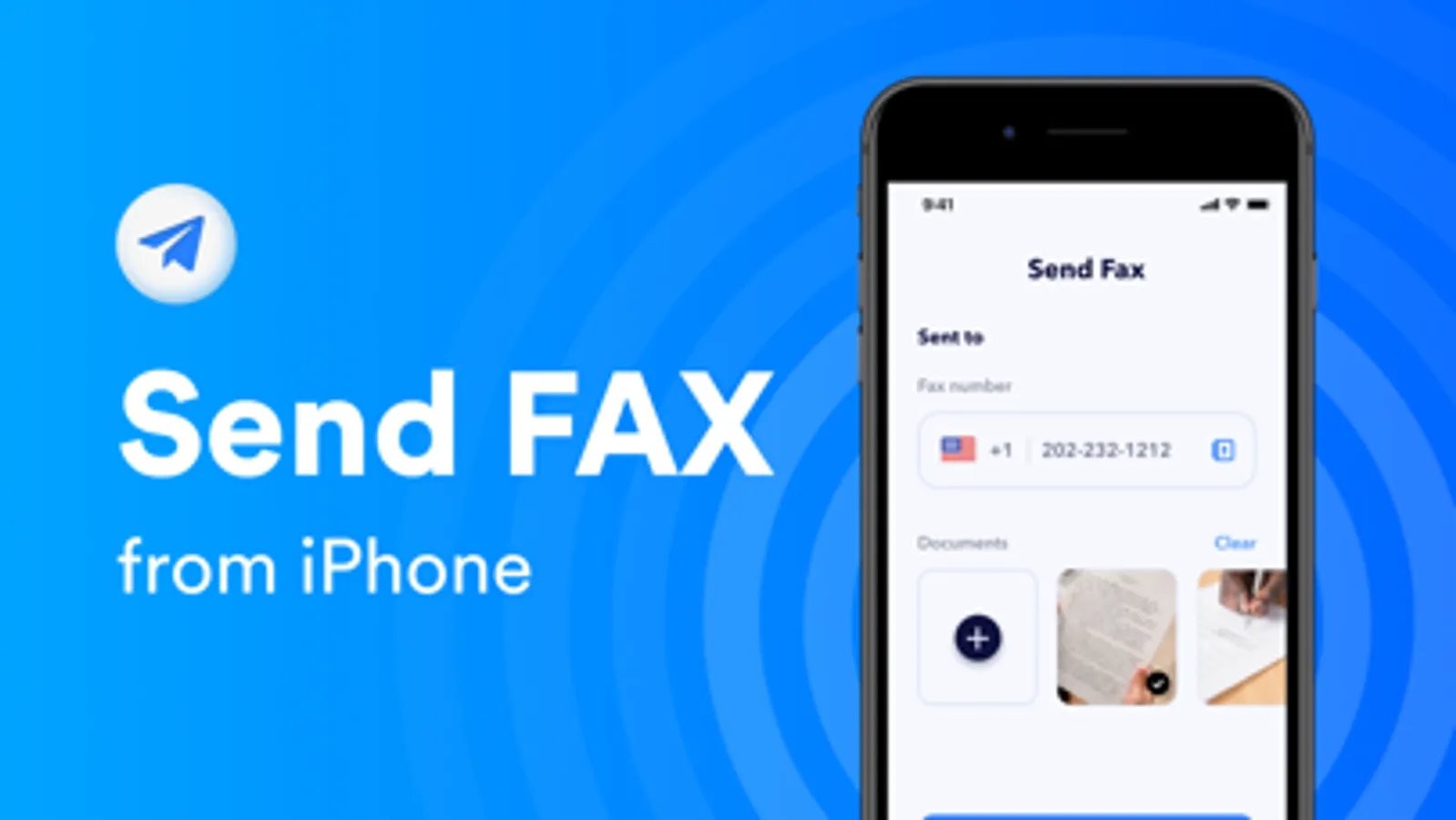
Fax App - Send from iPhone is a simple and easy-to-use app that helps you send FAX from any iOS device.
1. Easy to Create Fax
- Scan documents with your mobile camera and fax online easily;
- Add documents from your device or your cloud storage (Google Drive and Dropbox, Files app)
- Import documents, files, pdfs, receipts and more from other apps to fax
- Create a fax from your photo library;
2. Edit & Preview before Fax
- Edit your fax for a better look;
- Preview documents before sending a fax;
- Combine multiple files into one single fax;
- Add cover page to your fax;
- Sign your documents and faxes and send them back without printing them;
- Choose a contact from your address book to fax directly;
Payment will be charged to Apple Account at confirmation of purchase. Subscriptions automatically renew at the end of each term unless auto-renew is turned off at least 24-hours before the end of the current period. Account will be charged for renewal within 24-hours prior to the end of the current period, and identify the cost of the renewal. Auto-renew can be turned off at any time from your Apple Account settings but refunds will not be provided for the unused portion of the term.
Privacy Policy:
http://appsproduction.tilda.ws/privacy
Terms of Conditions:
http://appsproduction.tilda.ws/terms
Contact:
petukhovaulianys@mail.ru
1. Easy to Create Fax
- Scan documents with your mobile camera and fax online easily;
- Add documents from your device or your cloud storage (Google Drive and Dropbox, Files app)
- Import documents, files, pdfs, receipts and more from other apps to fax
- Create a fax from your photo library;
2. Edit & Preview before Fax
- Edit your fax for a better look;
- Preview documents before sending a fax;
- Combine multiple files into one single fax;
- Add cover page to your fax;
- Sign your documents and faxes and send them back without printing them;
- Choose a contact from your address book to fax directly;
Payment will be charged to Apple Account at confirmation of purchase. Subscriptions automatically renew at the end of each term unless auto-renew is turned off at least 24-hours before the end of the current period. Account will be charged for renewal within 24-hours prior to the end of the current period, and identify the cost of the renewal. Auto-renew can be turned off at any time from your Apple Account settings but refunds will not be provided for the unused portion of the term.
Privacy Policy:
http://appsproduction.tilda.ws/privacy
Terms of Conditions:
http://appsproduction.tilda.ws/terms
Contact:
petukhovaulianys@mail.ru
Fax App - Send from iPhone Screenshots
Tap to Rate:
Reviews for Fax App - Send from iPhone
Seggles
DO NOT USE
This app is a fraud. I purchased it and it would not see any faxes. An error kept coming up so I contacted customer service through email and the email address didn’t work.
Uppermissi
Fast and Easy
Very user friendly