LightPDF: AI Chat PDF, Scanner
Wangxu Technology Co., Ltd
4.2 ★
53 ratings
Free
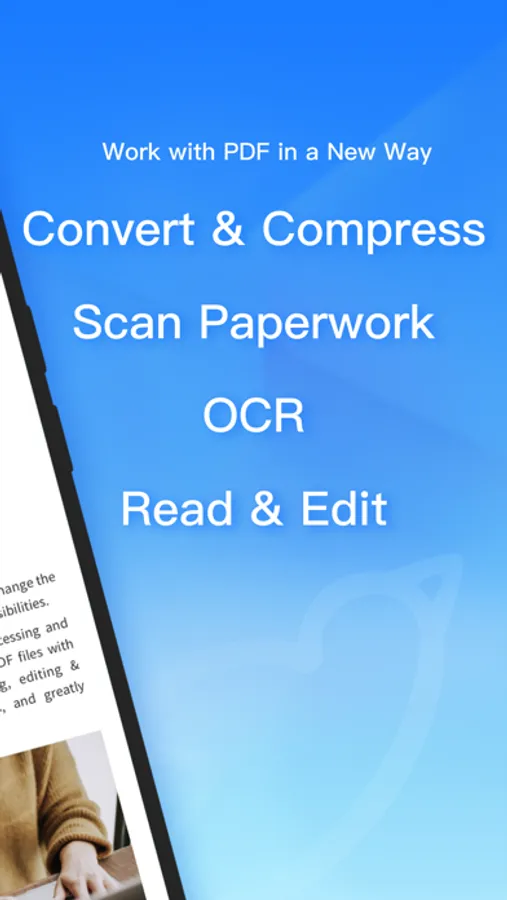
In this PDF toolkit app, you can chat with PDFs, scan documents, and convert files using AI-powered tools. Includes OCR, file compression, cloud storage, and editing features.
AppRecs review analysis
AppRecs rating 4.2. Trustworthiness 77 out of 100. Review manipulation risk 21 out of 100. Based on a review sample analyzed.
★★★★☆
4.2
AppRecs Rating
Ratings breakdown
5 star
45%
4 star
47%
3 star
0%
2 star
2%
1 star
6%
What to know
✓
Low review manipulation risk
21% review manipulation risk
✓
Credible reviews
77% trustworthiness score from analyzed reviews
✓
High user satisfaction
92% of sampled ratings are 4+ stars (4.2★ average)
About LightPDF: AI Chat PDF, Scanner
LightPDF, AI-powered, is a must-have PDF toolkit for your mobile device. You can use it to summarize and chat with PDFs and other documents, and quickly get the key information from the files! And it takes advantage of AI to help you easily scan paperwork to PDFs, extract texts and remove specific objects. It can be your PDF converter, editor, reader, on-the-go mobile scanner, cloud-based PDF storage, and ID photo maker.
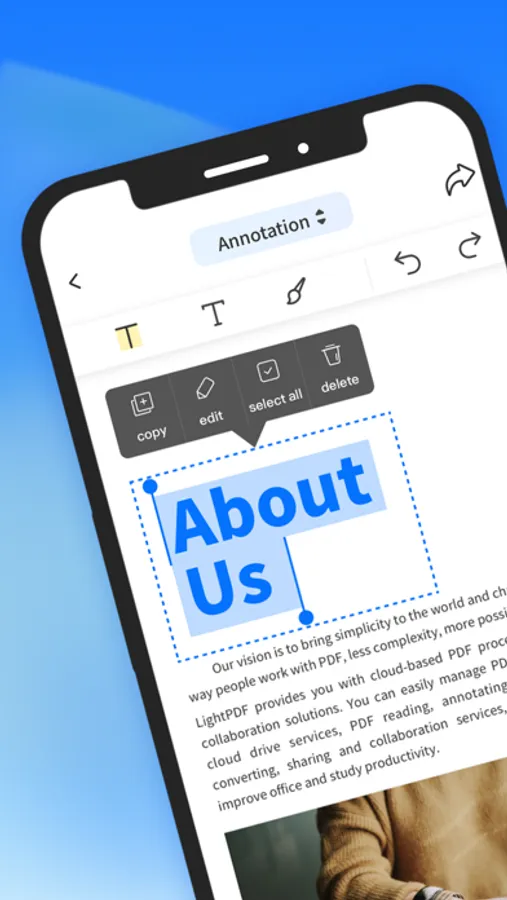
Try LightPDF to convert, OCR, scan, edit, read, annotate, comment, compress, and merge PDFs easily and quickly to get a high-quality result. And its sharing and collaborating feature can help you communicate smoothly with your colleagues on the same PDF document, and improve your teamwork productivity.
What LightPDF can do:
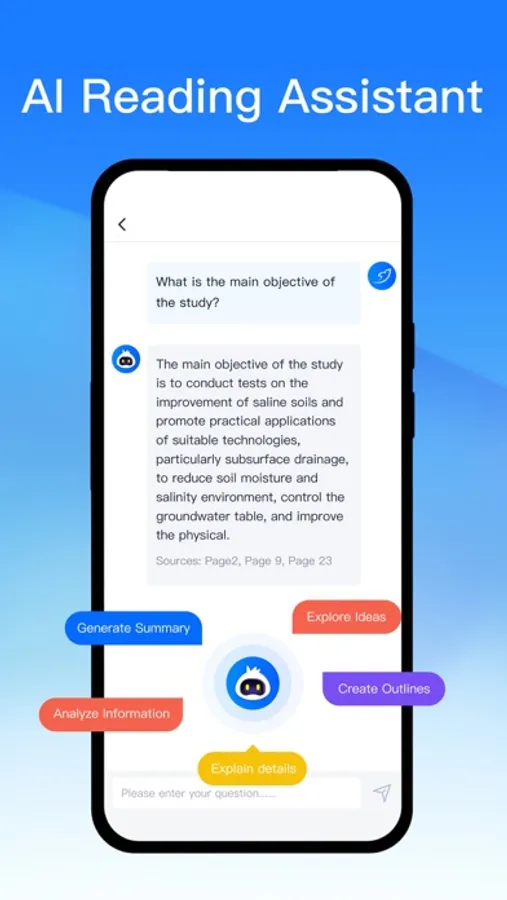
Smart AI Chat Assistant for PDFs
- Ask questions to the chatbot about your file and it will answer you with cited sources
- Quickly output results in markdown and table formats
- Chat with PDFs, scans, Excel, Word, PPT, and ePub documents
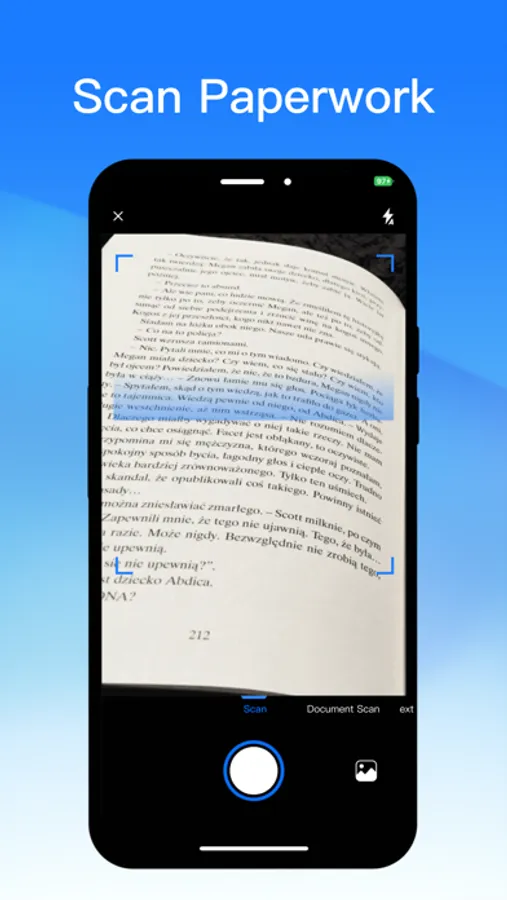
Intelligent Phone Scanner
- Take photos of your papers, cards, books, and more to turn them into PDF format. Work as your pocket PDF scanner
- Extract and copy texts from paper works
- Remove handwriting from the test paper
- Advanced filter features for better scanning result
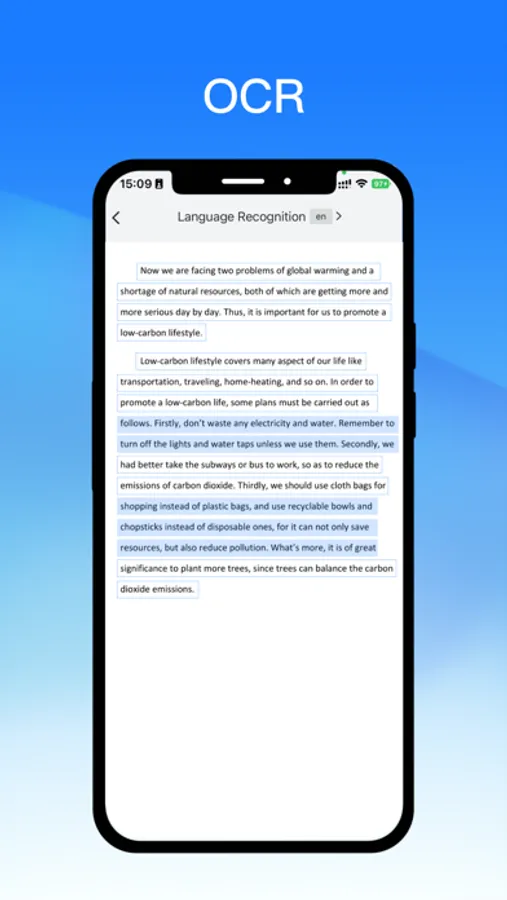
Powerful PDF Converter with OCR
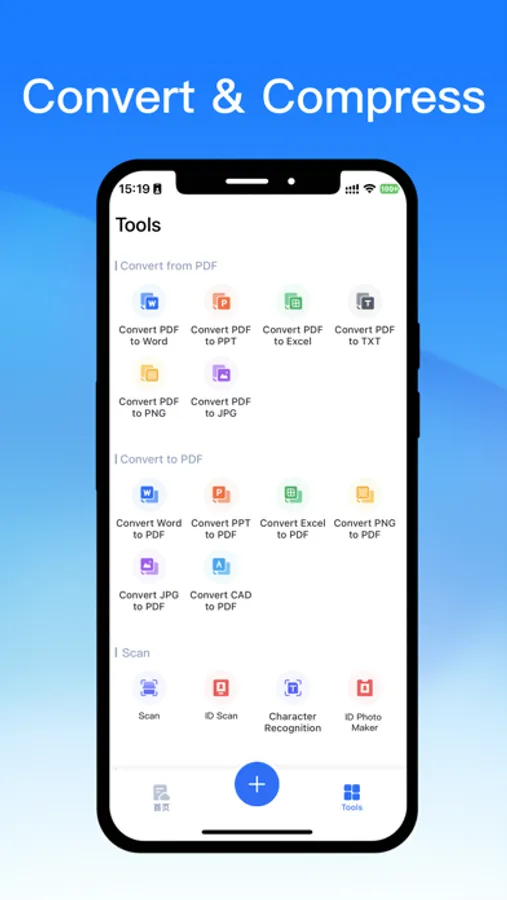
- Convert PDF to Word, JPG, PNG, Excel, PPT, and TXT, as well as turn Word, PPT, Excel, JPG, PNG, and CAD formats to PDF
- Equipped with OCR technology to recognize and turn PDF scans and photos into docx, xlsx, pptx, pdf, and txt formats
- Convert multiple documents at the same time and quickly get your work done
Cloud-based PDF Editor & Reader
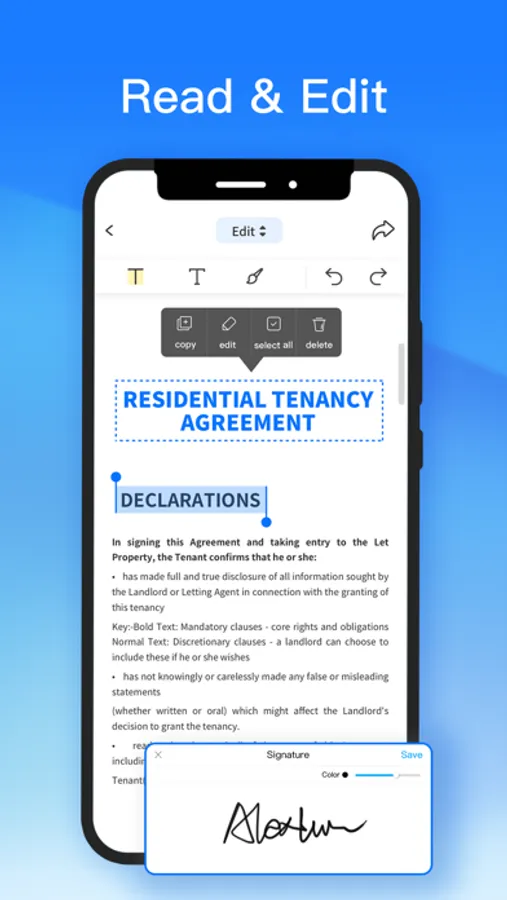
- Edit, sign, and add images to a PDF file
- Highlight, draw markups, and insert notes into PDF
- Reduce PDF file size with a few touches
- Combine multiple PDF documents into one
- Read PDFs, add bookmarks, search and annotate
- Print PDFs directly from your devices
- Auto-sync PDFs in order to work with PDFs on the go. No more worry about losing data
Handy ID Photo Maker
- Create ID and passport photos with ease. It allows you to remove the background, change the background color, and produce a new photo with the selected size
- Unblur the photo to enhance its quality and make it clear
Image Watermark Removal
- AI automatically recognizes and removes watermarks from images, eliminating the need for manual smudging like in Photoshop. It is particularly effective for large logos and full-screen watermarks, enhancing learning efficiency.
New Way for Teamwork
- Share files via links with your team and invite multiple people to view, edit, highlight, sign, and add comments on the same PDF at the same time
- Set permissions to keep PDF security under control
- Upload the file to the cloud, and access it on any device
- Star files as favorites to quickly find and open them
Subscriptions will be charged to your credit card through your iTunes account. Your subscription will automatically renew unless canceled at least 24 hours before the end of the current period.
After purchase, please manage your subscriptions in the App Store Account Settings.
-------------------------------------------------------------------------------
If you need any help or have suggestions on LightPDF, please feel free to contact us. We can't keep making progress without your voice.
Email: support@lightpdf.com
Customer Service Center: https://lightpdf.com/contact
FAQ: https://lightpdf.com/faqs/lightpdf-editor-faq
Privacy Policy:https://lightpdf.com/privacy
Terms of Service:https://lightpdf.com/terms
Try LightPDF to convert, OCR, scan, edit, read, annotate, comment, compress, and merge PDFs easily and quickly to get a high-quality result. And its sharing and collaborating feature can help you communicate smoothly with your colleagues on the same PDF document, and improve your teamwork productivity.
What LightPDF can do:
Smart AI Chat Assistant for PDFs
- Ask questions to the chatbot about your file and it will answer you with cited sources
- Quickly output results in markdown and table formats
- Chat with PDFs, scans, Excel, Word, PPT, and ePub documents
Intelligent Phone Scanner
- Take photos of your papers, cards, books, and more to turn them into PDF format. Work as your pocket PDF scanner
- Extract and copy texts from paper works
- Remove handwriting from the test paper
- Advanced filter features for better scanning result
Powerful PDF Converter with OCR
- Convert PDF to Word, JPG, PNG, Excel, PPT, and TXT, as well as turn Word, PPT, Excel, JPG, PNG, and CAD formats to PDF
- Equipped with OCR technology to recognize and turn PDF scans and photos into docx, xlsx, pptx, pdf, and txt formats
- Convert multiple documents at the same time and quickly get your work done
Cloud-based PDF Editor & Reader
- Edit, sign, and add images to a PDF file
- Highlight, draw markups, and insert notes into PDF
- Reduce PDF file size with a few touches
- Combine multiple PDF documents into one
- Read PDFs, add bookmarks, search and annotate
- Print PDFs directly from your devices
- Auto-sync PDFs in order to work with PDFs on the go. No more worry about losing data
Handy ID Photo Maker
- Create ID and passport photos with ease. It allows you to remove the background, change the background color, and produce a new photo with the selected size
- Unblur the photo to enhance its quality and make it clear
Image Watermark Removal
- AI automatically recognizes and removes watermarks from images, eliminating the need for manual smudging like in Photoshop. It is particularly effective for large logos and full-screen watermarks, enhancing learning efficiency.
New Way for Teamwork
- Share files via links with your team and invite multiple people to view, edit, highlight, sign, and add comments on the same PDF at the same time
- Set permissions to keep PDF security under control
- Upload the file to the cloud, and access it on any device
- Star files as favorites to quickly find and open them
Subscriptions will be charged to your credit card through your iTunes account. Your subscription will automatically renew unless canceled at least 24 hours before the end of the current period.
After purchase, please manage your subscriptions in the App Store Account Settings.
-------------------------------------------------------------------------------
If you need any help or have suggestions on LightPDF, please feel free to contact us. We can't keep making progress without your voice.
Email: support@lightpdf.com
Customer Service Center: https://lightpdf.com/contact
FAQ: https://lightpdf.com/faqs/lightpdf-editor-faq
Privacy Policy:https://lightpdf.com/privacy
Terms of Service:https://lightpdf.com/terms
LightPDF: AI Chat PDF, Scanner Screenshots
Tap to Rate:
Reviews for LightPDF: AI Chat PDF, Scanner
No muy bueno00
Genial
Funciona genial tienes que probarlo y verás que las imágenes salen geniales
Mostafaseddighi
Best PDF AI
Lightpdf is best for PDF ✌🏻️ 💙