In this photo editing app, you can automatically blur backgrounds, faces, or subjects and apply various effects. Includes multiple blur effects, radial mode, adjustable blur strength, and sharing options.
AppRecs review analysis
AppRecs rating 4.3. Trustworthiness 80 out of 100. Review manipulation risk 27 out of 100. Based on a review sample analyzed.
★★★★☆
4.3
AppRecs Rating
Ratings breakdown
5 star
85%
4 star
9%
3 star
2%
2 star
1%
1 star
3%
What to know
✓
Low review manipulation risk
27% review manipulation risk
✓
Credible reviews
80% trustworthiness score from analyzed reviews
⚠
Pricing complaints
Many low ratings mention paywalls or pricing
About Blur Photo.
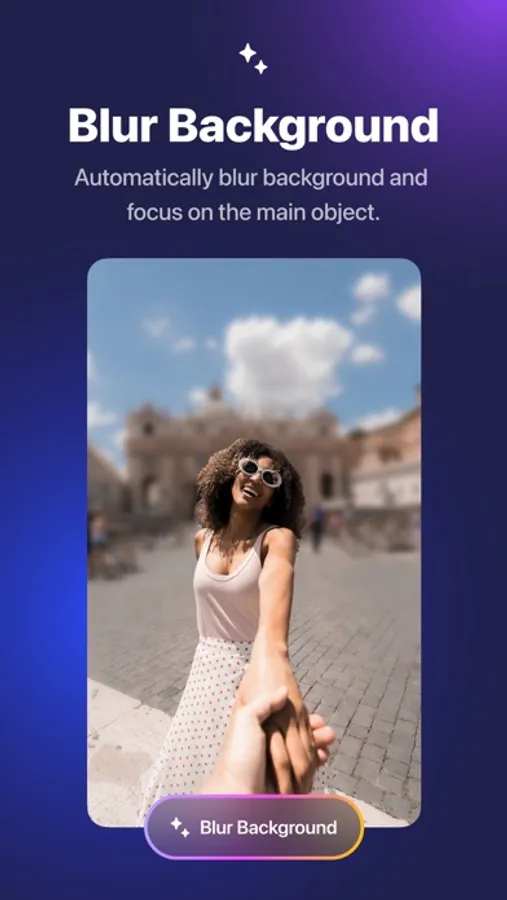
Automatically blur image background, faces or subjects in your photo and add amazing blur effects.
HOW IT WORKS
1. Select a photo you want to blur
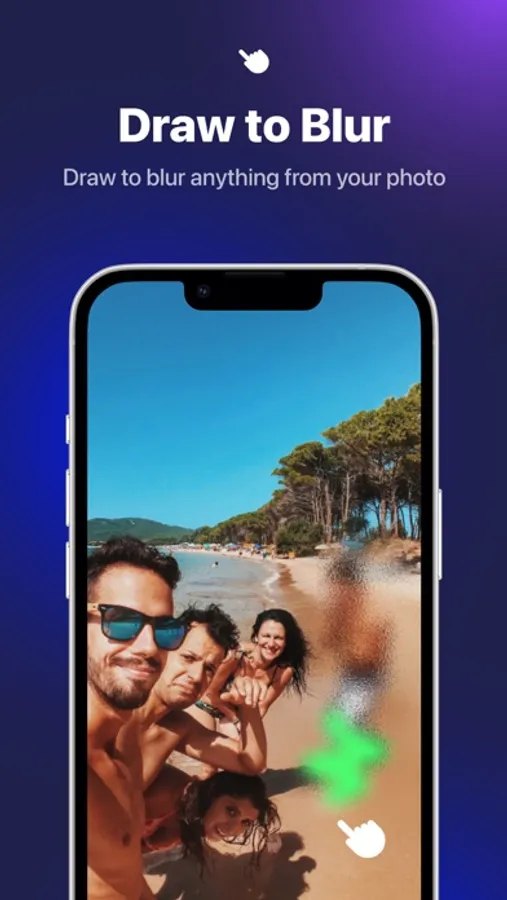
2. Click Blur Background for advanced background blurry effects or using manual mode to finger touch for accurate blurry part
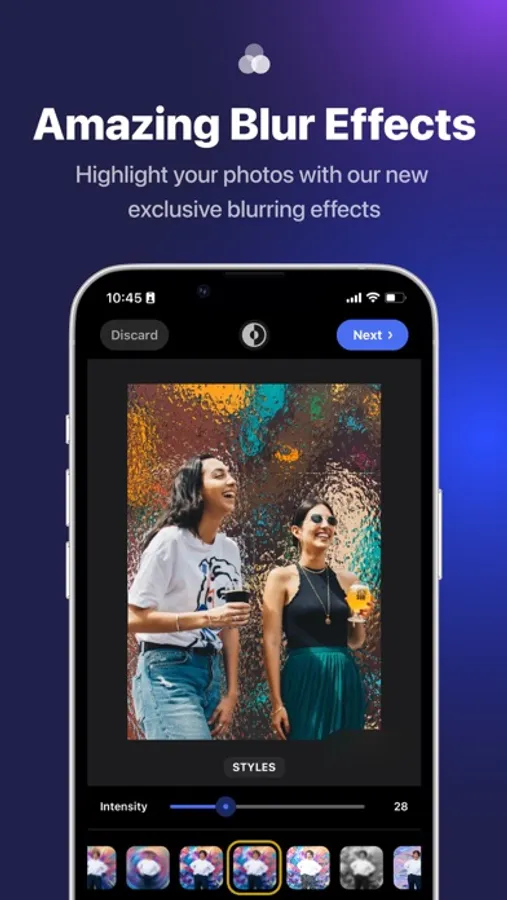
3. Choose from our many amazing blur effects and other filters to enhance your photos
4. Save to camera roll or share your artwork with friends or via social media
*Highlight*
+ Provide multiple unique blur effects to make the photo more prominent.
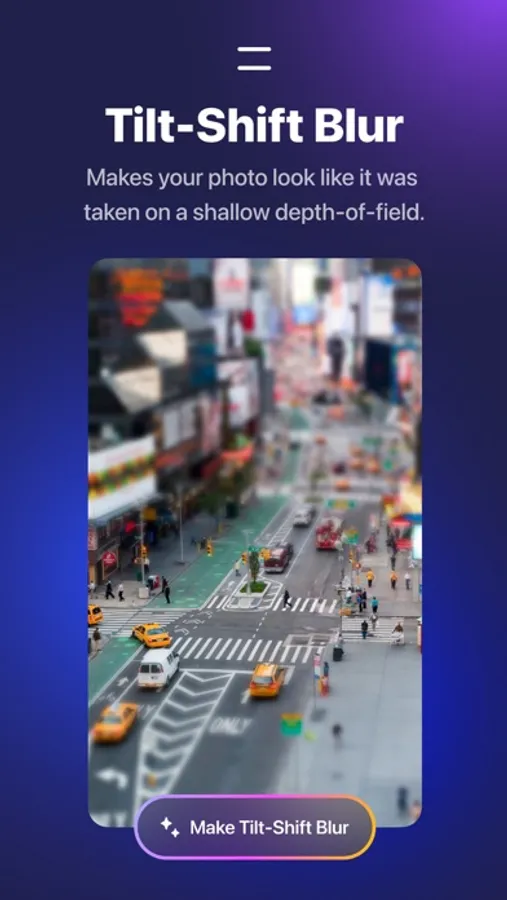
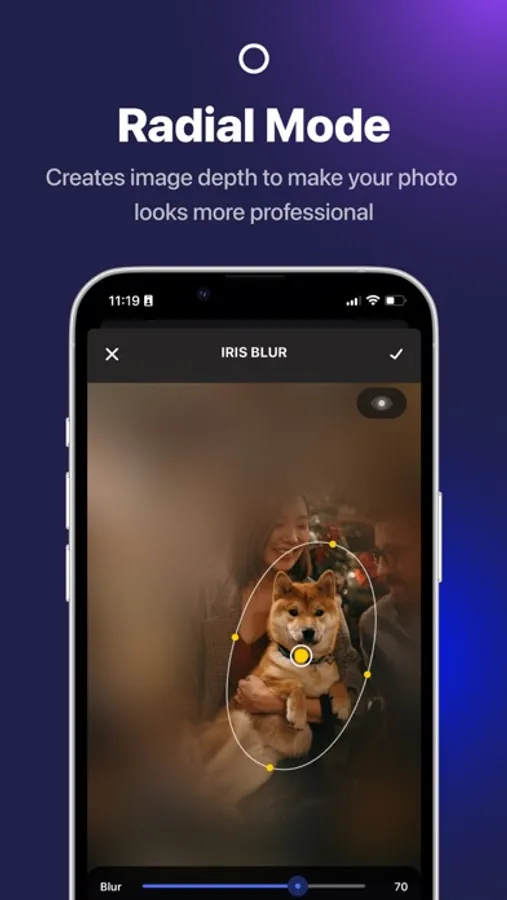
+ Radial mode to create powerful depth of field editing
+ Blur brush with adjustable strength and soft/hard brushes
+ Custom blur intensity & size
+ Zoom & rotate to work in detail
+ More advanced photo editing tools to make professional photo
Terms of use: https://rockybrain.com/terms/
Privacy policy: https://rockybrain.com/policy/
HOW IT WORKS
1. Select a photo you want to blur
2. Click Blur Background for advanced background blurry effects or using manual mode to finger touch for accurate blurry part
3. Choose from our many amazing blur effects and other filters to enhance your photos
4. Save to camera roll or share your artwork with friends or via social media
*Highlight*
+ Provide multiple unique blur effects to make the photo more prominent.
+ Radial mode to create powerful depth of field editing
+ Blur brush with adjustable strength and soft/hard brushes
+ Custom blur intensity & size
+ Zoom & rotate to work in detail
+ More advanced photo editing tools to make professional photo
Terms of use: https://rockybrain.com/terms/
Privacy policy: https://rockybrain.com/policy/
Blur Photo. Screenshots

Tap to Rate:
Reviews for Blur Photo.
Sherap6
Restoring purchase problem
New: Restoring purchase problem. Please fix it soon. Old: Getting better. Please add more features (texts, 3D text). And thank you for this beautiful application. With Kindest Regards-BR
Eskargo
Great Fun App
I’ve paid a lot of money for apps to do this, and they don’t work. This app works! Give it a try.