
About Fortis Business Portal
The Fortis Business Portal app makes it easy and secure to accept payments anywhere your business takes you. Turn your iPhone into a powerful mobile payment terminal, no bulky equipment required.
Now featuring Tap to Pay on iPhone. Accept contactless payments directly on your iPhone with no extra hardware. Customers can tap to pay using Apple Pay, Google Pay, or contactless credit and debit cards.
Whether you’re on-site, in-store, or on the move, Fortis gives you the flexibility to never miss a sale.
Getting started is simple:
• Download the “Fortis Business Portal” app from the Apple App Store.
• Have your Fortis Gateway credentials ready (username/email, password, and domain).
• Need help? Contact helpdesk@fortispay.com for login support or technicalsupport@fortispay.com for setup assistance.
• Start accepting payments by tap—right from your mobile device.
Now featuring Tap to Pay on iPhone. Accept contactless payments directly on your iPhone with no extra hardware. Customers can tap to pay using Apple Pay, Google Pay, or contactless credit and debit cards.
Whether you’re on-site, in-store, or on the move, Fortis gives you the flexibility to never miss a sale.
Getting started is simple:
• Download the “Fortis Business Portal” app from the Apple App Store.
• Have your Fortis Gateway credentials ready (username/email, password, and domain).
• Need help? Contact helpdesk@fortispay.com for login support or technicalsupport@fortispay.com for setup assistance.
• Start accepting payments by tap—right from your mobile device.
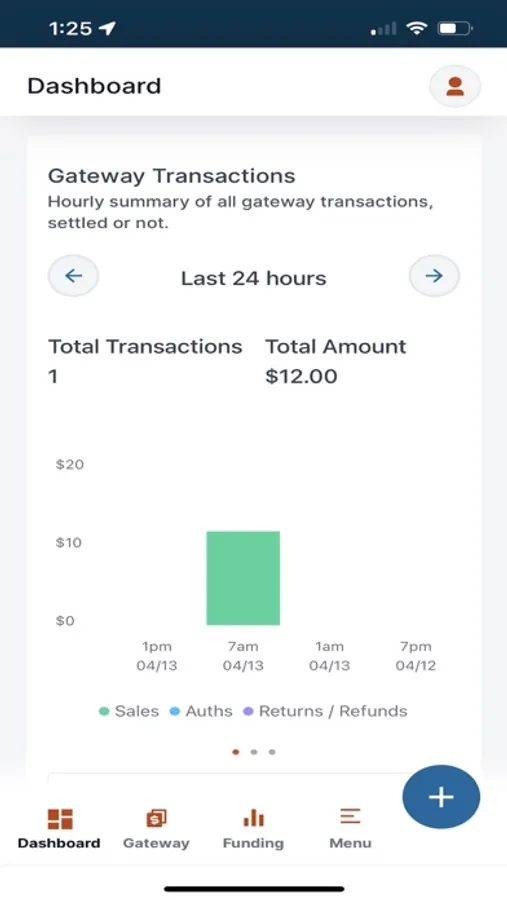
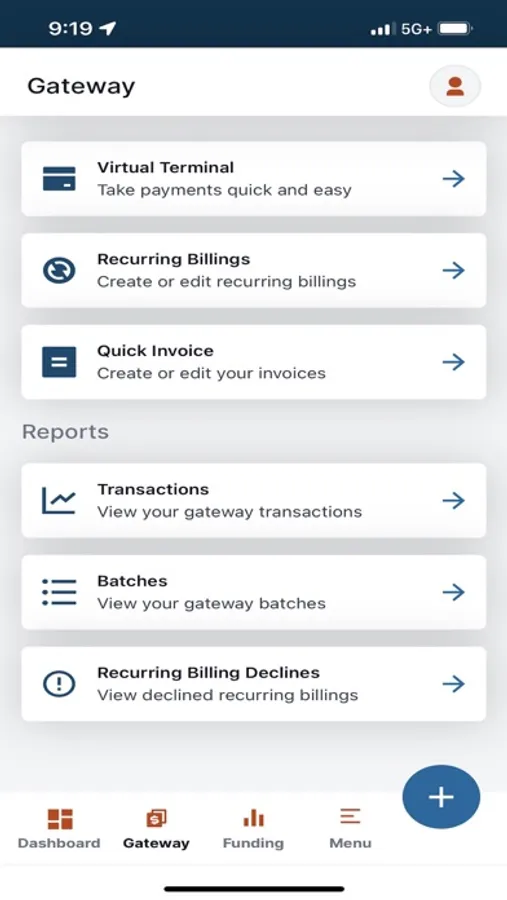
Fortis Business Portal Screenshots
Tap to Rate: