AppRecs review analysis
AppRecs rating 3.5. Trustworthiness 55 out of 100. Review manipulation risk 29 out of 100. Based on a review sample analyzed.
★★★☆☆
3.5
AppRecs Rating
Ratings breakdown
5 star
61%
4 star
0%
3 star
0%
2 star
6%
1 star
33%
What to know
✓
Good user ratings
61% positive sampled reviews
About SVG Editor - Graphic/UI Design
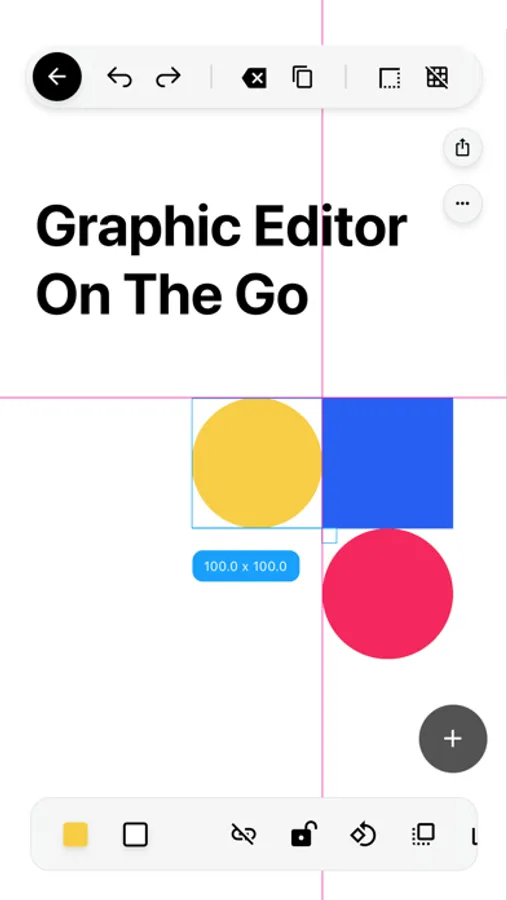
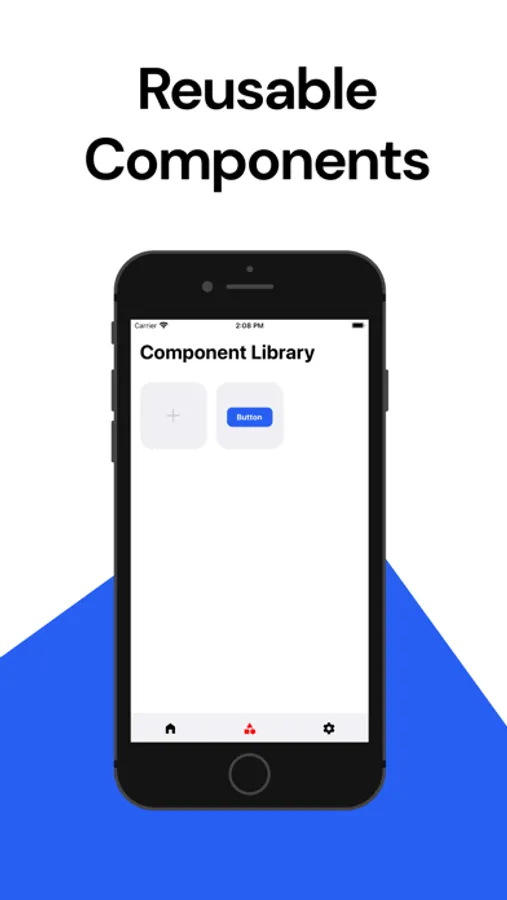
SVG Editor is a free standalone app/tool that provides you with the tools to view, edit and create SVG (Vector Graphics) on your mobile device. Whether it's designing graphics for your Youtube channel or creating a UI wireframe for your latest web design project, SVG Editor will boost your graphic design productivity.
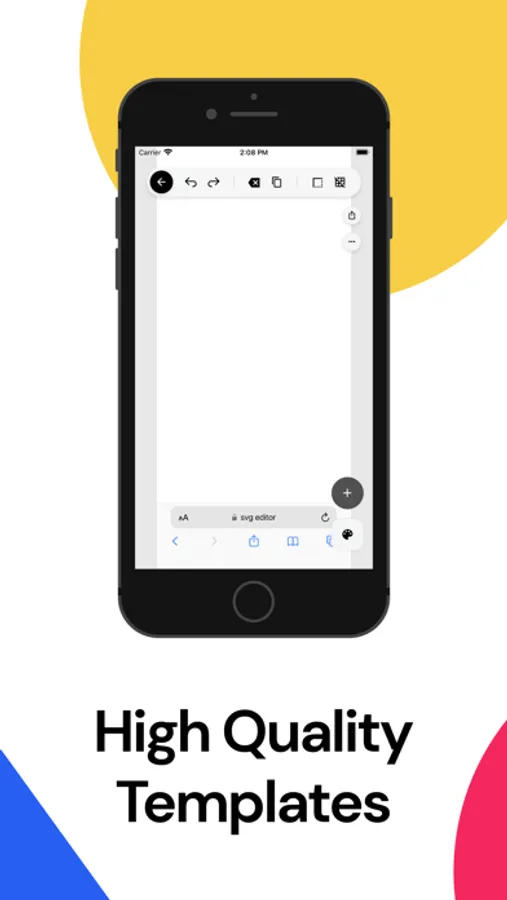
SVG files can be imported from your own device or from cloud storage services. After importing, you can choose from various tools to edit the image. Use the "Path Editing" tool to edit Bezier curves, or utilize the "Grid Snapping" feature to precisely layout individual elements. Imported SVG can then be converted to PNG image files and saved to your device.
SVG files can be imported from your own device or from cloud storage services. After importing, you can choose from various tools to edit the image. Use the "Path Editing" tool to edit Bezier curves, or utilize the "Grid Snapping" feature to precisely layout individual elements. Imported SVG can then be converted to PNG image files and saved to your device.
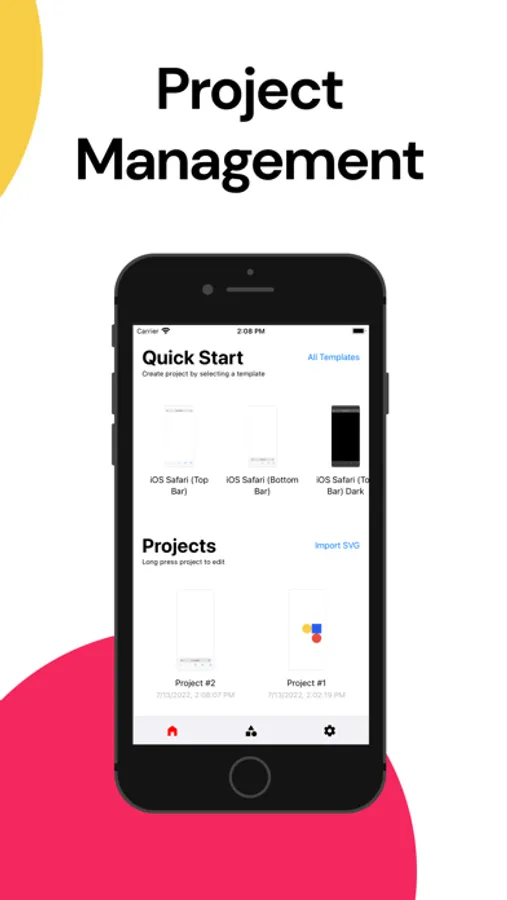
SVG Editor - Graphic/UI Design Screenshots
Tap to Rate:
Reviews for SVG Editor - Graphic/UI Design
Cydnew
Unusable
Option to try free trial doesn't work. Option to upgrade doesn't work. 3/4 images failed to import. Failed to save the one that did work 3/4 times. The file that finally saved could not be opened. Most options were locked unless you upgrade... Which isn't possible. But the option to export as svg is there.
RoyalHighness77
Option to export as jpg or png
So where is the option to SAVE or export as SVG the whole point of the app??