
AppRecs review analysis
AppRecs rating 4.5. Trustworthiness 65 out of 100. Review manipulation risk 30 out of 100. Based on a review sample analyzed.
★★★★☆
4.5
AppRecs Rating
Ratings breakdown
5 star
100%
4 star
0%
3 star
0%
2 star
0%
1 star
0%
What to know
✓
Low review manipulation risk
30% review manipulation risk
✓
High user satisfaction
100% of sampled ratings are 5 stars
About Haptics Studio
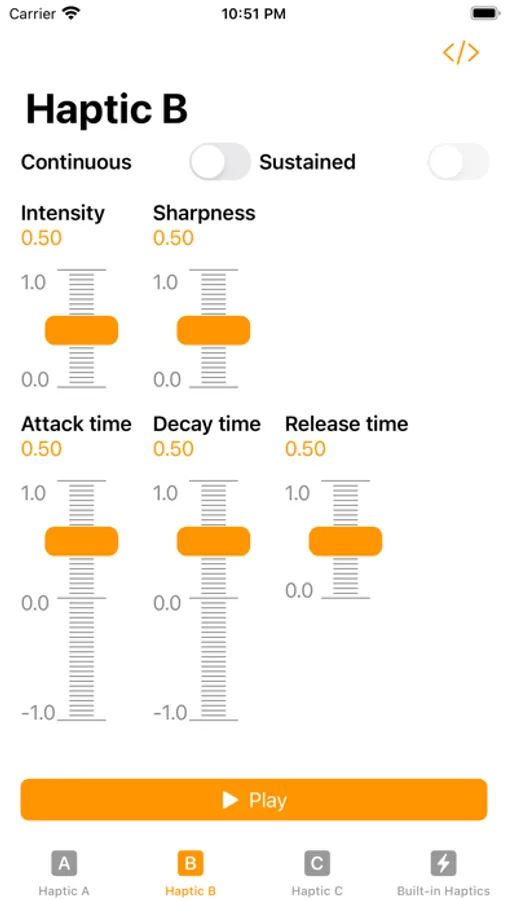
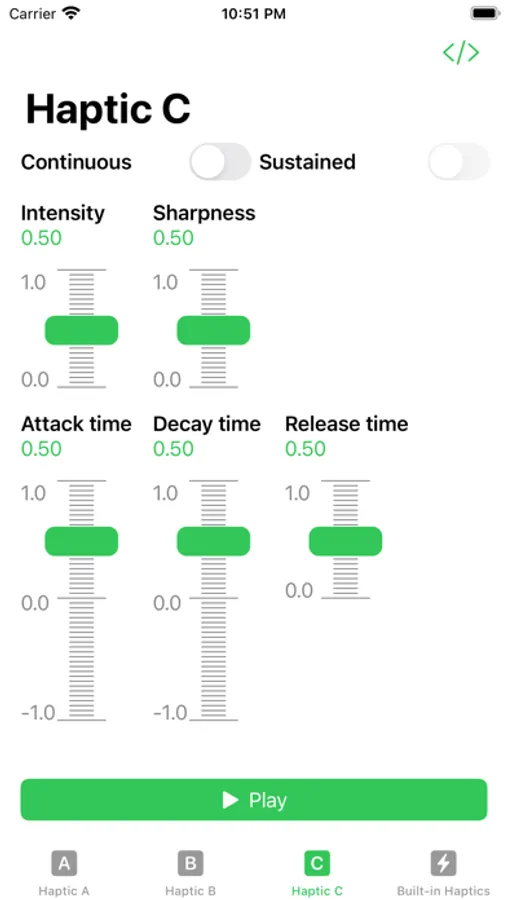
Building an app that offers haptic feedback? Haptics Studio helps you discover the perfect customized haptics for your app. Haptic Studio offers you three save slots, each with their own unique color. Tap the "Play" buttons at the bottom of the screen to play the corresponding haptic, and switch to it if not already on that screen.
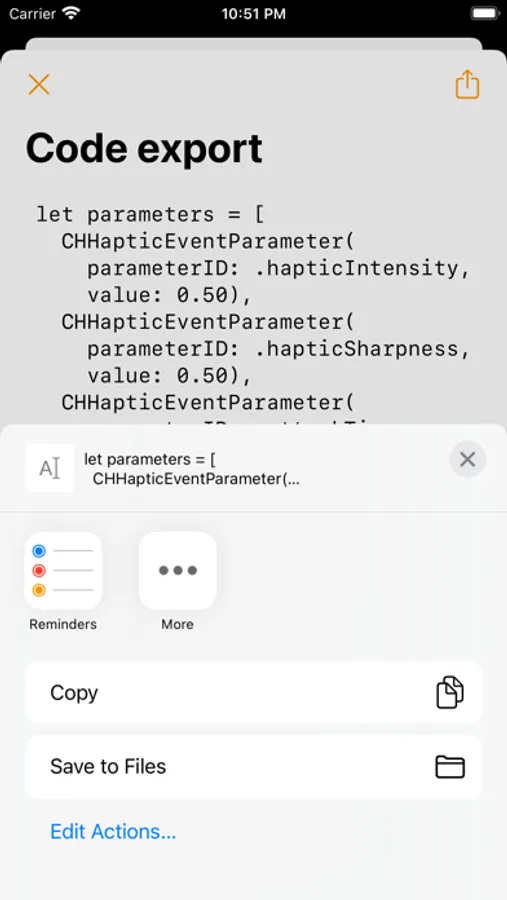
Tap the "Code" symbol at the top of the screen to share the code to generate that haptic effect!
Want to see how the app is built? Follow the creative process live on Twitch https://twitch.tv/FullQueueDeveloper Or watch the playlist on YouTube! https://www.youtube.com/playlist?list=PLE6NxxP3FSUzkBopkgZNSHCajwF5pfOyr
If you have iCloud enabled, your haptics will sync to iCloud for free.
Haptics Studio Screenshots
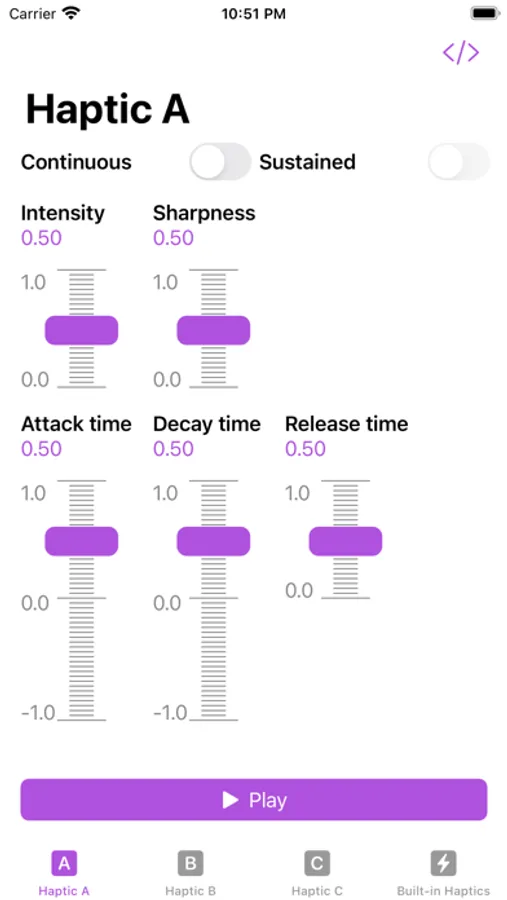
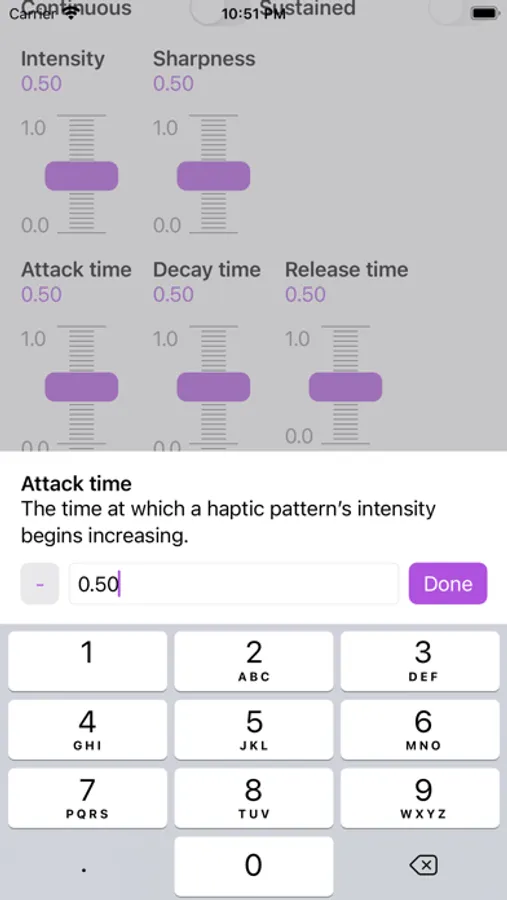
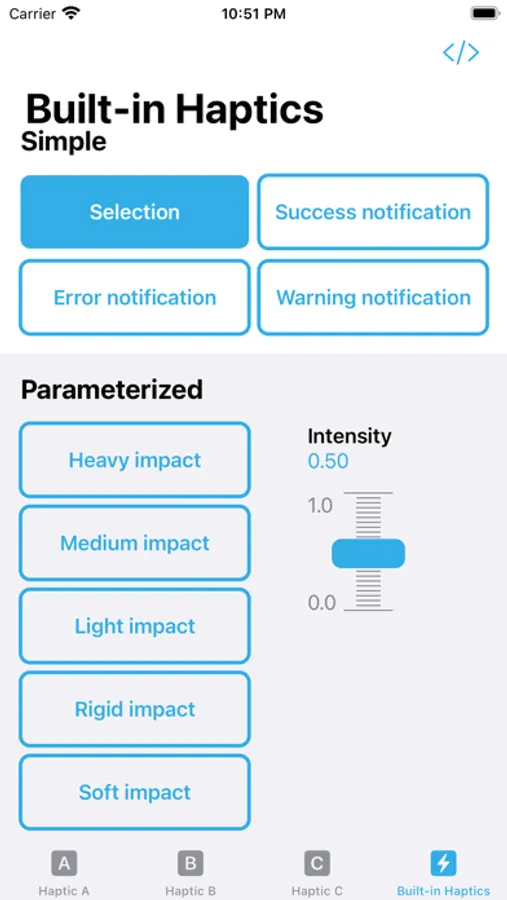
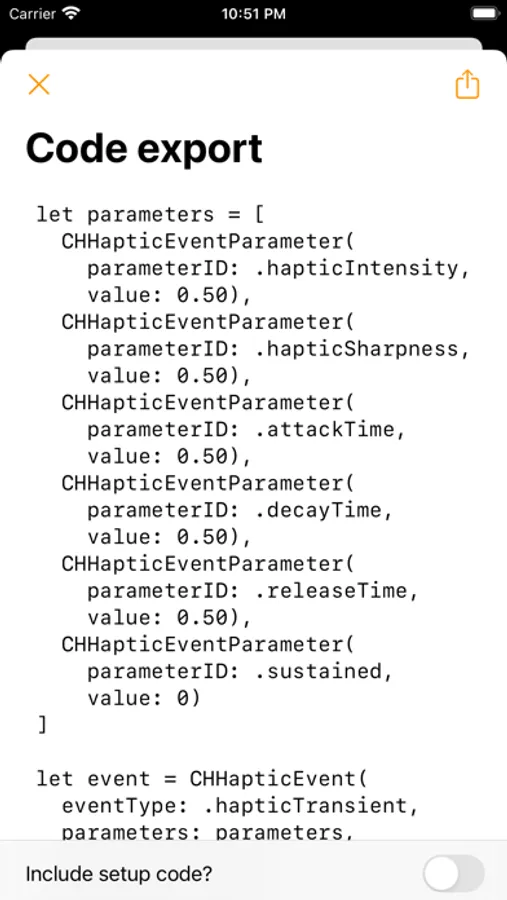
Tap to Rate:
Reviews for Haptics Studio
reticulating-splines
Wonderful
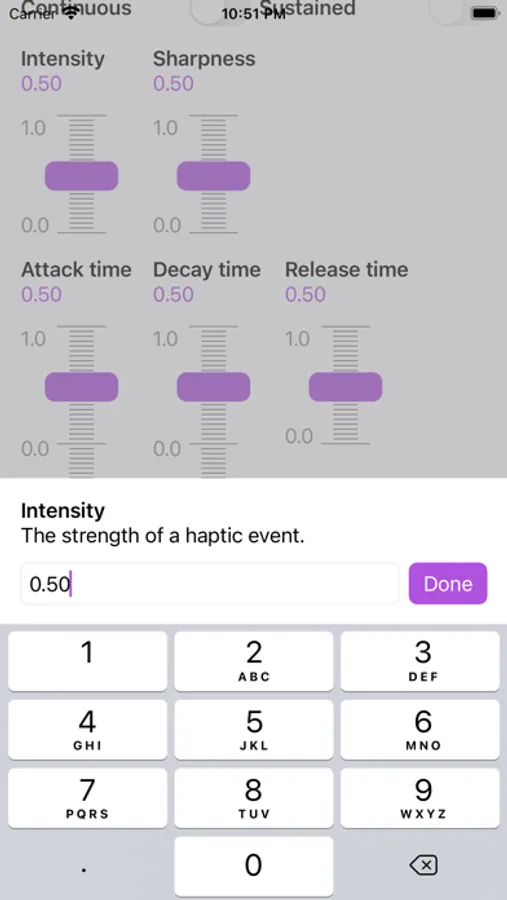
Very grateful for this app! There are dozens of low-effort haptics apps for devs—Haptics Studio stands out as one of the few high-quality options that actually lets you create and test custom patterns, and it does it really well! The only other app in this league is the Haptrix iOS app, which allows more advanced controls but forces you to craft the haptic pattern on their Mac app first. Haptics Studio lets me play with patterns without being stuck to my desk. This app is extremely niche, I don’t really expect any future development, but the following enhancements would make the app even better: - Ability to save patterns. There are four “save slots”, which is cool, but you can’t duplicate between them, which makes it harder and riskier to iterate and refine without losing your old revisions - The sliders are really small and sensitive. This is annoying, because changing something like Attack Time by even just a couple % has a noticeable impact on the result. The only workaround is to enter the value manually. Larger sliders (or ideally, + and - buttons) would be better. Thanks so much for the great app!
Rob in Oakland
Learn haptics by fiddling around
Putting aside its ability to explore quality code, this is a great tool for better understanding how the various parameters influence a haptic. Very useful, and very easy to use.