
AppRecs review analysis
AppRecs rating 3.4. Trustworthiness 80 out of 100. Review manipulation risk 16 out of 100. Based on a review sample analyzed.
★★★☆☆
3.4
AppRecs Rating
Ratings breakdown
5 star
60%
4 star
0%
3 star
0%
2 star
0%
1 star
40%
What to know
✓
Low review manipulation risk
16% review manipulation risk
✓
Credible reviews
80% trustworthiness score from analyzed reviews
About Haptrix
Haptrix for iOS lets you Feel Haptic Experiences
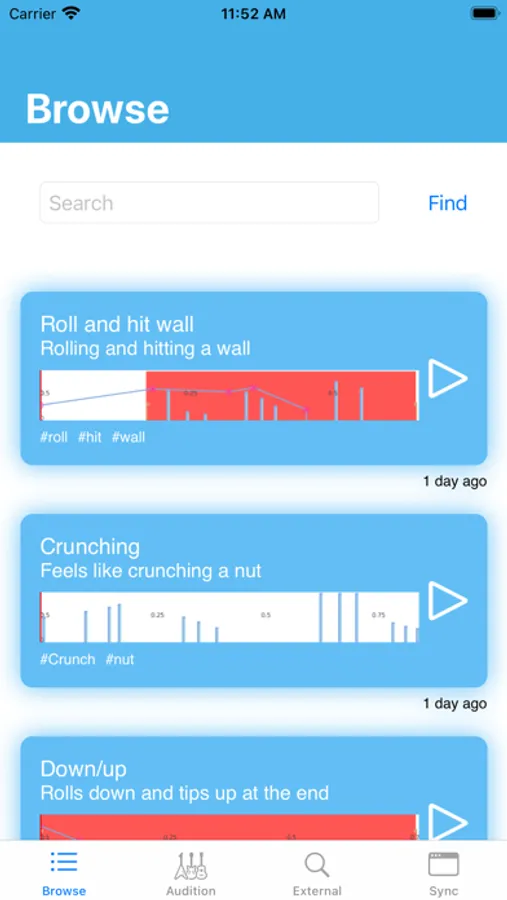
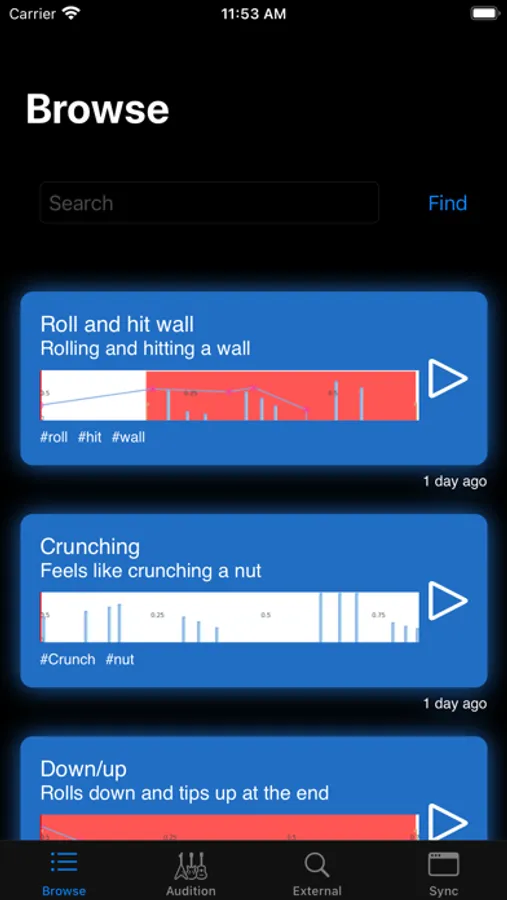
Browse:
You can browse other users creations or search for one to suit your needs.
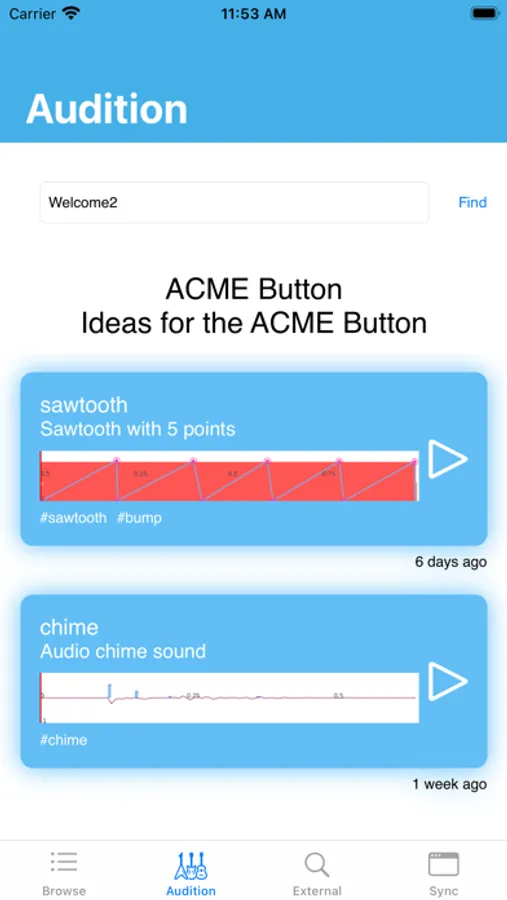
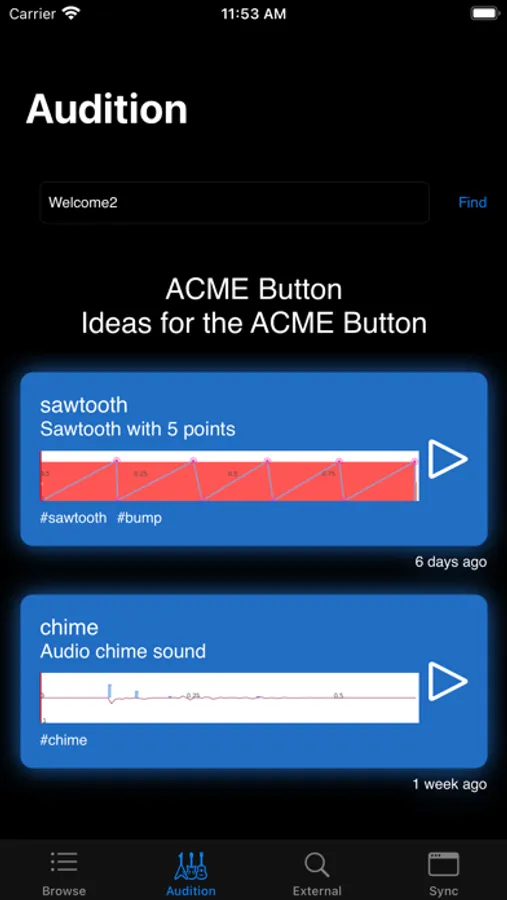
Audition:
Using the website you can add multiple Haptics to an Audition, this produces a unique code that you
can send to people.
They can use this code in the Audition screen to load a specific set of Haptics.
This is useful when you want to demo a specific set of Haptics
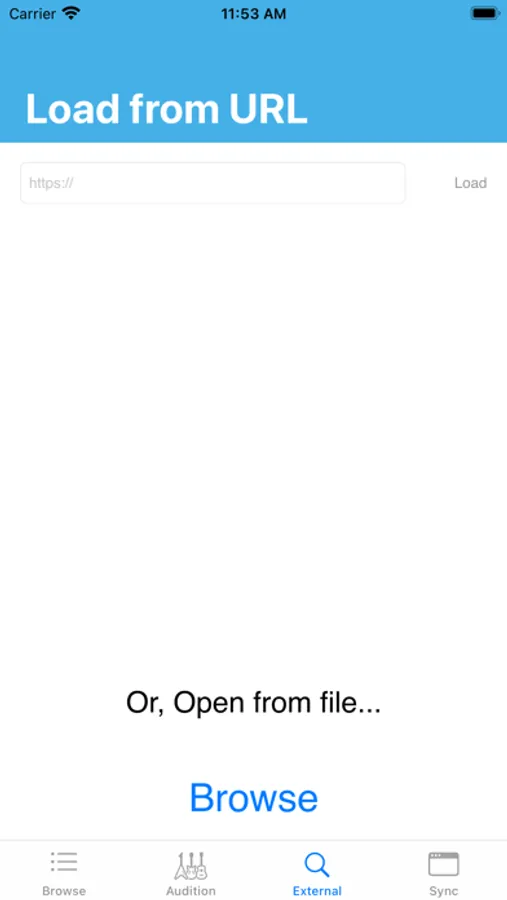
External:
Load a Haptic from either a URL or from your disk
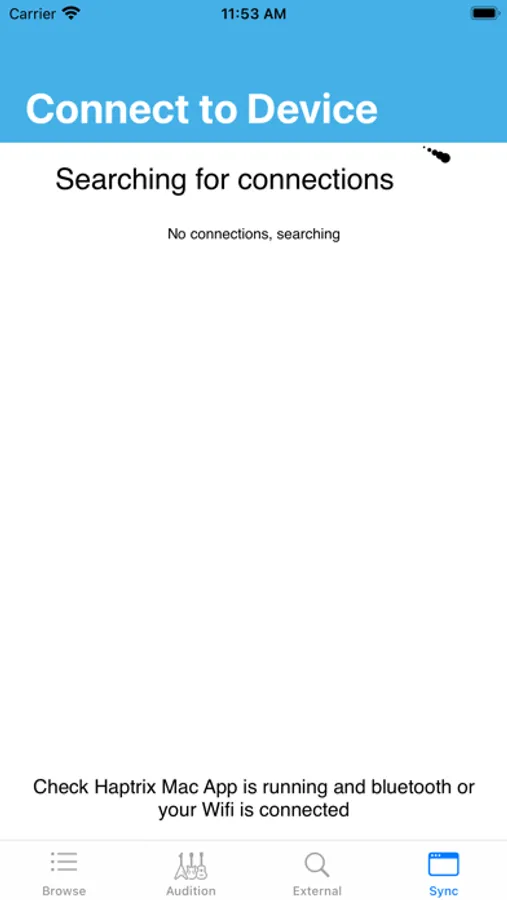
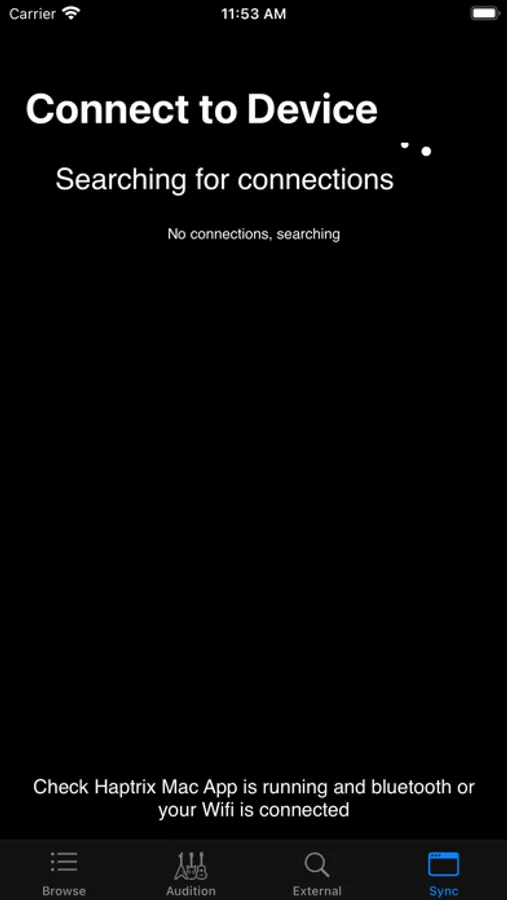
Network:
Pair this app with the macOS companion app, feel the haptic feedback and listen to the audio produced as you edit your Core Haptics file.
Simple pairing:
1. Open up the macOS app
2. On iOS, go to the Network screen and select the device you want to pair with
3. Once connected you can design on macOS and experience on iOS
Trouble shooting:
- You will need either Bluetooth or Wifi enabled to pair the apps
Browse:
You can browse other users creations or search for one to suit your needs.
Audition:
Using the website you can add multiple Haptics to an Audition, this produces a unique code that you
can send to people.
They can use this code in the Audition screen to load a specific set of Haptics.
This is useful when you want to demo a specific set of Haptics
External:
Load a Haptic from either a URL or from your disk
Network:
Pair this app with the macOS companion app, feel the haptic feedback and listen to the audio produced as you edit your Core Haptics file.
Simple pairing:
1. Open up the macOS app
2. On iOS, go to the Network screen and select the device you want to pair with
3. Once connected you can design on macOS and experience on iOS
Trouble shooting:
- You will need either Bluetooth or Wifi enabled to pair the apps
Haptrix Screenshots

Tap to Rate:
Reviews for Haptrix
reticulating-splines
Fantastic
This app and its Mac companion app are by far the best in their class for developing haptics.
Olie G
Useless
This app does nothing. Play button does nothing and there’s no way to exit from external > browse. No help or instructions whatsoever.