
In this app, you can browse two webpages simultaneously and explore files at the same time. Includes multi-window viewing, resizing tools, and privacy features like Face-ID and private browsing.
AppRecs review analysis
AppRecs rating 4.3. Trustworthiness 74 out of 100. Review manipulation risk 22 out of 100. Based on a review sample analyzed.
★★★★☆
4.3
AppRecs Rating
Ratings breakdown
5 star
74%
4 star
9%
3 star
4%
2 star
1%
1 star
12%
What to know
✓
Low review manipulation risk
22% review manipulation risk
✓
Credible reviews
74% trustworthiness score from analyzed reviews
✓
High user satisfaction
83% of sampled ratings are 4+ stars (4.3★ average)
About Twins: Split Screen Dual View
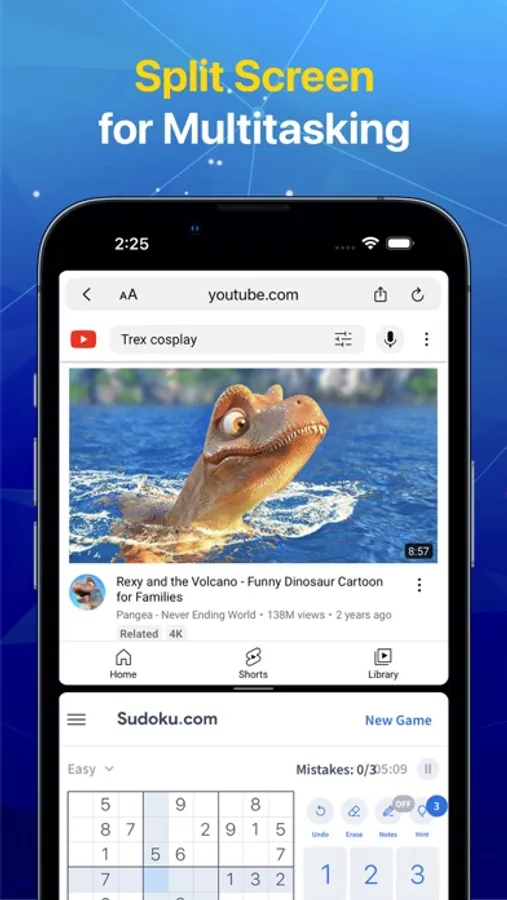
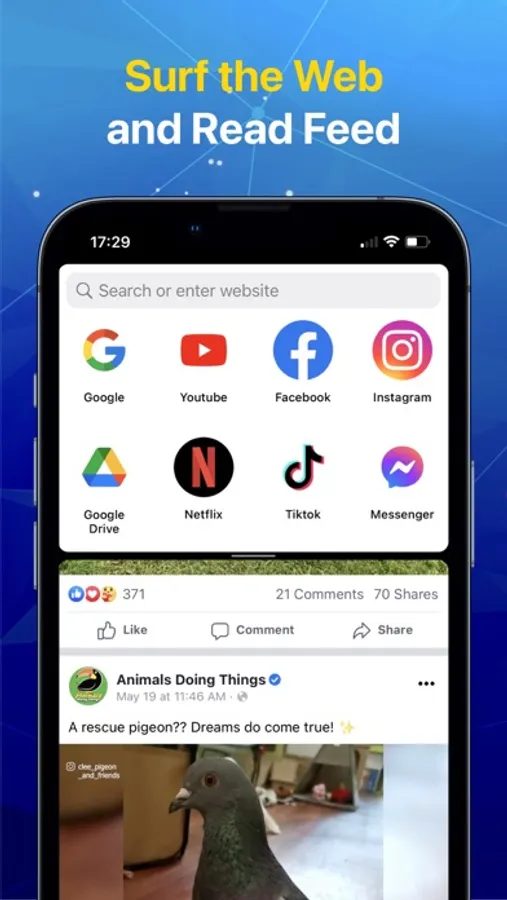
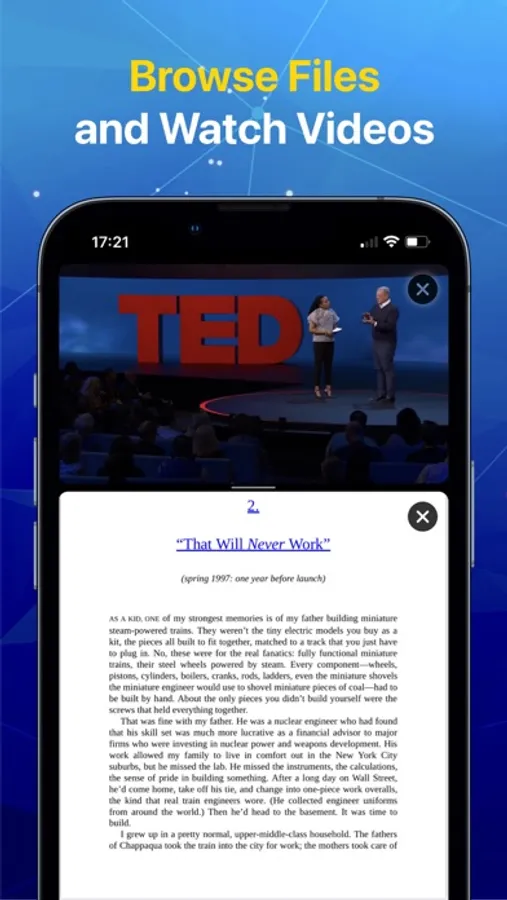
Twins allows you to use 2 webpages simultaneously. Besides, you could explore files and browse websites at the same time.
Features:
- Browse files and surf the web simultaneously.
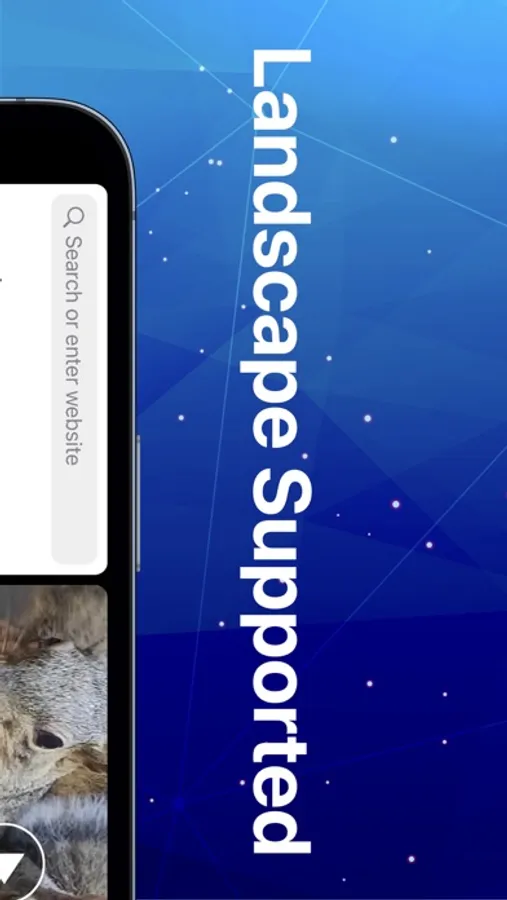
- View 2 browsers (4 browsers on iPad) simultaneously.
- Resize each browser window easily.
- Support picture in picture for video.
- Quickly bookmark & access your favorite websites.
- Record website browsing history automatically.
- Offer privacy protection with Face-ID/Touch-ID.
- Enable private browsing mode.
Terms of Use: http://nhdang103.com/twins/twins-terms-of-use.html
Privacy Policy: http://nhdang103.com/twins/twins-privacy-policy.html
Features:
- Browse files and surf the web simultaneously.
- View 2 browsers (4 browsers on iPad) simultaneously.
- Resize each browser window easily.
- Support picture in picture for video.
- Quickly bookmark & access your favorite websites.
- Record website browsing history automatically.
- Offer privacy protection with Face-ID/Touch-ID.
- Enable private browsing mode.
Terms of Use: http://nhdang103.com/twins/twins-terms-of-use.html
Privacy Policy: http://nhdang103.com/twins/twins-privacy-policy.html
Twins: Split Screen Dual View Screenshots



Tap to Rate:
Reviews for Twins: Split Screen Dual View
Fast drew
I don’t like it because I have to pay for files it should be free this is a horrible app
1 star
Mb7725*&&$554=;7
Just a browser
Try to make changes. Virtually impossible. Put some BASIC user functionality in it. It’s just a browser, big deal