About Cam Widget
Please use Cam Widget to change the setting, do live view and download file from the camera
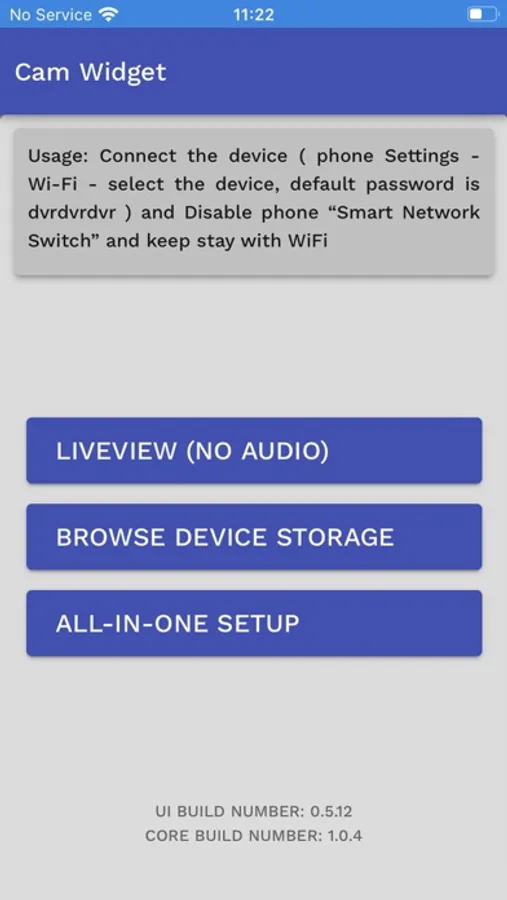
1. Turn on phone wifi to connect to the camera, default password is dvrdvrdvr
2. Run Cam Widget
3. Press LIVEVIEW for live view
4. Press BROWSE DEVICE STORAGE to download file from camera
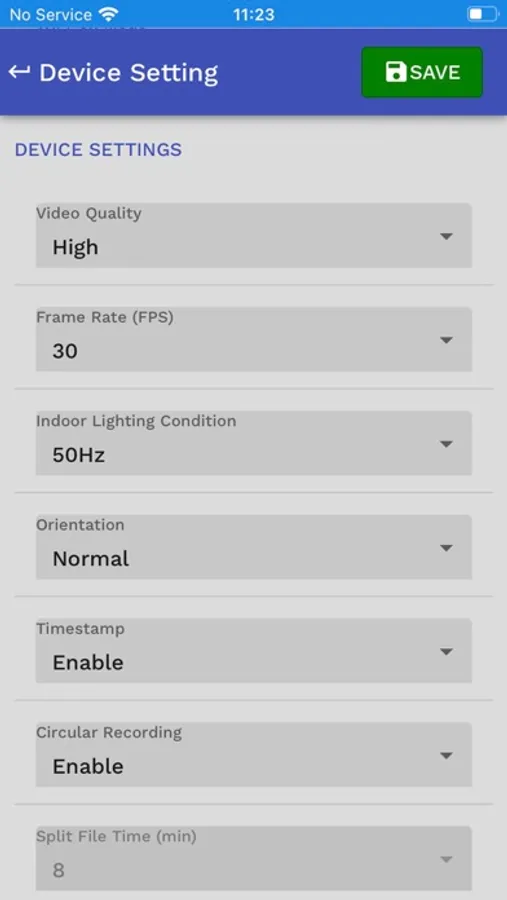
5. Press ALL-IN-ONE SETUP to change time and setting of camera
1. Turn on phone wifi to connect to the camera, default password is dvrdvrdvr
2. Run Cam Widget
3. Press LIVEVIEW for live view
4. Press BROWSE DEVICE STORAGE to download file from camera
5. Press ALL-IN-ONE SETUP to change time and setting of camera
Cam Widget Screenshots
Tap to Rate: