
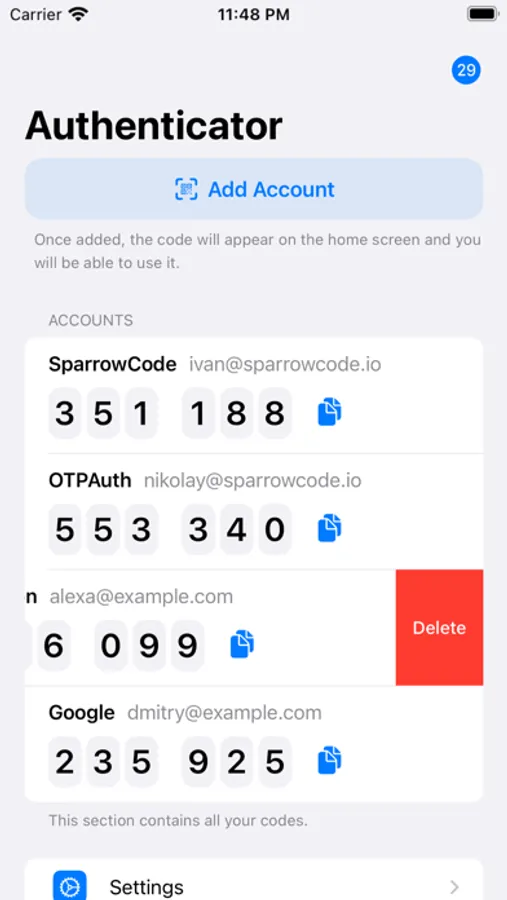
With this authenticator app, you can generate 6-digit codes for two-factor authentication and manage multiple accounts easily. Includes QR code scanning, secret key entry, and tutorials for setup.
AppRecs review analysis
AppRecs rating 4.4. Trustworthiness 55 out of 100. Review manipulation risk 26 out of 100. Based on a review sample analyzed.
★★★★☆
4.4
AppRecs Rating
Ratings breakdown
5 star
92%
4 star
3%
3 star
0%
2 star
1%
1 star
4%
What to know
✓
High user satisfaction
92% of sampled ratings are 5 stars
✓
Authentic reviews
No red flags detected
About TOTP Authenticator
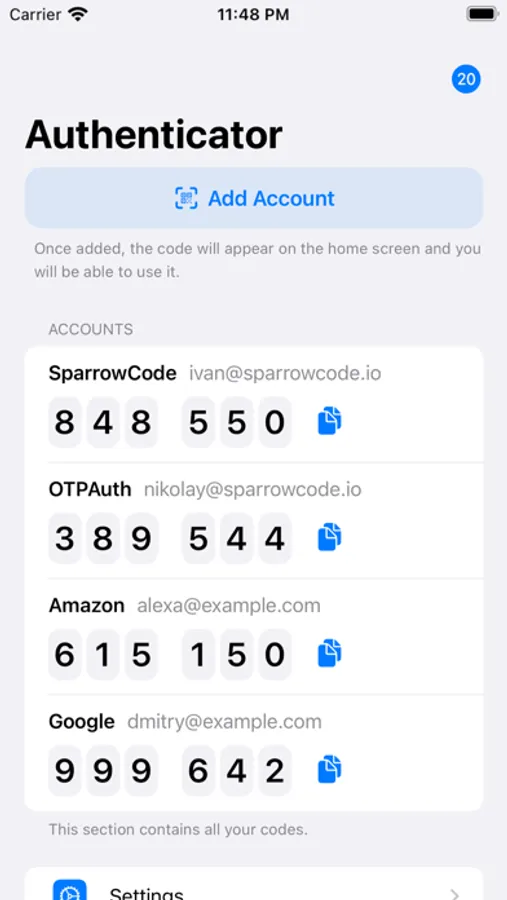
TOTP Authenticator generates 6-digit TOTP codes. Websites (or example Arbeitsagentur, NextCloud etc.) request these codes. This security feature is called two factor authentication or 2FA.
How to sign in using TOTP?
1. Go to the “Security” section
2. Enable TOTP login
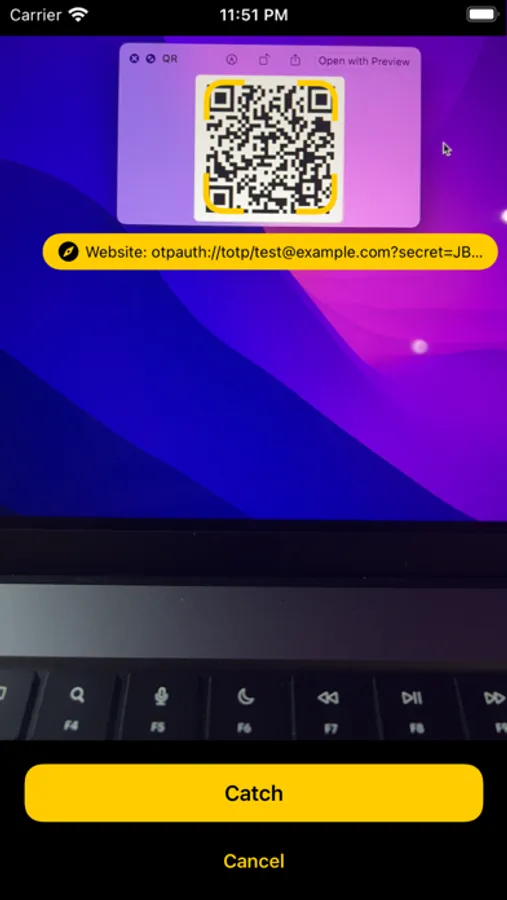
3. Scan the QR code or copy the secret key into your Authenticator
4. Done — 2FA is now enabled. From now on, you’ll need to enter a TOTP code from the Authenticator app whenever you log in
The app also includes over 100 step-by-step tutorials with screenshots showing how to set up TOTP for various websites.
Privacy Policy: https://totp-authenticator.app/privacy-policy
Terms of Use: https://totp-authenticator.app/terms-of-use
How to sign in using TOTP?
1. Go to the “Security” section
2. Enable TOTP login
3. Scan the QR code or copy the secret key into your Authenticator
4. Done — 2FA is now enabled. From now on, you’ll need to enter a TOTP code from the Authenticator app whenever you log in
The app also includes over 100 step-by-step tutorials with screenshots showing how to set up TOTP for various websites.
Privacy Policy: https://totp-authenticator.app/privacy-policy
Terms of Use: https://totp-authenticator.app/terms-of-use
TOTP Authenticator Screenshots
Tap to Rate:
Reviews for TOTP Authenticator
Goga228georgena
Всё просто
Быстро разобрался как пользоваться.Приложение понятное
роман437
хорошее приложение советую
скачиваете хороший впн для тик ток