With this app, you can create transparent widgets for drawing, notes, or doodling on your Home Screen or Lock Screen. Includes support for Apple Watch, iCloud sync, multiple widget sizes, and dark/light modes.
AppRecs review analysis
AppRecs rating 4.5. Trustworthiness 61 out of 100. Review manipulation risk 26 out of 100. Based on a review sample analyzed.
★★★★☆
4.5
AppRecs Rating
Ratings breakdown
5 star
73%
4 star
14%
3 star
7%
2 star
2%
1 star
5%
What to know
✓
Low review manipulation risk
26% review manipulation risk
✓
High user satisfaction
86% of sampled ratings are 4+ stars (4.5★ average)
✓
Authentic reviews
Natural distribution, no red flags
About Notei Widget Drawings Scribble
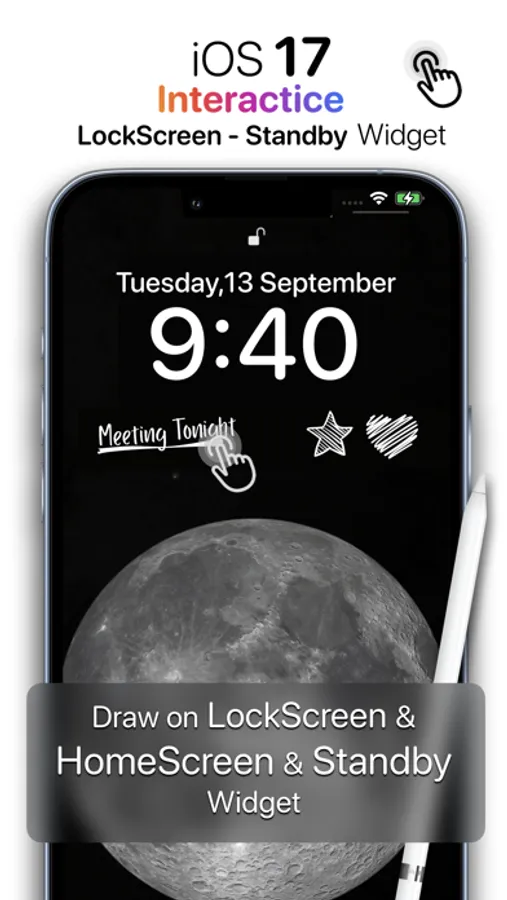
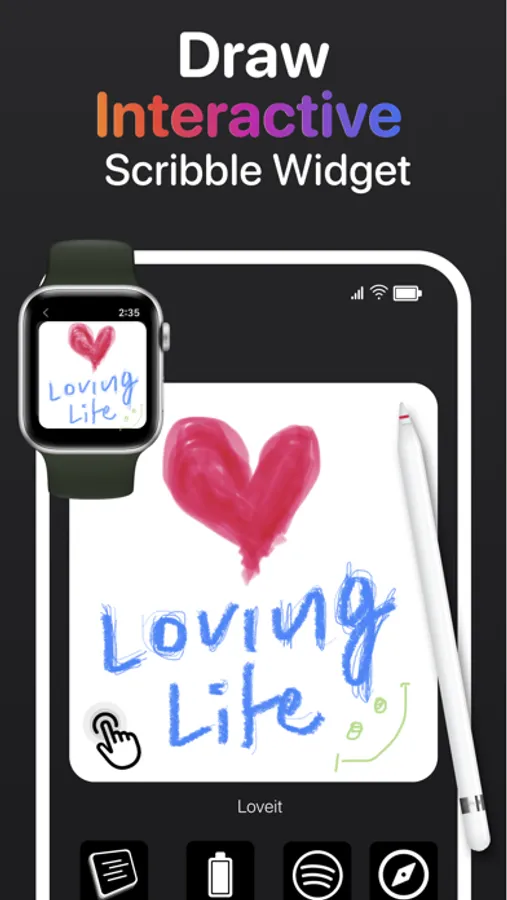
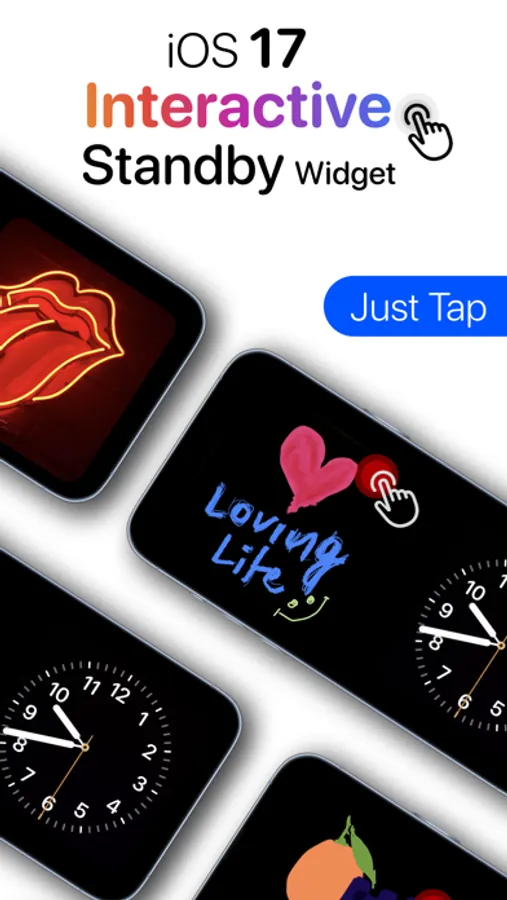
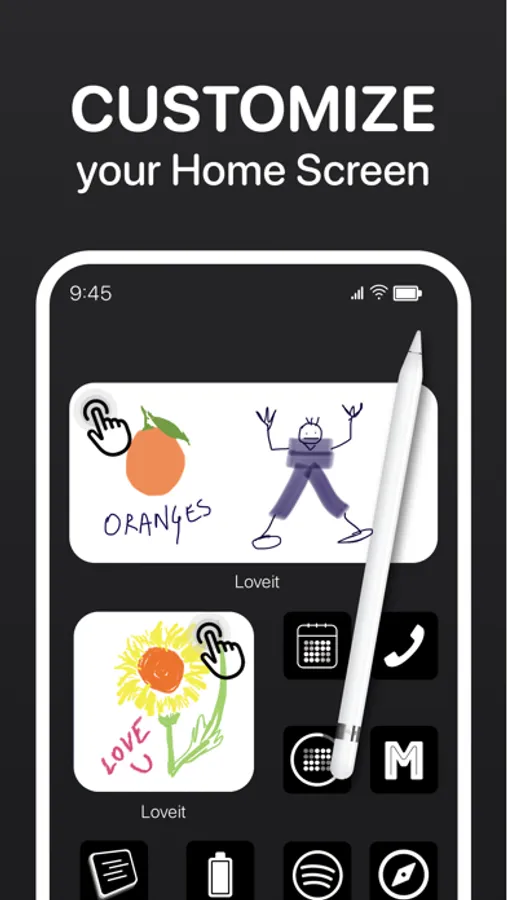
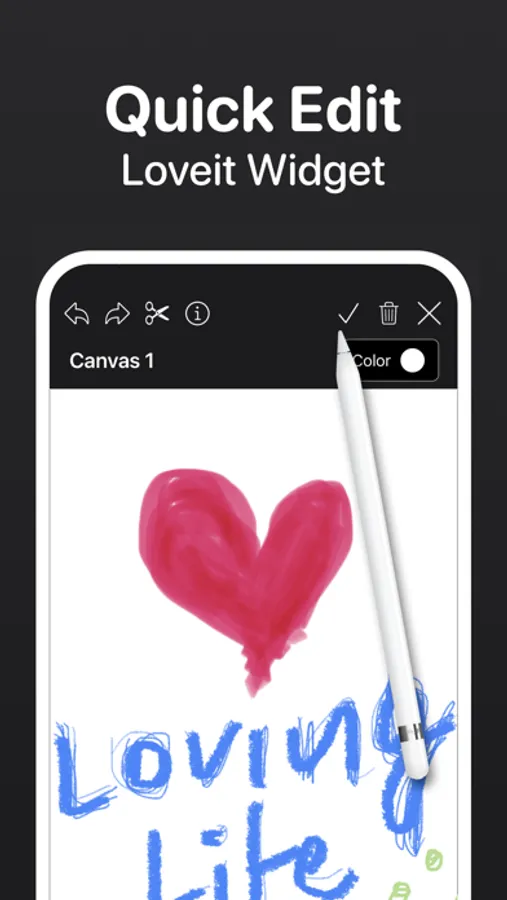
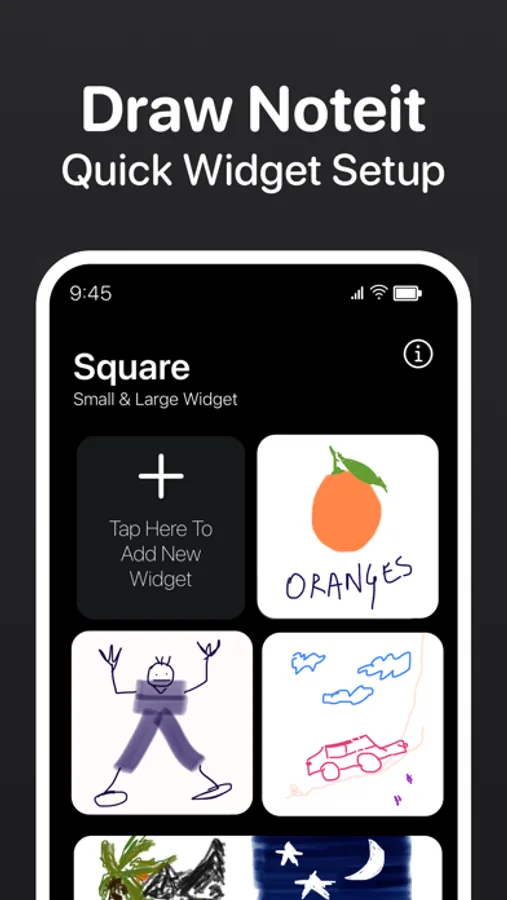
Draw anything you want and showcase it on your Home Screen. Just Tap on widget to start editing again.
You can also use it as sticky notes with Clear Background & Solid Color.
Create Multiple widget Features Include-
• iOS 26 LockScreen Widget.
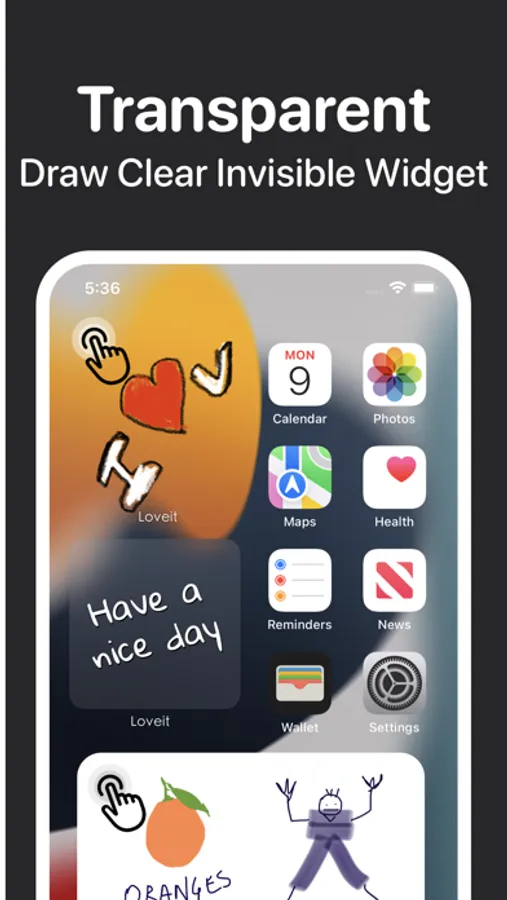
• Transparent Widget.
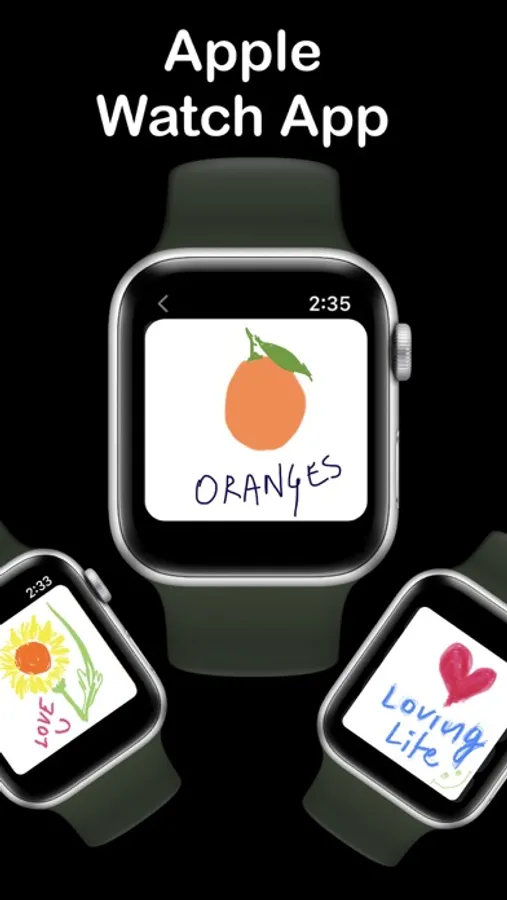
• Apple Watch Support.
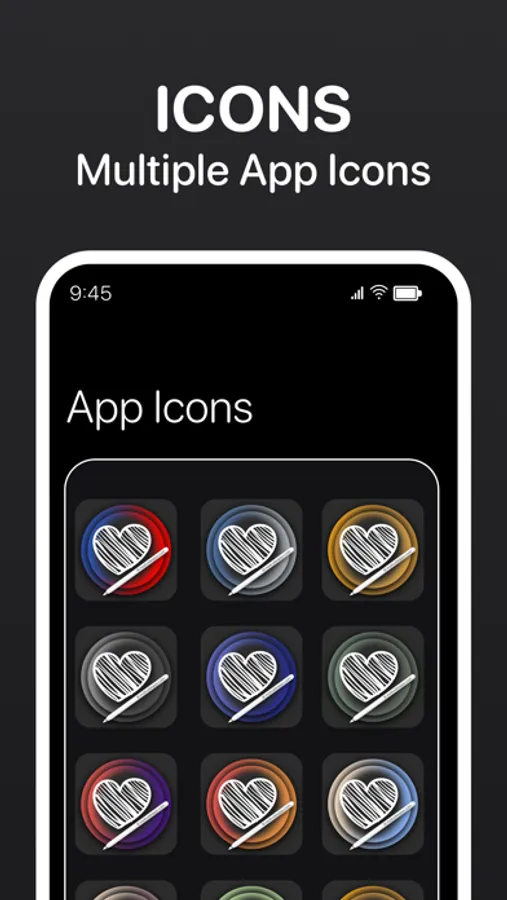
• App Icons.
• Scribble for Widget.
• Light & Dark modes.
• Supports all size of widgets.
• iCloud Support sync across all device.
No Ads.
View All your Widget Drawing on Apple Watch.
Download the app now, add the widget to your home screen, and start doodling.
Enjoy!!
Notei Widget Drawing Scribble App offers two auto-renewing unlimited Access subscription options:
$0.99/Week as Weekly Subscription.
$6.99/Year as Annually Subscription.
These prices are for United States customers. Pricing in other countries may vary and actual charges may be converted to your local currency depending on the country of residence.
If you choose to purchase a subscription, payment will be charged to your iTune account, and your account will be charged within 24-hour to the end of the current period .Auto-renewal may be turned off at any time by going to your iTunes store after purchase.Any unused portion of a free trial period, if offered, will be forfeited when the user purchases a subscription to that publication.
We Always provide frequent updates to add new feature to Notei Widget Drawing Scribble App, for making it even more beautiful and productive.
Terms of use:
https://motivateapps.com/terms.html
Privacy Policy:
https://motivateapps.com/privacyClean.html
Notei Widget Drawings Scribble Screenshots
Tap to Rate:
Reviews for Notei Widget Drawings Scribble
OLA SOY DORA 👋😄
Just one thing..
A great app!! I love it so much!!! Just one thing.. May you add a zoom in option?
artcmarie
Unfortunately doesn't work at all
As a developer myself, I hate giving one star reviews, but the app simply doesn't work, at least not on iPad. First, I tried using the free version, because I don't like purchasing products when I don't know yet if they work well. I created a note and followed the (poorly worded and entirely misspelled) instructions, but after editing the widget on home screen and selecting the note I made, it just displays a dark square with what appears to be the silhouette icon of a person from the shoulders up, almost like what you see in the Microsoft Teams App logo. I tried it several times, with several widget sizes and several different notes I created in-app, and none would display properly. Then I tried adding an interactive widget. It just displays a black square with lighter rectangles in the center; it doesn't display any of the notes I created, nor is it interactive. Then I tried paying for one week, just so I could confirm that the issue wasn't because I wasn't a premium user, but I experienced the same issue on both fronts. Also, I tried adding transparency to my notes, but when I try to add the screenshot, it says "Please add image of your iPhone screen size, current picked image is smaller than screen size" which is incorrect on two fronts—One, I'm using an iPad (is this app specifically for iPhones?) and two, the image was a screenshot. It physically cannot be smaller than my screen size. My experience with this app was a super frustrating waste of time (and $3, which I want refunded).