In this PDF reader and editor, users can view, annotate, and organize PDF files with features like highlighting, notes, and signatures. Includes tools for merging, splitting, converting images to PDFs, and managing file security.
AppRecs review analysis
AppRecs rating 4.4. Trustworthiness 76 out of 100. Review manipulation risk 26 out of 100. Based on a review sample analyzed.
★★★★☆
4.4
AppRecs Rating
Ratings breakdown
5 star
90%
4 star
4%
3 star
2%
2 star
1%
1 star
3%
What to know
✓
Low review manipulation risk
26% review manipulation risk
✓
Credible reviews
76% trustworthiness score from analyzed reviews
✓
High user satisfaction
90% of sampled ratings are 5 stars
About PDF Reader & PDF Editor
Looking for a simple and easy-to-use document reading app? PDF Reader is exactly what you need! It’s an ultimate PDF Viewer that allows you to fast open, read and manage your files in one place. Work with this powerful PDF Reading tool to complete your document tasks effortlessly and boost your productivity.
This ultra-fast PDF Reader lets you view and annotate PDFs in just a few seconds. It is not only a reading app, you can also use it to add signatures, bookmark PDF pages, convert images to PDFs, merge/split PDF files and organize your files. It’s also a handy PDF editor for students, allowing you to edit and share your paper anytime, anywhere.
Download this superior office app to support your work and study, you will have both a PDF viewer, ebook reader, and PDF editor at the same time. Simple, convenient, and lightweight, really worth a try!
Handy PDF Viewer
• Fast open and view documents
• Directly go to the desired page
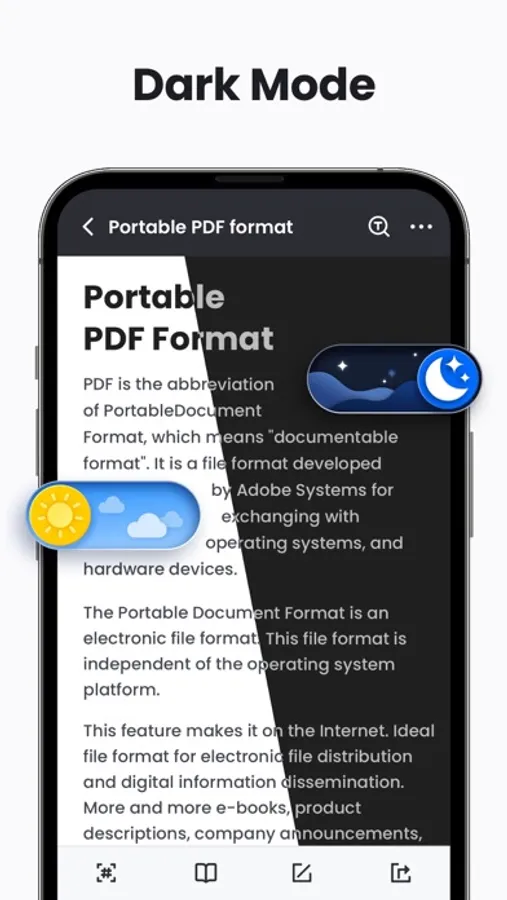
• One-click switch between light and dark mode
Easily Read PDF
• Page by page and continuous scrolling mode
• Horizontal and vertical viewing mode
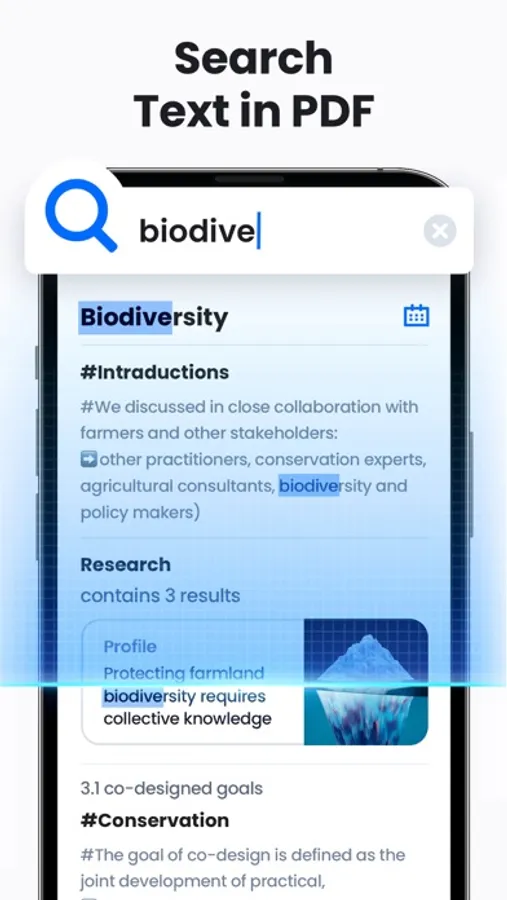
• Quickly search files and texts by keywords
• Zoom in and zoom out pages
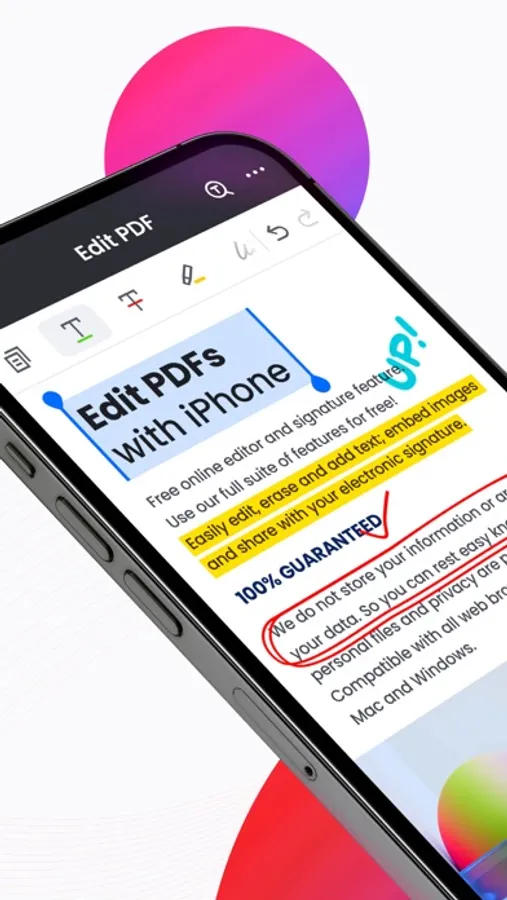
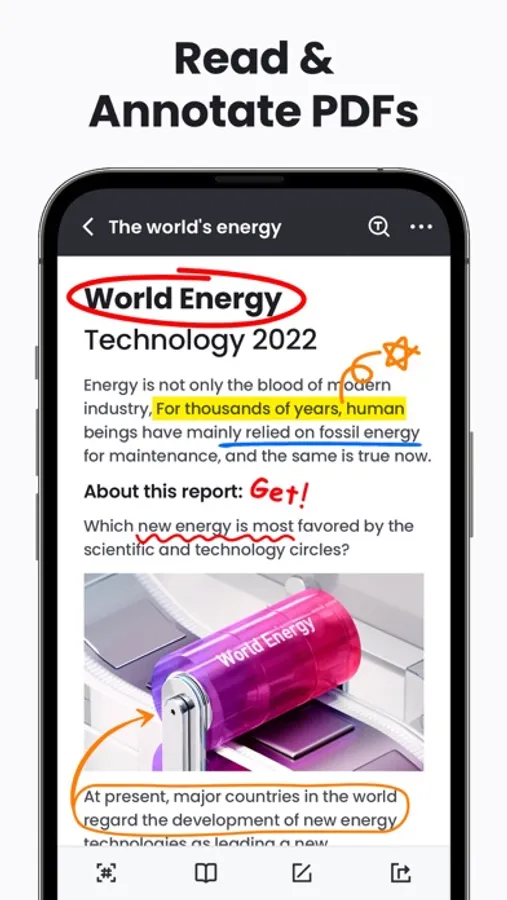
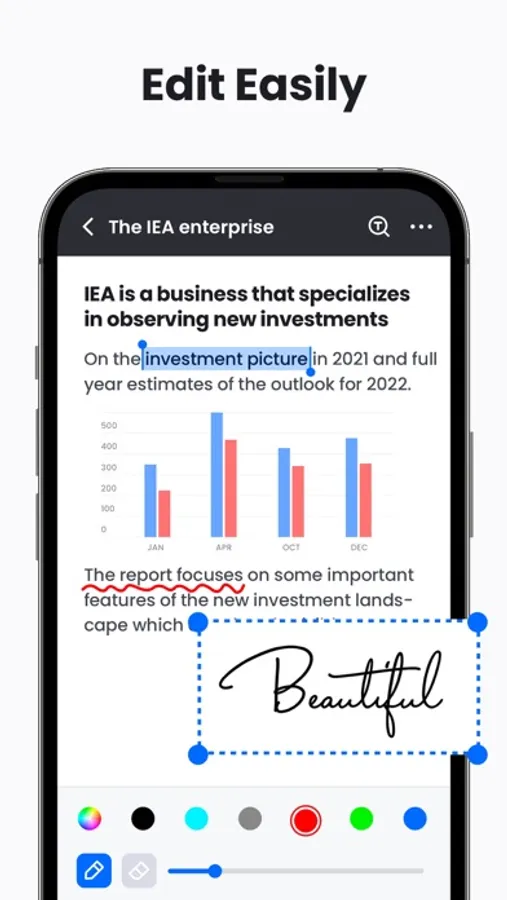
Annotate and Edit PDF
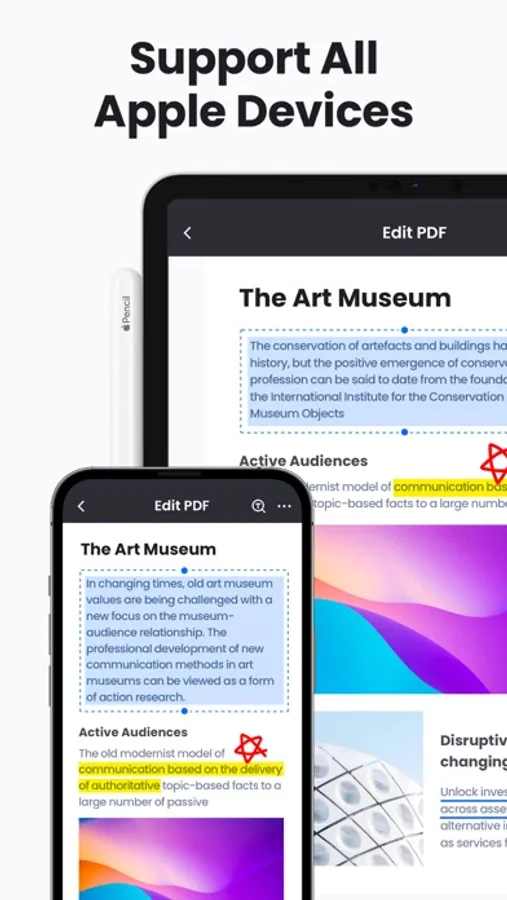
• Markup paragraphs with highlight colors
• Take notes with underline, strikethrough, etc.
• Add e-signatures to PDF files, fill PDF forms (coming soon)
• Doodle on PDF files
• Easily copy any text on a PDF file
Rich PDF Tools
• Image to PDF - Easily convert images to PDF files
• Merge - Merge multiple PDF files into one
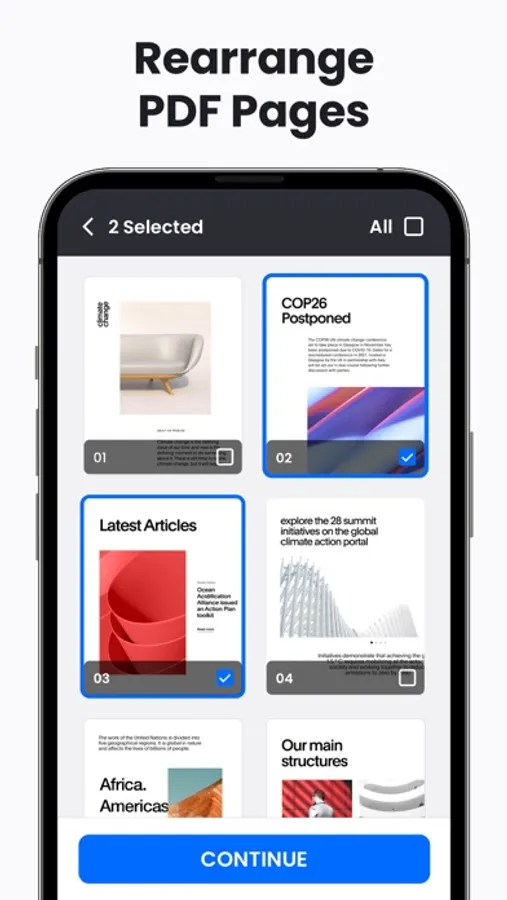
• Split - Split and extract PDF pages to multiple PDF documents
• Print - Print PDF files quickly from your phone
• Add Text - Add text on PDF files anytime (coming soon)
• Compress - Compress PDF files to reduce their size to meet your needs (coming soon)
Manage Files
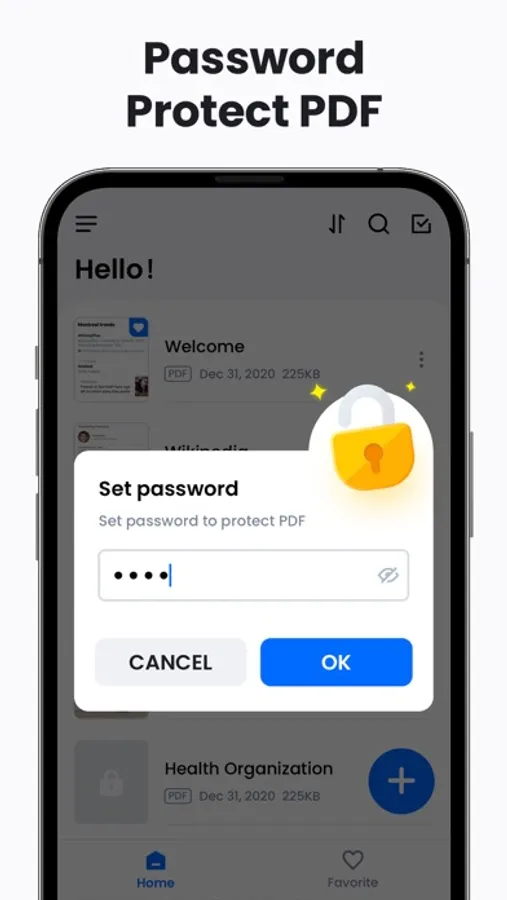
• Lock - Set password to lock PDF files and protect them from prying eyes
• Sort - You can sort PDF files by file name, size, and last modified time
• Delete/Rename/Favorite - You can rename files, delete files, and add files to Favorite
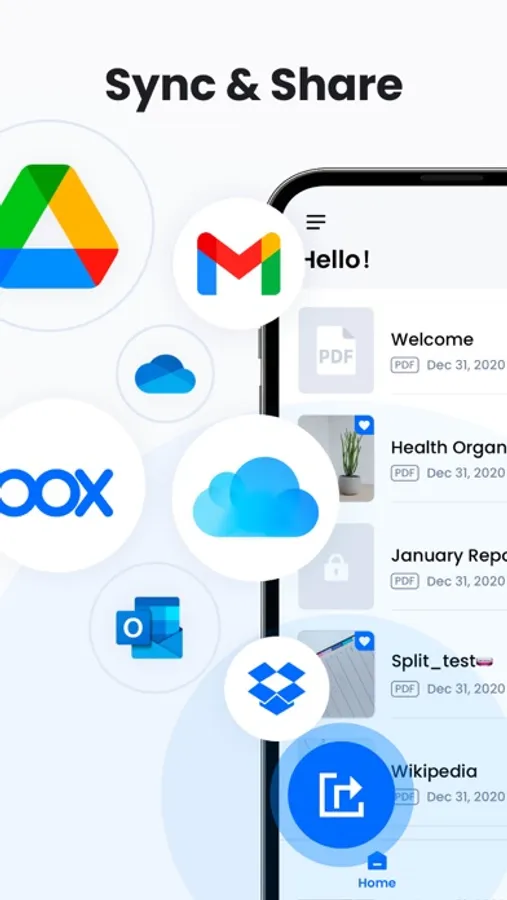
• Share - Share files with others and collaborate conveniently
#Features coming soon#
1. Fill PDF forms
2. Rotate, add or delete pages
3. Fast conversion between PDF and Word, Excel, JPG, PNG, etc.
4. Smart PDF scanner fast scan and convert PDFs
…
Subscription Terms and Details
- Get unlimited access to all features:
① USD $9.99/month
② USD $29.99/year with 7-day trial
- The payment will be charged to your iTunes account at confirmation of purchase.
- The subscription automatically renews unless auto-renew is turned off at least 24 hours before the end of the current period.
- Subscription may be managed and auto-renewal may be turned off by going to Account Settings after purchase.
- The account will be charged for renewal within 24 hours prior to the end of the current period.
- Any unused portion of a free trial period will be forfeited when the user purchases a subscription to that publication.
Privacy policy: https://pdfreader.abishkking.com/privacypolicy.html
Term of use: https://pdfreader.abishkking.com/terms.html
We will keep working hard to optimize the app and improve the user experience. Please feel free to contact us at pdfreaderiosfeedback@gmail.com if you have any suggestions.
This ultra-fast PDF Reader lets you view and annotate PDFs in just a few seconds. It is not only a reading app, you can also use it to add signatures, bookmark PDF pages, convert images to PDFs, merge/split PDF files and organize your files. It’s also a handy PDF editor for students, allowing you to edit and share your paper anytime, anywhere.
Download this superior office app to support your work and study, you will have both a PDF viewer, ebook reader, and PDF editor at the same time. Simple, convenient, and lightweight, really worth a try!
Handy PDF Viewer
• Fast open and view documents
• Directly go to the desired page
• One-click switch between light and dark mode
Easily Read PDF
• Page by page and continuous scrolling mode
• Horizontal and vertical viewing mode
• Quickly search files and texts by keywords
• Zoom in and zoom out pages
Annotate and Edit PDF
• Markup paragraphs with highlight colors
• Take notes with underline, strikethrough, etc.
• Add e-signatures to PDF files, fill PDF forms (coming soon)
• Doodle on PDF files
• Easily copy any text on a PDF file
Rich PDF Tools
• Image to PDF - Easily convert images to PDF files
• Merge - Merge multiple PDF files into one
• Split - Split and extract PDF pages to multiple PDF documents
• Print - Print PDF files quickly from your phone
• Add Text - Add text on PDF files anytime (coming soon)
• Compress - Compress PDF files to reduce their size to meet your needs (coming soon)
Manage Files
• Lock - Set password to lock PDF files and protect them from prying eyes
• Sort - You can sort PDF files by file name, size, and last modified time
• Delete/Rename/Favorite - You can rename files, delete files, and add files to Favorite
• Share - Share files with others and collaborate conveniently
#Features coming soon#
1. Fill PDF forms
2. Rotate, add or delete pages
3. Fast conversion between PDF and Word, Excel, JPG, PNG, etc.
4. Smart PDF scanner fast scan and convert PDFs
…
Subscription Terms and Details
- Get unlimited access to all features:
① USD $9.99/month
② USD $29.99/year with 7-day trial
- The payment will be charged to your iTunes account at confirmation of purchase.
- The subscription automatically renews unless auto-renew is turned off at least 24 hours before the end of the current period.
- Subscription may be managed and auto-renewal may be turned off by going to Account Settings after purchase.
- The account will be charged for renewal within 24 hours prior to the end of the current period.
- Any unused portion of a free trial period will be forfeited when the user purchases a subscription to that publication.
Privacy policy: https://pdfreader.abishkking.com/privacypolicy.html
Term of use: https://pdfreader.abishkking.com/terms.html
We will keep working hard to optimize the app and improve the user experience. Please feel free to contact us at pdfreaderiosfeedback@gmail.com if you have any suggestions.
PDF Reader & PDF Editor Screenshots
Tap to Rate:
Reviews for PDF Reader & PDF Editor
نجمه نجميه
ولله مرههه مفيد ما شاء الله ما منزلته صراخ عن عبث يجننن
بسراح ماره يجنن
Dragon28101997
Excelente
Maravillosa aplicación ✌🏻☺️