AppRecs review analysis
AppRecs rating 3.0. Trustworthiness 0 out of 100. Review manipulation risk 0 out of 100. Based on a review sample analyzed.
★★★☆☆
3.0
AppRecs Rating
Ratings breakdown
5 star
0%
4 star
0%
3 star
0%
2 star
0%
1 star
100%
About Remote Shutter
Remote control iPhone/iPad camera shutter from your smartphone to take pictures and videos.
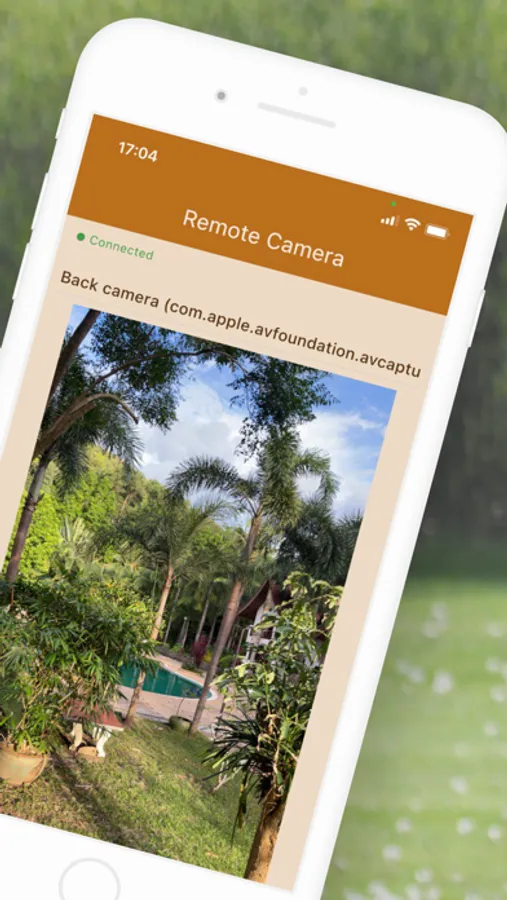
Open "Remote Camera: Unlimited Range" (free app) on your phone/tablet and select the camera (front, rear or external).
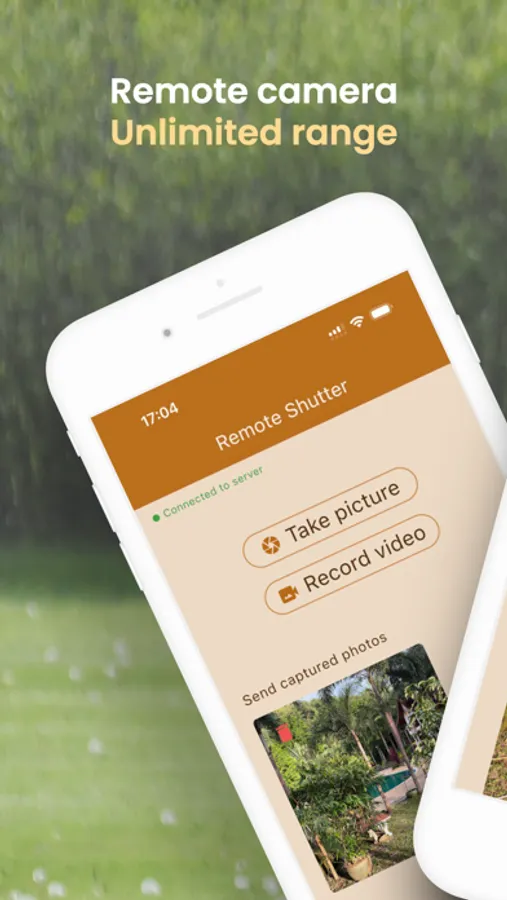
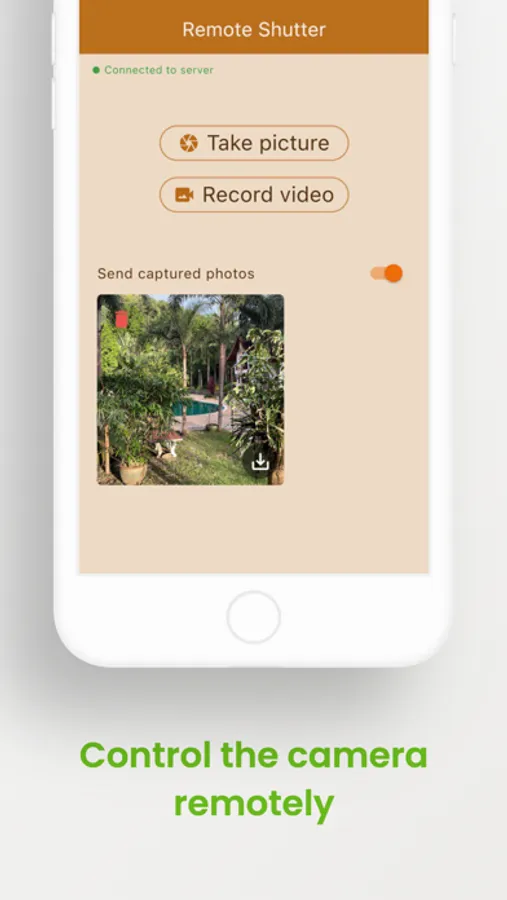
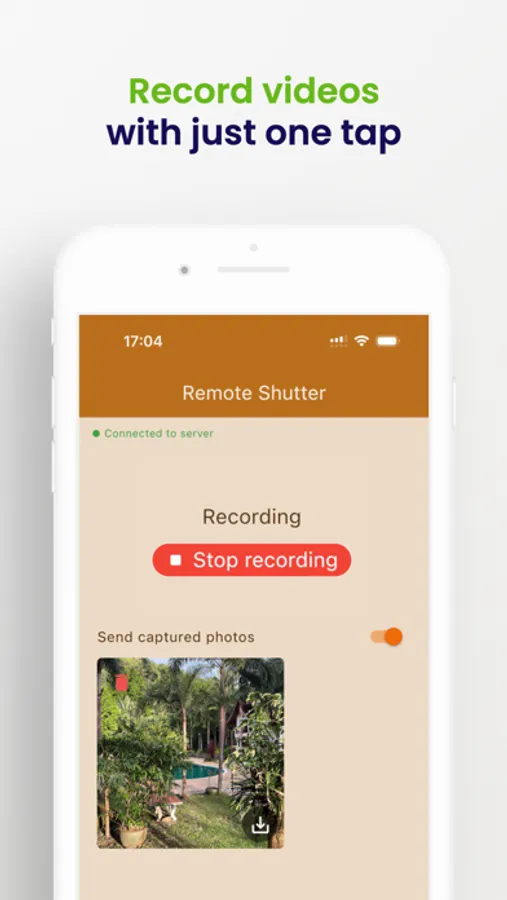
On your other device: open "Remote Shutter" (paid app) and tap the Photo button to trigger the camera shutter on your remote phone, or tap the Video Record button to make a video.
The photo will be stored in the Remote Camera phone's photo gallery.
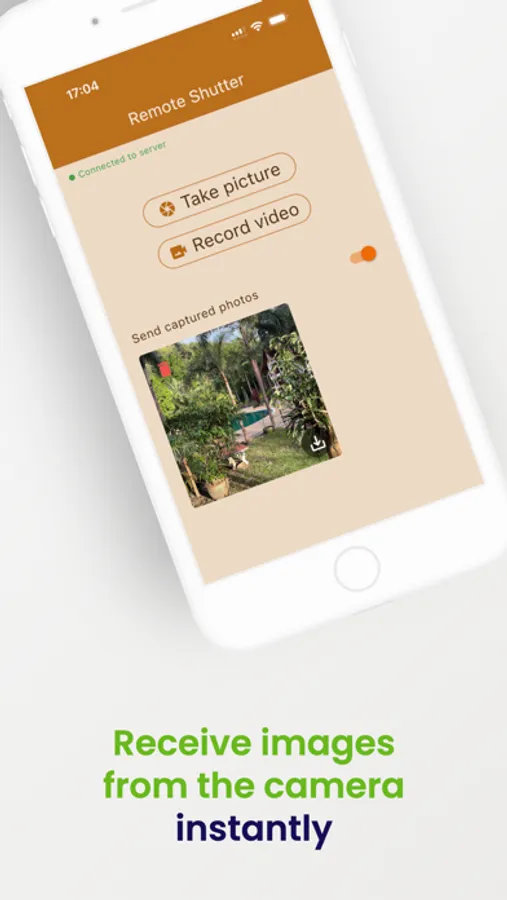
You can also receive the images the camera takes by selecting "Send photos" option in the "Remote Shutter" app.
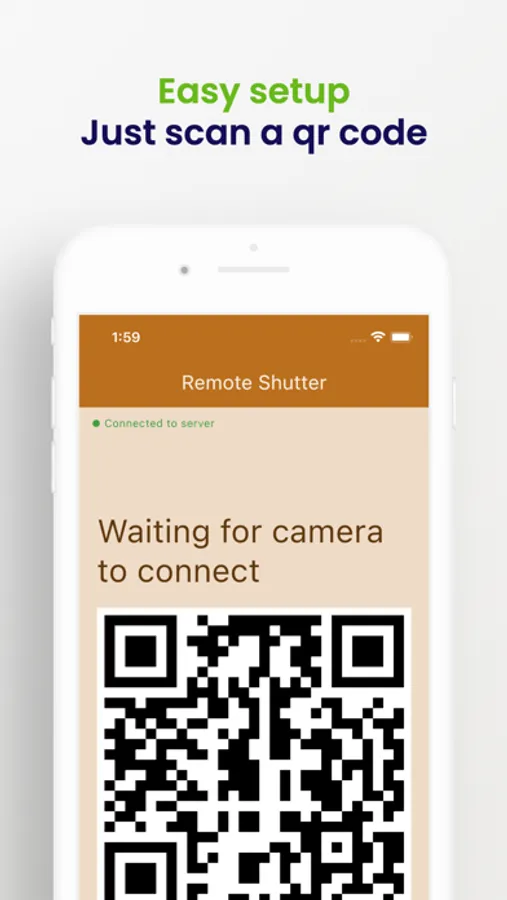
Please make sure that both devices are connected before starting to take pictures/videos.
The internet connection is required to use this app.
Open "Remote Camera: Unlimited Range" (free app) on your phone/tablet and select the camera (front, rear or external).
On your other device: open "Remote Shutter" (paid app) and tap the Photo button to trigger the camera shutter on your remote phone, or tap the Video Record button to make a video.
The photo will be stored in the Remote Camera phone's photo gallery.
You can also receive the images the camera takes by selecting "Send photos" option in the "Remote Shutter" app.
Please make sure that both devices are connected before starting to take pictures/videos.
The internet connection is required to use this app.
Remote Shutter Screenshots
Tap to Rate:
Reviews for Remote Shutter
Sheltonms
It works…kinda
It does connect to your phone and it does take pictures remotely. You just can’t see what picture you’re taking. For example: I use the phone to look into an area i can’t see the phone face to take an image. The iPad doesn’t show what the camera is seeing, it just has a “take picture” and “record video button”. That’s it!