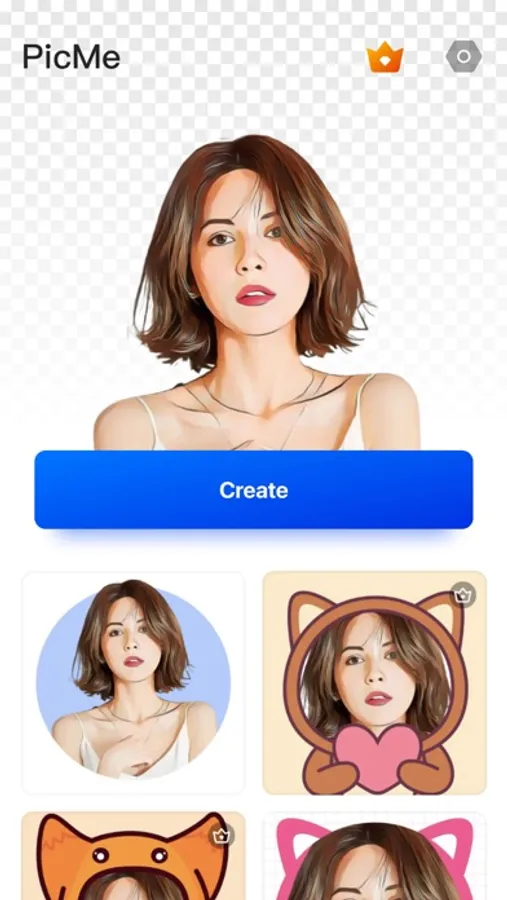
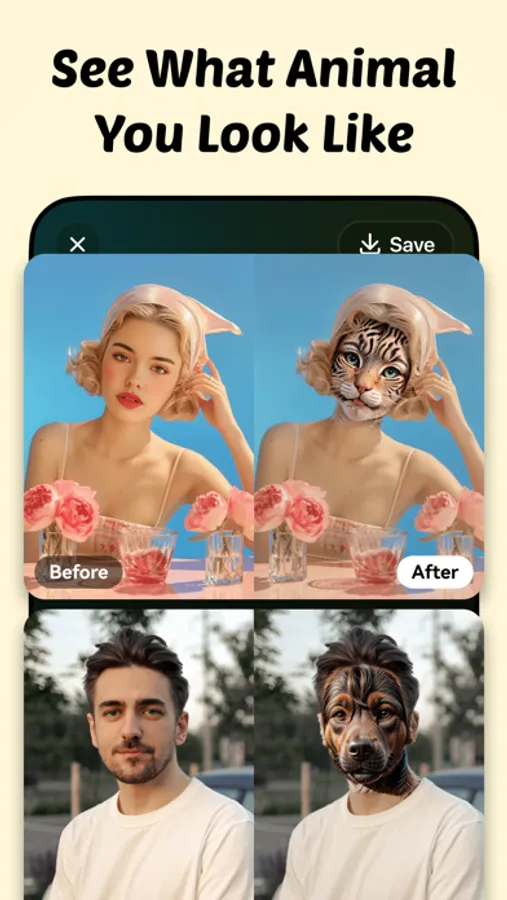
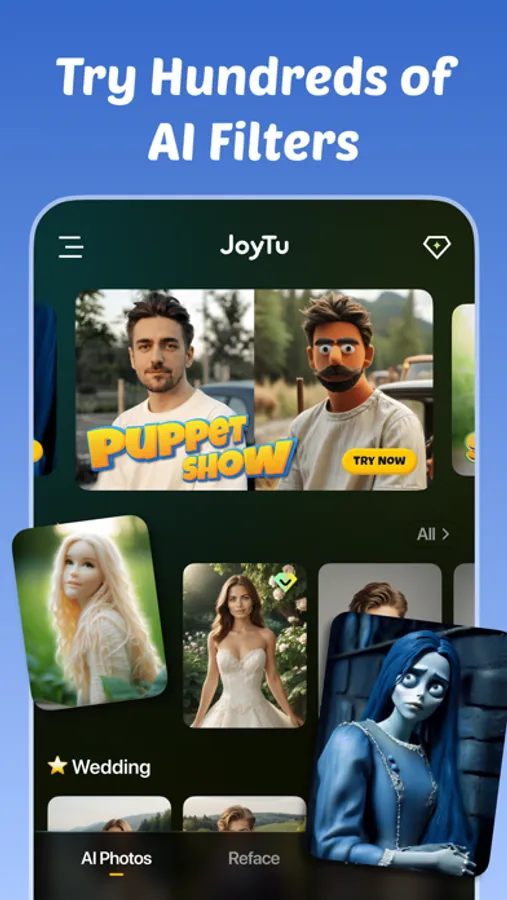
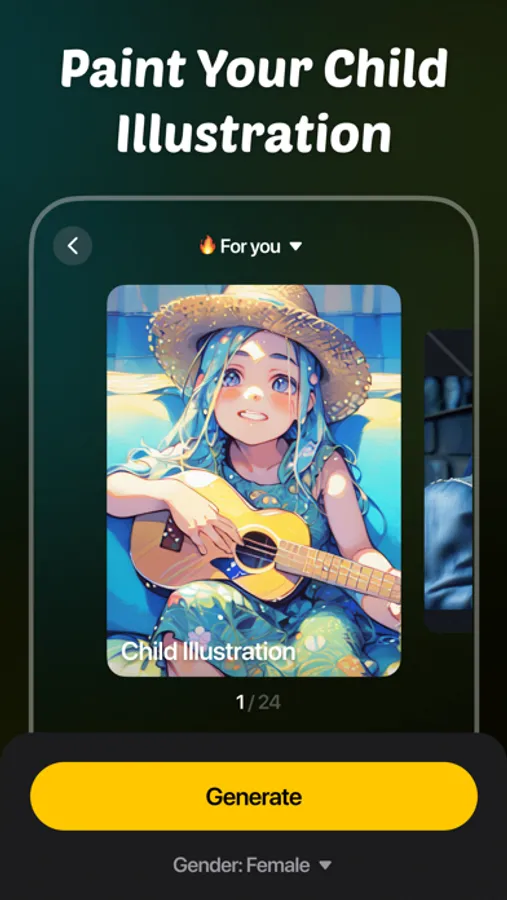
In this AI video maker, you can create videos by applying effects such as text overlays, image transformations, and style filters. Includes AI effects, photo editing tools, and background removal features.
AppRecs review analysis
AppRecs rating 4.0. Trustworthiness 76 out of 100. Review manipulation risk 24 out of 100. Based on a review sample analyzed.
★★★★☆
4.0
AppRecs Rating
Ratings breakdown
5 star
90%
4 star
3%
3 star
2%
2 star
1%
1 star
4%
What to know
✓
Low review manipulation risk
24% review manipulation risk
⚠
Ad complaints
Many low ratings mention excessive ads
⚠
Pricing complaints
Many low ratings mention paywalls or pricing
About AI Video Maker: JoyTu
--Text to Video
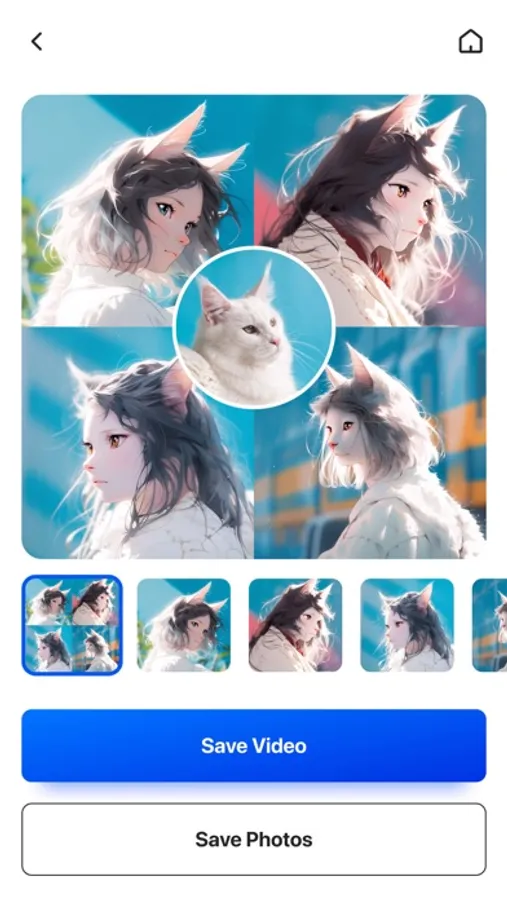
--Image to Video
--AI Dress Up
--AI Hairstyles
--Old school Yearbook Photo Trends
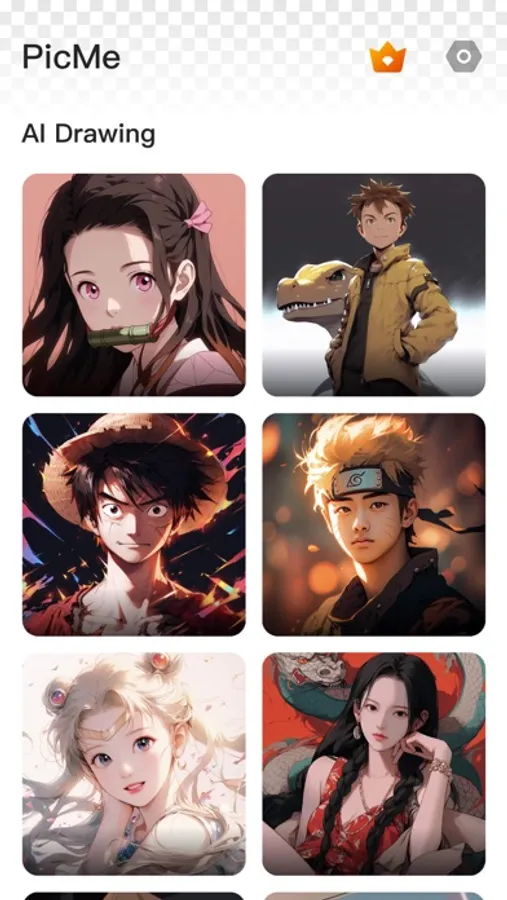
--AI Art Generator
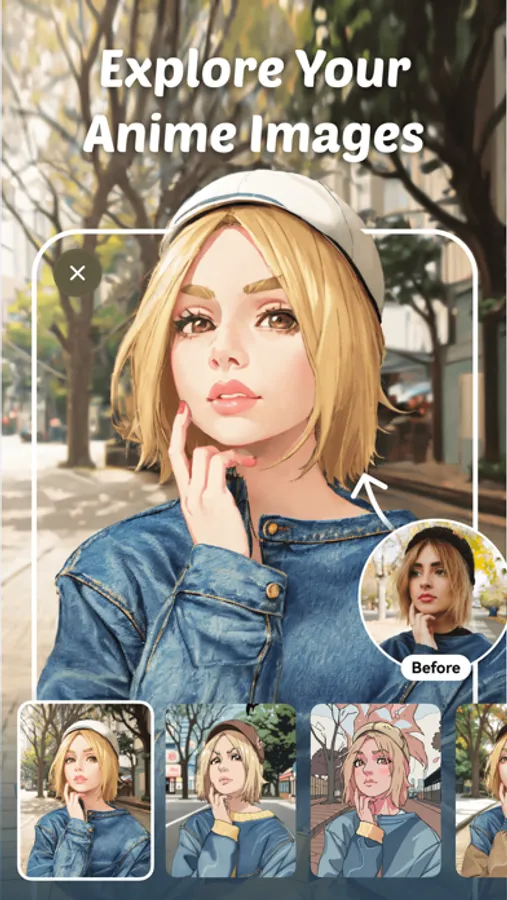
--Cartoon Styles
--Face Filters and Makeup
AI Dress Up & AI Hairstyles
Upload a profile picture to try on various outfits and hairstyles. See yourself in different dresses, business suits, hair colors, accessories, textures, and volumes. This tool offers a fun, risk-free way to explore new styles.
AI Yearbook Photo Trends
Relive the 80s and 90s with vintage filters and effects. Join the AI yearbook challenge to experience the nostalgic styles of those decades.
Aging Time Machine & Gender Swapping
See yourself at different ages or as the opposite gender. This feature allows you to visualize these transformations in a fun way, exploring new identities and stages of life.
Face Filters and Makeup
Enhance your selfies with various face filters and makeup effects. Experiment with styles from natural to glamorous, using the AI as your virtual makeup artist.
Image Quality Enhancement
Improve the quality of your photos, making them more vivid and clear. Transform ordinary snapshots into high-quality images.
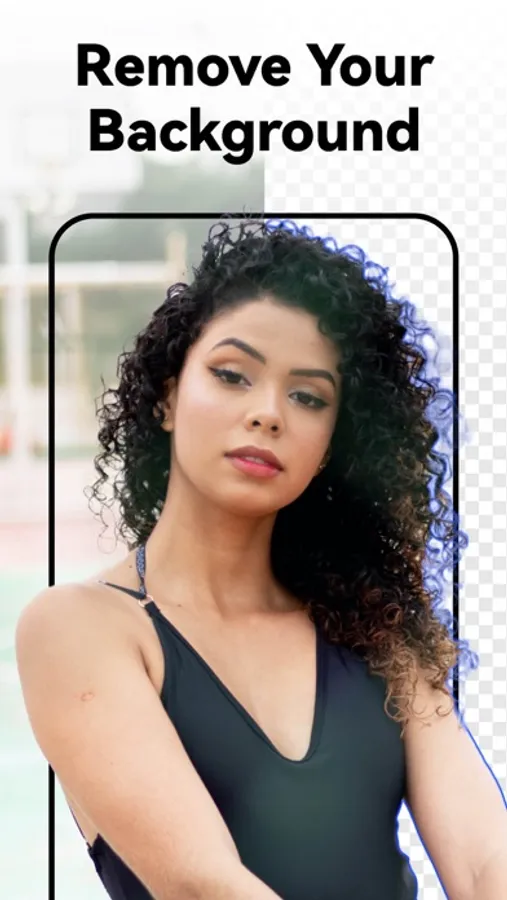
Smart AI Cutout & Background Removal
Use the Background Eraser tool to separate figures, objects, and animals from their backgrounds easily. Replace backgrounds with new and exciting ones.
Face Editing Tools
--One-click Makeup: Skin retouching, face toning, wrinkle removal, and face filters
--Old Picture Coloring: Add new colors to old photos
--Hair Color and Hairstyle: Experiment with different hairstyles and colors
Enjoy these innovative features to transform and enhance your photos with JoyTu.
About the subscription
– Payment will be charged to the iTunes Account at confirmation of purchase.
– Subscription automatically renews, unless auto-renew is turned off at least 24-hours before the end of the current period.
– The account will be charged for renewal within 24-hours prior to the end of the current period. The cost depends on the selected plan.
Terms of Use: https://sites.google.com/view/joytu-terms-of-use/
Privacy Policy: https://sites.google.com/view/joytu-privacy-policy/
AI Video Maker: JoyTu Screenshots
Tap to Rate:
Reviews for AI Video Maker: JoyTu
Kendall0119.
AI Video maker: JoyTu
Makes it easy & fun to make your pics and videos look better
Disappointing AI-App
AI Videos won't save
This was a waste of money. I returned to this app to recreate memories of my mother, myself, and others. Unfortunately, the pictures that create movements won't save to the gallery as they play in Joytu. I tried sending them via text and uploading them to a social media app, but the AI-generated pictures only moved slightly, rather than providing a complete snippet. This is flawed. Save your money and find a better app.