AppRecs review analysis
AppRecs rating 2.2. Trustworthiness 80 out of 100. Review manipulation risk 26 out of 100. Based on a review sample analyzed.
★★☆☆☆
2.2
AppRecs Rating
Ratings breakdown
5 star
20%
4 star
0%
3 star
20%
2 star
0%
1 star
60%
What to know
✓
Low review manipulation risk
26% review manipulation risk
✓
Credible reviews
80% trustworthiness score from analyzed reviews
⚠
Mixed user feedback
Average 2.2★ rating suggests room for improvement
About Saramonic
Saramonic is a content-rich and full-featured application, which can automatically identify the connected audio peripherals, and cooperate with the peripherals for high-quality audio and video recording and editing;
In addition, it is also equipped with teleprompter, audio algorithm and other interesting functions; at the same time, it displays the style of the company's various products on the home page of the application.
Application features:
【Products show】
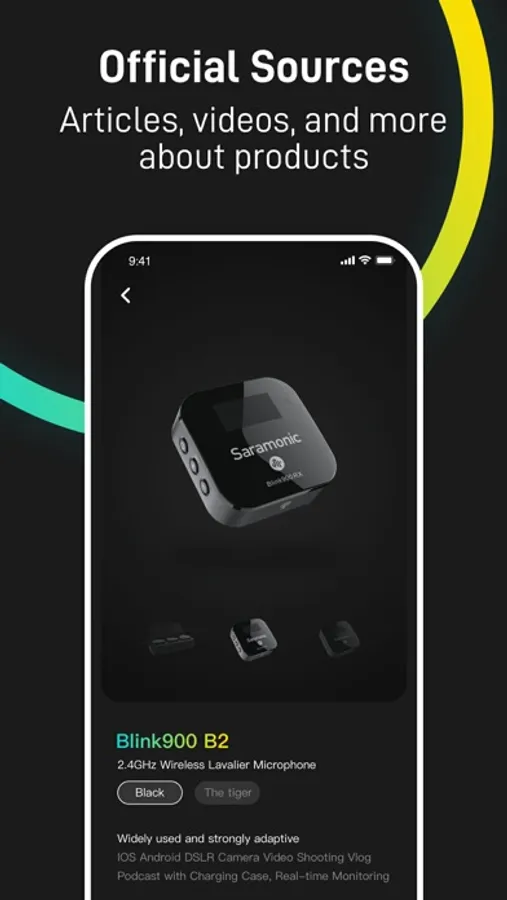
On the home page of the app, various categories of products are showed, and the features and usage of specific products are intuitively told to users in the form of articles and videos.
【Intelligent Hardware Control】
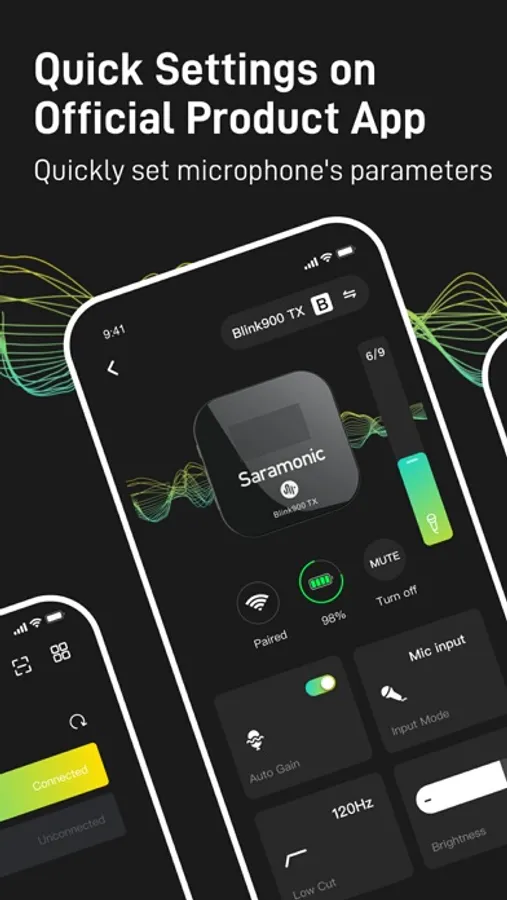
After connected the Saramonic products, it will automatically detect the firmware version upgrade; enter the hardware control page to set various operating parameters of the device.
【Audio Record】
Automatically identify audio peripherals, and automatically match the best parameter configuration according to the device; record audio through the user-selected audio input source and set parameters.
【Video Record】
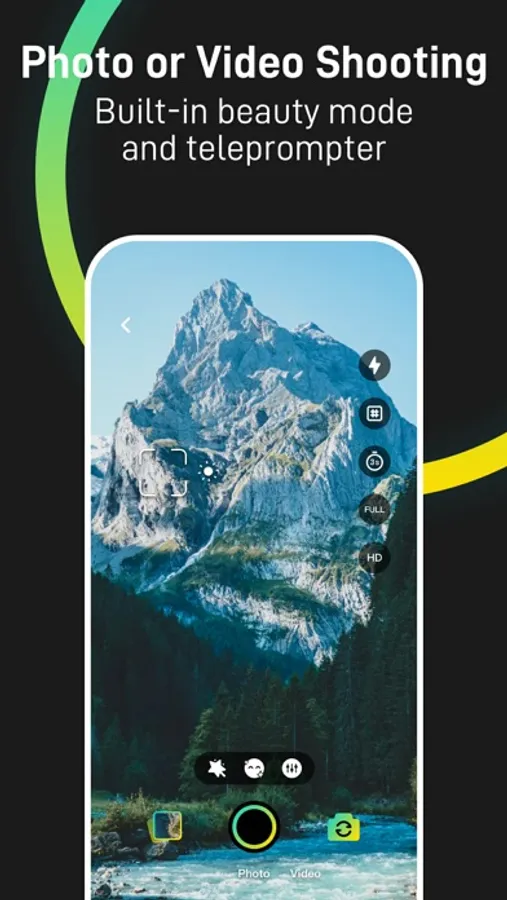
Collect video data through the parameters selected by the user and save it to the file list; you can also choose the camera mode to take pictures and store them in the system album.
【Video special effects】
Before recording a video, you can set video filters, beauty and other functions.
【File Management】
Centralized management of recorded audio and video files; users can select conditions to filter, arrange and display the files in the file list; they can also perform operations such as sharing, renaming, and deleting files according to their own needs.
【Document Description】
《User Privacy Policy》 and 《User Agreement》 elaborate on the rights of users and the norms that should be followed; 《Instructions for Use"》detail the guidelines for using the product.
feature of product:
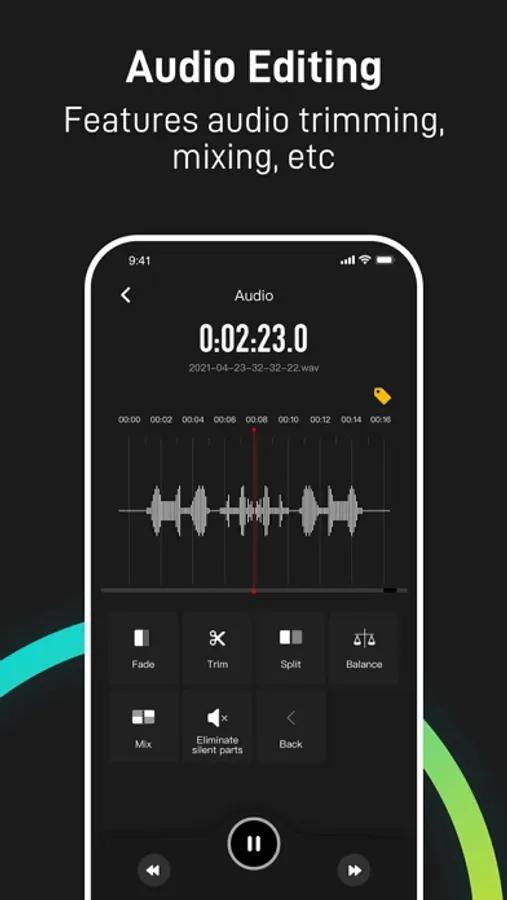
【Audio Editing】
Users can edit the recorded audio files according to their own needs. Editing functions include audio cropping, audio mixing, etc.
【Teleprompter Function】
During video recording, use the teleprompter item to automatically scroll through the teleprompter content.
【WiFi File Transfer】
Transfer other audio and video files to the file list through the LAN; download audio and video files from the file list
【File Recycle Bin】
Deleted files are placed in the recycle bin and remain there for 30 days.
Saramonic Screenshots
Tap to Rate:
Reviews for Saramonic
Maria Lernerman
Unable to get access
Asks for verification code but won’t send it
Jeffrey/Джеффри
Impressive capability
My initial impression out of the box is that this is a very highly capable recording application with or without the accompanying hardware that’s to go with it. It is simple to operate and has a very easy to use and creative way of transferring files to your editing workstation via use of a private webpage. my only wish list item would be for separate left and right waveform displays.