About TOSHIBA AC Home Design AR
1. To set proper indoor unit location, you need to stay at around 1 to 3 meters from the wall and turn the mobile device slowly left and right, up and down, until the wall is properly detected, it takes longer on some devices.
2.When the wall and floor is detected a green target marker will show up. If the target marker is not on the floor continue moving it slowly around until it matches the floor. Now you can place the unit, by tapping on the screen.
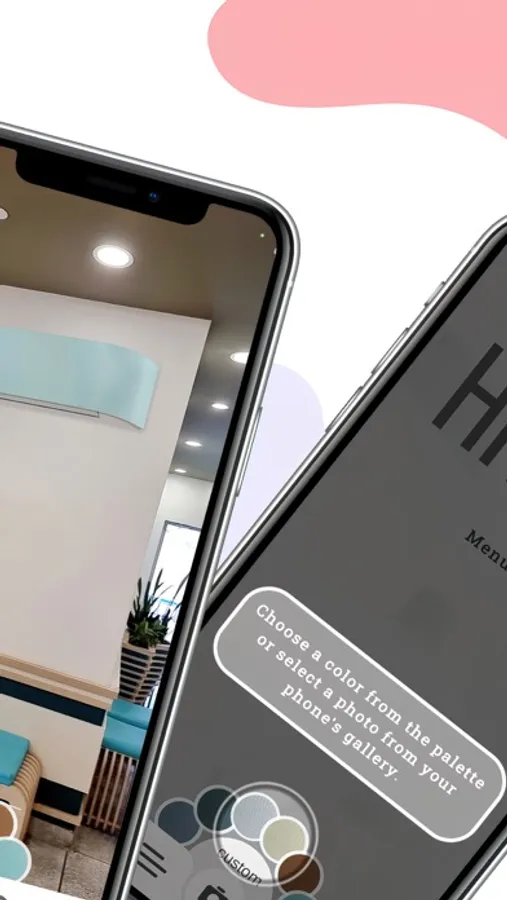
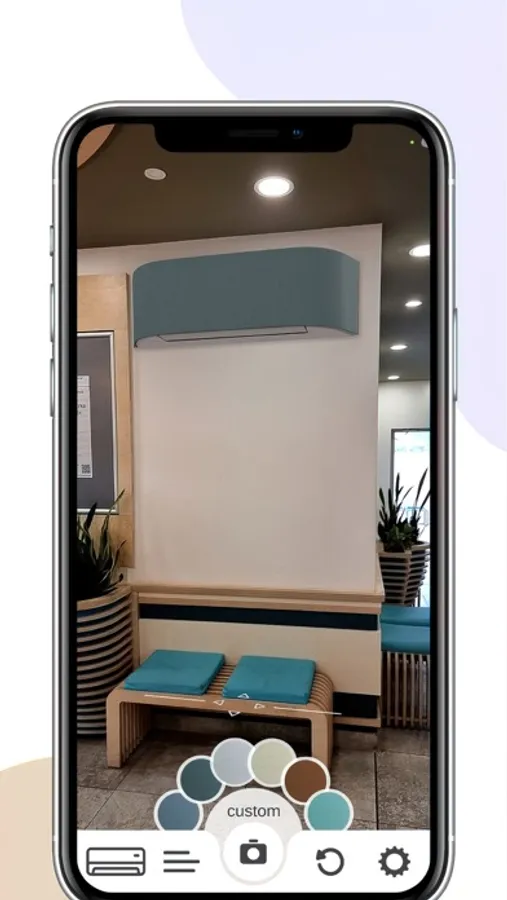
3. Once it is placed you can move it by dragging it, or by using the navigation buttons. You can change the color on the Haori clima or add custom ones from the gallery from through the color button.
2.When the wall and floor is detected a green target marker will show up. If the target marker is not on the floor continue moving it slowly around until it matches the floor. Now you can place the unit, by tapping on the screen.
3. Once it is placed you can move it by dragging it, or by using the navigation buttons. You can change the color on the Haori clima or add custom ones from the gallery from through the color button.
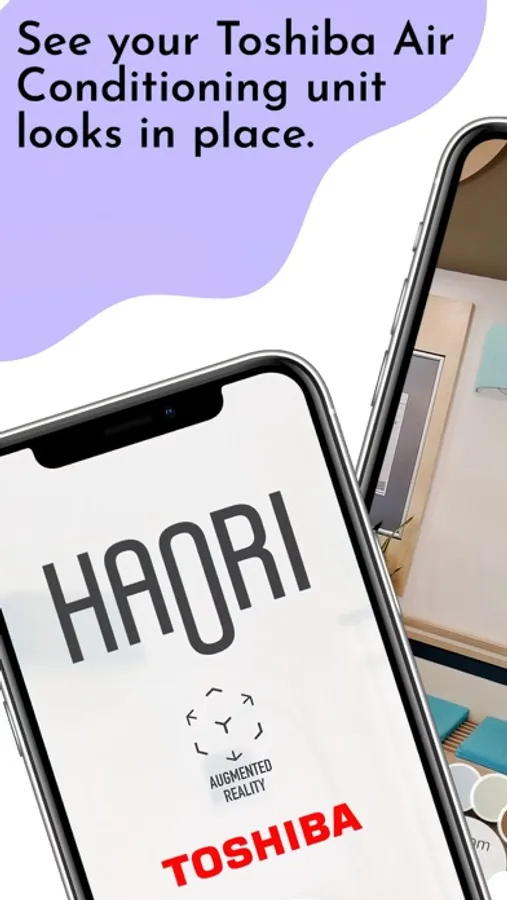
TOSHIBA AC Home Design AR Screenshots
Tap to Rate: