In this streaming app, you can cast videos, photos, music, and more to your TV, PC, or phone with ease. Includes support for multiple devices, screen mirroring, and smart TV control features.
AppRecs review analysis
AppRecs rating 3.9. Trustworthiness 67 out of 100. Review manipulation risk 30 out of 100. Based on a review sample analyzed.
★★★☆☆
3.9
AppRecs Rating
Ratings breakdown
5 star
71%
4 star
9%
3 star
5%
2 star
2%
1 star
13%
What to know
✓
Low review manipulation risk
30% review manipulation risk
✓
High user satisfaction
80% of sampled ratings are 4+ stars (4.2★ average)
⚠
Pricing complaints
Many low ratings mention paywalls or pricing
About AirPlay Cast
A Practical Way to Share Your Phone on Bigger Screens
This app is designed for people who want a straightforward and stable way to display phone content on larger screens at home or at work. Instead of complex setups or unnecessary features, the app focuses on reliable casting, smooth screen mirroring, and simple control across everyday devices.
Whether you’re watching videos, sharing personal moments, or presenting content, the app helps you move what’s on your phone to the screen everyone can see.
What You Can Do with the App
Cast Personal & Online Content
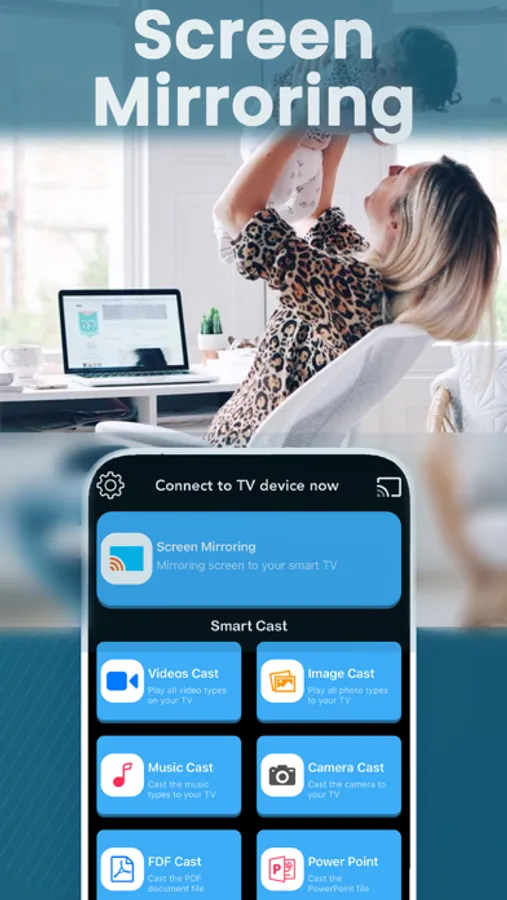
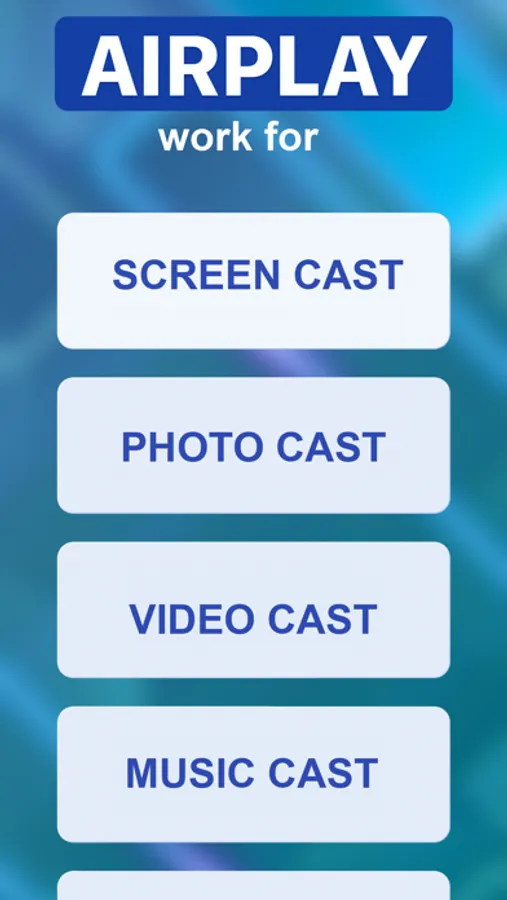
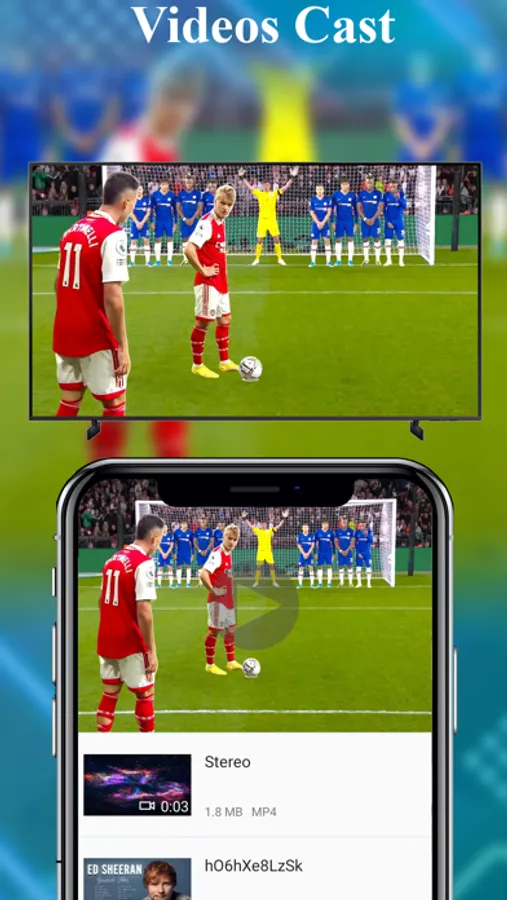
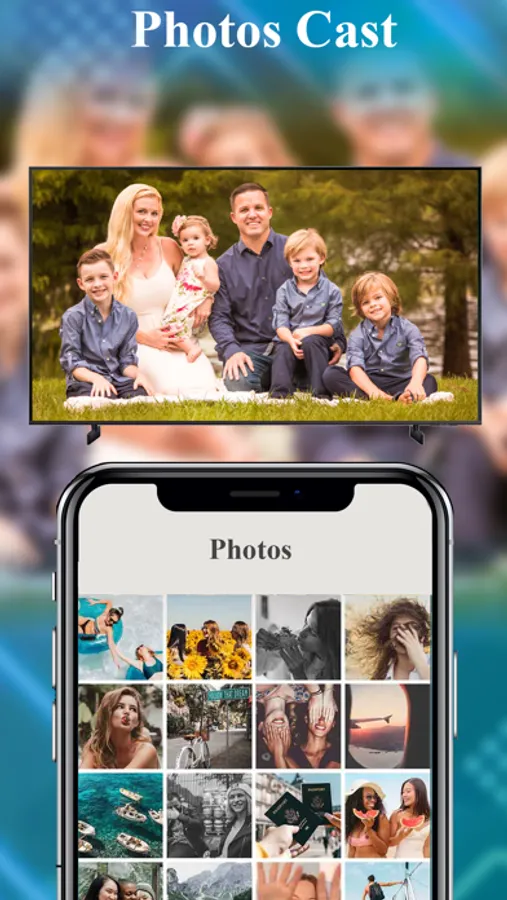
Easily display videos, photos, music, and web pages from your phone onto compatible TVs or computers. This is ideal for watching clips, browsing content, or enjoying personal media on a larger display.
Instant Screen Mirroring
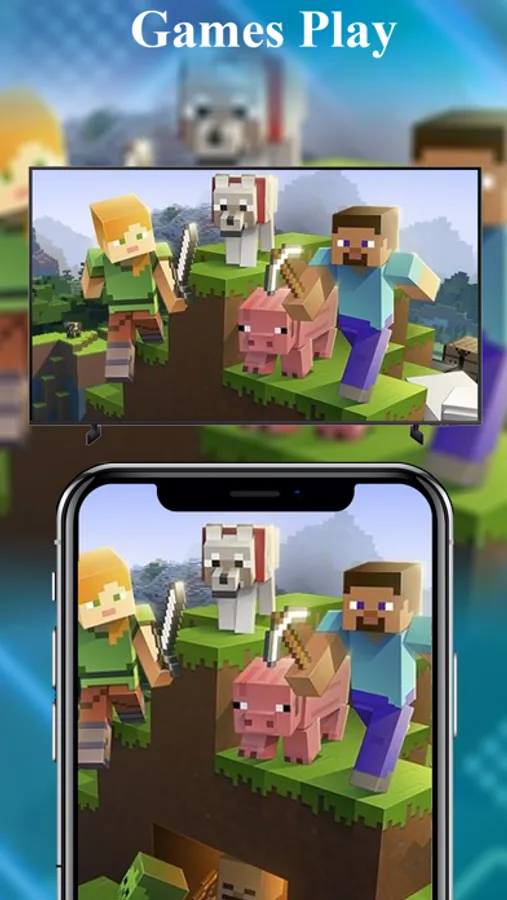
Mirror your phone screen in real time with minimal delay. Useful for mobile games, presentations, video calls, tutorials, or app demonstrations—exactly as they appear on your phone.
Phone-Based TV Control
Use your phone as a convenient controller to manage playback, adjust volume, navigate apps, and switch content without relying on a physical remote.
Share Moments Together
Turn your TV into a shared viewing space for family photos, videos, and memories. Great for gatherings, holidays, or casual time at home.
Play Music Through TV Speakers
Send music directly from your phone to your TV for a fuller sound experience—perfect for background music, workouts, or relaxing evenings.
Designed for Everyday Use
• No cables required
• No extra hardware
• Works over the same Wi-Fi network
• Clean interface focused on core functionality
The app supports a wide range of modern TVs and streaming devices, making it adaptable to different home setups.
Who Is This App For?
• Users who want a simple and dependable casting solution
• Families sharing content on a single screen
• Gamers and presenters who need real-time mirroring
• Anyone who prefers control from their phone
Keep It Simple. Keep It Connected.
Share your screen. Show your content. Stay in control.
Download the app and use your TV the way you already use your phone.
Terms of Service: https://byvn.net/iseS
Privacy Policy: https://byvn.net/ORWS
This app is designed for people who want a straightforward and stable way to display phone content on larger screens at home or at work. Instead of complex setups or unnecessary features, the app focuses on reliable casting, smooth screen mirroring, and simple control across everyday devices.
Whether you’re watching videos, sharing personal moments, or presenting content, the app helps you move what’s on your phone to the screen everyone can see.
What You Can Do with the App
Cast Personal & Online Content
Easily display videos, photos, music, and web pages from your phone onto compatible TVs or computers. This is ideal for watching clips, browsing content, or enjoying personal media on a larger display.
Instant Screen Mirroring
Mirror your phone screen in real time with minimal delay. Useful for mobile games, presentations, video calls, tutorials, or app demonstrations—exactly as they appear on your phone.
Phone-Based TV Control
Use your phone as a convenient controller to manage playback, adjust volume, navigate apps, and switch content without relying on a physical remote.
Share Moments Together
Turn your TV into a shared viewing space for family photos, videos, and memories. Great for gatherings, holidays, or casual time at home.
Play Music Through TV Speakers
Send music directly from your phone to your TV for a fuller sound experience—perfect for background music, workouts, or relaxing evenings.
Designed for Everyday Use
• No cables required
• No extra hardware
• Works over the same Wi-Fi network
• Clean interface focused on core functionality
The app supports a wide range of modern TVs and streaming devices, making it adaptable to different home setups.
Who Is This App For?
• Users who want a simple and dependable casting solution
• Families sharing content on a single screen
• Gamers and presenters who need real-time mirroring
• Anyone who prefers control from their phone
Keep It Simple. Keep It Connected.
Share your screen. Show your content. Stay in control.
Download the app and use your TV the way you already use your phone.
Terms of Service: https://byvn.net/iseS
Privacy Policy: https://byvn.net/ORWS
AirPlay Cast Screenshots
Tap to Rate:
Reviews for AirPlay Cast
arkrev
Does not work
Terrible
Ceez310
Data not collected, just your money
Never worked had to resort to a worse BUT working option. Applying for a refund 2 star for effort.