AppRecs review analysis
AppRecs rating 5.0. Trustworthiness 0 out of 100. Review manipulation risk 0 out of 100. Based on a review sample analyzed.
★★★★★
5.0
AppRecs Rating
Ratings breakdown
5 star
100%
4 star
0%
3 star
0%
2 star
0%
1 star
0%
What to know
✓
High user satisfaction
100% of sampled ratings are 5 stars
About Zip Authenticator
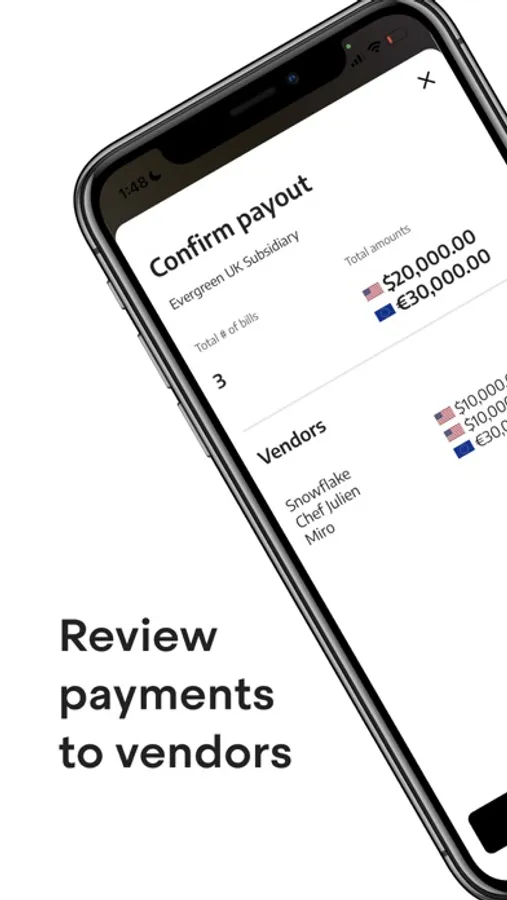
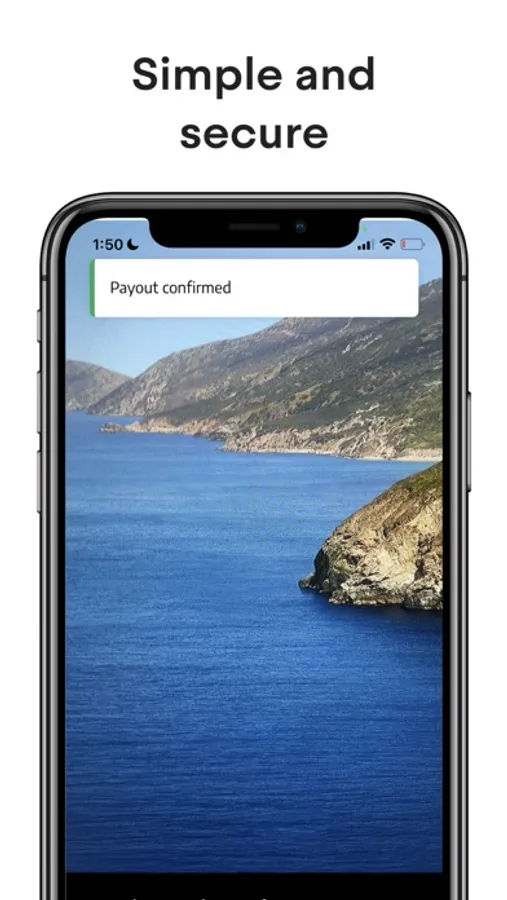
With Zip Authenticator, Zip users (ziphq.com) gain an added layer of security for financial transactions by authenticating payments that are approved in Zip. Zip Authenticator ensures you are fully aware of the transaction about to happen, providing the details of the type, value and payee of the transaction, and then allowing you to approve the transaction on your mobile device. This provides strong 2-factor authentication of financial transactions compliant with EU Secure Customer Authentication (SCA) regulations.
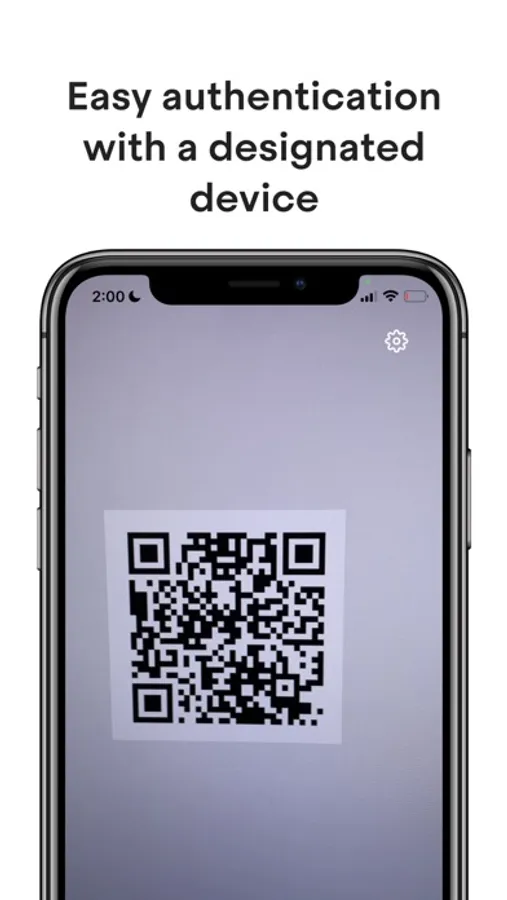
Zip Authenticator is easy to configure. To set up your authentication, you’ll first link a mobile device and create a pin. As you complete various payment-related activities in Zip, you’ll be prompted to enter your pin, which will generate a QR code. Then, open up your Zip Authenticator app to scan the QR code and verify your identity.
Features include
- Provides multi-factor authentication for B2B payment transactions in Zip (ziphq.com)
- Displays payment details within the payment authentication alert, including amount and payee
- Allows organizations using Zip for payments to comply with EU Strong Customer Authentication (SCA) regulations
- Easy setup via QR code
To use Zip Authenticator with Zip, you need to set up a pin on Zip > Personal settings. Visit www.ziphq.com/personal-settings/payout-authentication to get started.
Zip Authenticator is easy to configure. To set up your authentication, you’ll first link a mobile device and create a pin. As you complete various payment-related activities in Zip, you’ll be prompted to enter your pin, which will generate a QR code. Then, open up your Zip Authenticator app to scan the QR code and verify your identity.
Features include
- Provides multi-factor authentication for B2B payment transactions in Zip (ziphq.com)
- Displays payment details within the payment authentication alert, including amount and payee
- Allows organizations using Zip for payments to comply with EU Strong Customer Authentication (SCA) regulations
- Easy setup via QR code
To use Zip Authenticator with Zip, you need to set up a pin on Zip > Personal settings. Visit www.ziphq.com/personal-settings/payout-authentication to get started.
Zip Authenticator Screenshots
Tap to Rate: