
With this app, you can manage your crypto assets, connect your hardware wallet, and access DeFi platforms securely. Includes features for sending and receiving crypto, tracking balances, and supporting multiple tokens and platforms.
AppRecs review analysis
AppRecs rating 4.3. Trustworthiness 0 out of 100. Review manipulation risk 0 out of 100. Based on a review sample analyzed.
★★★★☆
4.3
AppRecs Rating
Ratings breakdown
5 star
82%
4 star
4%
3 star
3%
2 star
3%
1 star
7%
What to know
✓
High user satisfaction
82% of sampled ratings are 5 stars
About Trezor Suite
The official free Trezor app for iPhone. Manage your crypto with ease and confidence wherever you are.
- Connect your Trezor hardware wallet (Safe 7 with Bluetooth®, other models limited compatibility)
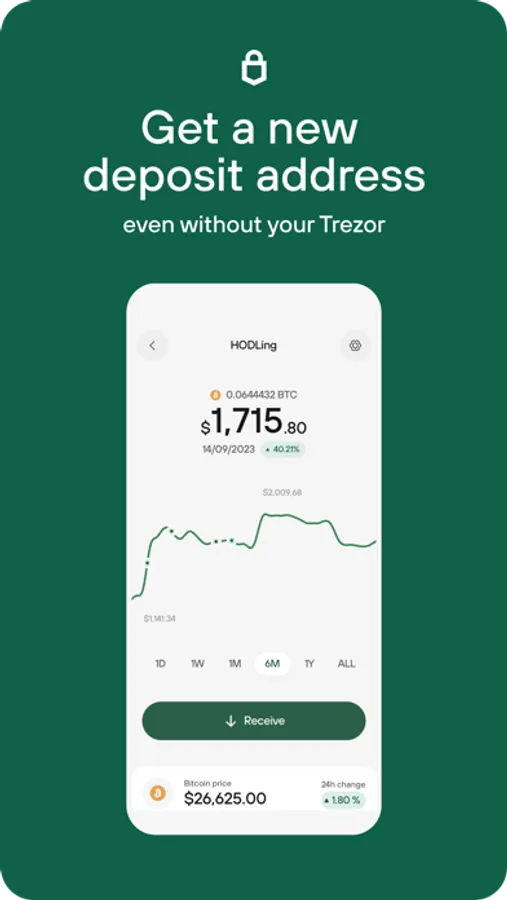
- Send & receive crypto quickly and securely
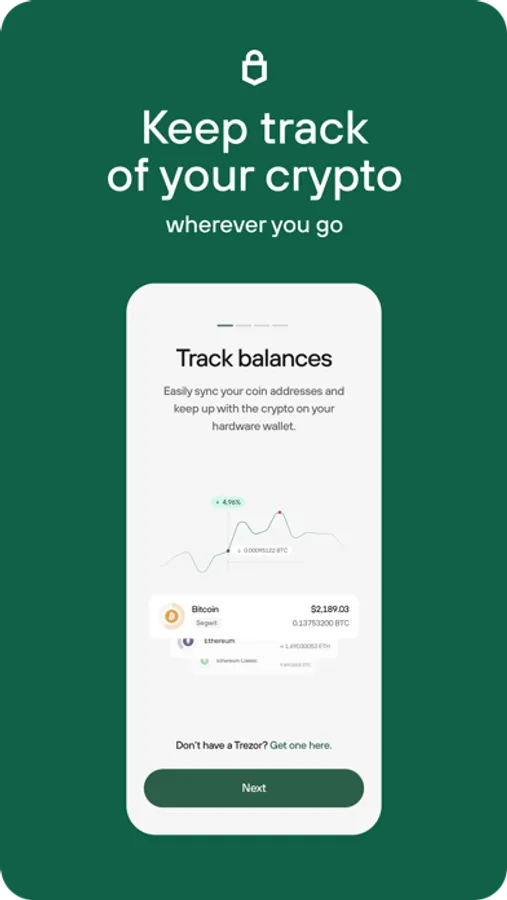
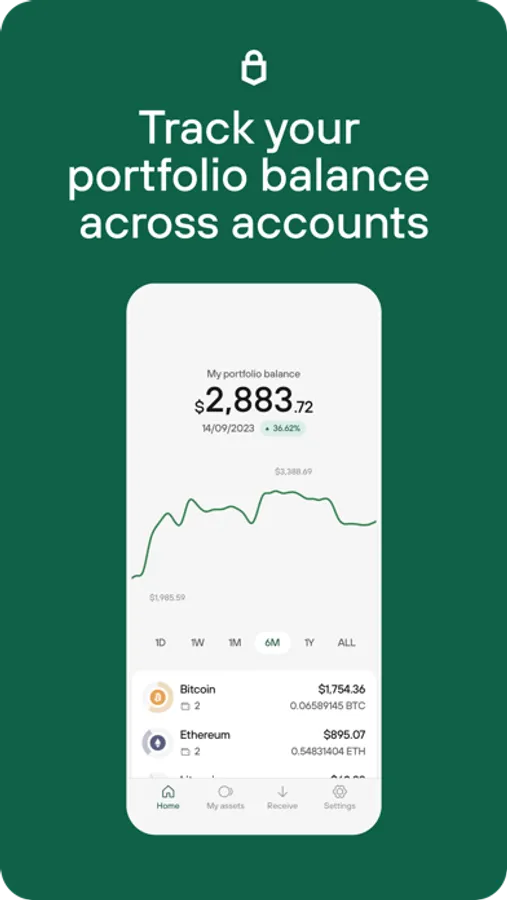
- Track balances & portfolio across Bitcoin, Ethereum, Solana, and thousands of supported tokens
- Use WalletConnect to safely access DeFi platforms, NFT marketplaces, and thousands of apps with your Trezor
- Crypto trading - Buy and Swap - now available in the following countries via supported 3rd party exchanges
• United States
• Italy
• Liechtenstein
• Ireland
• Cyprus
• Spain
• Costa Rica
• Canada
• Lithuania
• Bahamas
• Czech Republic
• Slovenia
• Bulgaria
• Belgium
• Australia
• Croatia
• Denmark
• Estonia
• Finland
• France
• Germany
• Greece
• Hungary
• Latvia
• Luxembourg
• Malta
• Netherlands
• Poland
• Portugal
• Romania
• Slovakia
• Sweden
Your Trezor keeps your keys safe. Suite gives you the convenience to manage your assets on the go.
Compatibility
- Trezor Safe 7: Full functionality with Bluetooth® wireless connection.
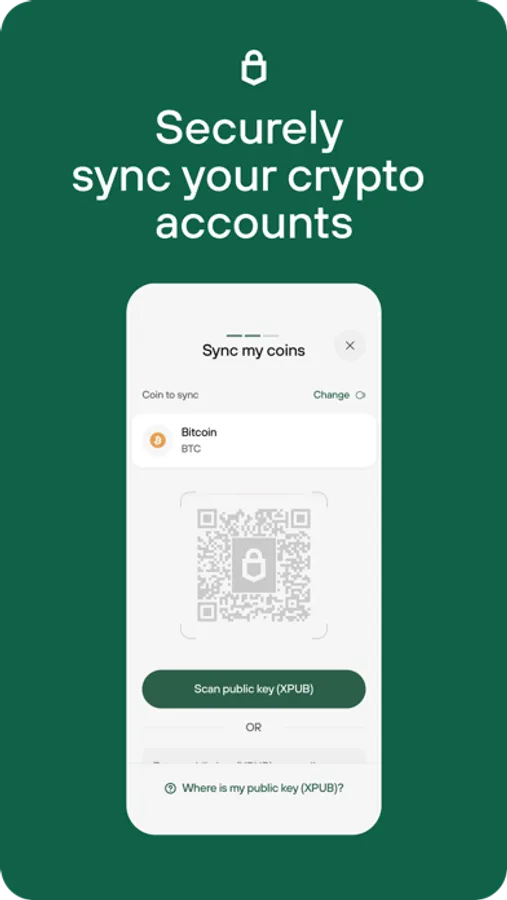
- Other models: Limited compatibility — track balances, monitor portfolio activity, and generate receive addresses.
Need help? Visit trezor.io/support for expert guidance.
What’s next?
We’re continuously adding new features and improvements. Follow Trezor on social to stay updated on the latest releases
Trezor Suite Screenshots
Tap to Rate:
Reviews for Trezor Suite
Mattbexos
BUG- needs fix
When trezor is locked and the user clicks show full address after clicking receive in bitcoin, the page goes blank after address is confirmed in the trezor device. The workaround for this is to close and reopen the app and keep the trezor device unlocked to confirm wallet address. Very bad experience.
Tommyjon987
Garbage
Trezor 5 won’t sync to Trezor suite mobile app. It keeps saying connect your Trezor 7. But I bought a Trezor 5 before Trezor 7 was created. So do I have to keep buying the latest version of a Trezor wallet. Garbage. Don’t buy.