
About Flash Cards & Dictionary
This app lets you create flashcards directly from PrintGenerator, a study tool used by more than 70,000 students, teachers, and cram school users in Japan.
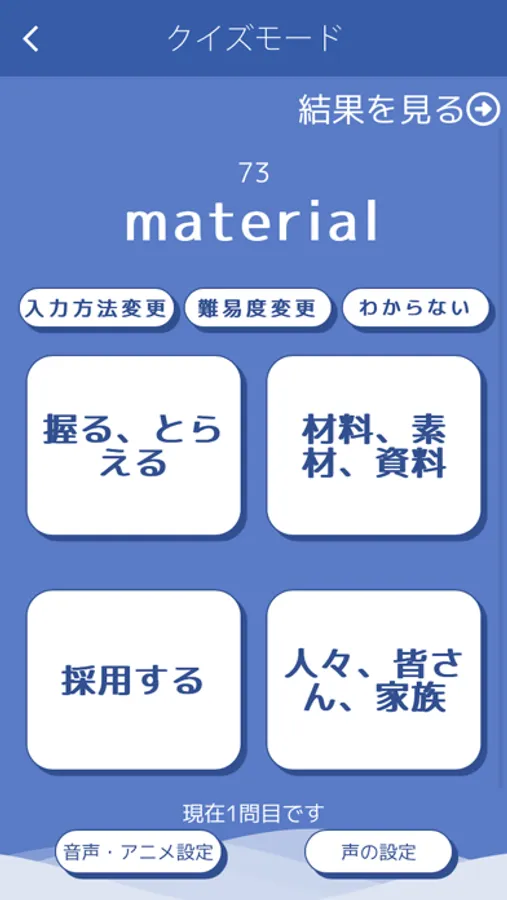
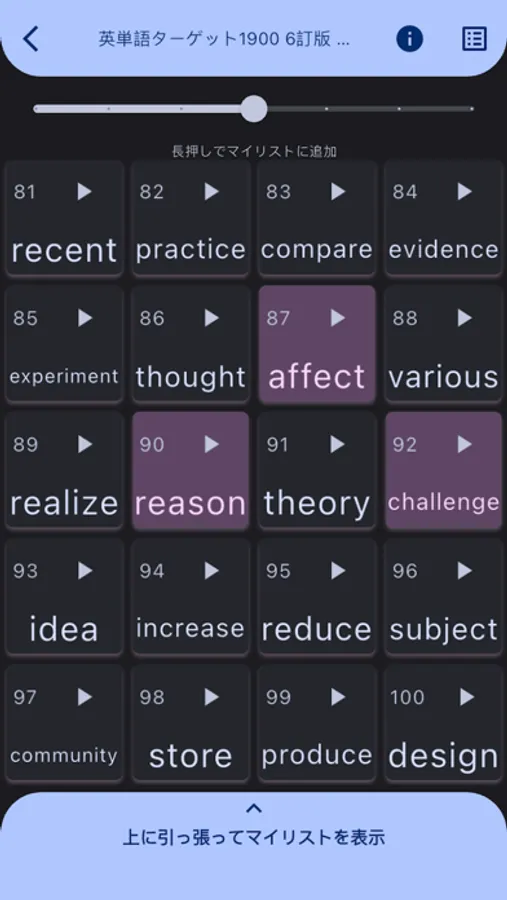
You can merge multiple wordbooks to create custom lists, play 4–10 choice quizzes, and even practise listening quizzes.
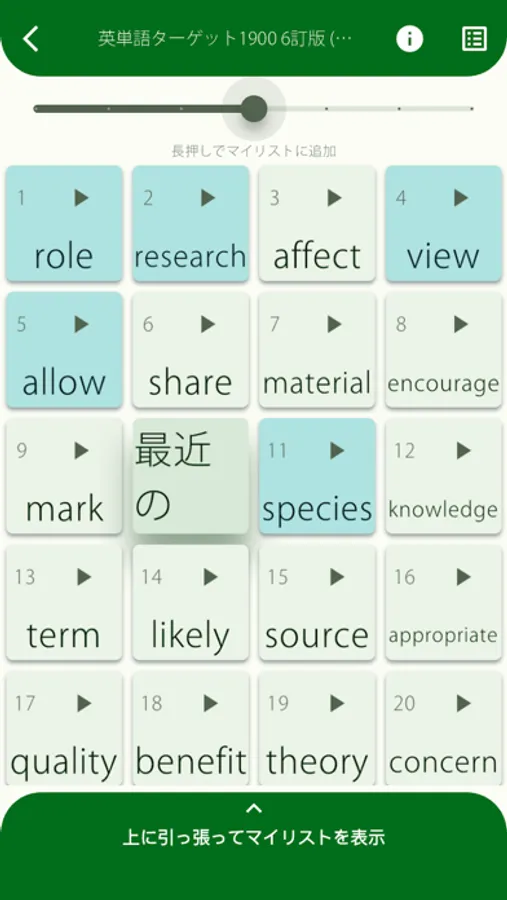
You can also import flashcards from photos of your own wordbooks, and quickly generate word lists using the automatic back-side input feature.
With seamless integration between flashcards and the built-in dictionary, you’ll experience a smooth and efficient study flow like never before.
Features
• Clear your lists quickly with the 4-choice quiz mode
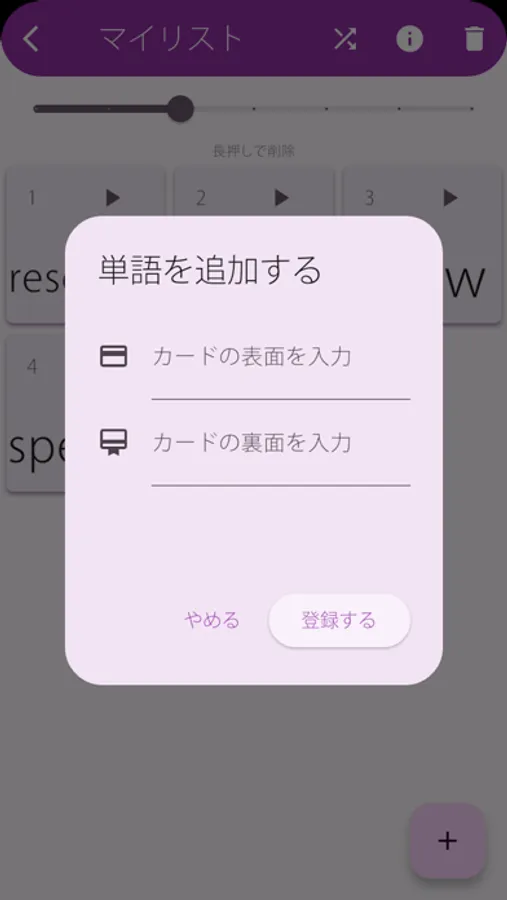
• Look up words in the built-in dictionary and add them directly to your list
• Create flashcards instantly by simply selecting the page range of a commercial wordbook
• Generate mini-tests instantly by selecting the range you want
Free Features
• Nearly all basic features are available for free with no time limits
Premium Features
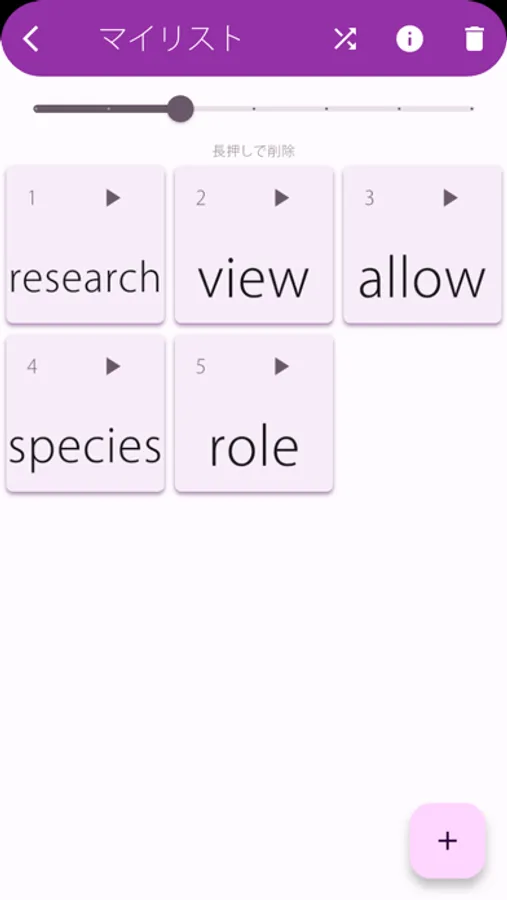
• Increase the number of My Lists from 2 to 5
• No limit on the number of questions when generating mini-tests
• No ads
• Access to a massive example-sentence dictionary
• AI-powered English writing correction
• Increased number of image-to-card scans
How to Cancel
You can cancel your subscription via:
Settings > iTunes & App Store > Apple ID > View Apple ID > Subscriptions
Restore Purchase
If you have an active subscription, you can restore it via “Restore Purchase.”
Copyright & Book Handling
https://www.printgenerator.net/about
Terms of Use
https://www.printgenerator.net/eula_app_apple
Privacy Policy
https://www.printgenerator.net/privacy_policy_app
You can merge multiple wordbooks to create custom lists, play 4–10 choice quizzes, and even practise listening quizzes.
You can also import flashcards from photos of your own wordbooks, and quickly generate word lists using the automatic back-side input feature.
With seamless integration between flashcards and the built-in dictionary, you’ll experience a smooth and efficient study flow like never before.
Features
• Clear your lists quickly with the 4-choice quiz mode
• Look up words in the built-in dictionary and add them directly to your list
• Create flashcards instantly by simply selecting the page range of a commercial wordbook
• Generate mini-tests instantly by selecting the range you want
Free Features
• Nearly all basic features are available for free with no time limits
Premium Features
• Increase the number of My Lists from 2 to 5
• No limit on the number of questions when generating mini-tests
• No ads
• Access to a massive example-sentence dictionary
• AI-powered English writing correction
• Increased number of image-to-card scans
How to Cancel
You can cancel your subscription via:
Settings > iTunes & App Store > Apple ID > View Apple ID > Subscriptions
Restore Purchase
If you have an active subscription, you can restore it via “Restore Purchase.”
Copyright & Book Handling
https://www.printgenerator.net/about
Terms of Use
https://www.printgenerator.net/eula_app_apple
Privacy Policy
https://www.printgenerator.net/privacy_policy_app
Flash Cards & Dictionary Screenshots
Tap to Rate: