AppRecs review analysis
AppRecs rating 4.6. Trustworthiness 78 out of 100. Review manipulation risk 26 out of 100. Based on a review sample analyzed.
★★★★☆
4.6
AppRecs Rating
Ratings breakdown
5 star
80%
4 star
0%
3 star
20%
2 star
0%
1 star
0%
What to know
✓
Low review manipulation risk
26% review manipulation risk
✓
Credible reviews
78% trustworthiness score from analyzed reviews
✓
High user satisfaction
80% of sampled ratings are 5 stars
About Screen Capture for NDI HX
Stream your device's screen to an NDI receiver.
NDI (Network Device Interface) is a low latency IP video protocol. It is used in professional live video production and can be used in online broadcasting systems.
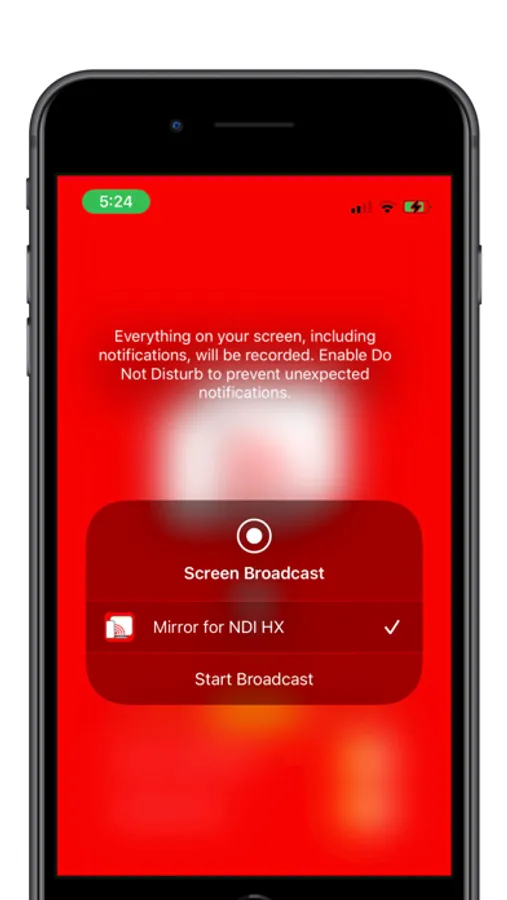
The mirror app turns your device's display and app audio into wireless source for NDI systems. Receivers need to be on the same network.
The mirror transmissions should automatically appear in the list of sources on your receiver software.
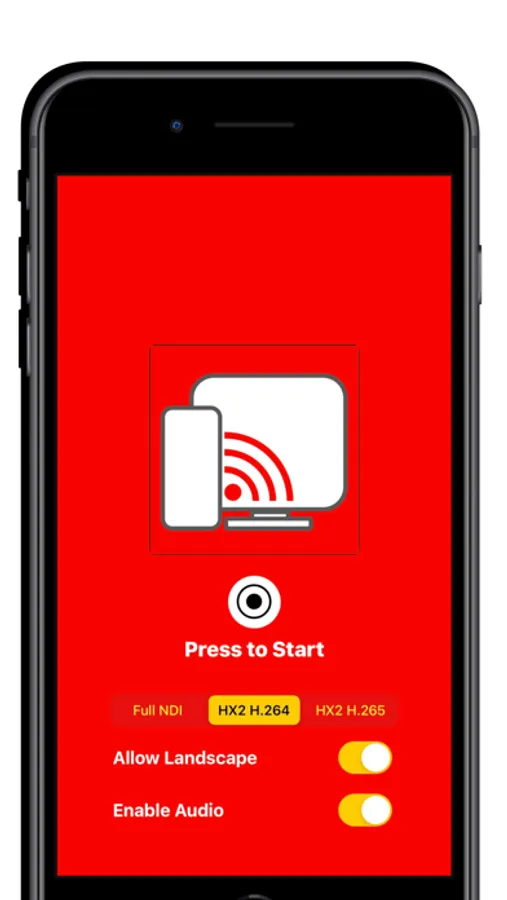
This app support NDI version 5. It includes full NDI format and HX2 format. HX2 formats include H.264 and H.265 (HEVC) encoding.
The app supports audio switching on and off and enabling landscape video.
For NDI HX2, a variable bit rate is selectable between 100 KBps and 10 MBps.
NDI (Network Device Interface) is a low latency IP video protocol. It is used in professional live video production and can be used in online broadcasting systems.
The mirror app turns your device's display and app audio into wireless source for NDI systems. Receivers need to be on the same network.
The mirror transmissions should automatically appear in the list of sources on your receiver software.
This app support NDI version 5. It includes full NDI format and HX2 format. HX2 formats include H.264 and H.265 (HEVC) encoding.
The app supports audio switching on and off and enabling landscape video.
For NDI HX2, a variable bit rate is selectable between 100 KBps and 10 MBps.
Screen Capture for NDI HX Screenshots
Tap to Rate:
Reviews for Screen Capture for NDI HX
KenJ81
Full NDI only
Full NDI works well but cannot get HX to work. H.264 and H.265 appear in the source list on the receiving computer but will not display video or audio.
Dagarrison
So far so good
It works better when the iPad is plugged into the network using an Ethernet adapter. I don’t have WiFi 6 in the home studio, so it’s will have some issues.