
AppRecs review analysis
AppRecs rating 1.0. Trustworthiness 65 out of 100. Review manipulation risk 22 out of 100. Based on a review sample analyzed.
★☆☆☆☆
1.0
AppRecs Rating
Ratings breakdown
5 star
0%
4 star
0%
3 star
0%
2 star
0%
1 star
100%
What to know
✓
Low review manipulation risk
22% review manipulation risk
⚠
Mixed user feedback
Average 1.0★ rating suggests room for improvement
About Taymor Protect
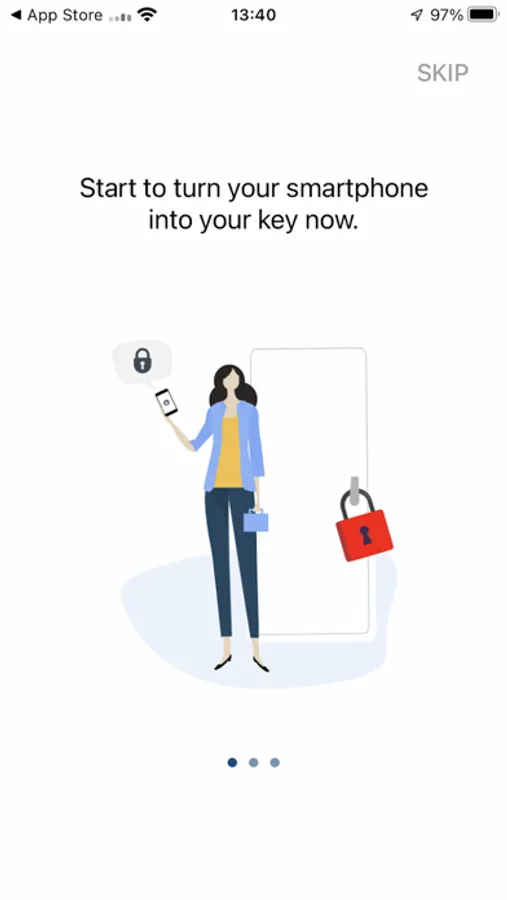
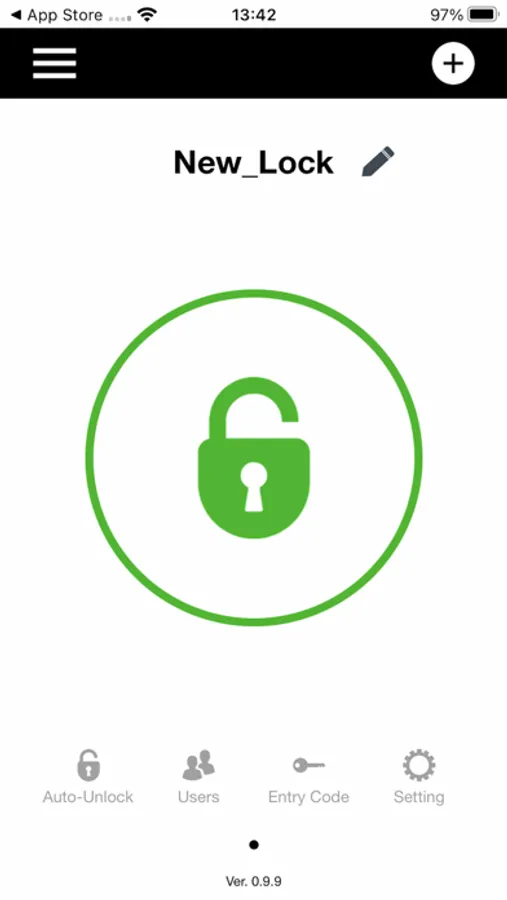
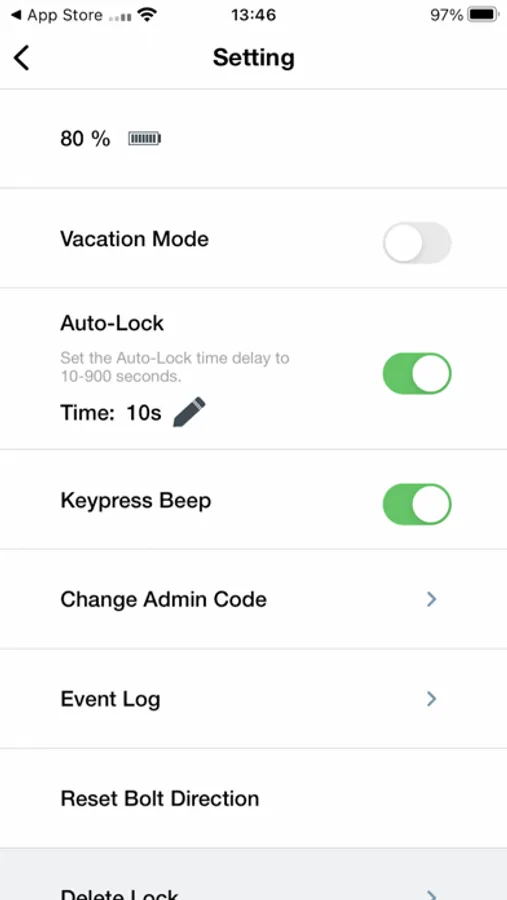
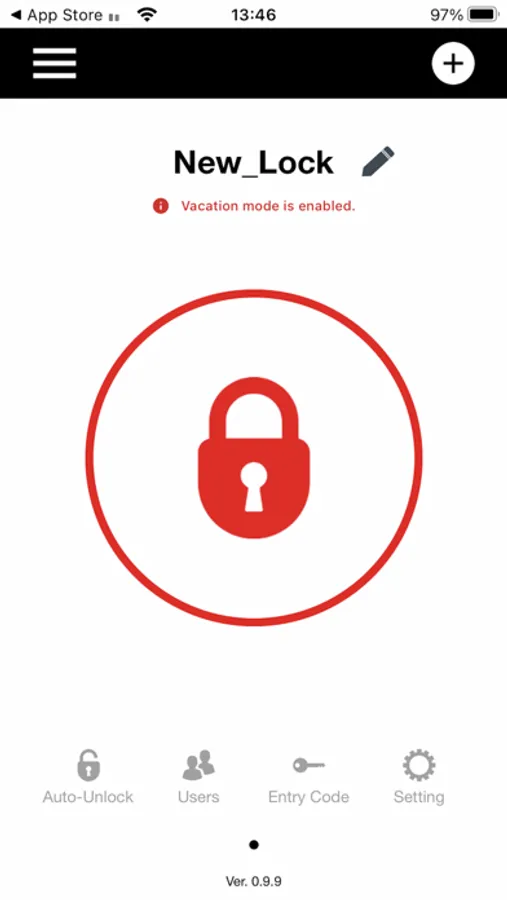
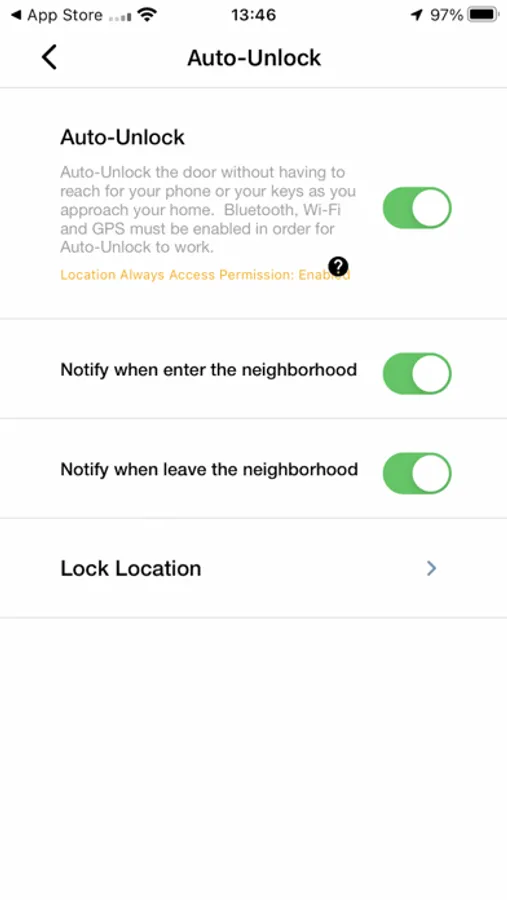
With the Taymor Protect app you can manage, control, and monitor your Taymor smart lock using your mobile device (remember to enable Bluetooth on your mobile device).
Using your mobile device, easily connect your lock to the Taymor Protect app by scanning the unique QR code provided with your Taymor smart lock. You will be able to lock and unlock your Taymor Smart lock with a single tap on your mobile device.
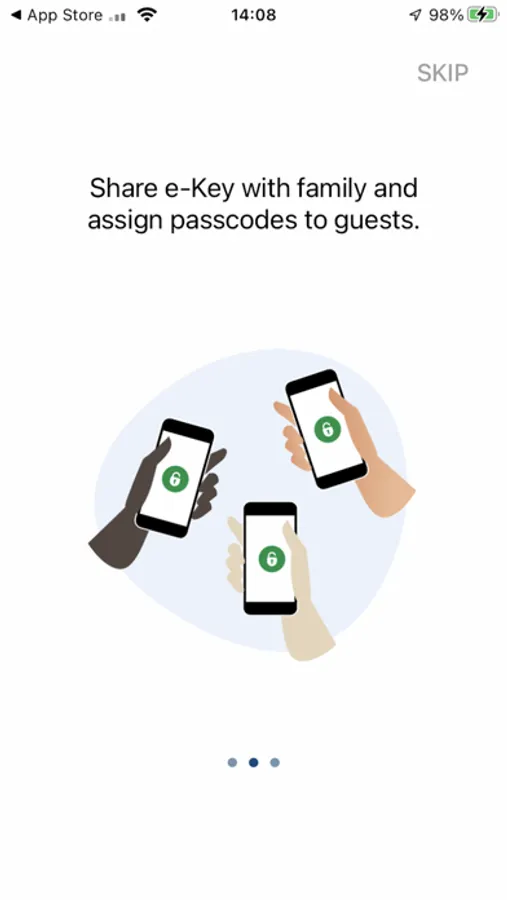
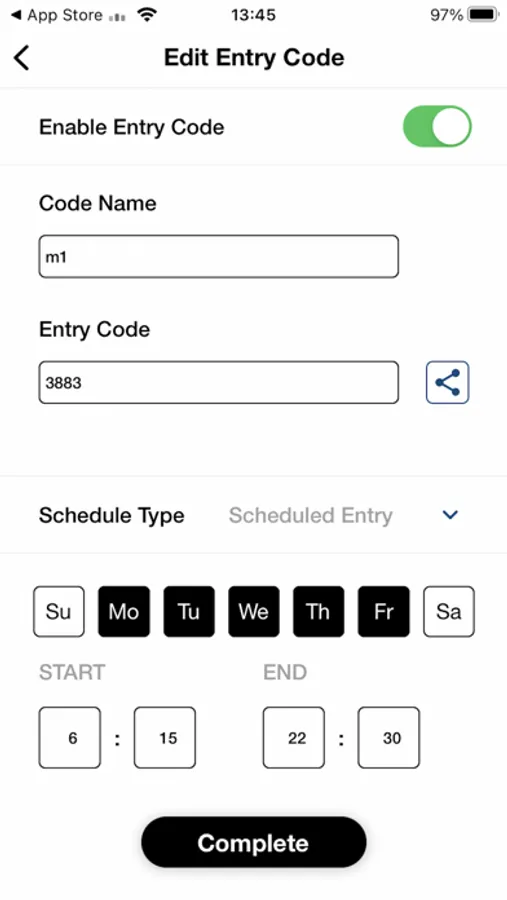
You can create up to 200 entry codes and share them easily via text, email, or a range of other mobile device apps.
Additional features enable you to create permanent, single-entry, and scheduled entry codes so you can monitor your Taymor smart lock activity.
Using your mobile device, easily connect your lock to the Taymor Protect app by scanning the unique QR code provided with your Taymor smart lock. You will be able to lock and unlock your Taymor Smart lock with a single tap on your mobile device.
You can create up to 200 entry codes and share them easily via text, email, or a range of other mobile device apps.
Additional features enable you to create permanent, single-entry, and scheduled entry codes so you can monitor your Taymor smart lock activity.
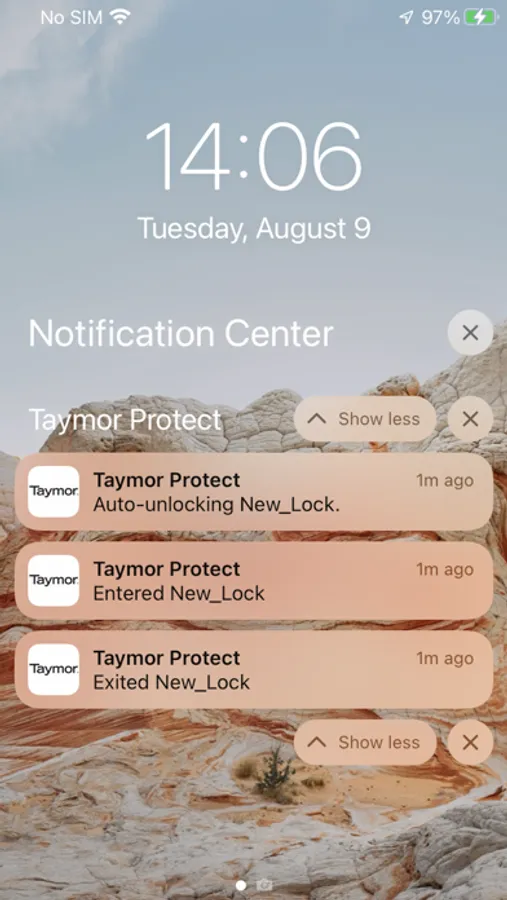
Taymor Protect Screenshots
Tap to Rate:
Reviews for Taymor Protect
Whatname77?
Super Slow with Lots of Bugs
The app takes forever to process adding new locks or add users. It also has a lot of bugs, for example, after I added a few locks to the app, reopening the app and finding all the locks I’ve added to my account are gone. It’s super frustrating to use.