
With this productivity app, you can capture ideas, create task lists, and collaborate with your team in real-time. Includes task management, content sharing, and notification controls.
AppRecs review analysis
AppRecs rating 4.5. Trustworthiness 76 out of 100. Review manipulation risk 21 out of 100. Based on a review sample analyzed.
★★★★☆
4.5
AppRecs Rating
Ratings breakdown
5 star
84%
4 star
6%
3 star
3%
2 star
2%
1 star
5%
What to know
✓
Low review manipulation risk
21% review manipulation risk
✓
Credible reviews
76% trustworthiness score from analyzed reviews
⚠
Pricing complaints
Many low ratings mention paywalls or pricing
About Microsoft Loop
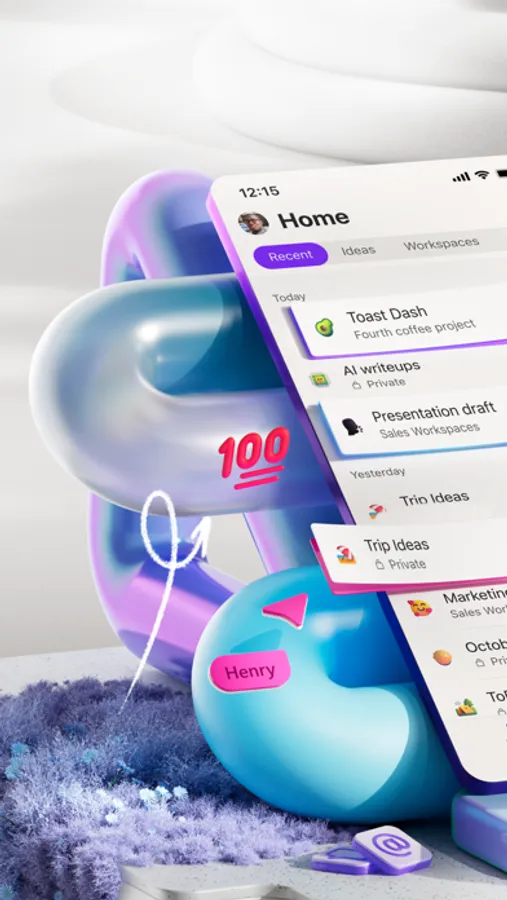
Microsoft Loop is a transformative co-creation experience that brings together teams, content and tasks across your tools and devices. Designed for the way you work, Loop can help you think, plan, and create together.
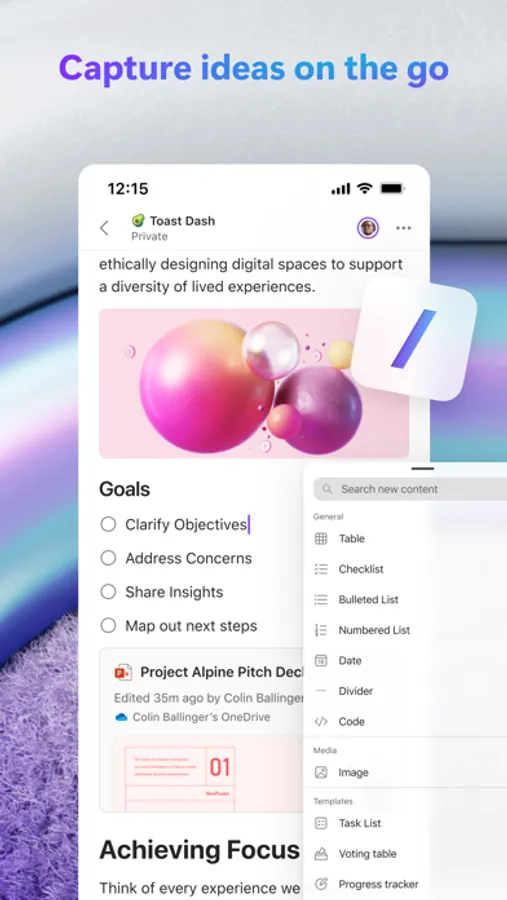
• Capture ideas, create task lists, and insert photos to your Loop pages to express your thoughts.
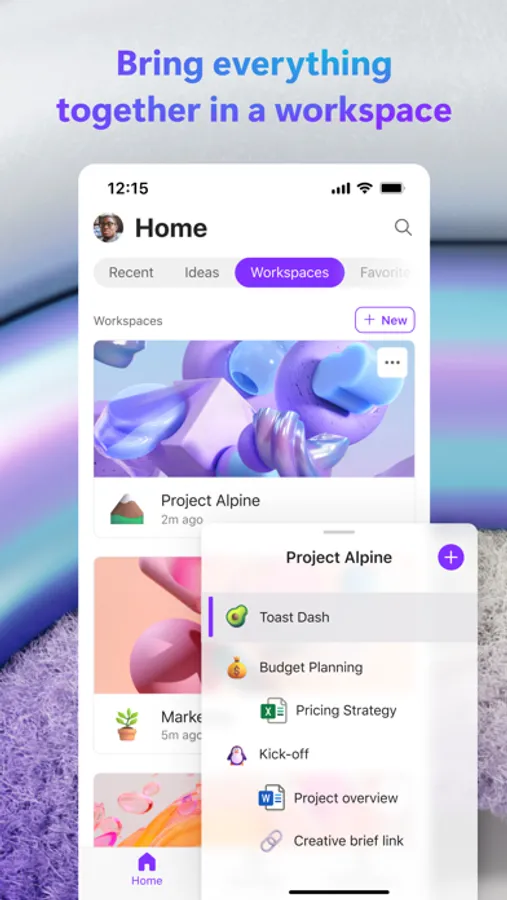
• Bring all your project content into a Loop workspace to help your team focus on what matters.
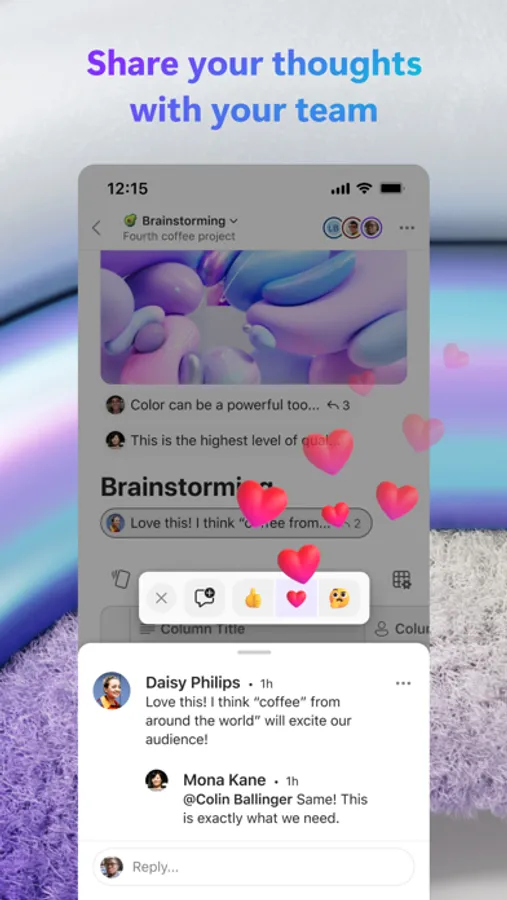
• Comment and react in the app to quickly collaborate on the go.
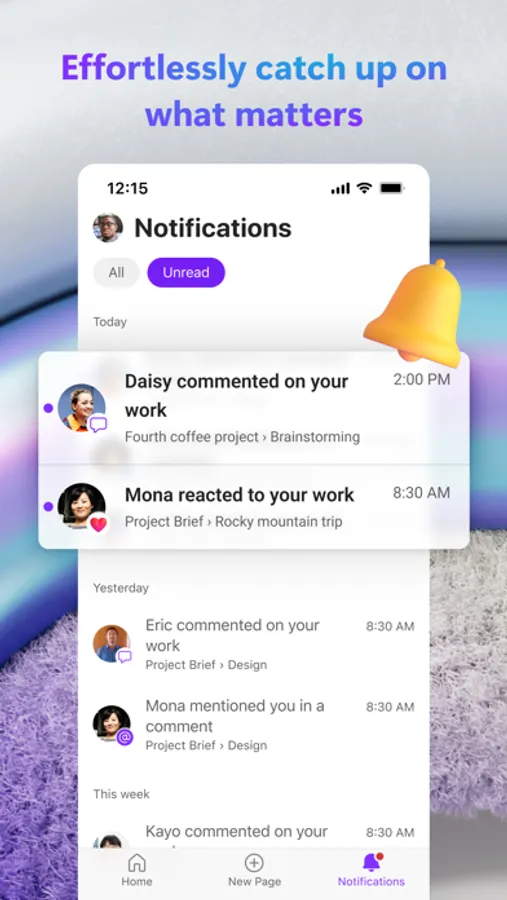
• Get only the notifications you care about and jump right back into what needs the most attention.
• Edit and share Loop components across Microsoft 365 to help your team be on the same page in one place.
To get started, download Loop, and sign in with your Microsoft Account or the account assigned to you by your work or school.
This app is provided by either Microsoft or a third-party app publisher and is subject to a separate privacy statement and terms and conditions. Data provided through the use of this store and this app may be accessible to Microsoft or the third-party app publisher, as applicable, and transferred to, stored and processed in the United States or any other country where Microsoft or the app publisher and their affiliates or service providers maintain facilities.
Please refer to the End User License Terms for Microsoft Loop. By installing the app, you agree to these terms and conditions.
Privacy terms: https://aka.ms/privacy
Please refer to the Microsoft Software License Terms, see “License Agreement” under Information. By installing the app, you agree to these terms and conditions.
Microsoft Loop Screenshots
Tap to Rate:
Reviews for Microsoft Loop
Kashan4122
The UX is awful
No way to exit out of a comment view once left (must force close app) on a page in the tablet app. Sharing a page with edit access grants only read-only access from mobile. No access to version history. Not even a clear way to access the web version of loop on mobile… direct links bring you to the loop homepage, a shareable link is read only. Infuriating experience - IT need to stop mandating MSFT apps. Between this and teams it’s impossible to get anything done efficiently.
qwerty-132:)
Awful
High latency for creating notes. Deleting notes doesn’t work. Confusing UI with multiple unneeded elements. Looks like all actions are backend driven and it shows