
Video to Photo: Frame Grabber
R.S.D-E. TECHNOLOGIES LTD
5.0 ★
27 ratings
Free
With this video-to-photo app, you can extract high-resolution frames from videos and live photos, inspect videos frame by frame, and save selected images. Includes options for high-quality exports, frame search, and iCloud support.
AppRecs review analysis
AppRecs rating 4.5. Trustworthiness 0 out of 100. Review manipulation risk 0 out of 100. Based on a review sample analyzed.
★★★★☆
4.5
AppRecs Rating
Ratings breakdown
5 star
100%
4 star
0%
3 star
0%
2 star
0%
1 star
0%
What to know
✓
High user satisfaction
100% of sampled ratings are 5 stars
About Video to Photo: Frame Grabber
Video to Photo is the easiest way to extract frames from your videos and live photos.
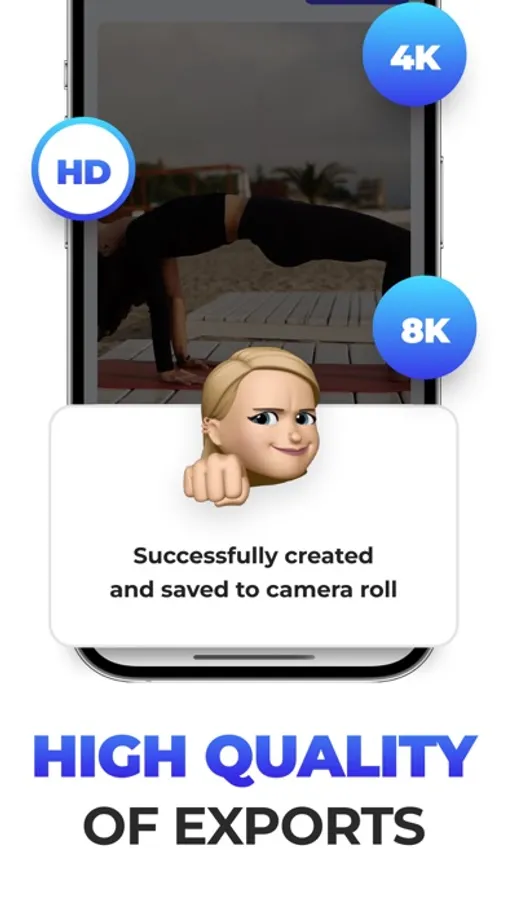
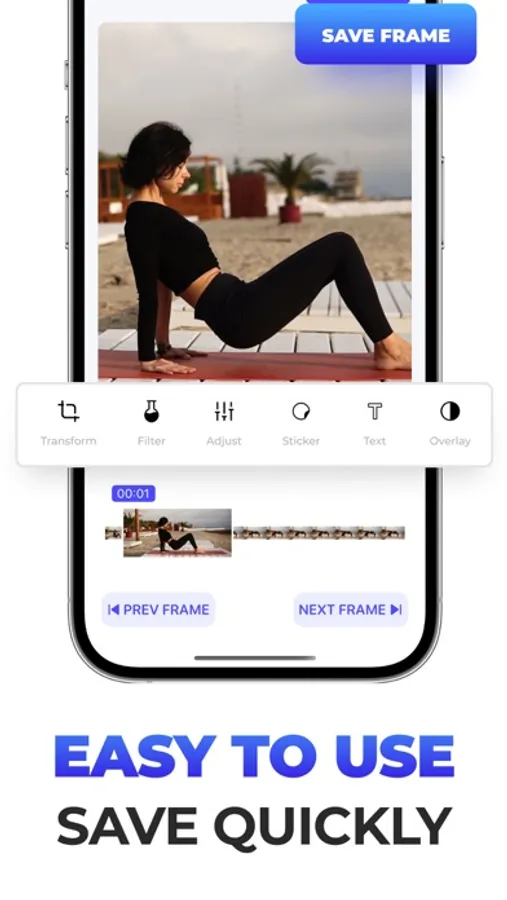
Media are loaded directly from your Camera Roll to the app, and then you can inspect the video frame by frame and pick up the one you want to save as a still image in. This photo will be saved at the same resolution as the source video: Full HD/4K/8K.
- Easy to use
- Export frames at Full HD/4K/8K.
- Search frame by frame stepper, for maximum accuracy
- iCloud support
Premium Plan(Subscription):
Premium plan is a week/month/year subscription that provides unlimited ability to save frames from your video/live photo. This subscription auto-renews at the end of each period term payment will be charged to iTunes Account at confirmation of purchase. The subscription automatically renews unless auto-renew is turned off at least 24-hours before the end of the current period. Account will be charged for renewal within 24-hours prior to the end of the current period. You may manage your subscription and turn off auto-renewal by going to your Account Settings after purchase. Any unused portion of a free trial period will be forfeited if you purchase a subscription.
Terms And Conditions: https://drive.google.com/file/d/16s3jiCDyHeat4jLwJ67kFWu8y5-0bBqX/view?usp=sharing
Privacy Policy: https://drive.google.com/file/d/1l0ZwNkKBVC3xIk6U9DUHKdAEsGNmcDWP/view?usp=sharing
Media are loaded directly from your Camera Roll to the app, and then you can inspect the video frame by frame and pick up the one you want to save as a still image in. This photo will be saved at the same resolution as the source video: Full HD/4K/8K.
- Easy to use
- Export frames at Full HD/4K/8K.
- Search frame by frame stepper, for maximum accuracy
- iCloud support
Premium Plan(Subscription):
Premium plan is a week/month/year subscription that provides unlimited ability to save frames from your video/live photo. This subscription auto-renews at the end of each period term payment will be charged to iTunes Account at confirmation of purchase. The subscription automatically renews unless auto-renew is turned off at least 24-hours before the end of the current period. Account will be charged for renewal within 24-hours prior to the end of the current period. You may manage your subscription and turn off auto-renewal by going to your Account Settings after purchase. Any unused portion of a free trial period will be forfeited if you purchase a subscription.
Terms And Conditions: https://drive.google.com/file/d/16s3jiCDyHeat4jLwJ67kFWu8y5-0bBqX/view?usp=sharing
Privacy Policy: https://drive.google.com/file/d/1l0ZwNkKBVC3xIk6U9DUHKdAEsGNmcDWP/view?usp=sharing
Video to Photo: Frame Grabber Screenshots

Tap to Rate: