
With this note-taking app, you can quickly save tagged notes to Notion and access features like home screen widgets and tag creation. Includes secure authorization, offline support, and multiple database management.
AppRecs review analysis
AppRecs rating 4.4. Trustworthiness 71 out of 100. Review manipulation risk 25 out of 100. Based on a review sample analyzed.
★★★★☆
4.4
AppRecs Rating
Ratings breakdown
5 star
91%
4 star
5%
3 star
1%
2 star
1%
1 star
1%
What to know
✓
Low review manipulation risk
25% review manipulation risk
✓
Credible reviews
71% trustworthiness score from analyzed reviews
✓
High user satisfaction
91% of sampled ratings are 5 stars
About Instant Note for Notion
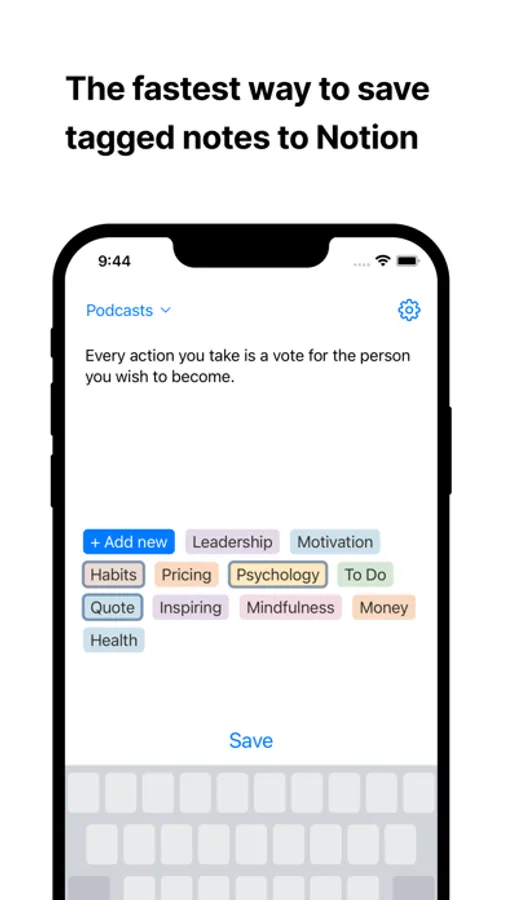
The quickest way to save tagged notes to Notion.
Quick: it only takes seconds to write and tag a note. Add a Lock Screen widget to start writing even faster.
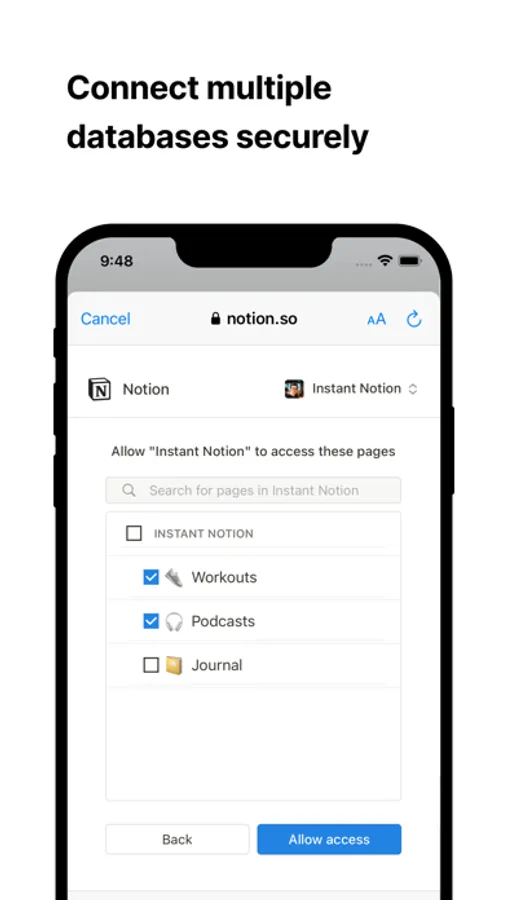
Secure: use the official Notion authorisation method, without generating your tokens manually. Your data is transmitted directly to Notion.
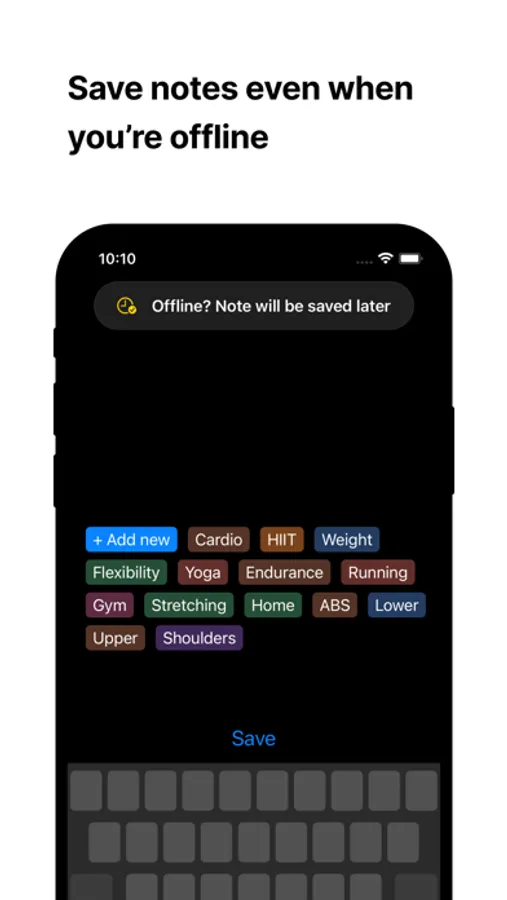
Offline: notes saved without internet connection will be sent later.
Get the "Instant Notion Pro" subscription to use additional features:
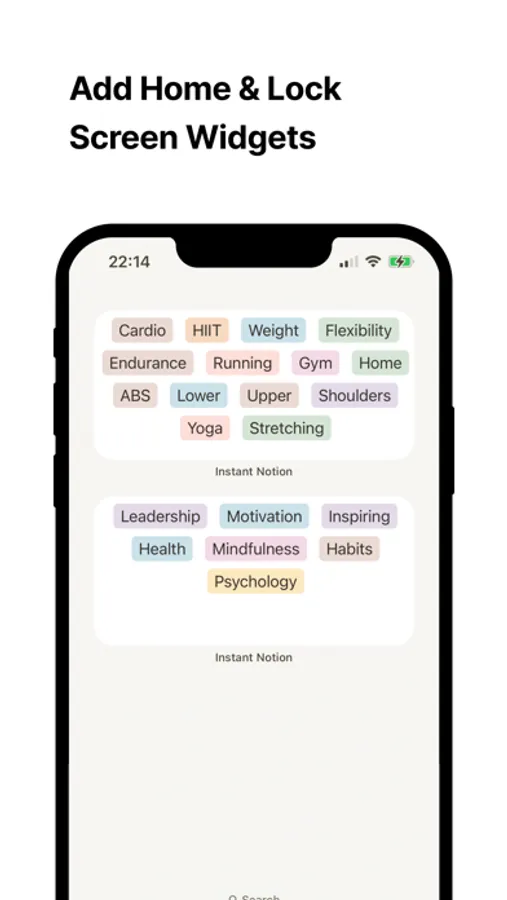
Home Screen Widgets: create widgets with your tags and start creating notes even faster
Create tags in the app: add new tags without opening Notion
Multiple databases: quickly switch between all of the shared databases
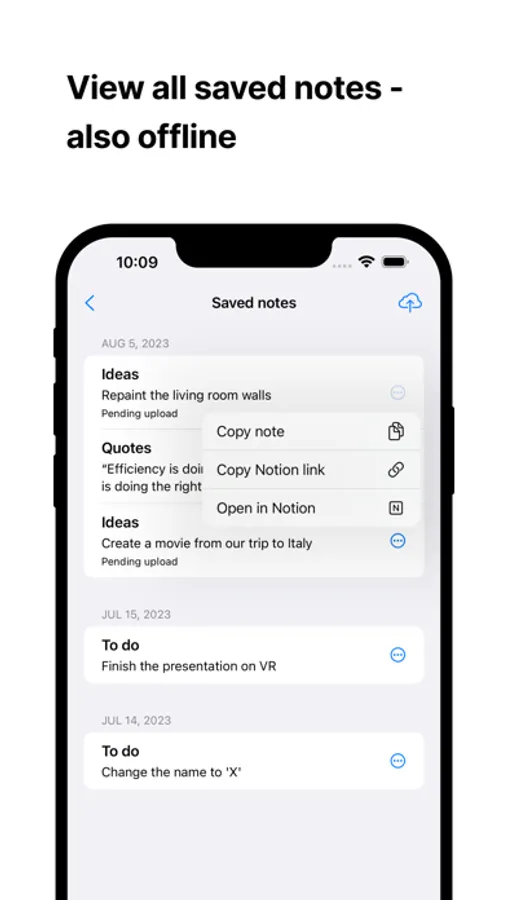
Saved notes: view all of the saved notes - also offline. You can copy each note or open it in Notion
Licensed application end user license agreement (EULA):
https://www.apple.com/legal/internet-services/itunes/dev/stdeula/
Quick: it only takes seconds to write and tag a note. Add a Lock Screen widget to start writing even faster.
Secure: use the official Notion authorisation method, without generating your tokens manually. Your data is transmitted directly to Notion.
Offline: notes saved without internet connection will be sent later.
Get the "Instant Notion Pro" subscription to use additional features:
Home Screen Widgets: create widgets with your tags and start creating notes even faster
Create tags in the app: add new tags without opening Notion
Multiple databases: quickly switch between all of the shared databases
Saved notes: view all of the saved notes - also offline. You can copy each note or open it in Notion
Licensed application end user license agreement (EULA):
https://www.apple.com/legal/internet-services/itunes/dev/stdeula/
Instant Note for Notion Screenshots
Tap to Rate:
Reviews for Instant Note for Notion
Charm 88
Wish to add this features
I really like to use this app. But otherwise, Iike you to add reedit features. Putting notes through app is excellent but sadly cannot edit through app. And also deleting database should be synched. it makes me annoying when I saw note -already deleted in notion database-.
Jaredir
Very useful
Good stuff