
Huion Keydial
Shenzhen Huion Animation Technology Co.,Ltd.
1.3 ★
7 ratings
Free
AppRecs review analysis
AppRecs rating 1.3. Trustworthiness 81 out of 100. Review manipulation risk 24 out of 100. Based on a review sample analyzed.
★☆☆☆☆
1.3
AppRecs Rating
Ratings breakdown
5 star
0%
4 star
0%
3 star
14%
2 star
0%
1 star
86%
What to know
✓
Low review manipulation risk
24% review manipulation risk
✓
Credible reviews
81% trustworthiness score from analyzed reviews
⚠
Mixed user feedback
Average 1.3★ rating suggests room for improvement
About Huion Keydial
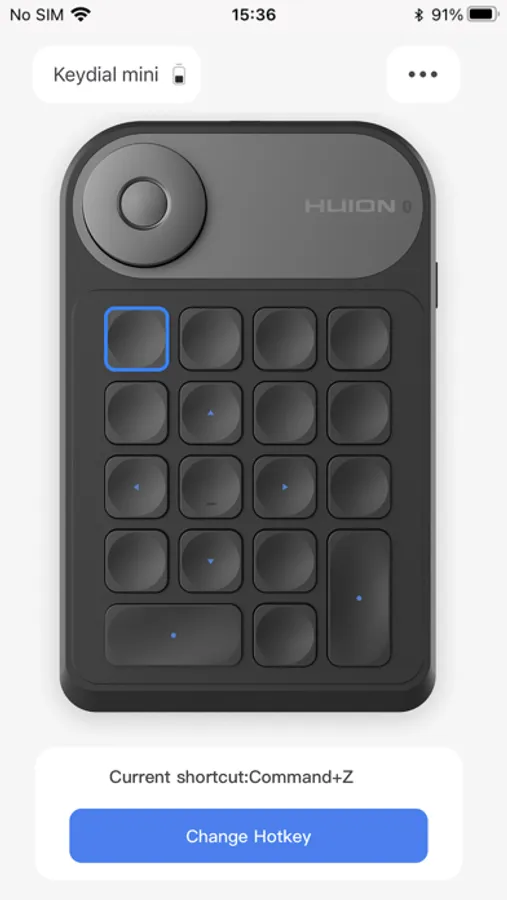
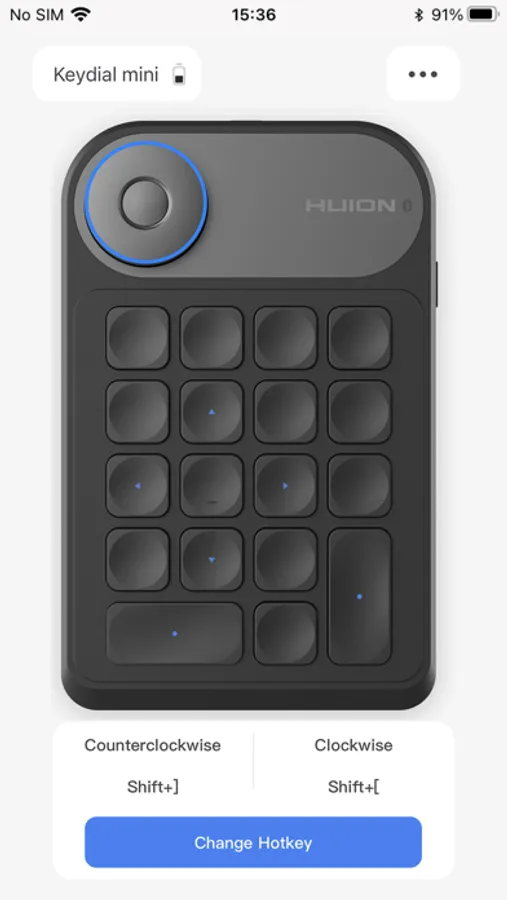
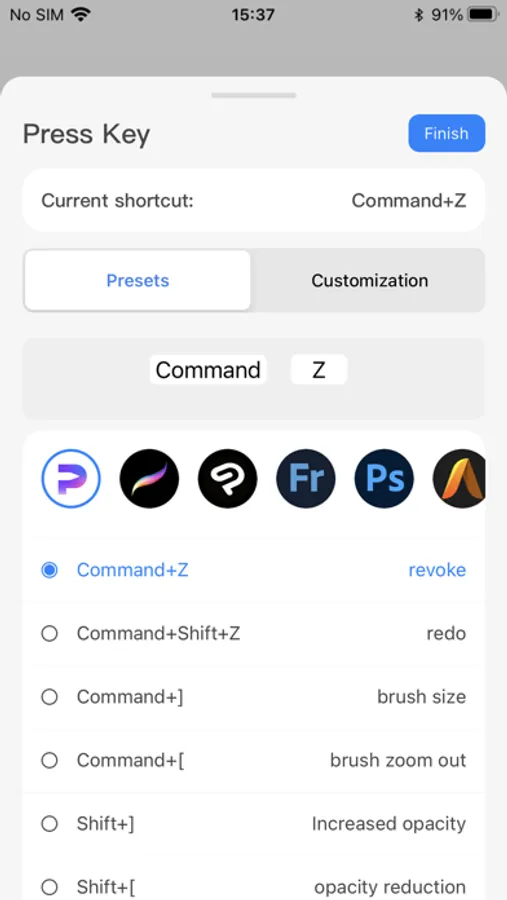
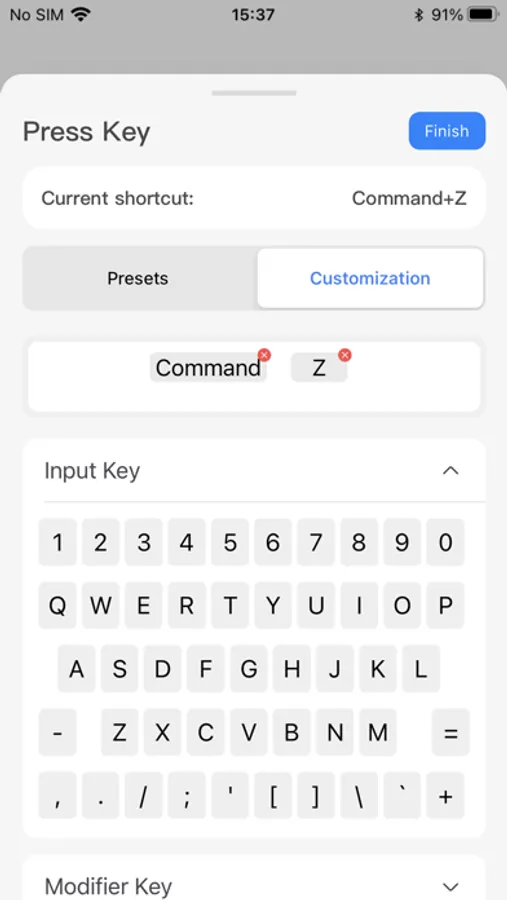
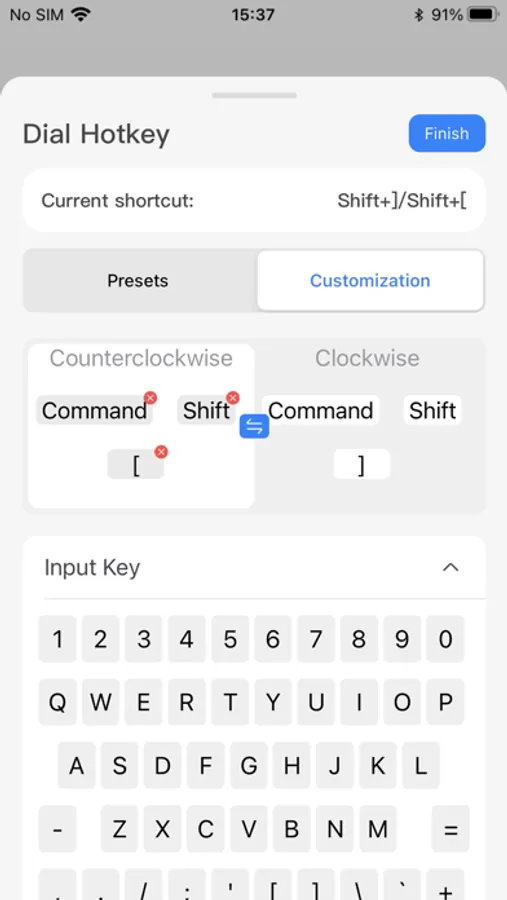
Huion Keydial has built-in several shortcut functions for the commonly used painting software in the market. You only need to connect the device, click the button to be set, and then select the application to be used and assign the shortcut function.
Huion Keydial currently supports custom settings for the Clip Studio Paint application. If you have other applications that need to be supported, please contact us in the app for feedback."
Huion Keydial Screenshots
Tap to Rate:
Reviews for Huion Keydial
otxfzjrzfzxvchdjfiend
Finally found a fix for this miserable app
I was having an issue for this app on iPad where it wouldn’t allow me to set a keyboard shortcut. It would let me rename, but not change the actual shortcut or bring up my keyboard (in app but also will ignore my connected keyboard). When this happens, the options for the apps in the menu are also missing. I found that if you resize the app window (grab the bottom right corner and shrink it so it’s small and vertical, like an iPhone screen), all the apps will show in the menu and you’ll be able to set shortcuts again.
Typicial
Straight up doesn’t work
It just won’t connect. I got it to connect once and it still didn’t work, it just kept insisting i rename shortcuts? Honestly i’m not surprised, the keydial doesn’t work with macbooks or pcs either, tried it all. Just get a mini keyboard kids and save yourself the headache