
AppRecs review analysis
AppRecs rating . Trustworthiness 65 out of 100. Review manipulation risk 21 out of 100. Based on a review sample analyzed.
★
AppRecs Rating
Ratings breakdown
5 star
0%
4 star
0%
3 star
0%
2 star
0%
1 star
100%
What to know
✓
Low review manipulation risk
21% review manipulation risk
⚠
Mixed user feedback
Average 1.0★ rating suggests room for improvement
About Quick keyboard - Auto Reply
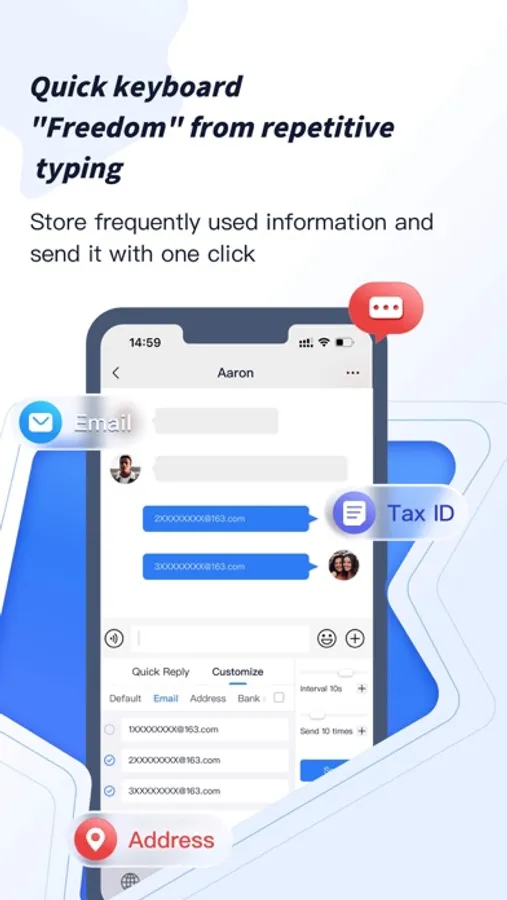
Quick keyboard, an intelligent artifact that allows you to send one-click in many communication occasions, eliminating the need for brains and repeated input
Function:
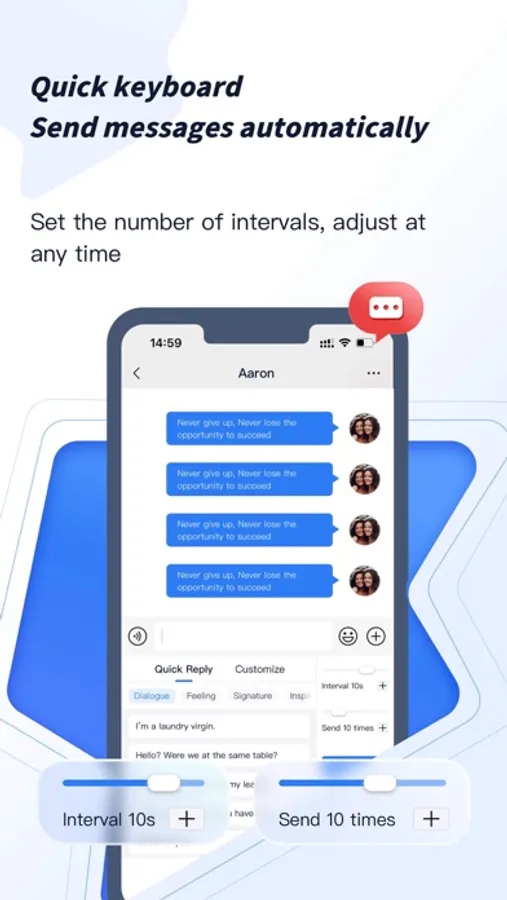
1: Support repeated sending of information, support setting interval time, sending times, etc.
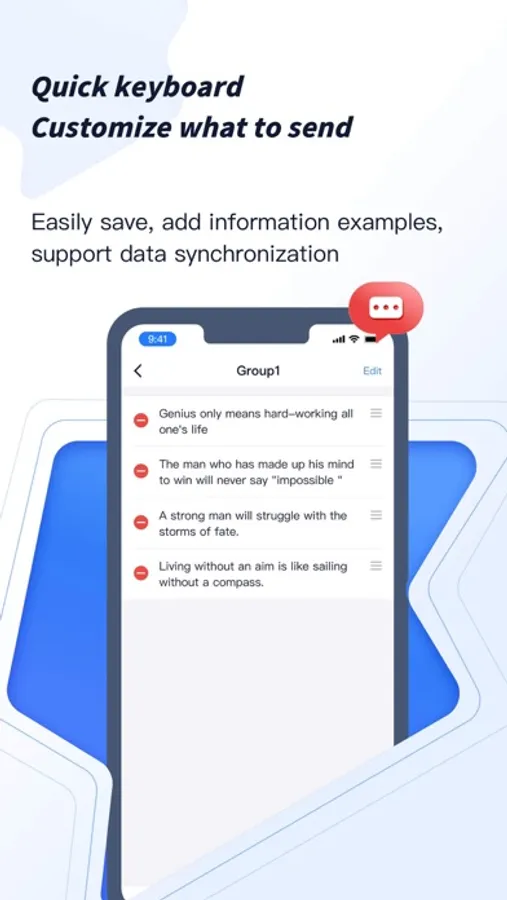
2: Support custom keyboard content and classification. Also supports icloud data backup
3: Built-in a variety of keyboard content to meet daily use.
4: Support single and multiple sending. smarter
5: Support dark mode to protect eyes.
installation method:
1. Open the app after installation
2. Open the phone system to set the universal keyboard
2.1 point keyboard
2.2 Click to add input method
2.3 Select shortcut keyboard
Works with:
•Instagram
•Roblox
•WhatsApp
•iMessage
•Tiktok
•Snapchat
•Many more!
The input method specially designed for automatic reply and repeated input crowd, you are worth sharing!
Function:
1: Support repeated sending of information, support setting interval time, sending times, etc.
2: Support custom keyboard content and classification. Also supports icloud data backup
3: Built-in a variety of keyboard content to meet daily use.
4: Support single and multiple sending. smarter
5: Support dark mode to protect eyes.
installation method:
1. Open the app after installation
2. Open the phone system to set the universal keyboard
2.1 point keyboard
2.2 Click to add input method
2.3 Select shortcut keyboard
Works with:
•Roblox
•iMessage
•Tiktok
•Snapchat
•Many more!
The input method specially designed for automatic reply and repeated input crowd, you are worth sharing!
Quick keyboard - Auto Reply Screenshots
Tap to Rate:
Reviews for Quick keyboard - Auto Reply
uhalan
Does not work
1. Keyboard only shows in notes app 2. Keyboard crashes when you switch the tab to custom doesn’t even let you use them. Unless it’s the pre defined ones.