AppRecs review analysis
AppRecs rating 4.0. Trustworthiness 80 out of 100. Review manipulation risk 19 out of 100. Based on a review sample analyzed.
★★★★☆
4.0
AppRecs Rating
Ratings breakdown
5 star
52%
4 star
13%
3 star
19%
2 star
4%
1 star
13%
What to know
✓
Low review manipulation risk
19% review manipulation risk
✓
Credible reviews
80% trustworthiness score from analyzed reviews
⚠
Pricing complaints
Many low ratings mention paywalls or pricing
About infiniteX2P - Multitasking
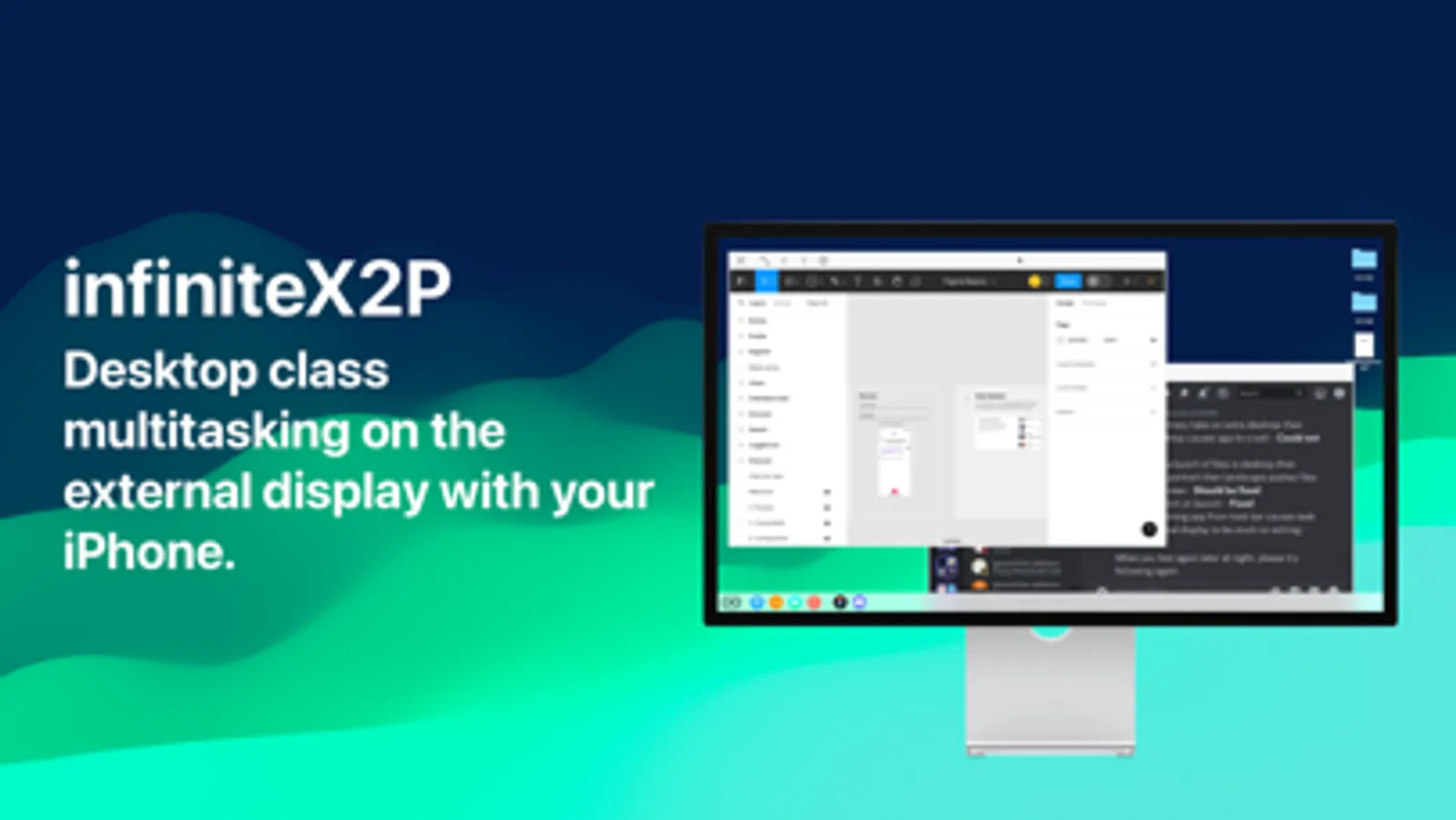
InfiniteX2P isn’t just another productivity app — it’s the only platform in the world that transforms your iPhone and iPad into a true desktop-class multitasking environment. Built from the ground up with technology no one else can deliver, InfiniteX2P redefines what mobile devices are capable of.
InfiniteX2P Studio (External Display Support)
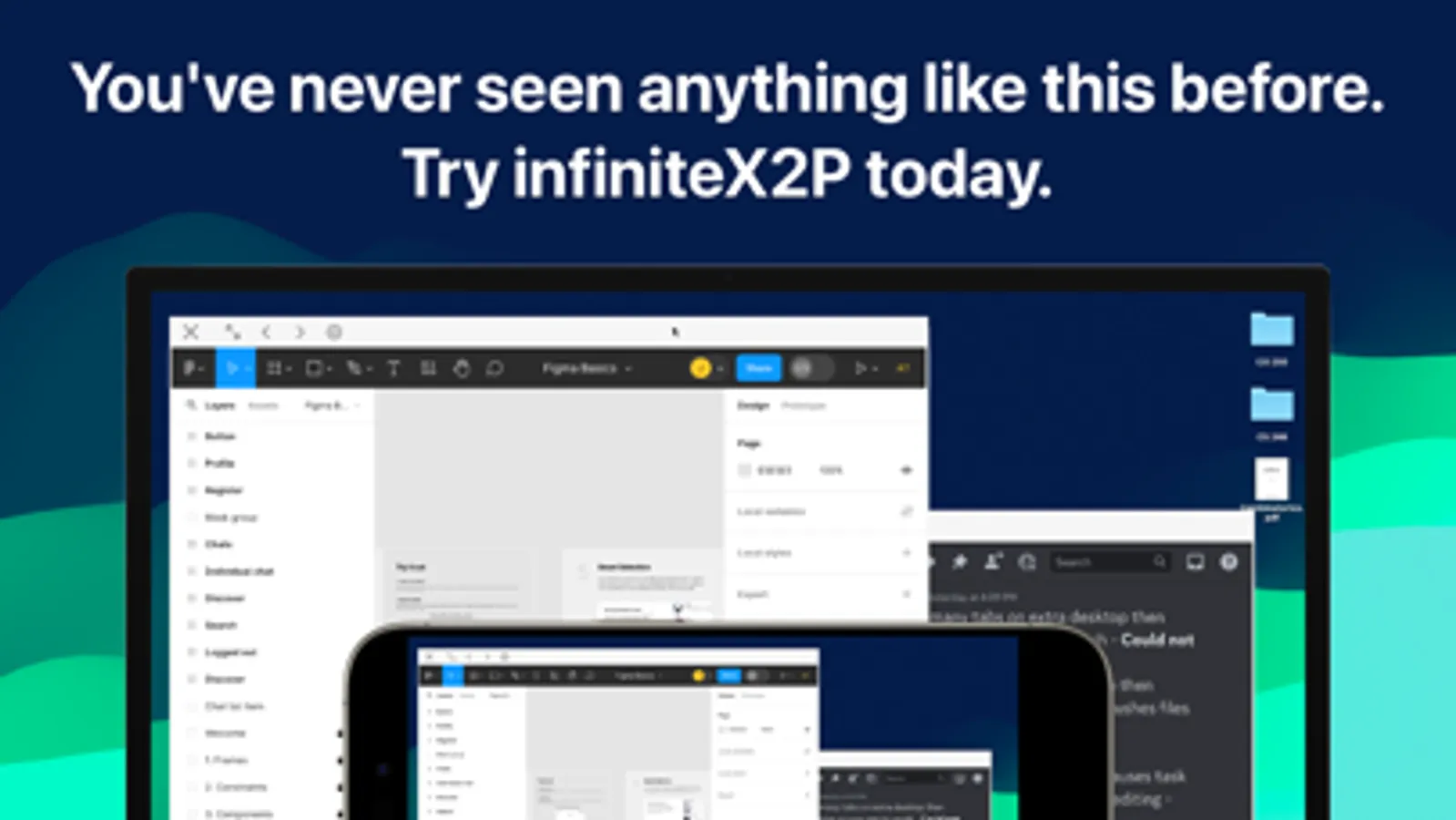
Take your workflow beyond the screen with InfiniteX2P Studio. Seamlessly connect your iPhone or iPad to an external monitor, NexDock, or desktop setup, and experience your device as a fully functional laptop or workstation. Resize windows, manage multiple apps side by side, and collaborate on a canvas that was never possible before. This innovation is exclusive to InfiniteX2P+ subscribers — because we’re the only ones who can make it possible.
True Desktop-Class Multitasking
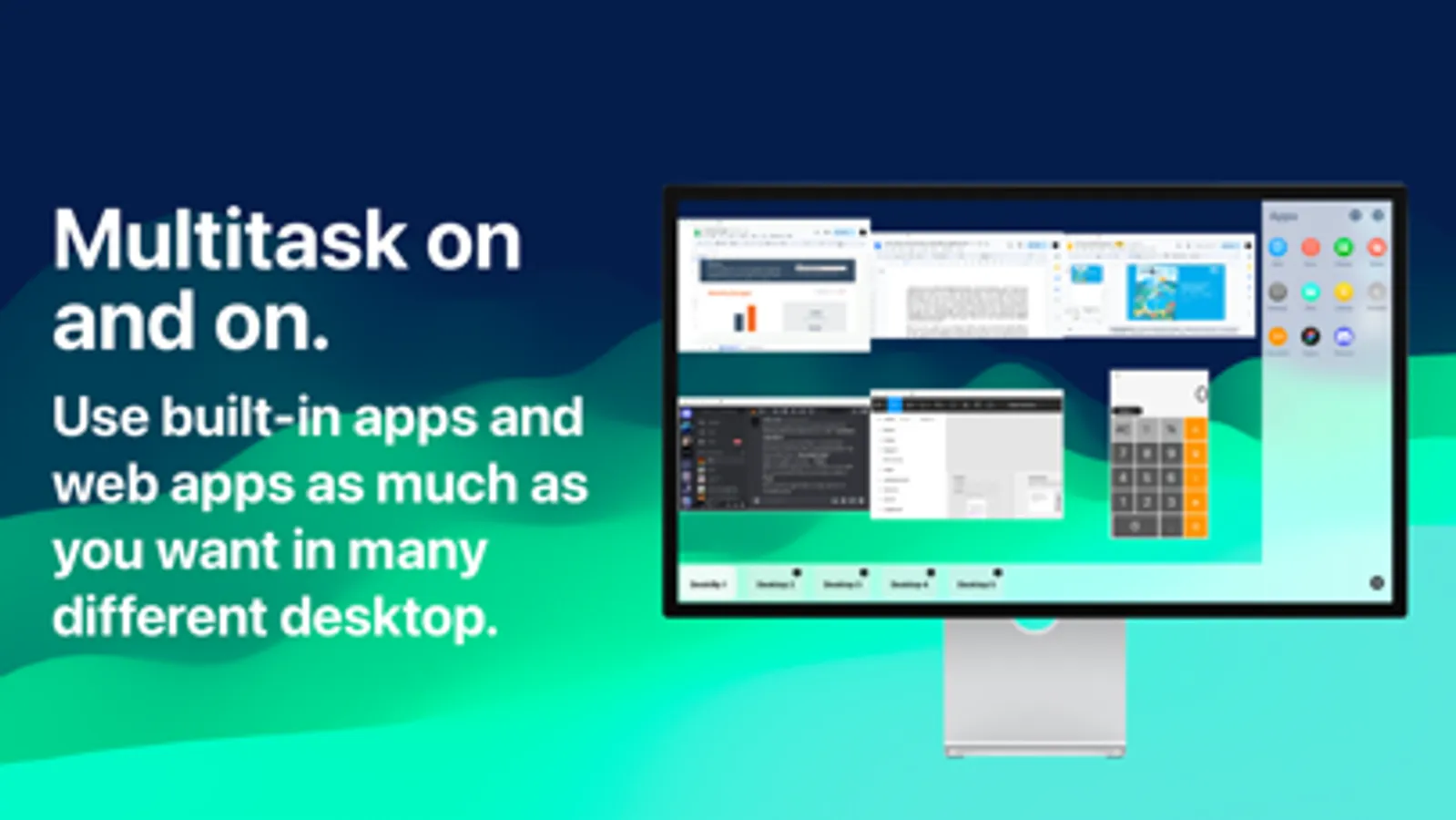
No more app switching. No more broken focus. InfiniteX2P gives you resizable windows, intuitive snapping, and smooth gestures that let you arrange apps exactly how you want them. Work on documents while browsing, research while taking notes, compare data side by side — all with the freedom of a desktop, powered by your iPad and iPhone.
Productivity Without Limits
Students, professionals, creators — anyone can unlock an unprecedented workflow with InfiniteX2P. Whether you’re studying, designing, coding, writing, or presenting, your device adapts to you, not the other way around.
A Complete Workspace, Built In
InfiniteX2P integrates essential tools like Web Browser, Files, Lookup, TextEdit, Calculator, Notes, and Board. These are not add-ons — they’re part of a seamless environment built to keep you focused and efficient.
Constant Evolution
InfiniteX2P is never finished — and that’s by design. We are continuously improving, evolving, and pushing the boundaries of what iPhone and iPad multitasking can be. With every update, InfiniteX2P gets smarter, faster, and more powerful. What you see today is only the beginning.
The Only One of Its Kind
InfiniteX2P is not just ahead of the curve — it is the curve. Nobody else in the world is offering what we deliver, and nobody else can. If you want the future of multitasking, there’s only one choice.
Join the Revolution. Unlock the full potential of your iPad and iPhone with InfiniteX2P. Experience the multitasking freedom that no one else can give you — and step into the future of productivity.
Developed by: exDeveloper (Joonwoo Kim), Jaden (Wonjae) Cho
Terms of Use (EULA): https://www.apple.com/legal/internet-services/itunes/dev/stdeula/
infiniteX2P - Multitasking Screenshots
Tap to Rate:
Reviews for infiniteX2P - Multitasking
asterorphid
Promising, but too many issues to justify subscription
I have been looking for an iOS alternative to Samsung Dex for a while, so when I saw this I got excited and paid the monthly fee. The setup was smooth, but within 5 minutes of playing with the desktop environment, I ran into so many bugs and design flaws that I couldn't use it for any of my intended purposes and canceled my subscription. Issues I encountered in those 5 minutes: Windows dragged into the bottom third or right third of the screen became invisible. The behavior of the close/minimize/maximize buttons is inconsistent at best. When trying to log in to Google in the browser, the right-click context menu's background does not render, making it hard to read, and the autofill option is unclickable; this is a total dealbreaker since I have lengthy passwords I can't type manually, and there's no way to install a password manager like Bitwarden in this environment. If just this issue were fixed I'd consider using this app again. The window borders are extremely rounded, obscuring parts of webpages and causing the drag-to-resize zone to unintuitively extend out into empty space. One of the icons in the dock has a square symbol and seemingly does nothing when clicked, and the UI doesn't offer hints about what it's for. To top it all off, the only avenue for getting support from the developer is via X/Twitter, which has got to be the worst platform for facilitating customer relationships; I deleted my account years ago and am not going to rejoin that toxic platform just to provide feedback for an app I've used one time. Just use an email address and Github Issues. I normally wouldn't be so critical of an independent developer doing cool work, but charging a monthly fee and advertising this as a "true desktop-class multitasking environment" seems premature and misleading at this point in its development. However, I think it's great someone is trying to fill this niche, and I would happily pay a subscription once the app is refined further.
Pinkboi7220
Nooo not the dock
why why WHY the dock I want it to be on the bottom also