Calendar: To Do List & Notes
Planning Technologies LLC
4.7 ★
30 ratings
Free
AppRecs review analysis
AppRecs rating 4.7. Trustworthiness 65 out of 100. Review manipulation risk 32 out of 100. Based on a review sample analyzed.
★★★★☆
4.7
AppRecs Rating
Ratings breakdown
5 star
83%
4 star
10%
3 star
3%
2 star
0%
1 star
3%
What to know
✓
High user satisfaction
83% of sampled ratings are 5 stars
About Calendar: To Do List & Notes
Whether you're managing work, personal goals, or both, this smart calendar app keeps everything in one place — so you stay productive and in control.
Custom Navigation
Customize your experience by choosing which features appear in the bottom navigation bar.
Quick access to what you use most — your app, your way.
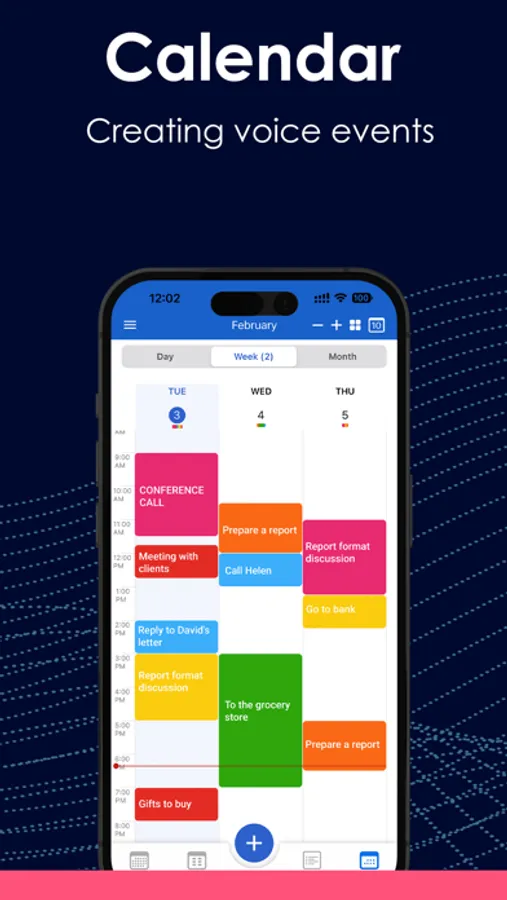
Daily Planner & Smart Calendar
Plan your schedule — online or offline.
Sync effortlessly with Google, iCloud, Outlook, Office365, and more.
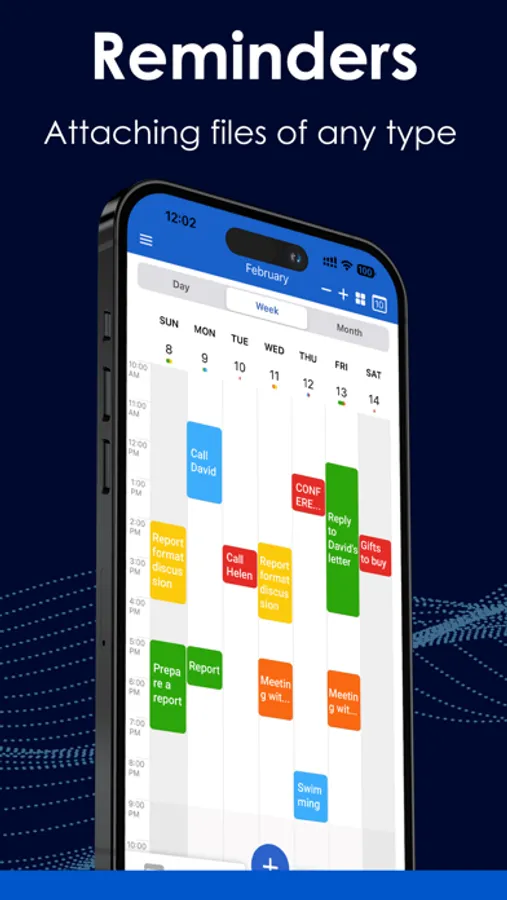
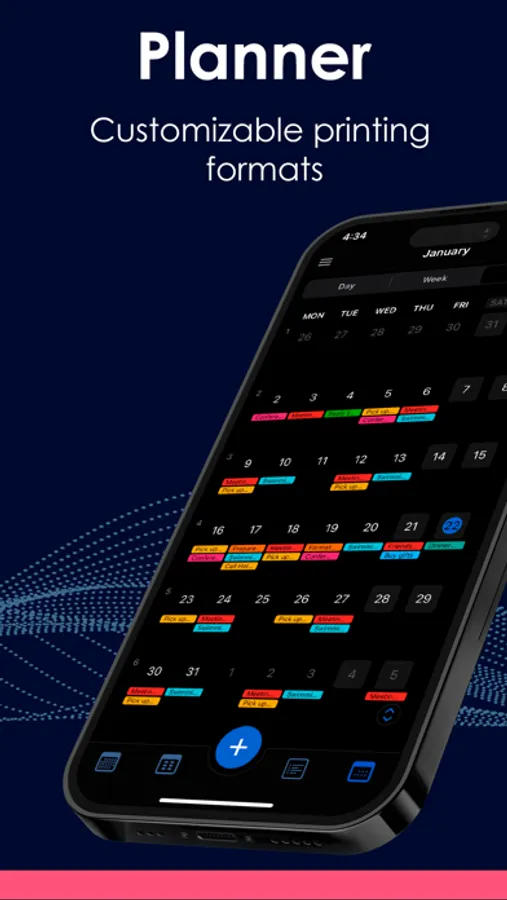
Use drag & drop to adjust events, attach files, print your schedule, send invites, or even create voice-based events.
Switch between day, week, month, or year views — whatever suits your style.
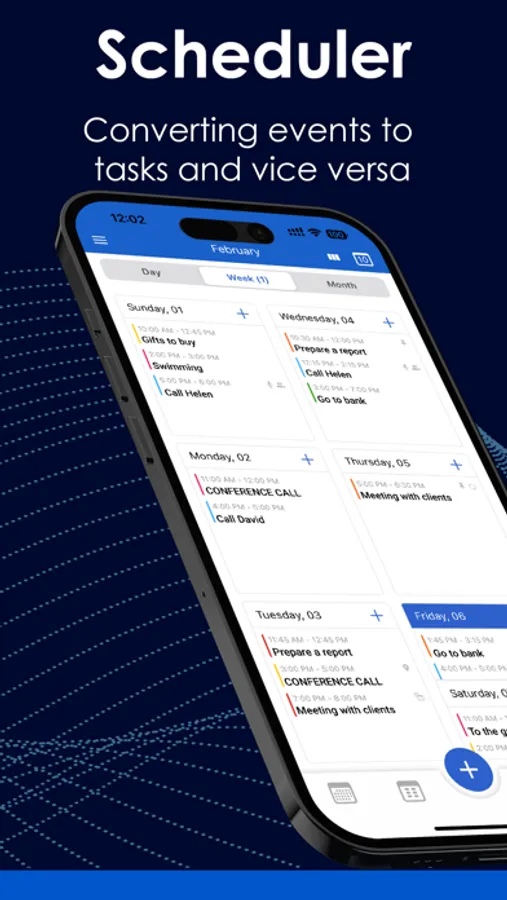
Tasks & Reminders
Break down tasks into subtasks, convert them into calendar events — or reverse them back.
Everything syncs with your device’s native Reminders app.
Premium features include private task lists, recurring tasks, filters, and smart notifications.
Notes
Capture voice or text notes, add drawings or images, and turn any note into a task when you're ready to act.
Perfect for ideas, checklists, and daily thoughts — all in one place.
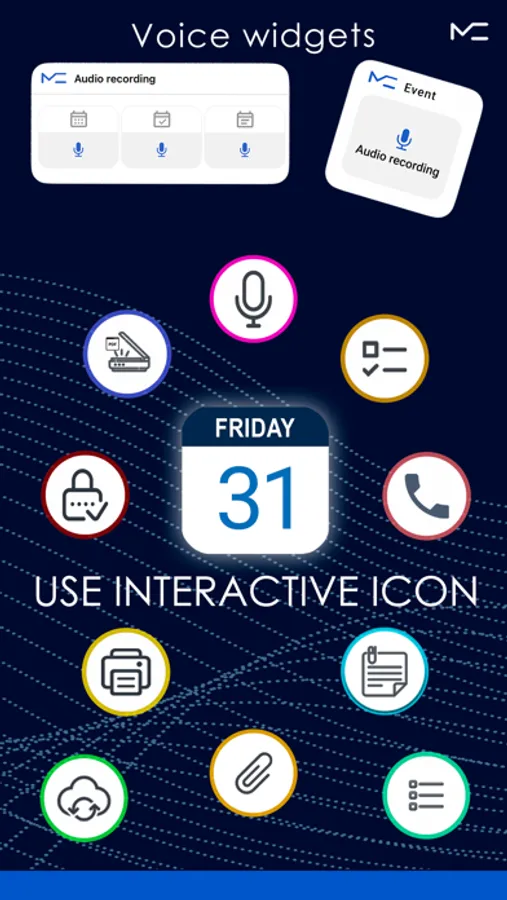
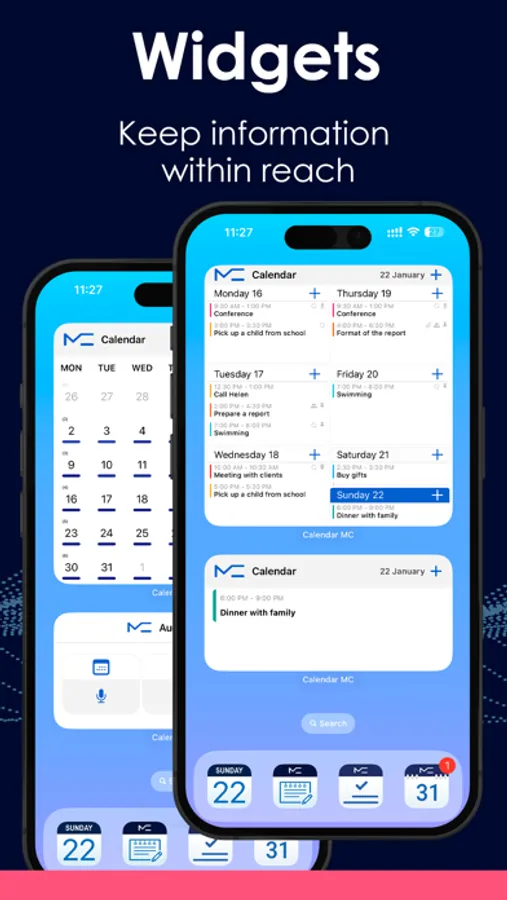
Interactive Widgets
Get things done faster with home screen widgets for tasks, notes, and events.
Use voice widgets to add new entries — hands-free.
More Features:
Up to 5 private calendars
Full data backup & restore
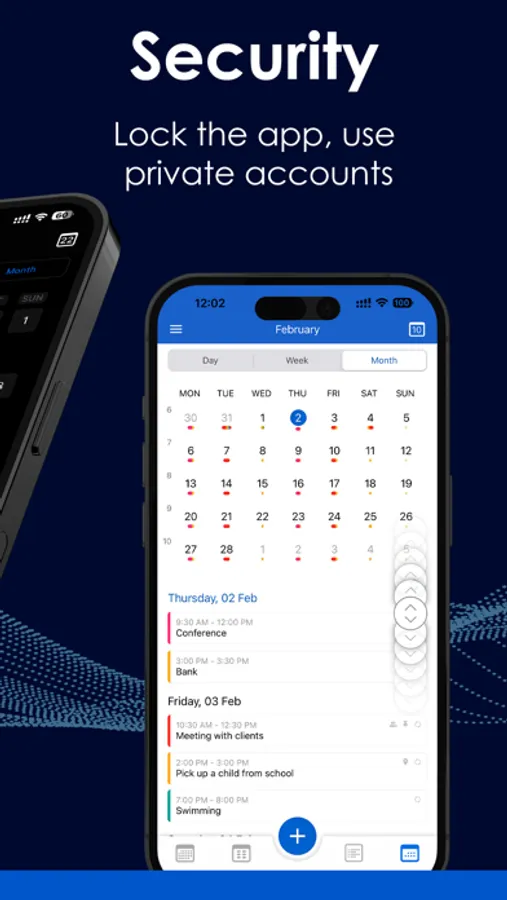
App lock for privacy and security
Share events, tasks, and notes with others
Switch accounts while editing
Interface settings that match your workflow
All essential features are free.
Unlock advanced tools with Premium — available as a monthly, annual, or one-time purchase.
MC Calendar brings clarity, flexibility, and focus to your daily planning.
Download today and take control of your time — your way.
Terms of Use
https://mccalendar.app/terms_of_use.html
Privacy Policy
https://mccalendar.app/privacy_policy.html
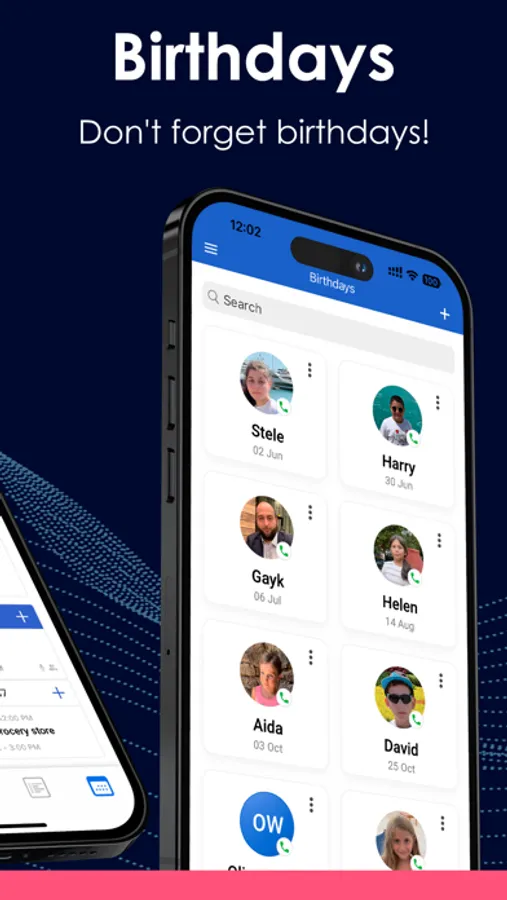
Calendar: To Do List & Notes Screenshots
Tap to Rate:
Reviews for Calendar: To Do List & Notes
Valerius-Maximus
How to understand this?
The description of the application says: The developer declares that he does not collect data in this application. And further. Terms of Use: Collecting and Using Your Personal Data Types of Data Collected Personal Data While using Our Service, We may ask You to provide Us with certain personally identifiable information that can be used to contact or identify You. Personally identifiable information may include, but is not limited to: · Usage Data Usage Data Usage Data is collected automatically when using the Service. Usage Data may include information such as Your Device's Internet Protocol address (e.g. IP address), browser type, browser version, the pages of our Service that You visit, the time and date of Your visit, the time spent on those pages, unique device identifiers and other diagnostic data. When You access the Service by or through a mobile device, We may collect certain information automatically, including, but not limited to, the type of mobile device You use, Your mobile device unique ID, the IP address of Your mobile device, Your mobile operating system, the type of mobile Internet browser You use, unique device identifiers and other diagnostic data. We may also collect information that Your browser sends whenever You visit our Service or when You access the Service by or through a mobile device. … And so on.