AppRecs review analysis
AppRecs rating 4.5. Trustworthiness 45 out of 100. Review manipulation risk 32 out of 100. Based on a review sample analyzed.
★★★★☆
4.5
AppRecs Rating
Ratings breakdown
5 star
100%
4 star
0%
3 star
0%
2 star
0%
1 star
0%
What to know
⚠
Unusually uniform ratings
100% of sampled ratings are 5 stars with very little variation
About Altitude Compass
"Altitude Compass" - An ad-free compass tool
The "Altitude Compass" app is a clean and ad-free compass tool that displays environmental information such as altitude, atmospheric pressure, latitude, and longitude for your current location. It offers the following features:
1. Switchable Data Sources: Choose between GPS information or the device's altimeter as the source for altitude data. Requires iPhone 12 or newer models with iOS 15 or later.
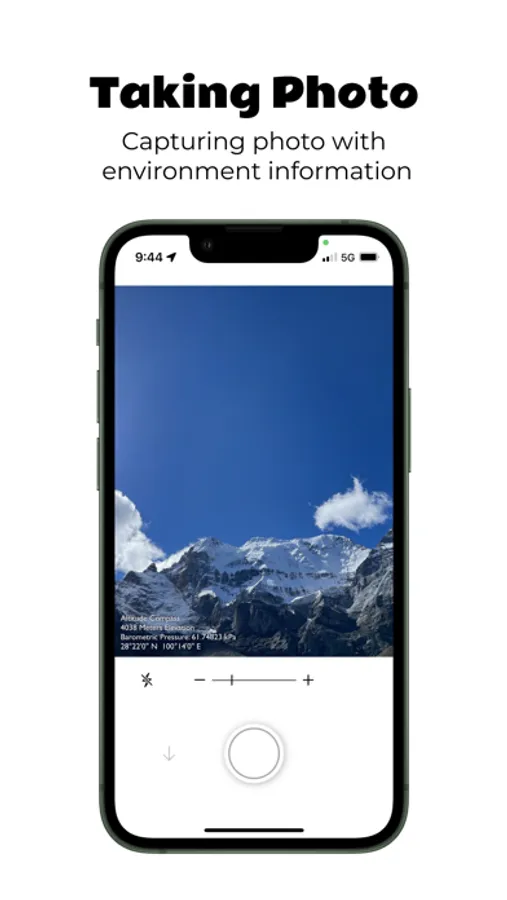
2. Real-time Camera Support: Capture photos with environmental information and date watermarks. (Available on iPhone only)
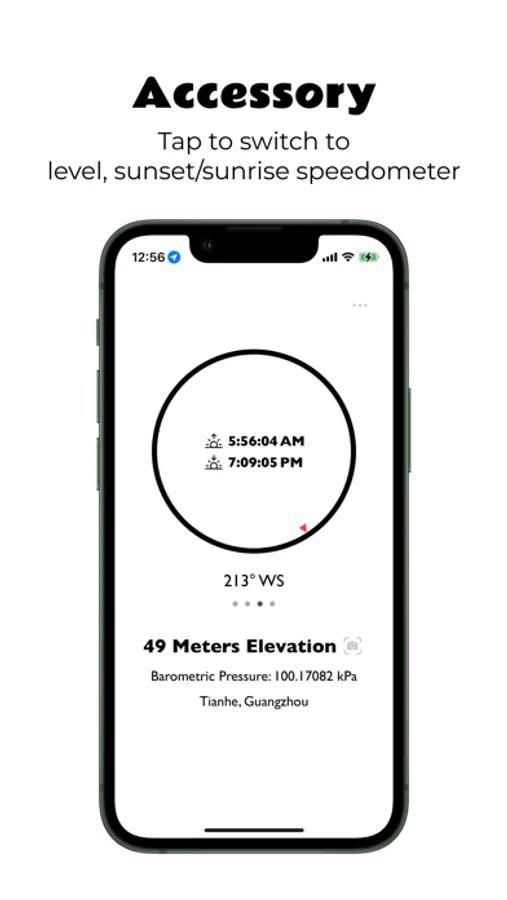
3. Additional Tools: Access a level gauge, speedometer, and calculate sunrise and sunset times based on your current location. Toggle their display on the compass panel.
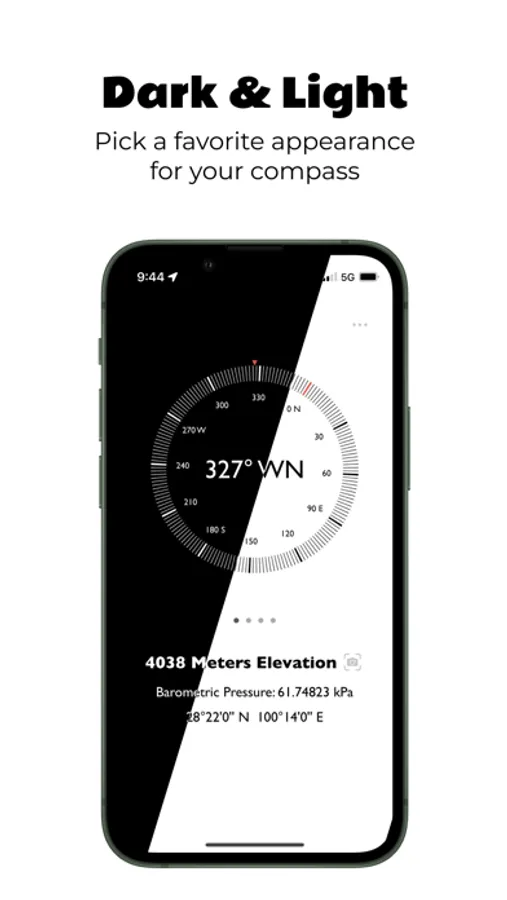
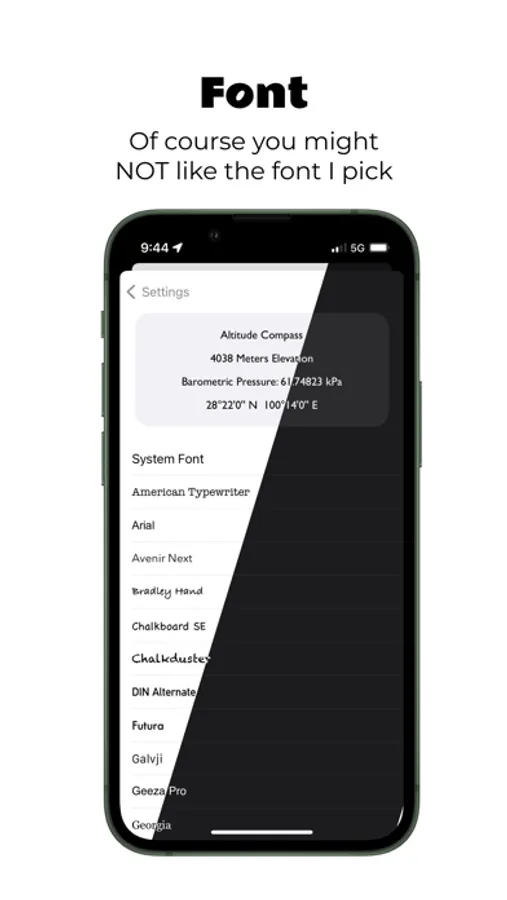
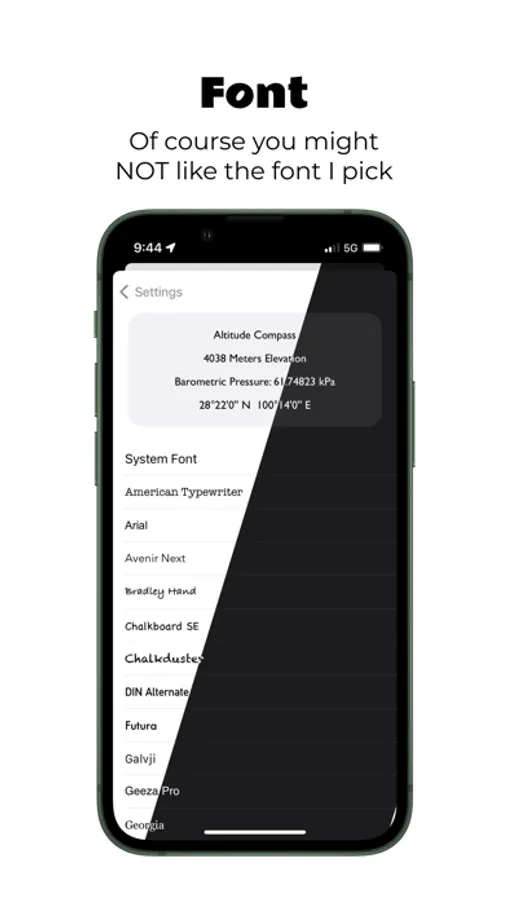
4. Customizable UI: Customize the app's appearance with dark and light modes, global font replacement, and more.
5. Display Modes: Easily switch between different display modes for altitude, atmospheric pressure, and location data by tapping on the text at the bottom of the app.
6. Widget Supported: View altitude at home screen, lock screen or standby mode.
7. No Ads, Subscriptions, or Privacy Concerns: Enjoy an ad-free experience without annoying ads, subscription fees, or any privacy concerns. No data collection.
8. Lightweight and Fast: The app has a small file size, fast performance, and minimal resource usage. It can be downloaded, installed, and used without any burden.
Permission Requests:
1. Network Access: The app can function without internet access for most features. Network access is used for reverse geocoding (converting coordinates to place names) and loading maps on the last panel.
2. Photo Library Access: The app only requires permission to write to the photo library. Users on iOS 14 and above do not need to manually select photos for the app to access.
3. Location Permission: Precise location permission is necessary to obtain accurate altitude data from GPS.
4. Health and Fitness Permission: Reading atmospheric pressure requires this permission since iOS 17.4
The "Altitude Compass" app is a clean and ad-free compass tool that displays environmental information such as altitude, atmospheric pressure, latitude, and longitude for your current location. It offers the following features:
1. Switchable Data Sources: Choose between GPS information or the device's altimeter as the source for altitude data. Requires iPhone 12 or newer models with iOS 15 or later.
2. Real-time Camera Support: Capture photos with environmental information and date watermarks. (Available on iPhone only)
3. Additional Tools: Access a level gauge, speedometer, and calculate sunrise and sunset times based on your current location. Toggle their display on the compass panel.
4. Customizable UI: Customize the app's appearance with dark and light modes, global font replacement, and more.
5. Display Modes: Easily switch between different display modes for altitude, atmospheric pressure, and location data by tapping on the text at the bottom of the app.
6. Widget Supported: View altitude at home screen, lock screen or standby mode.
7. No Ads, Subscriptions, or Privacy Concerns: Enjoy an ad-free experience without annoying ads, subscription fees, or any privacy concerns. No data collection.
8. Lightweight and Fast: The app has a small file size, fast performance, and minimal resource usage. It can be downloaded, installed, and used without any burden.
Permission Requests:
1. Network Access: The app can function without internet access for most features. Network access is used for reverse geocoding (converting coordinates to place names) and loading maps on the last panel.
2. Photo Library Access: The app only requires permission to write to the photo library. Users on iOS 14 and above do not need to manually select photos for the app to access.
3. Location Permission: Precise location permission is necessary to obtain accurate altitude data from GPS.
4. Health and Fitness Permission: Reading atmospheric pressure requires this permission since iOS 17.4
Altitude Compass Screenshots
Tap to Rate:
Reviews for Altitude Compass
nasaboy
良心之作
小巧 轻快 在老手机上也不卡顿掉帧 无广告内��� 用爱发电了
toniysky
可以
nice