Find My Airbuds Device Finder
AVRLTECHWORKS TEKNOLOJI VE YAZILIM HIZMETLERI LIMITED SIRKETI
4.2 ★
2 ratings
Free
With this Bluetooth tracking app, you can locate missing devices using signal strength and radar indicators. Includes device scanning, sound alerts, and last seen location features.
AppRecs review analysis
AppRecs rating 3.9. Trustworthiness 64 out of 100. Review manipulation risk 28 out of 100. Based on a review sample analyzed.
★★★☆☆
3.9
AppRecs Rating
Ratings breakdown
5 star
73%
4 star
5%
3 star
3%
2 star
2%
1 star
16%
What to know
✓
Low review manipulation risk
28% review manipulation risk
✓
High user satisfaction
78% of sampled ratings are 4+ stars (4.2★ average)
⚠
Pricing complaints
Many low ratings mention paywalls or pricing
About Find My Airbuds Device Finder
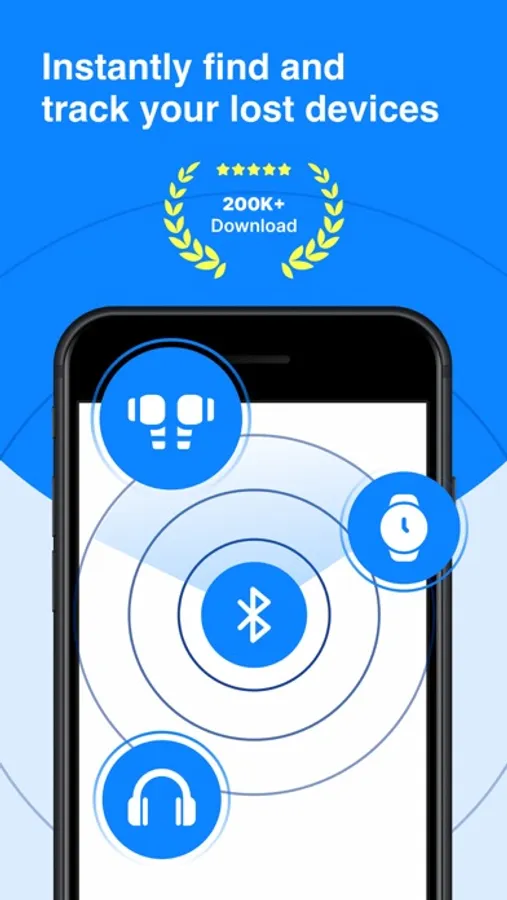
Lost your AirBuds, phone, or any Bluetooth device? Find them all in seconds!
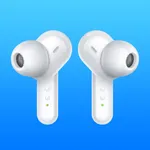
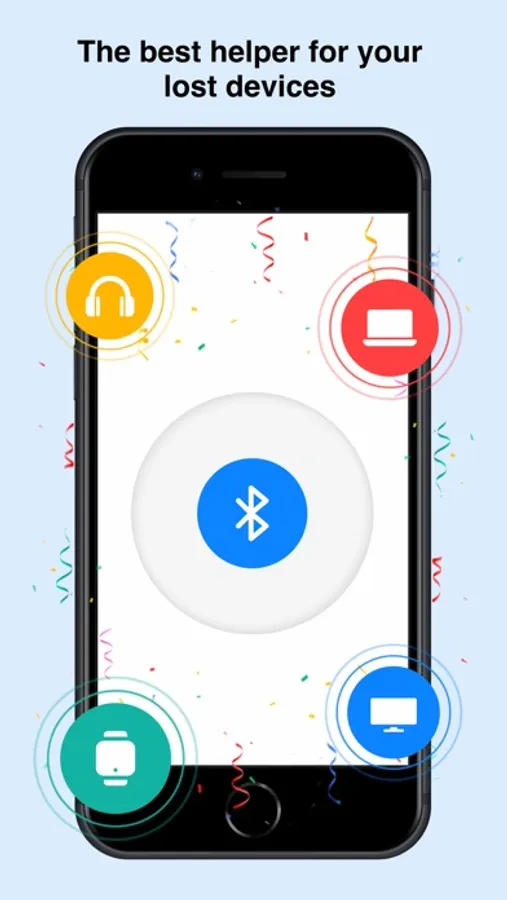
Find My AirBuds Device Finder is your smart Bluetooth tracking assistant that helps you quickly locate any Bluetooth-enabled gadget — from earbuds, headphones, tablets, and phones to smartwatches, TVs, and Bluetooth speakers.
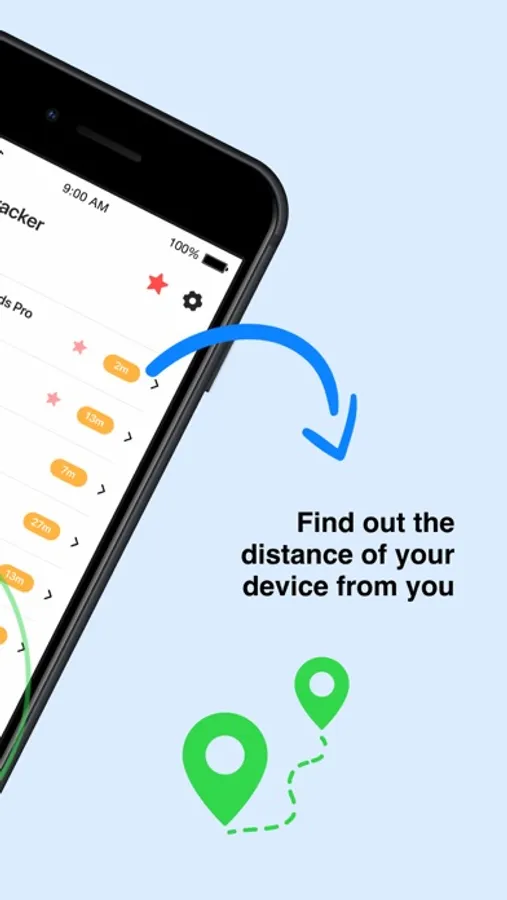
Using advanced signal tracking and live radar indicators, the app shows how close you are to your missing device — helping you recover it in seconds without stress or panic.
Key Features
• Universal Bluetooth Tracker – Works with all Bluetooth-enabled devices: AirBuds, headphones, tablets, phones, watches, speakers, and more.
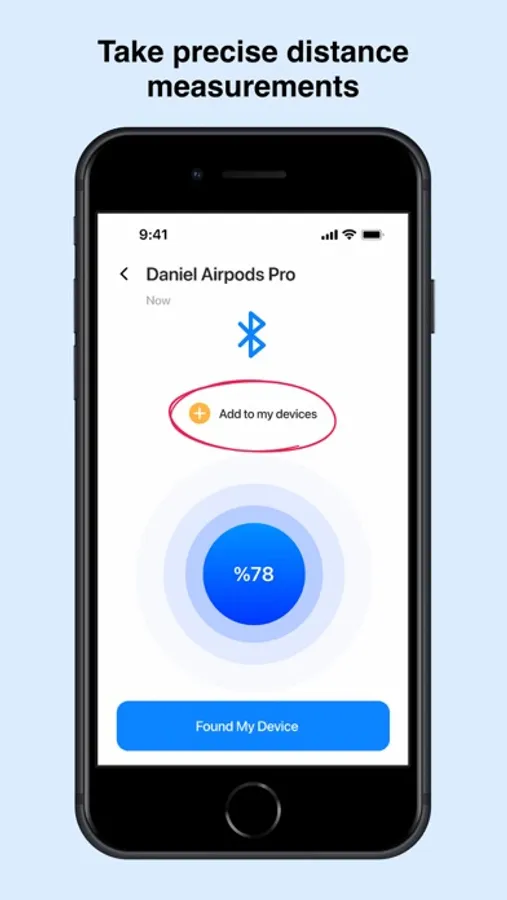
• Smart Radar & Signal Strength – Watch the signal bar grow stronger as you move closer.
• Sound Alert Mode – Trigger a sound on the device to locate it fast.
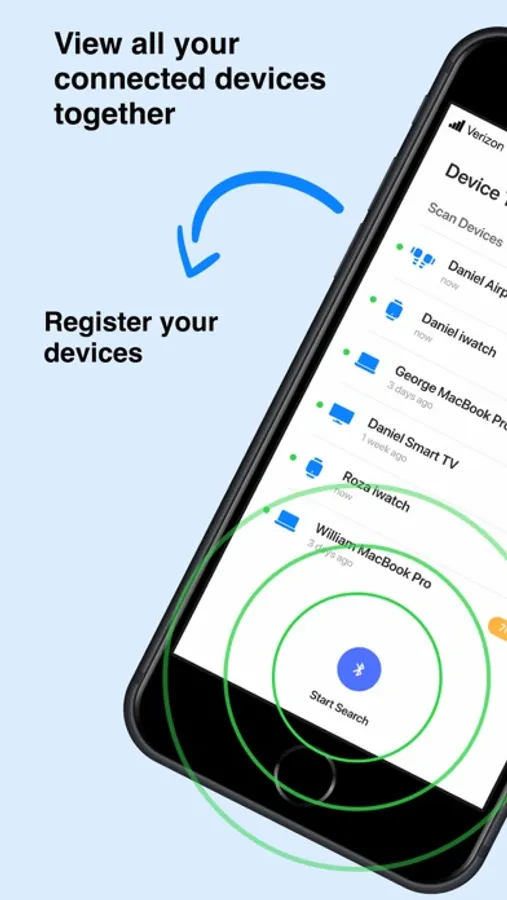
• Nearby Device Scan – Instantly lists every Bluetooth device around you.
• Simple & Intuitive Interface – Clean design for easy navigation and quick tracking.
• Last Seen Location – Shows where your device was last connected for extra accuracy.
How It Works
1- Open the app and allow Bluetooth access.
2- Tap “Scan Devices” to see all Bluetooth items nearby.
3- Select your lost device, follow the radar or play a beep sound to find it instantly.
No more wasting time searching your home, car, or office. With Find My AirBuds Device Finder, every Bluetooth device stays within reach — from your AirBuds to your favorite TV or smartwatch.
Download now and experience the easiest way to find all your Bluetooth devices anytime, anywhere!
Auto-Renewable Subscription Terms:
- Payment will be charged to your Apple ID account at the confirmation of purchase.
- Subscription automatically renews unless it is canceled at least 24 hours before the end of the current period.
- Your account will be charged for renewal within 24 hours prior to the end of the current period.
- You can manage and cancel your subscriptions by going to your account settings on the App Store after purchase.
Terms of Use: https://bestfinder.14teknolojik.com/terms.html
Privacy Policy: https://bestfinder.14teknolojik.com/privacy.html
Find My AirBuds Device Finder is your smart Bluetooth tracking assistant that helps you quickly locate any Bluetooth-enabled gadget — from earbuds, headphones, tablets, and phones to smartwatches, TVs, and Bluetooth speakers.
Using advanced signal tracking and live radar indicators, the app shows how close you are to your missing device — helping you recover it in seconds without stress or panic.
Key Features
• Universal Bluetooth Tracker – Works with all Bluetooth-enabled devices: AirBuds, headphones, tablets, phones, watches, speakers, and more.
• Smart Radar & Signal Strength – Watch the signal bar grow stronger as you move closer.
• Sound Alert Mode – Trigger a sound on the device to locate it fast.
• Nearby Device Scan – Instantly lists every Bluetooth device around you.
• Simple & Intuitive Interface – Clean design for easy navigation and quick tracking.
• Last Seen Location – Shows where your device was last connected for extra accuracy.
How It Works
1- Open the app and allow Bluetooth access.
2- Tap “Scan Devices” to see all Bluetooth items nearby.
3- Select your lost device, follow the radar or play a beep sound to find it instantly.
No more wasting time searching your home, car, or office. With Find My AirBuds Device Finder, every Bluetooth device stays within reach — from your AirBuds to your favorite TV or smartwatch.
Download now and experience the easiest way to find all your Bluetooth devices anytime, anywhere!
Auto-Renewable Subscription Terms:
- Payment will be charged to your Apple ID account at the confirmation of purchase.
- Subscription automatically renews unless it is canceled at least 24 hours before the end of the current period.
- Your account will be charged for renewal within 24 hours prior to the end of the current period.
- You can manage and cancel your subscriptions by going to your account settings on the App Store after purchase.
Terms of Use: https://bestfinder.14teknolojik.com/terms.html
Privacy Policy: https://bestfinder.14teknolojik.com/privacy.html
Find My Airbuds Device Finder Screenshots
Tap to Rate:
Reviews for Find My Airbuds Device Finder
Debi 14
Did
Very bad
4 3 16
I can’t find anything
I want to remove any part of this and I will block my card