
In this screen capture app, you can automate scrolling to create long screenshots of chat records, web pages, and apps. Includes automatic scrolling, webpage capture, and Safari extension functionality.
AppRecs review analysis
AppRecs rating 4.3. Trustworthiness 70 out of 100. Review manipulation risk 41 out of 100. Based on a review sample analyzed.
★★★★☆
4.3
AppRecs Rating
Ratings breakdown
5 star
79%
4 star
6%
3 star
5%
2 star
0%
1 star
10%
What to know
⚠
Ad complaints
Many low ratings mention excessive ads
⚠
Questionable review patterns
41% review manipulation risk - some review patterns appear unusual
⚠
Review quality concerns
76% of sampled 5-star reviews are very short
About StitchShot - ScreenShotCapture
•Automatically scroll screenshots
1. Click "Scroll Screenshot" button
2. Click "Start Broadcast" button
3. Open the app you want to take a screenshot of
4. Slide the screen slowly from top to bottom
5. When the scroll bar stops,Click 'Go to Application' and StitchShot will automatically generate long screenshot
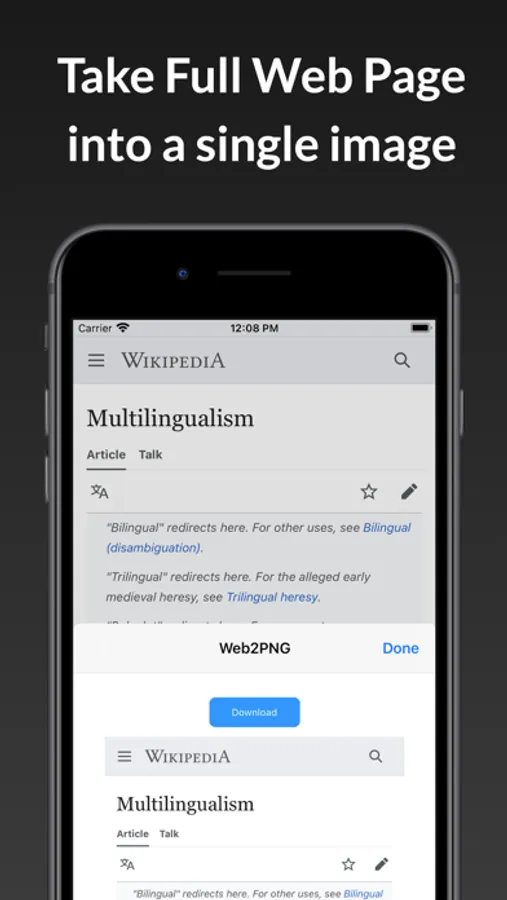
•in-app webpage screenshots
1. Click "Webpage Screenshot" button
2. Enter the URL in the app
3. Wait for the page to load,
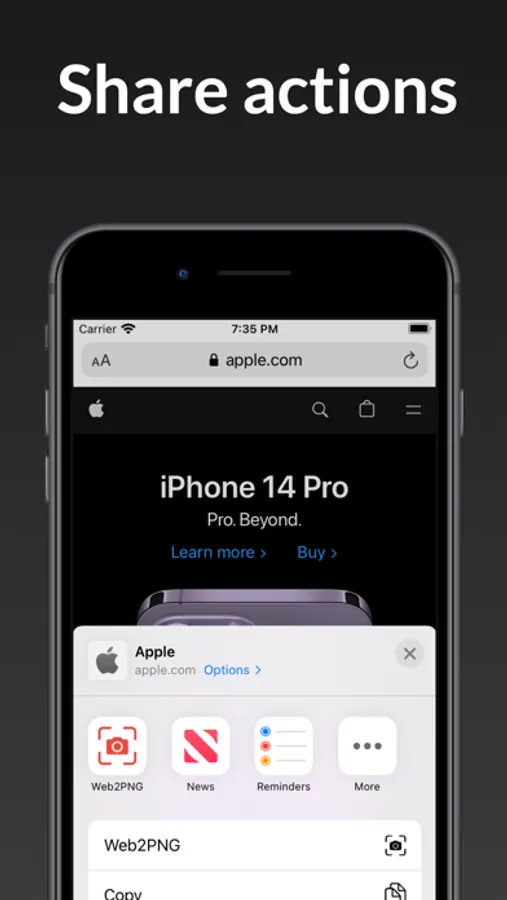
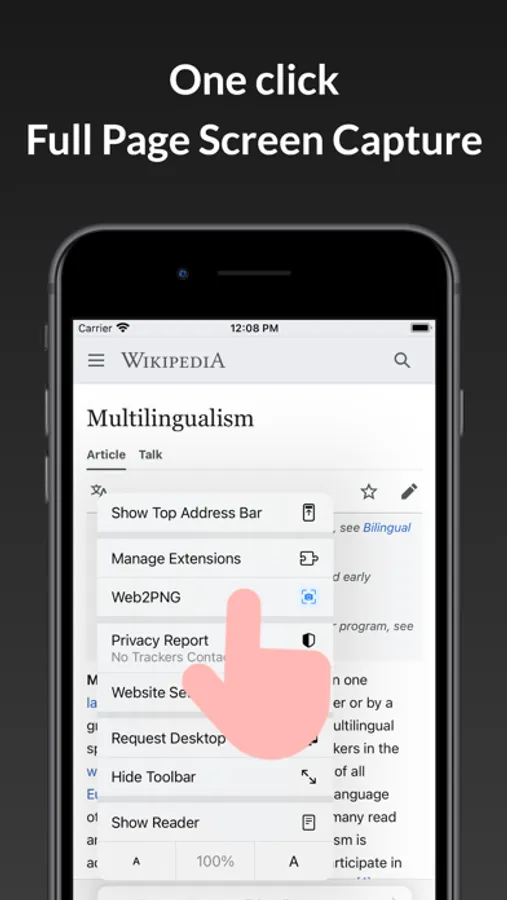
4. Click the web2png button in bottom toolbar
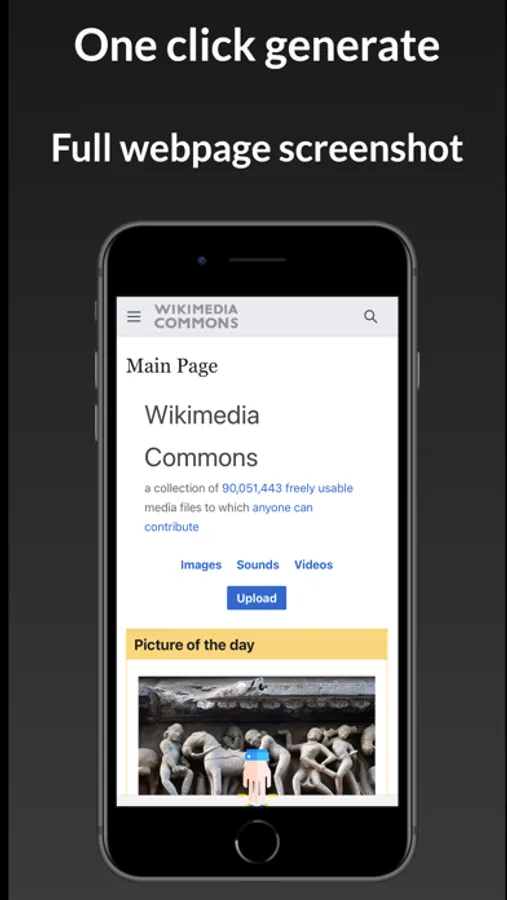
5. Generate a screenshot of the web page all the contents
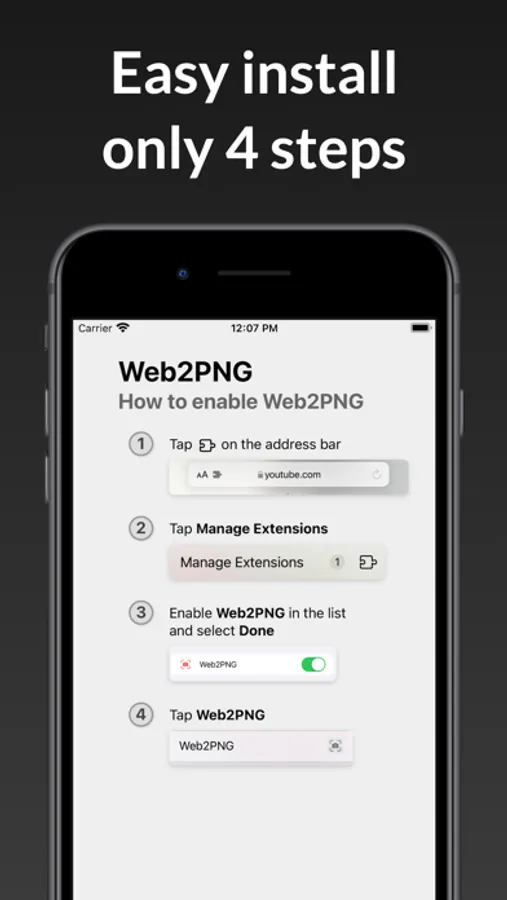
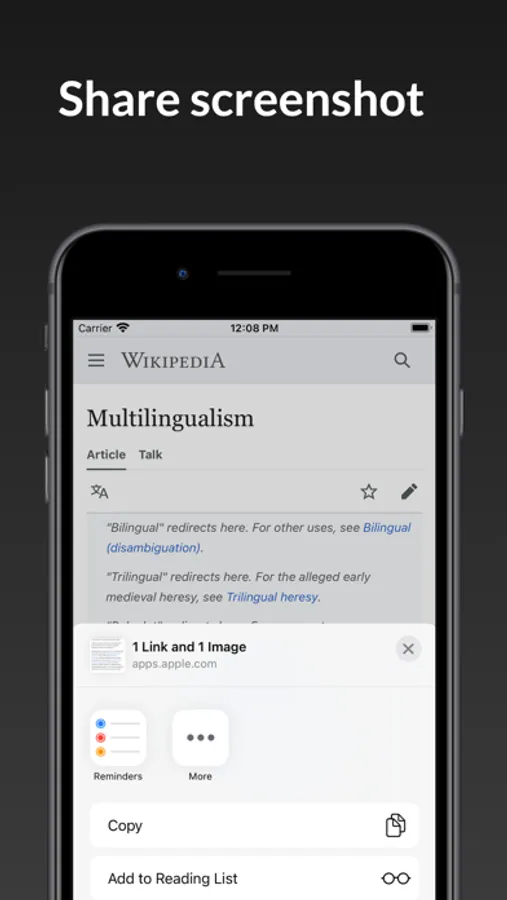
2.safari extention full web page screenshot
Capture a screenshot of your safari web page in entirety and reliably—without requesting any extra permissions!
The app uses an Apple API and only has access to the screen when you begin mirroring. Technically, it uses ReplayKit, a technology which allows screen recording. For privacy and performance reasons, I do not record any information. This process does not involve data transmission to the Internet or remote servers, and is not associated with any network connection.
Also no files are stored on the device and the cache is clean once the session stops.
For more information click https://developer.apple.com/documentation/replaykit
For any questions or concerns, please contact:3ytv@163.com
StitchShot - ScreenShotCapture Screenshots
Tap to Rate:
Reviews for StitchShot - ScreenShotCapture
ftyukkmnbgfff
good
good
SoloLvling6284
No count down
There is no count down once you hit record. A count down or option in the settings to adjust recording start times would be nice. Being that some else complained about this a year ago and it has not been fixed I doubt it will be corrected. No need to reply just fix the app. Please and thank you.