With this PDF scanner app, you can capture, edit, sign, and share documents using your iPhone. Includes OCR, multiple page scans, highlighting, cropping, and secure storage options.
AppRecs review analysis
AppRecs rating 4.7. Trustworthiness 65 out of 100. Review manipulation risk 29 out of 100. Based on a review sample analyzed.
★★★★☆
4.7
AppRecs Rating
Ratings breakdown
5 star
84%
4 star
8%
3 star
3%
2 star
2%
1 star
4%
What to know
✓
Low review manipulation risk
29% review manipulation risk
✓
High user satisfaction
84% of sampled ratings are 5 stars
About PDF Scanner・Scan Documents App
Optimize your business and personal processes with our easy Scan, Edit, Sign & Share process.
Productivity in your pocket. Scan on iPhone, OCR and sign your documents. Highlight and correct.
QR Reader and Scanner in the same app.
Enhanced Scanner Features:
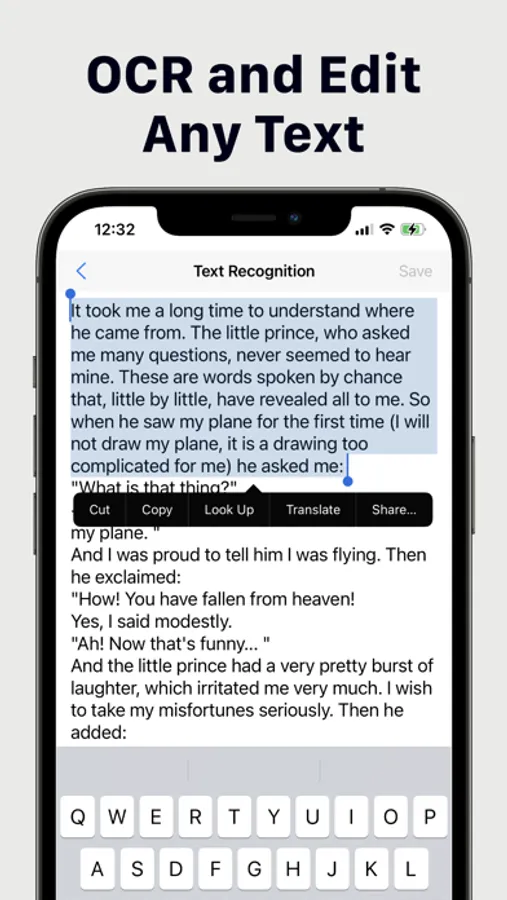
- OCR (recognize text)
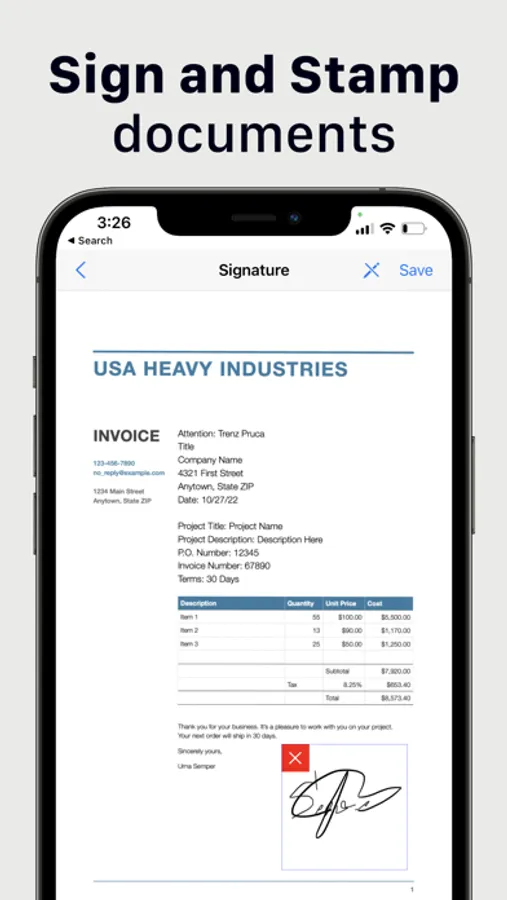
- Sign document with one tap
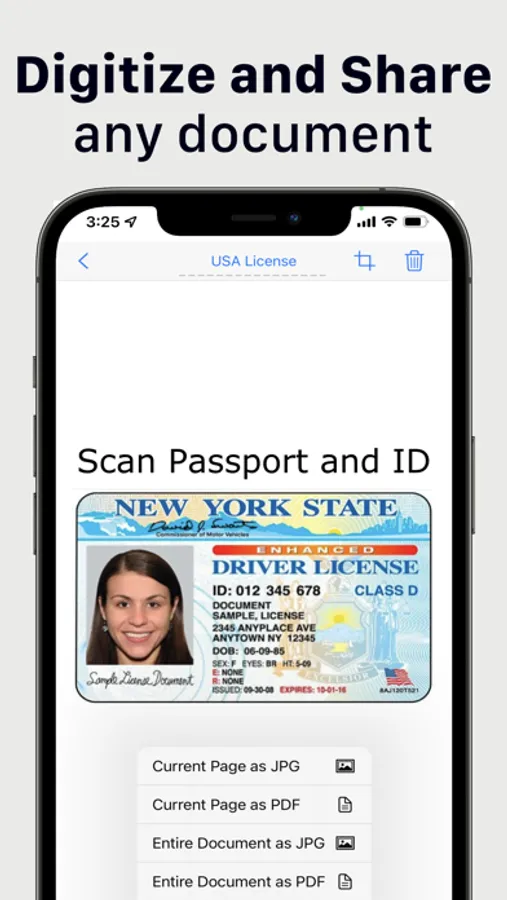
- Share document or individual pages in JPG or PDF
- Save document in black & white, color or grayscale
- Manage multiple signatures
- Highlight text in documents
- Draw on top of scanned document
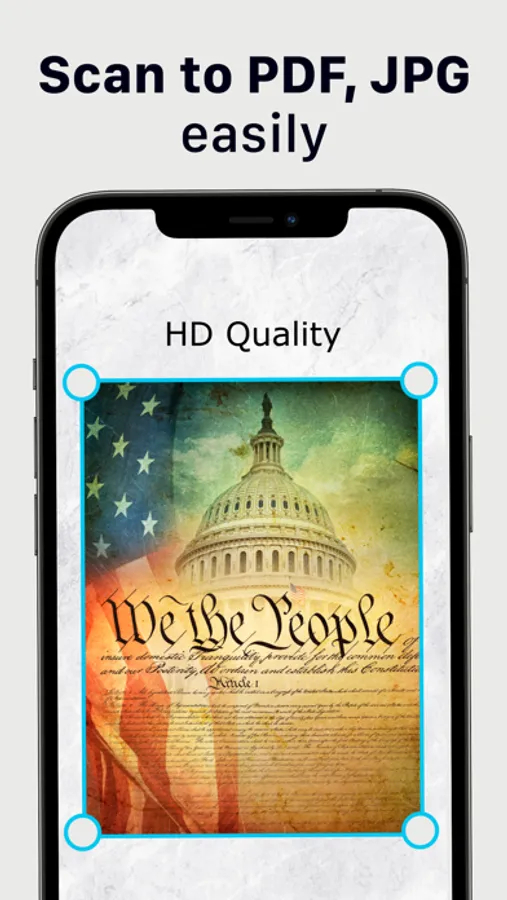
- Scan multiple pages at once
- Crop and align each scanned page
- Automatic document edge detection
- Secure your scans with PIN code
- Search and sort scanned documents
- Place scanned documents in folders
- Easy scan iPhone camera
Scan Copy App is tuned to correctly scan multiple types of documents including:
- Contracts, agreements, legal documents, brochures
- Business cards
- IDs, tickets, boarding passes, hotel reservations
- School papers, worksheets, student notes
- Bills, invoices, checks, contractor agreements
Premium access:
With upgrade to Scan Copy App Premium you will get unlimited full access to all features.
Subscriptions are billed weekly, monthly or annually at the rate selected in the Scan Copy App subscription plan.
Terms of Services: https://divmultech.com/scanner-terms-of-use/
Privacy Policy: https://divmultech.com/scanner-privacy-policy/
Scan Copy App support email: scanner@divmultech.com
PDF Scanner・Scan Documents App Screenshots
Tap to Rate:
Reviews for PDF Scanner・Scan Documents App
Gehnopie
Restaurant
This has helped me so much. I take my grand kids to eat often after school but it’s becoming hard to do because of medical bills So this scanner has saved me a lot of money because I can scan my receipt and get points for eating where I eat with them, provided they have those deals offered. Thanks so much Oh and I’ve had to scan several documents also. I forgot. Jeannetta
Grey ghost of 69
Easy to use
Just one tap to scan with this easy to use iPhone app. I use it to scan documents and it performs scans with great quality. It also aligns and corrects edges. Signing and sharing works great when needed. It takes less than a minute to get from scanning pages to sending e-mail with PDF to my partners. I also often use this app to merge multiple pages into a single PDF file. Just this functionality makes this app worth it.