AppRecs review analysis
AppRecs rating 4.4. Trustworthiness 77 out of 100. Review manipulation risk 21 out of 100. Based on a review sample analyzed.
★★★★☆
4.4
AppRecs Rating
Ratings breakdown
5 star
71%
4 star
7%
3 star
14%
2 star
0%
1 star
7%
What to know
✓
Low review manipulation risk
21% review manipulation risk
✓
Credible reviews
77% trustworthiness score from analyzed reviews
✓
High user satisfaction
79% of sampled ratings are 4+ stars (4.4★ average)
About Execute: Daily Planner
Work your way
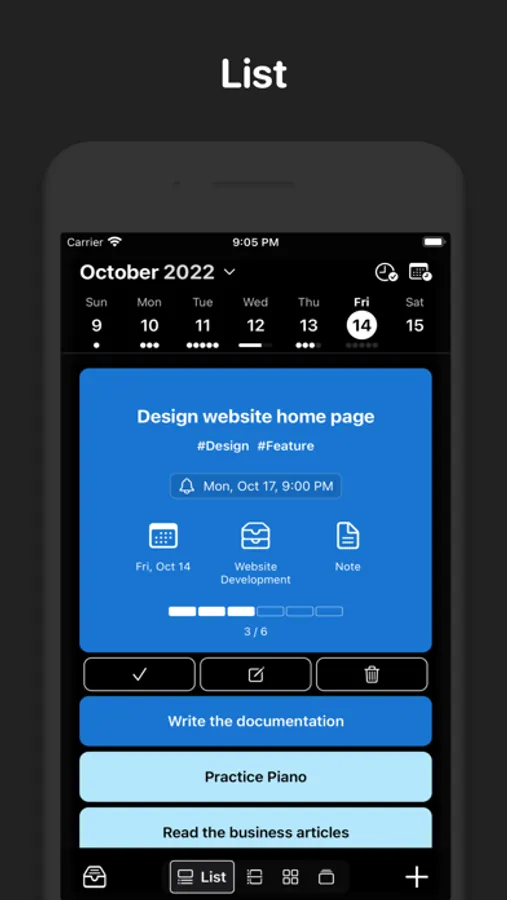
- List View: Create, edit, and reorder with effortless drag-and-drop. Clean, fast, and reliable.
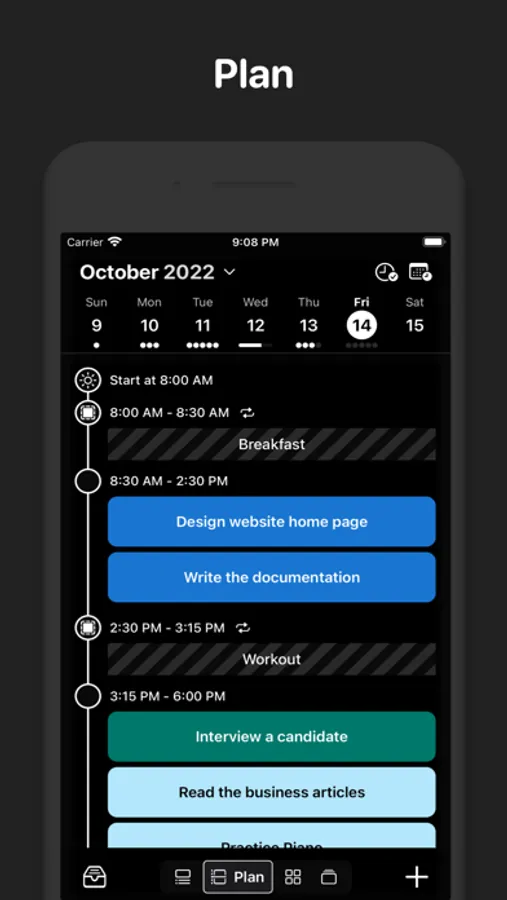
- Plan View: Time-block your day on a timeline. See system calendar events, personal reservations, and tasks in one place.
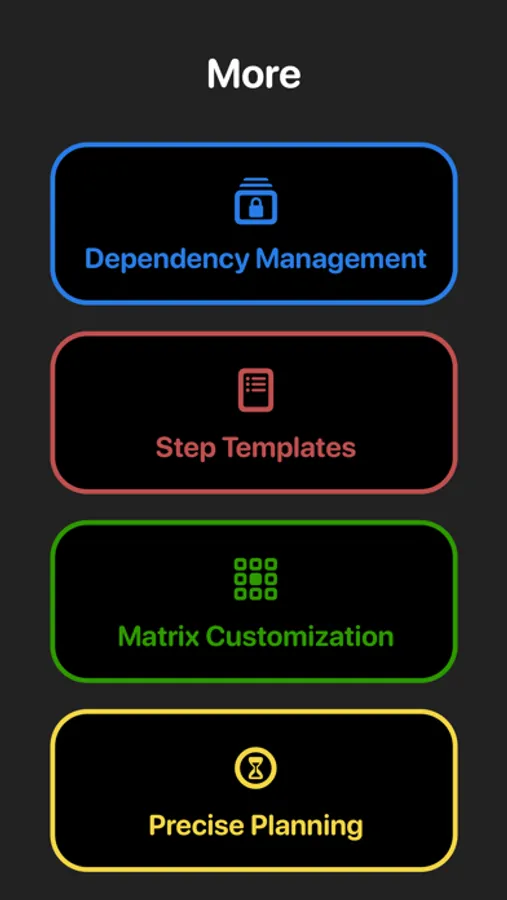
- Precise Planning (Pro): Estimate durations and fit tasks like puzzle pieces to build a realistic schedule.
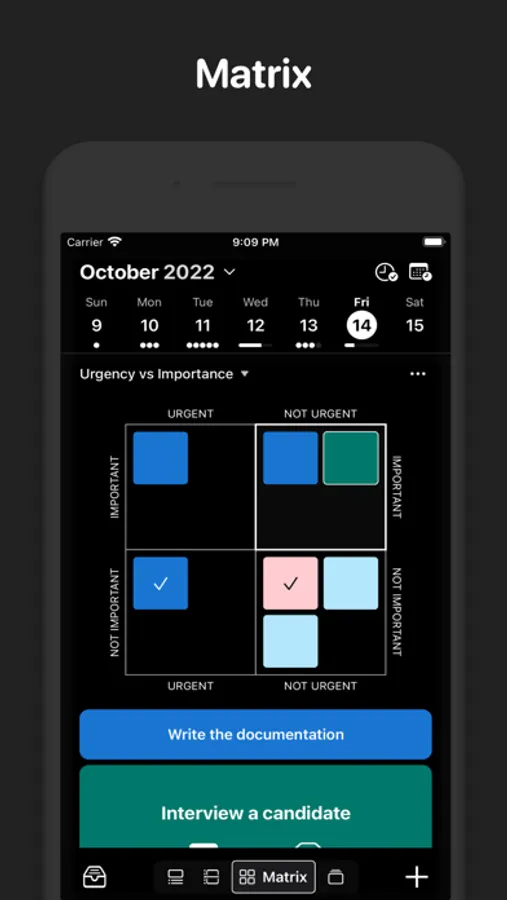
- Matrix View: Prioritize with the Eisenhower matrix (urgent vs. important). Create custom matrices for your workflow.
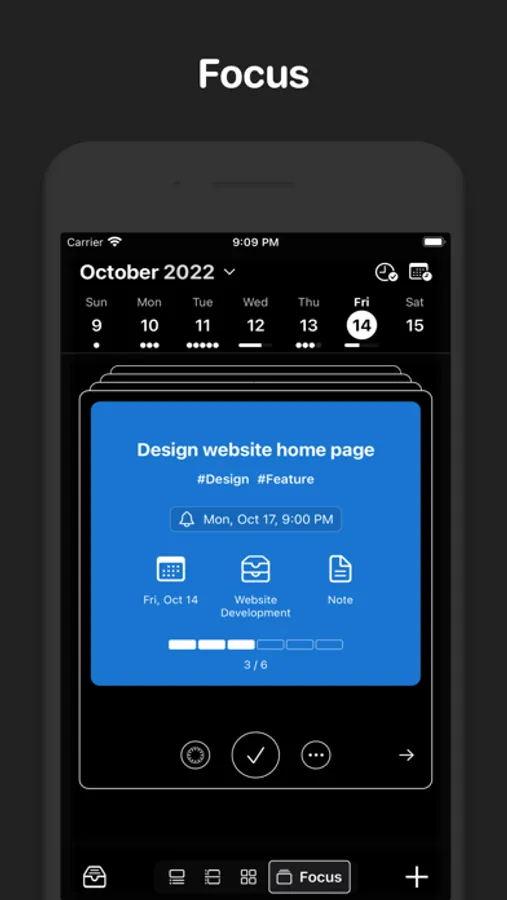
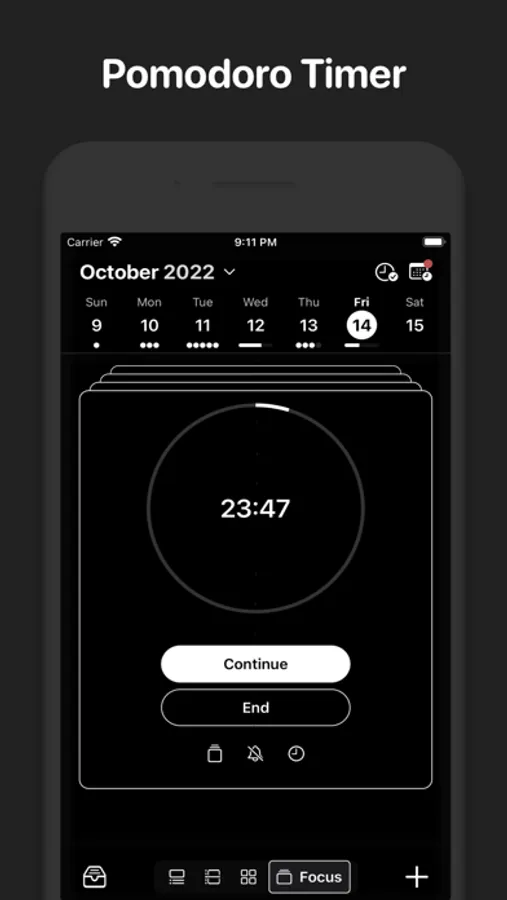
- Focus View: Swipe through tasks like a deck of cards and stay in flow with the built-in Pomodoro timer.
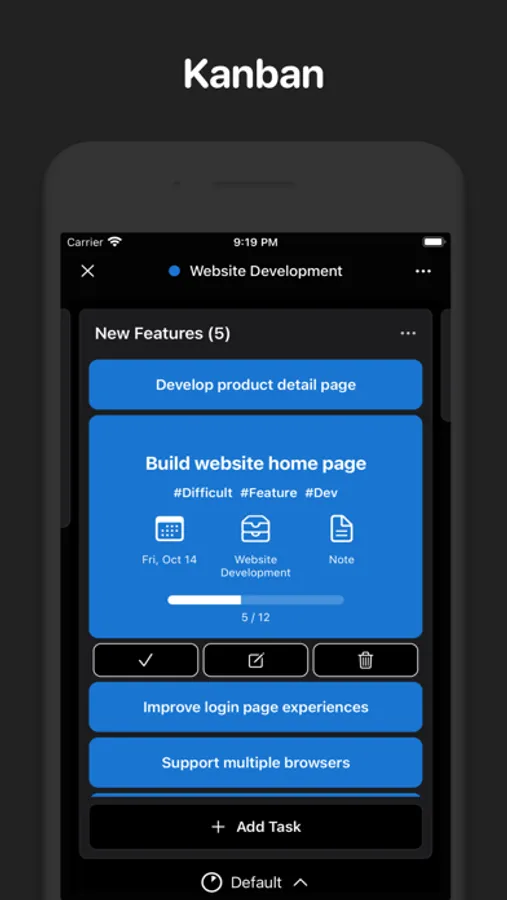
- Kanban: Move work through stages with a swipe. Visual progress, zero friction.
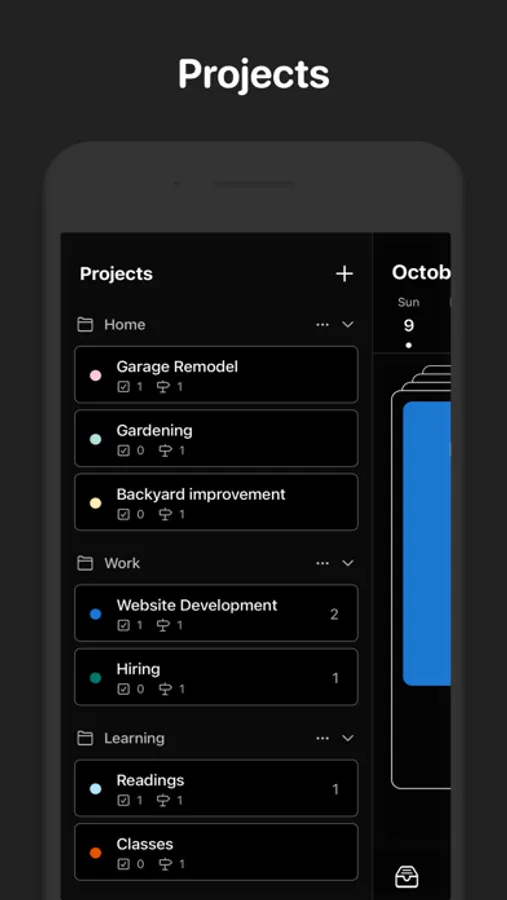
Manage projects with clarity
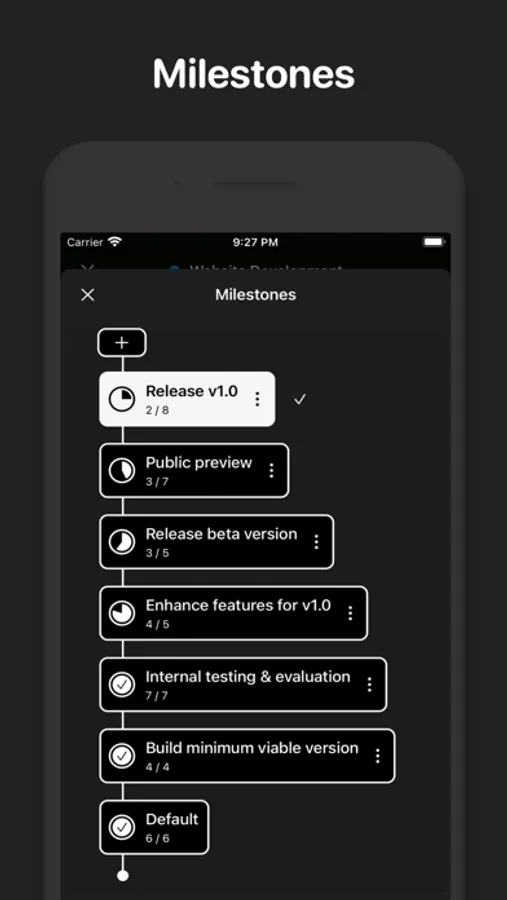
- Milestones: See where your project stands and what’s next.
- Dependencies: Understand what’s blocked and why—avoid surprises.
- Step Templates: Standardize recurring processes to save time and reduce errors.
Why Execute
- Fast setup: Add tasks in seconds and start planning immediately.
- One place for the day: Calendar, time blocks, and tasks together.
- Built for focus: Views that reduce context switching and keep you moving.
Start planning with confidence and finish more of what matters—download Execute today.
Execute: Daily Planner Screenshots
Tap to Rate:
Reviews for Execute: Daily Planner
menejejejrj
Honestly the best most versatile planning app
I fell in love with the app because I was able to do more than just schedule or plan. My problem in the past with Google calendar in combination with Microsoft to do list or other to do list was separating how important the task is and making it a list. This app made my life so easy when it came to its features for memorizing my task and organizing all of my task by category of importance( ex: the Eisenhower matrix)
mdhrx1
Pomodoro Timer Not Working
The Pomodoro timer doesn’t work, for as much as this app costs. Would rate 5 stars aside from that.