AppRecs review analysis
AppRecs rating 3.8. Trustworthiness 72 out of 100. Review manipulation risk 24 out of 100. Based on a review sample analyzed.
★★★☆☆
3.8
AppRecs Rating
Ratings breakdown
5 star
60%
4 star
0%
3 star
20%
2 star
0%
1 star
20%
What to know
✓
Low review manipulation risk
24% review manipulation risk
✓
Credible reviews
72% trustworthiness score from analyzed reviews
✓
Good user ratings
60% positive sampled reviews
About My Color Toolkit: Color Picker
Features:
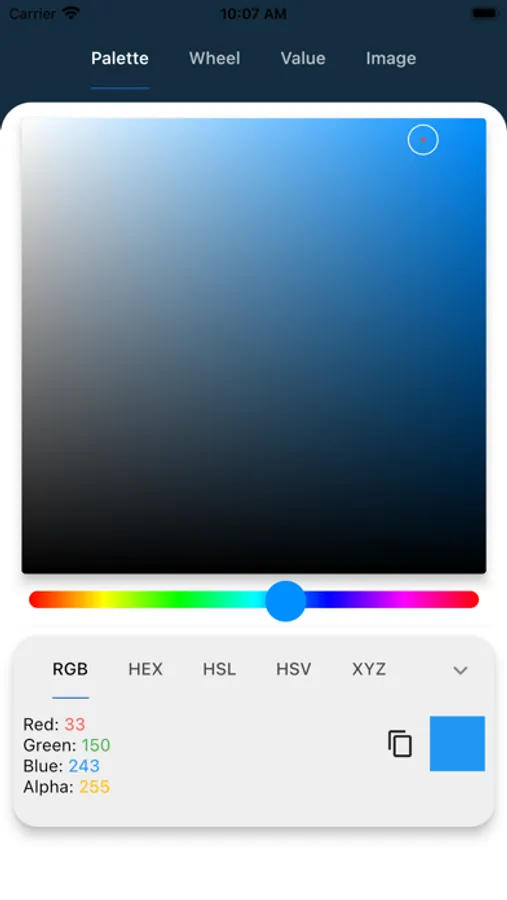
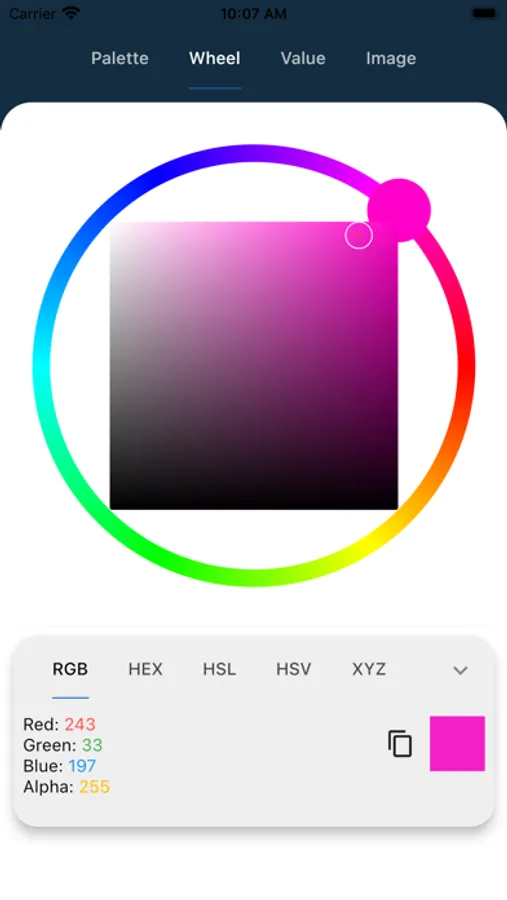
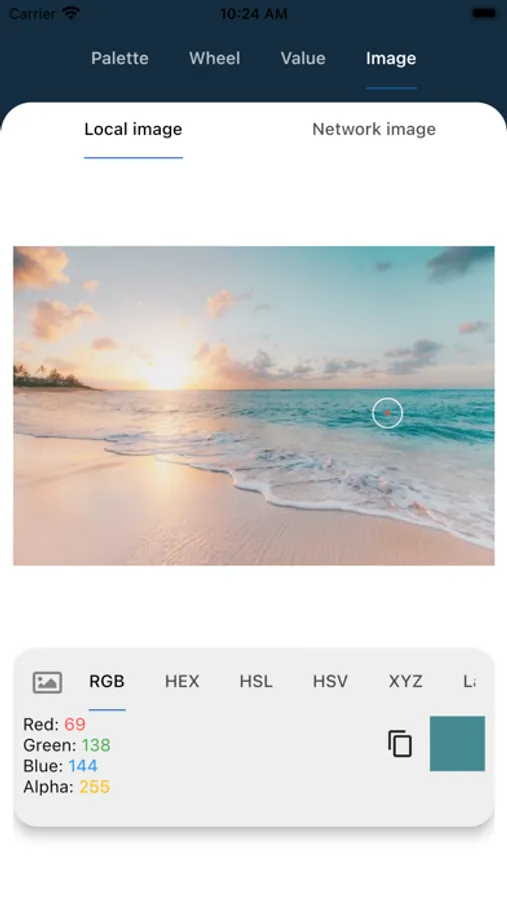
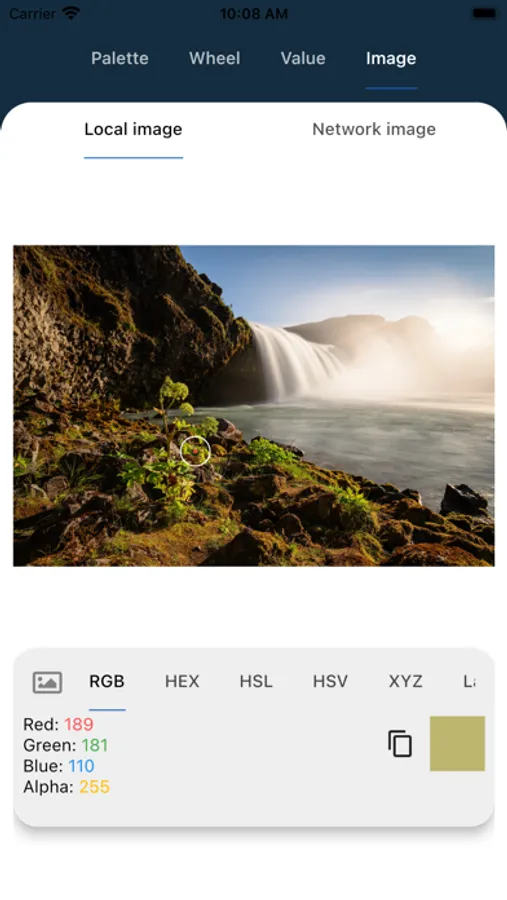
Innovative Color Picker: Instantly grab any color that catches your eye with our advanced color picker tool. From images to live scenes via your device’s camera, My Color Toolkit lets you select colors accurately down to the pixel.
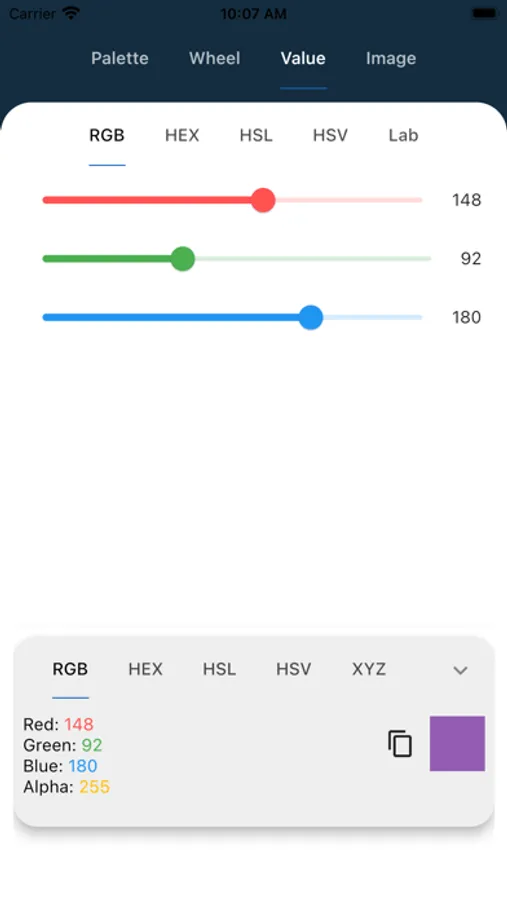
Dynamic Palette Generator: Create and customize beautiful color palettes based on your selected colors. Use our auto-generated palettes for inspiration, or fine-tune them to perfection for your projects.
HEX/RGB/HSB Values: Get precise color values in HEX, RGB, and HSB formats for easy use in any digital project. Perfect for web design, digital art, and other creative ventures.
Designed for Creativity: Whether you’re working on UI/UX design, digital illustrations, branding, or just looking to find the perfect color for your next DIY project, My Color Toolkit is designed to spark creativity and make color exploration fun and effortless.
My Color Toolkit is more than just a color picker; it's a bridge between the colors you imagine and their realization in your creative work. Dive into a world of color, and let My Color Toolkit transform your creative process with the power and beauty of color at your fingertips. Download now and unleash your color potential!
My Color Toolkit: Color Picker Screenshots

Tap to Rate:
Reviews for My Color Toolkit: Color Picker
Johnbond97
Great but the ADS
Genuinely a great app, but the ads get in the way. I’d for sure pay for no ads
matsonfamily
Ads make unusable
The ads are so intrusive that I couldn’t even open up an image. It is literally pop-ups that come up above the app, but aren’t a separate app, and you can’t do anything until you click the appropriate spot. Some of the pop-ups have no controls, other than open in browser.