CX-3 Flight Computer

CX-3 Flight Computer icon

CX-3 Flight Computer

ASA

3.7

11 ratings

$19.99

AppRecs review analysis

AppRecs rating 3.7. Trustworthiness 78 out of 100. Review manipulation risk 21 out of 100. Based on a review sample analyzed.

★★★☆☆

3.7

AppRecs Rating

Ratings breakdown

5 star

55%

4 star

9%

3 star

9%

2 star

9%

1 star

18%

What to know

Low review manipulation risk

21% review manipulation risk

Credible reviews

78% trustworthiness score from analyzed reviews

Good user ratings

64% positive sampled reviews

About CX-3 Flight Computer

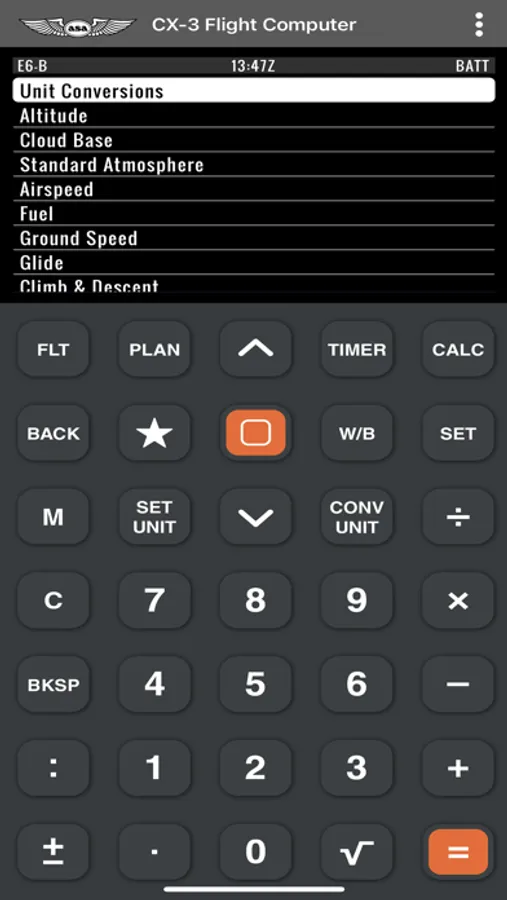
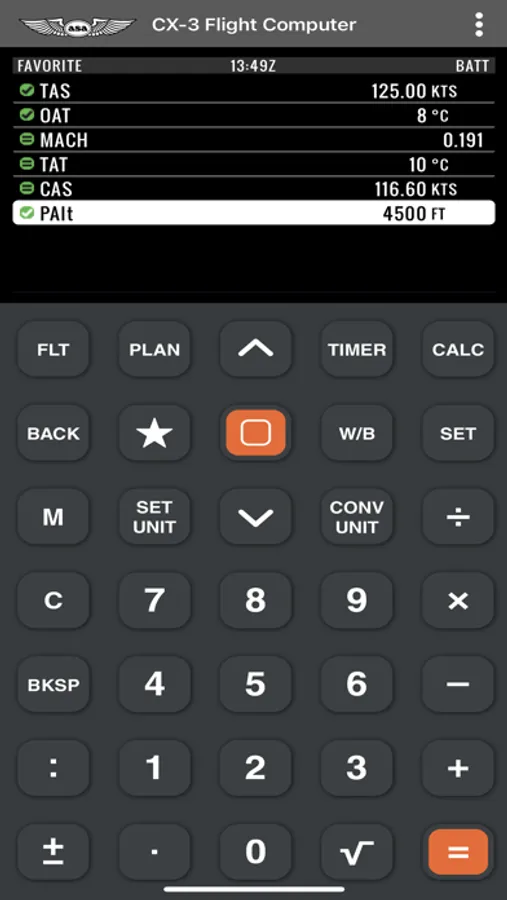
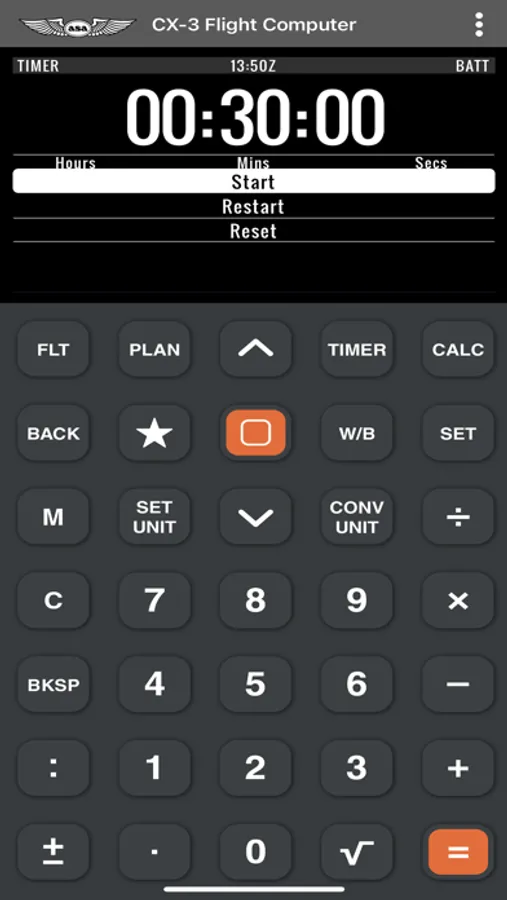
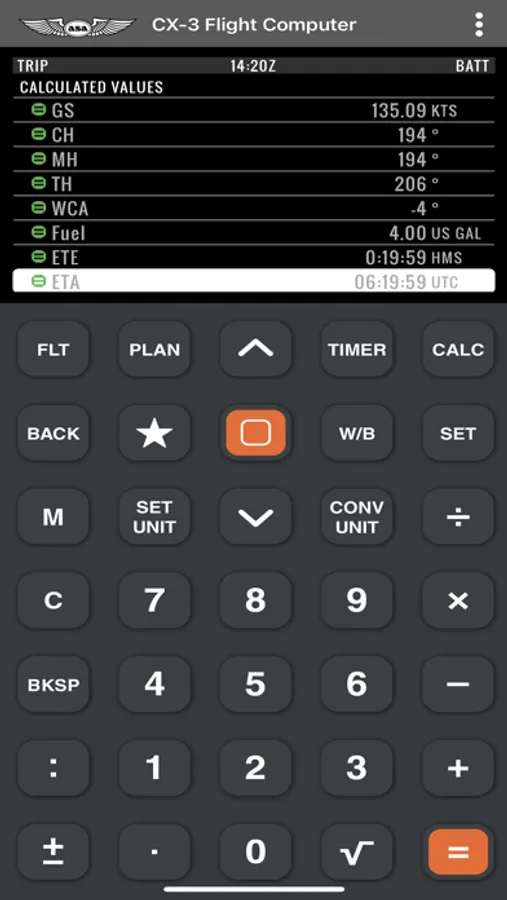
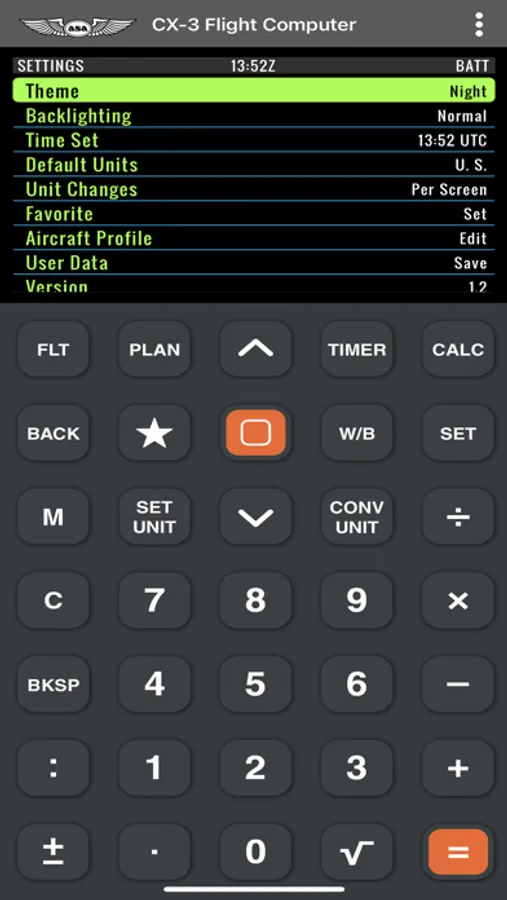
Based on the ASA CX-3® Flight Computer for pilots, this CX-3 app makes flight planning simple by taking confusion out of the equation. Fast, versatile and easy to use, the CX-3® delivers accurate results quickly and efficiently. Whether used for flight planning, ground school, or FAA Knowledge Exam preparation, the menu organization reflects the order in which a flight is normally planned and executed, resulting in a natural flow from one function to the next with a minimum of keystrokes. Multiple aviation functions can be performed on the CX-3® flight computer including those related to time, speed, distance, heading, wind, fuel, altitude, cloud base, standard atmosphere, glide, climb & descent, weight & balance, as well as a holding pattern function to help determine entry method and holding details. The CX-3® has 12 unit-conversions: Distance, Speed, Duration, Temperature, Pressure, Volume, Rate, Weight, Rate of Climb/Descent, Angle of Climb/Descent, Torque, and Angle. These 12 conversion categories contain 38 different conversion factors for over 100 functions. A calculator, clock, timer, and stopwatch are also built in along with multiple settings for lighting, backlighting, themes, time zones and more.
CX-3 Flight Computer Screenshots
Screenshot 1Screenshot 2Screenshot 3Screenshot 4Screenshot 5

Tap to Rate:

Reviews for CX-3 Flight Computer

galmonte01

Miscalculation

I was multiplying in the item 3 the weight time arm and result was wrong.

dougc65

No menu touch function

The user can touch the buttons that mimic the buttons on the actual calculator, but when the FLT button is pressed the menu that is launched can only be accessed with up down arrows (just like the actual calculator). Using this on a touch screen device like an iPad is a poor user experience, especially for $9.99. Please update the menus to touch buttons.


Similar to CX-3 Flight Computer

©2023 Verdant Labs LLC. All rights reserved.

Privacy PolicyContact