
About My Secrets Manager
MySecrets is a password manager app for consolidation of your password list.
No more Excel lists for passwords.
How to use:
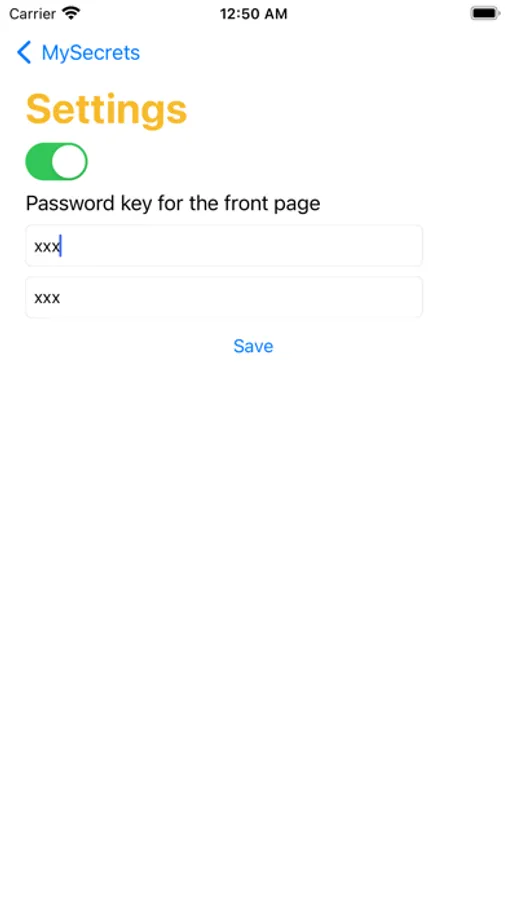
1. Launch the app for the first time and set the frontend app password under Settings.
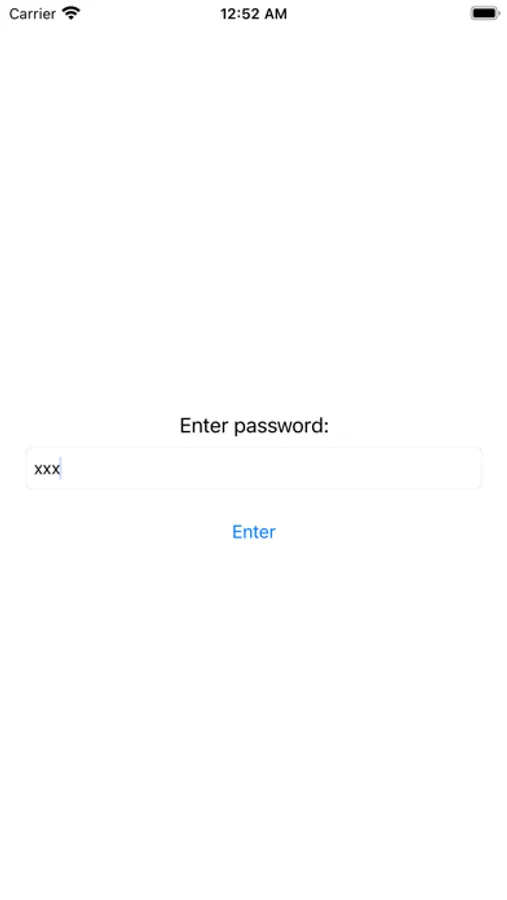
2. Restart the app and enter the frontend app password. This will be your password in order to use the app that stores all of your password.
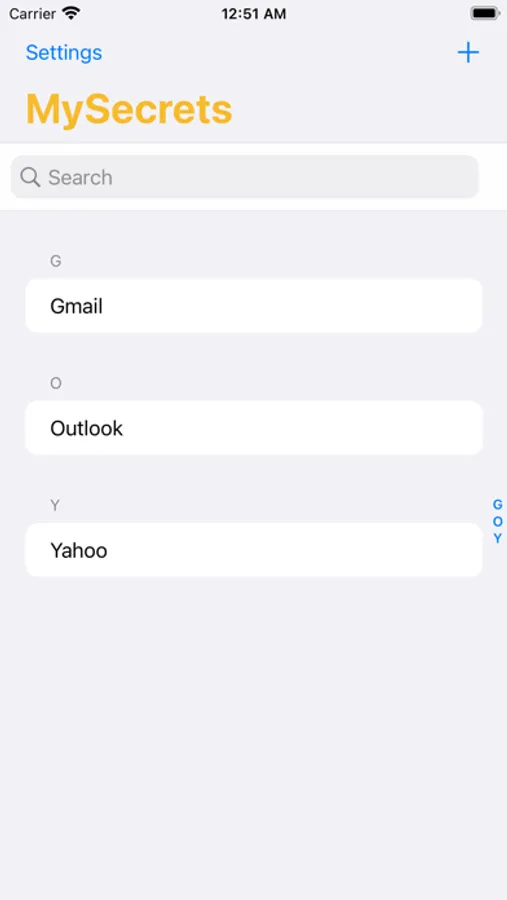
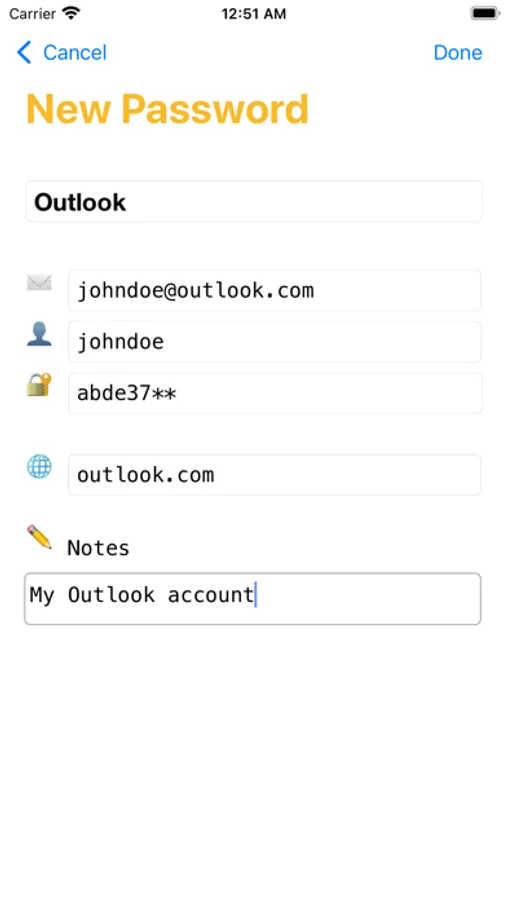
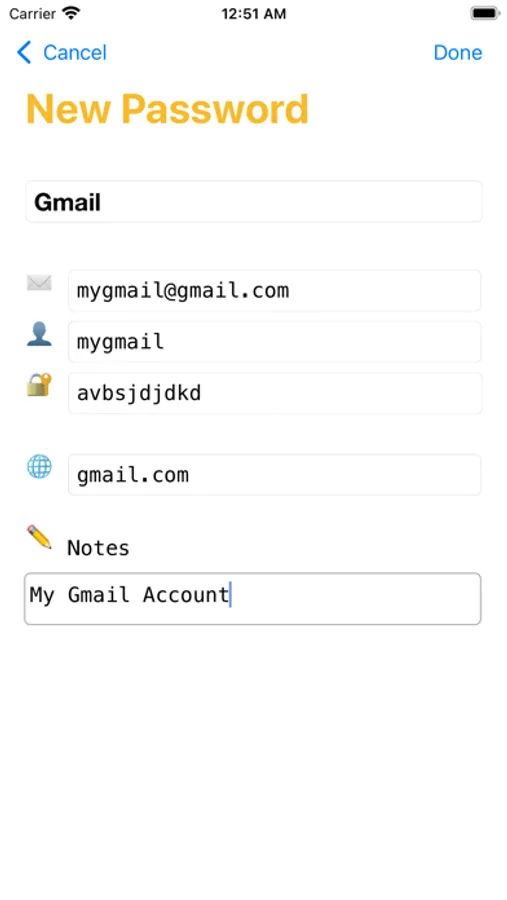
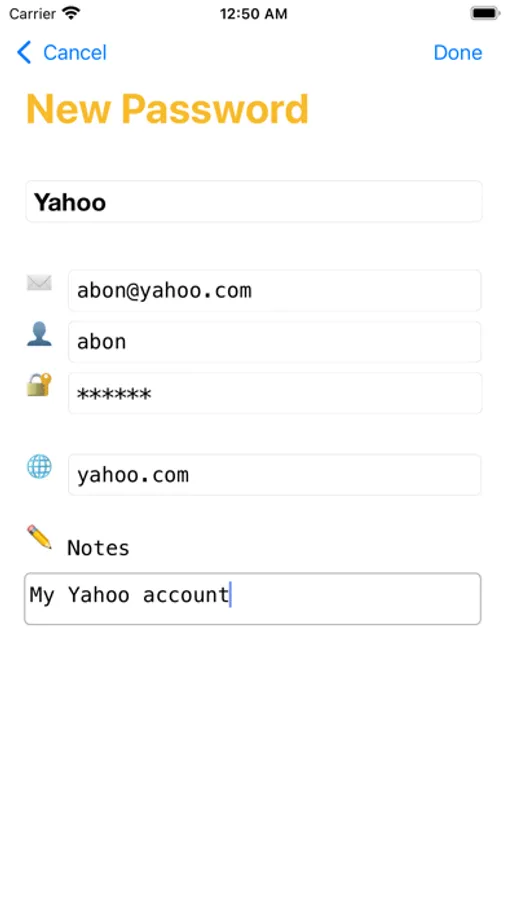
3. To add new password in the list, tap on the + button on the upper right. Then enter the name of the list, email, user, password, and notes (if necessary).
4. Click Save.
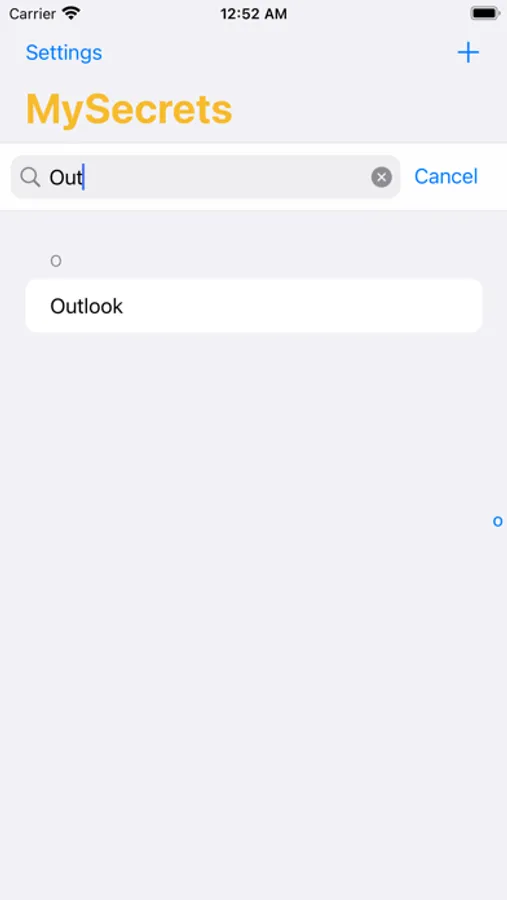
5. To do search, type the keyword in the search box.
Thank you and enjoy using this App!
No more Excel lists for passwords.
How to use:
1. Launch the app for the first time and set the frontend app password under Settings.
2. Restart the app and enter the frontend app password. This will be your password in order to use the app that stores all of your password.
3. To add new password in the list, tap on the + button on the upper right. Then enter the name of the list, email, user, password, and notes (if necessary).
4. Click Save.
5. To do search, type the keyword in the search box.
Thank you and enjoy using this App!
My Secrets Manager Screenshots
Tap to Rate: