In this remote control app, you can connect your iOS device to your Roku or Roku TV and navigate menus or launch channels. Includes automatic device detection, a large trackpad, and keyboard support for quick text entry.
AppRecs review analysis
AppRecs rating 4.1. Trustworthiness 75 out of 100. Review manipulation risk 29 out of 100. Based on a review sample analyzed.
★★★★☆
4.1
AppRecs Rating
Ratings breakdown
5 star
80%
4 star
8%
3 star
3%
2 star
2%
1 star
7%
What to know
✓
Low review manipulation risk
29% review manipulation risk
⚠
Ad complaints
Many low ratings mention excessive ads
⚠
Pricing complaints
Many low ratings mention paywalls or pricing
About Remoku - Remote Controller
Simple design, intuitive interface, no pileup of buttons or complex settings. All you need is connect your iOS device and Roku TV to the same Wi-Fi network.
Main features:
* Automatic detection of Roku TV in the same Wi-Fi network.
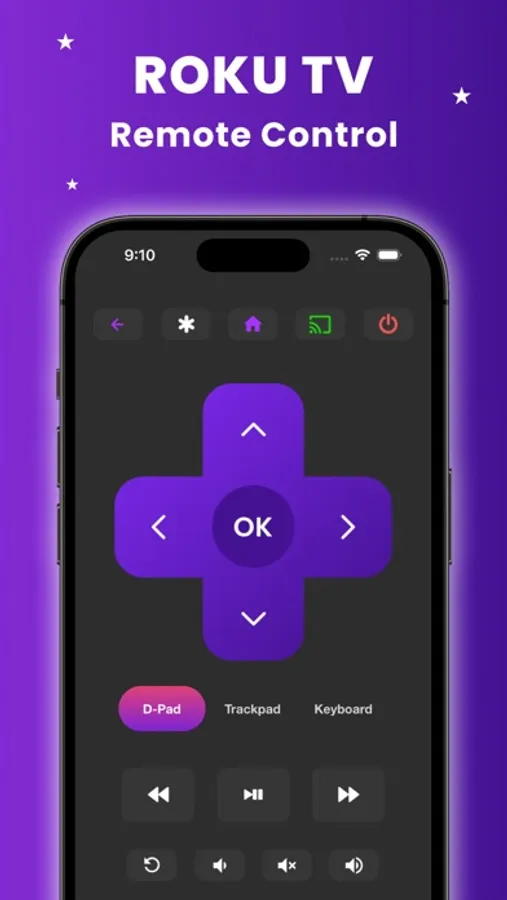
* All Roku buttons are available and ready to use.
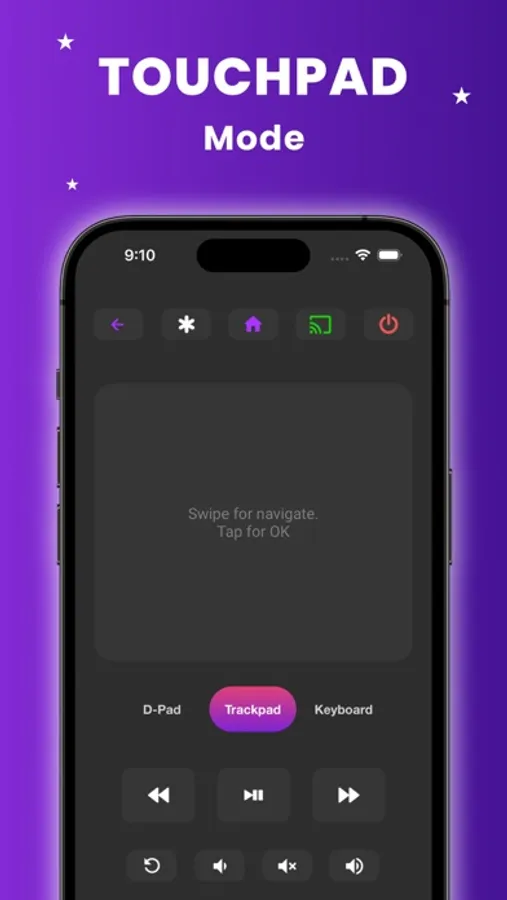
* A large Trackpad for convenient menu and content navigation.
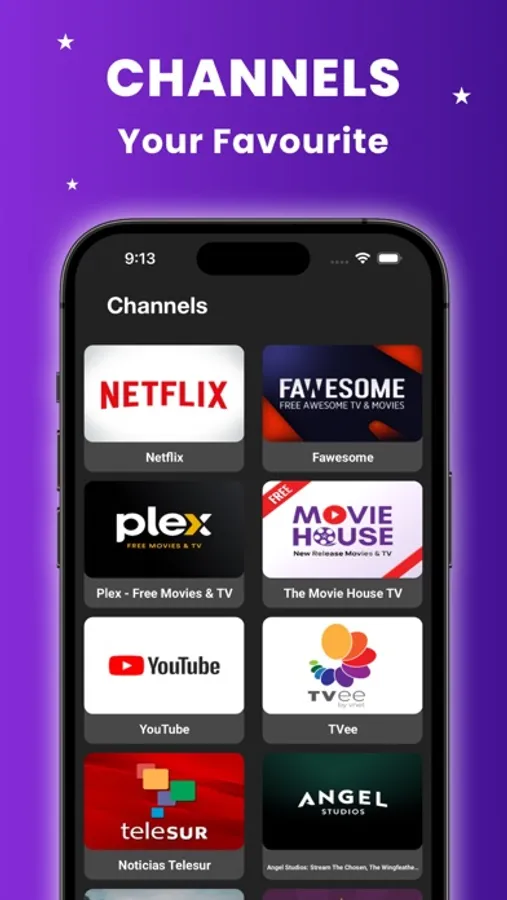
* Manage TV channels with this app, easily launch channels with one tap such as Youtube, Netflix, Tubi, HBO, Prime video etc.
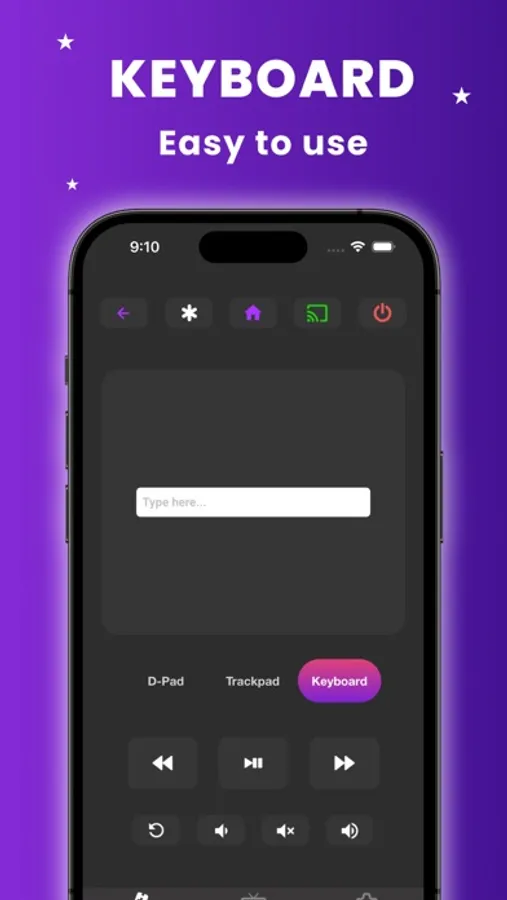
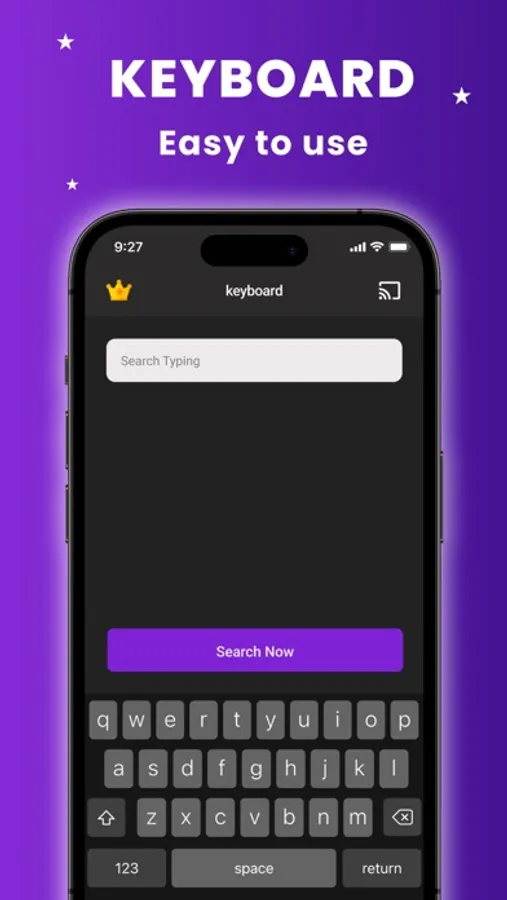
* Use your keyboard for quick text entries for channels like Netflix or Youtube or search on Roku.
* App is compatible with all TV models with Roku OS.
* Some applications like YouTube and Hulu+ have their own screen keyboards and do not take input from the iOS keyboard.
* Remoku is compatible with all Roku models including Roku 1, Roku 2, Roku 3, Streaming Stick, Express, Express+, Premiere, Premiere+, Ultra, Roku TV and TCL Roku TV, Sharp Roku TV, Hisense, Philips, Onn Roku Tv.
Remoku functions as the original remote control, take advantage of all the features on your device.
* Remoku is neither an official Roku product, nor are we affiliated with the Roku company.
Privacy Policy https://roku-remote0.web.app/privacy.html
Terms of use https://roku-remote0.web.app/tos.html
Remoku - Remote Controller Screenshots
Tap to Rate:
Reviews for Remoku - Remote Controller
Love Ireland 64
Didn’t work
Couldn’t control my tv.
Zachy DH
Buggy
It worked initially. Then it pops up two full adverts for subscribing. After closing both ads (upper left after a few seconds), it pretends not to work. It sees the Roku TV and the Roku stick on the network it connects to neither one. Even after closing the app unfortunately going through both ads again.
More from App Holdings
Similar to Remoku - Remote Controller
More from App Holdings
Learn Russian Language Free - Study for Beginners, Speaking Exercises, Audio Phrases, Vocabulary, Lessons for Travel, Business, School and Live in Russia
5.0
Ghost Photos
5.0
Where logic? 1 part
5.0

Body You Want – Tone Muscles and Lose Weight
5.0
FastHabit Intermittent Fasting
4.8
AI Chat - Chatbot & Assistant
4.7
Hashtag Expert: AI Captions
4.6
AI Tattoo Generator & Maker
4.6