In this video editing app, you can add accurate subtitles using AI, customize styles, and include background music. Includes features such as speech-to-text transcription, subtitle styling, and silence removal.
AppRecs review analysis
AppRecs rating 4.5. Trustworthiness 71 out of 100. Review manipulation risk 27 out of 100. Based on a review sample analyzed.
★★★★☆
4.5
AppRecs Rating
Ratings breakdown
5 star
88%
4 star
7%
3 star
2%
2 star
0%
1 star
3%
What to know
✓
Low review manipulation risk
27% review manipulation risk
✓
Credible reviews
71% trustworthiness score from analyzed reviews
✓
High user satisfaction
88% of sampled ratings are 5 stars
About Auto Caption Video Subtitles
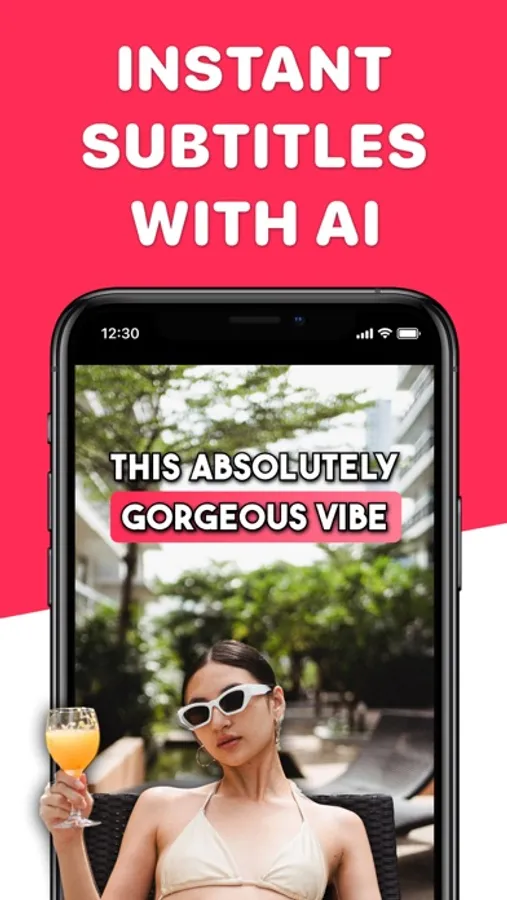
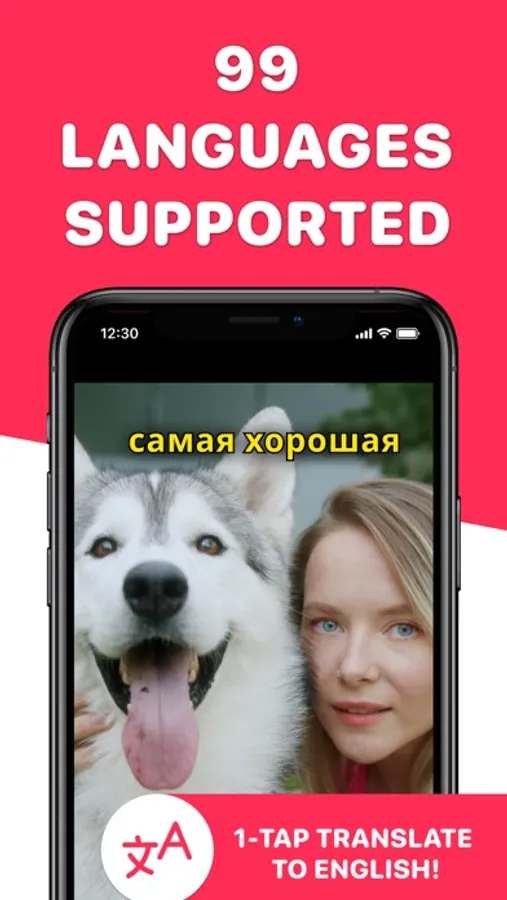
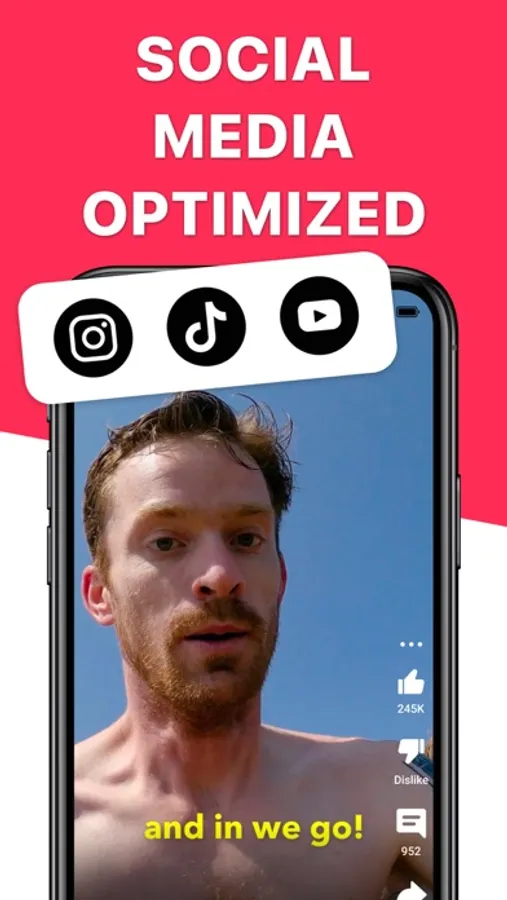
Powered by AI-accurate closed captioning and supporting 99 different languages and translation, this is the perfect app for content creators on Youtube Shorts, Instagram Reels, and TikTok looking to reach a wider audience and keep viewers more engaged.
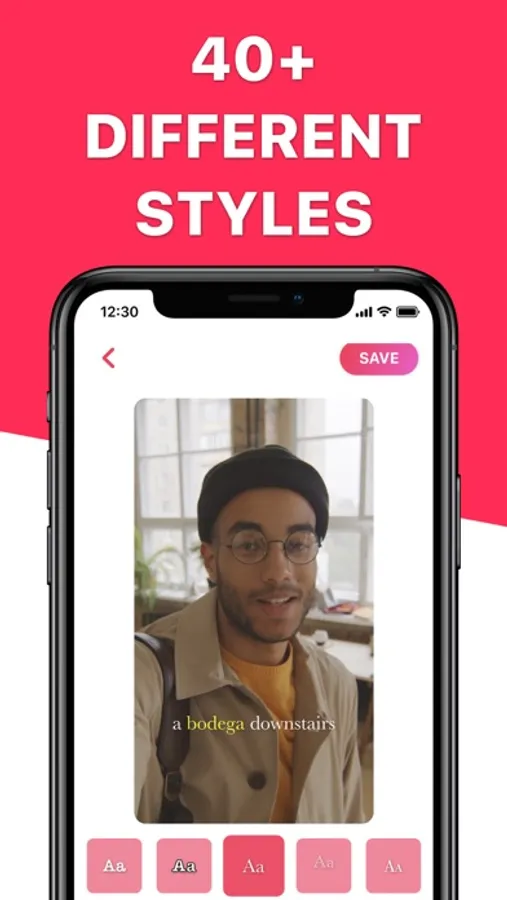
With over 100 different styles to choose from—from elegant and minimal to bold and energetic—each with its own unique font and animation, you can give any vibe you want.
Add professional-looking captions and subtitles to your videos with ease, then remove dead air, and enhance your video with background music from our curated library or import your own tracks. Choose any video up to 5 minutes long to edit.
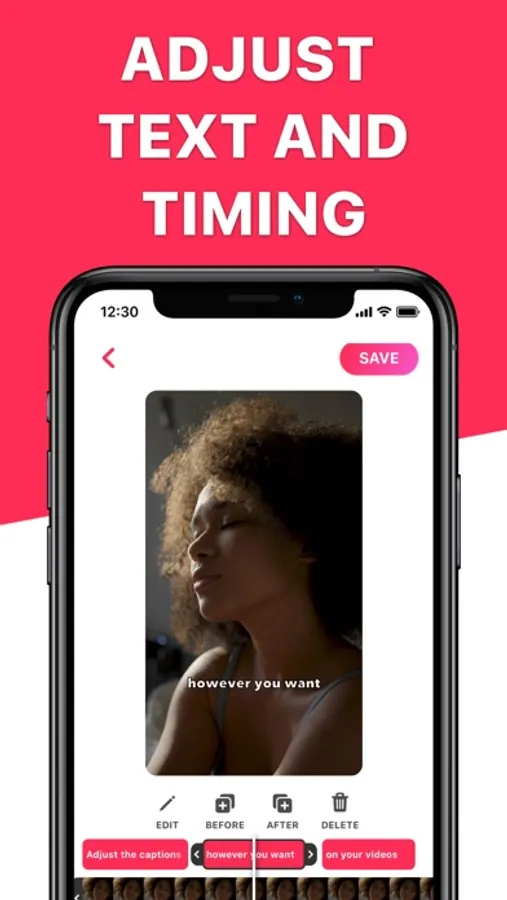
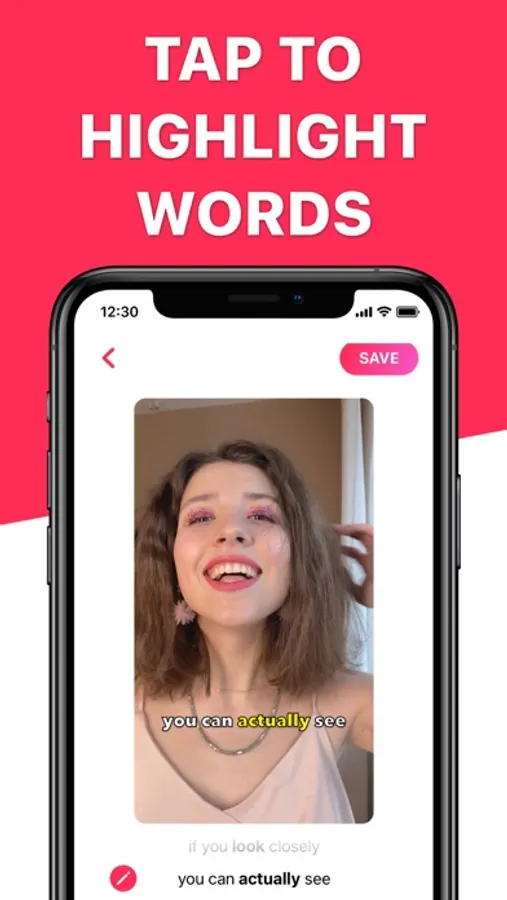
Customize the colors of your captions to match your video, and make edits to your transcriptions as needed. Highlight important words to draw attention to key points in your video. Adjust timing and add your own captions if you want to draw special attention to some parts.
Download Auto Caption now and start reaching more people with your videos!
Features:
▶ Accurate transcription
▶ 100+ unique subtitle styles across different themes and vibes
▶ Add background music to your videos
▶ Built-in teleprompter for recording
▶ Automatic silence removal
▶ Automatically crops to the right size
▶ Never asks for personal information
▶ Your videos never get sent to the cloud
▶ No ads, no watermarks
◆ Subscriptions & Terms
• No charge during the Free Trial period.
• Free trial automatically converts to a paid subscription unless canceled at least 24-hours before the end of the trial period. From that point onwards, the subscription automatically renews unless canceled at least 24-hours before the end of the current period.
• The payment will be charged to your iTunes Account when you confirm the purchase.
• The subscription automatically renews for the same price and duration period depend on the selected plan (monthly, half-annual or annual) unless canceled at least 24-hours before the end of the current period.
• You can disable the automatic renewal function at any time by adjusting your account settings.
• Any unused portion of a free trial period will be forfeited when the user purchases a subscription.
Privacy Policy: https://app.termly.io/document/privacy-policy/18220ff3-f253-4b42-aae5-d013a9381061
Terms of Use: https://www.apple.com/legal/internet-services/itunes/dev/stdeula/
With over 100 different styles to choose from—from elegant and minimal to bold and energetic—each with its own unique font and animation, you can give any vibe you want.
Add professional-looking captions and subtitles to your videos with ease, then remove dead air, and enhance your video with background music from our curated library or import your own tracks. Choose any video up to 5 minutes long to edit.
Customize the colors of your captions to match your video, and make edits to your transcriptions as needed. Highlight important words to draw attention to key points in your video. Adjust timing and add your own captions if you want to draw special attention to some parts.
Download Auto Caption now and start reaching more people with your videos!
Features:
▶ Accurate transcription
▶ 100+ unique subtitle styles across different themes and vibes
▶ Add background music to your videos
▶ Built-in teleprompter for recording
▶ Automatic silence removal
▶ Automatically crops to the right size
▶ Never asks for personal information
▶ Your videos never get sent to the cloud
▶ No ads, no watermarks
◆ Subscriptions & Terms
• No charge during the Free Trial period.
• Free trial automatically converts to a paid subscription unless canceled at least 24-hours before the end of the trial period. From that point onwards, the subscription automatically renews unless canceled at least 24-hours before the end of the current period.
• The payment will be charged to your iTunes Account when you confirm the purchase.
• The subscription automatically renews for the same price and duration period depend on the selected plan (monthly, half-annual or annual) unless canceled at least 24-hours before the end of the current period.
• You can disable the automatic renewal function at any time by adjusting your account settings.
• Any unused portion of a free trial period will be forfeited when the user purchases a subscription.
Privacy Policy: https://app.termly.io/document/privacy-policy/18220ff3-f253-4b42-aae5-d013a9381061
Terms of Use: https://www.apple.com/legal/internet-services/itunes/dev/stdeula/
Auto Caption Video Subtitles Screenshots
Tap to Rate:
Reviews for Auto Caption Video Subtitles
Chandanapagudala
Chandana
I love this app
Camooojjj
This is amazing
Free captions was all I was looking for and I would recommend this!